5 API Documentation Tools for Public Developer Portals Worth Shortlisting in 2026
Compare 5 best API documentation tools for public developer portals, with prices, free plans and who each fits. Concise write-ups of every option. Start here.
- Editor's choice
 Postman
Teams already working in Postman
Starts at$9 per monthVisit postman.comFull review - Great alternative
 Docusaurus
Self-hosted, code-driven docs sites
Starts atSee websiteVisit docusaurus.ioFull review - Also consider
 Stoplight
OpenAPI-first design and documentation
Starts at$44 a monthVisit stoplight.ioFull review
Direct answer
If you need teams already working in Postman, Postman is the first tool to look at here. Listed starting prices: Postman from $9 per month, Stoplight from $44 a month and GitBook from $65 per site per month. Docusaurus fits self-hosted, code-driven docs sites; Stoplight fits OpenAPI-first design and documentation. Prices, free plans and limits for all 5 tools follow.
TL;DR:
- Top of the list is Postman, which targets teams already working in Postman.
- Only 2 of the 5 tools have a free plan (Postman, GitBook), so check the caps.
- GitBook fits mixed guides and reference content.
- Check the limits for Stoplight before you commit: design-first workflow may feel heavy for straightforward portals.
- For the cheapest start, look at Postman: $9 per month.
Last checked November 2026. Prices and plan details were read from the vendors' own pages in November 2026; vendors change plans often, so confirm the current price on the vendor site before you buy.
Quick comparison
| Tool | Best for | Starts at | Free plan? | |
|---|---|---|---|---|
| Postman | Teams already working in Postman | $9 per month | Yes | Visit |
| Docusaurus | Self-hosted, code-driven docs sites | See website | Not stated | Visit |
| Stoplight | OpenAPI-first design and documentation | $44 a month | Free trial | Visit |
 ReadMe | Interactive public API reference pages | See website | Not stated | Visit |
 GitBook | Mixed guides and reference content | $65 per site per month | Yes | Visit |
Our 5 API documentation tools for public developer portals
LinkVetted compared 5 API documentation tools for public developer portals. The goal is a practical shortlist: published prices, free plan facts, best-fit use cases and honest limits for every entry.
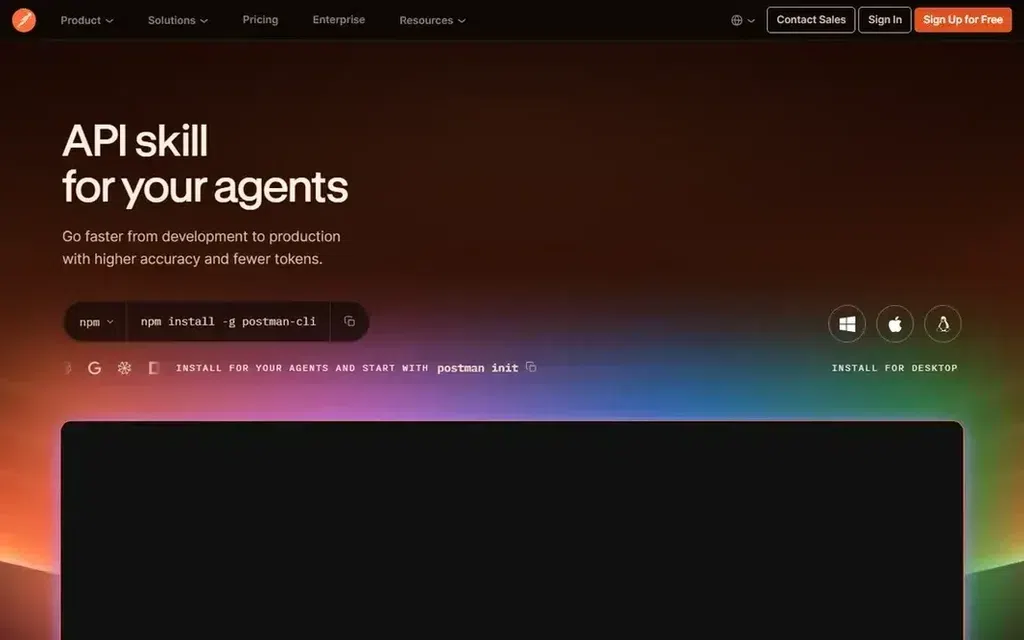
Postman is aimed squarely at teams already working in Postman. Postman is widely known as an API engineering product, and its homepage frames it around moving quicker from development to production. Choose Postman when consistency with existing API work matters more than portal design.
Downsides: Documentation is one part of a bigger product.
For everyday use, documentation is one piece of a much broader product. So the public portal experience is less specialized than dedicated docs tools. On cost, Postman starts like this: $9 per month. Postman includes a free tier.
- Wide API lifecycle coverage
- Familiar environment for API engineering teams
- Public portal styling is less of a focus
Docusaurus makes the most sense for self-hosted, code-driven docs sites. Pick Docusaurus when control and self-hosting outweigh convenience.
Where it is weaker: No built-in interactive API reference from day one.
Main advantages: Fits docs.
Its homepage notes it can build documentation websites, blogs, marketing pages and more. Docusaurus shows no starting price here, so confirm the cost on the vendor site. As for free access: Not stated.
- React-based static site generator
- Blogs and marketing pages
- Needs build and maintenance effort
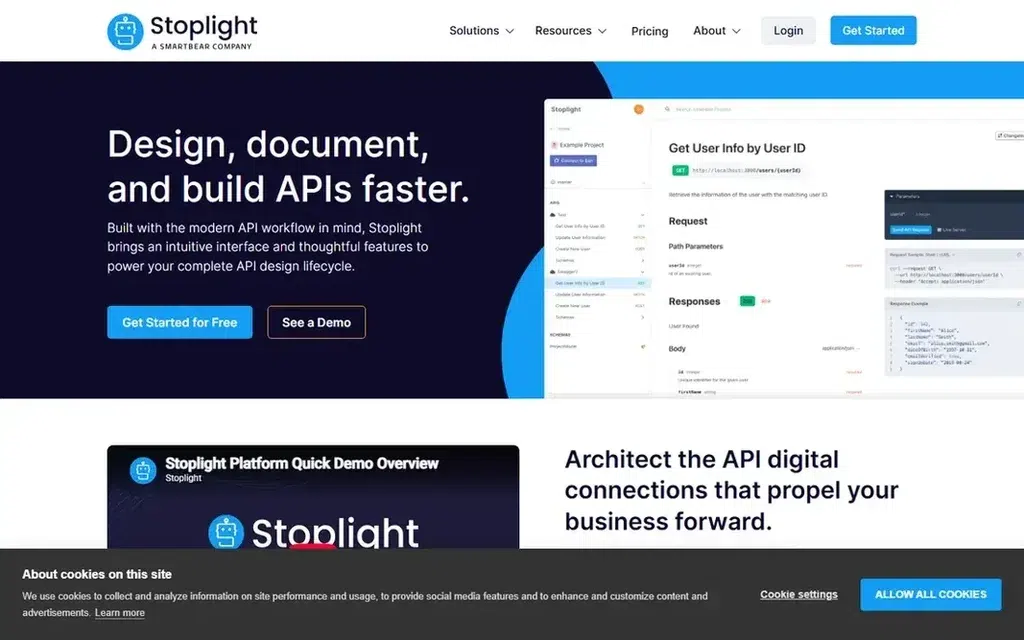
For OpenAPI-first design and documentation, Stoplight is a natural candidate. As for the details, the design-first approach rewards teams that commit to OpenAPI.
What to check first: Design-first workflow may feel heavy for straightforward portals.
But it can feel like overhead if you only need static reference pages. Starting cost for Stoplight: $44 per month. As for free access: Free trial.
- Mock servers alongside documentation
- OpenAPI description creation and management
- Best value comes from adopting OpenAPI completely
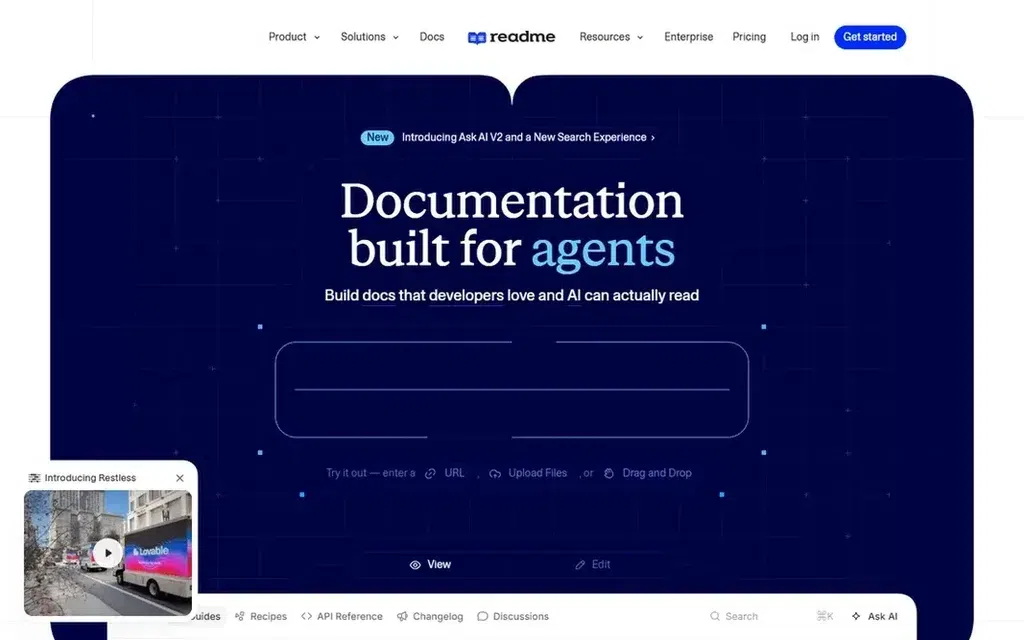
For interactive public API reference pages, ReadMe is a natural candidate. If your priority is full control of the site build, a generator like Docusaurus is the more natural fit.
Trade-offs to know: Design control is bounded by the system.
Since it is a hosted system, teams with strict self-hosting or deep customization requirements may find it constraining. Choose ReadMe when presentation quality and interactive reference pages matter most. Check the vendor site for ReadMe pricing; none is listed in this comparison. Free access: Not stated.
- Interactive API documentation presentation
- Combines reference content with guides
- Less suited to teams wanting a completely self-hosted static site
Pick GitBook if this describes you: mixed guides and reference content. GitBook is a documentation product made for humans and AI. Its homepage flags a built-in MCP that links docs to AI agents and a GitBook Agent that keeps them accurate.
Honest limits: API reference relies on importing a description.
The API reference portion performs best when you import an OpenAPI description, so pure spec rendering is not its entire story. More specifically, choose GitBook when editorial content and AI-readable docs matter as much as the endpoint reference. GitBook cost at the entry level: $65 per site per month. GitBook has a free plan.
- Documentation product for humans and AI
- GitBook Agent helps keep content accurate
- Hosted model limits deep site customization
What went into this list
The comparison looks at four things: starting price, free access, how well the feature set matches API documentation tools for public developer portals, and the main limit of each tool. Prices and plan limits come from vendor pages and can change, so confirm them on the vendor site before you buy. The order reflects how well each tool fits the most common buying scenario for API documentation tools for public developer portals, then price clarity, then free plan access. It is a starting point, not a verdict.
What to confirm before you sign up
- Ask Docusaurus and ReadMe for a written quote, since no starting price is shown.
- Look at free plan limits closely: Postman and GitBook have one, and the caps decide whether it is usable for real work.
- Run a trial of Stoplight with real work before paying for a year; your own workflow is the best test.
- Before choosing Postman, weigh its main limit: documentation is one part of a bigger system.
- Read the plan comparison for Stoplight carefully; key features often start on a higher tier.
- Ask GitBook which support channels and response times come with the plan you would buy.
FAQ
What is the cheapest option for API documentation tools for public developer portals in this list?
On published monthly entry prices, Postman is the lowest here at $9 per month. Entry price is only part of the cost, because seats, add-ons and billing terms can change the total. Prices, free plan details and limits for all 5 tools in this API documentation tools for public developer portals roundup sit on the individual cards above.
Which options for API documentation tools for public developer portals have a free plan?
On this list, Postman and GitBook include a free plan. Caps on seats, usage or features are common, so test the free plan against your real workload. One other tool offers a trial instead.
Can these tools serve AI agents plus developers?
Multiple vendors now describe agent-facing features, for example MCP servers or AI-connected documentation, alongside human-readable pages. If that matters to you, confirm the current details on the vendor site before committing.
What makes a decent public developer portal?
A solid portal merges clear reference documentation with onboarding guides and working examples. It should stay current as the API changes, so look for tools that update docs from your OpenAPI description automatically.
Is Postman the right pick for everyone comparing API documentation tools for public developer portals?
No single tool suits every team. Postman comes first because it fits teams already working in Postman, while Docusaurus suits self-hosted, code-driven docs sites and Stoplight suits OpenAPI-first design and documentation. Match the tool to your own size, budget and workflow before deciding.
Can I try these tools before paying?
Often, yes. Postman and GitBook have a free plan and Stoplight offers a free trial. Use your own data and a real task during the test, and check what the free tier or trial limits before you rely on it.
Sources
- https://www.postman.com
- https://docusaurus.io
- https://stoplight.io
- https://readme.com
- https://www.gitbook.com