6 Best API Documentation Tools for Startups for 2026, Vetted and Compared
Best API documentation tools for startups in 2026: 6 contenders with entry costs and free tiers. Every profile names its biggest catch. See the full list.
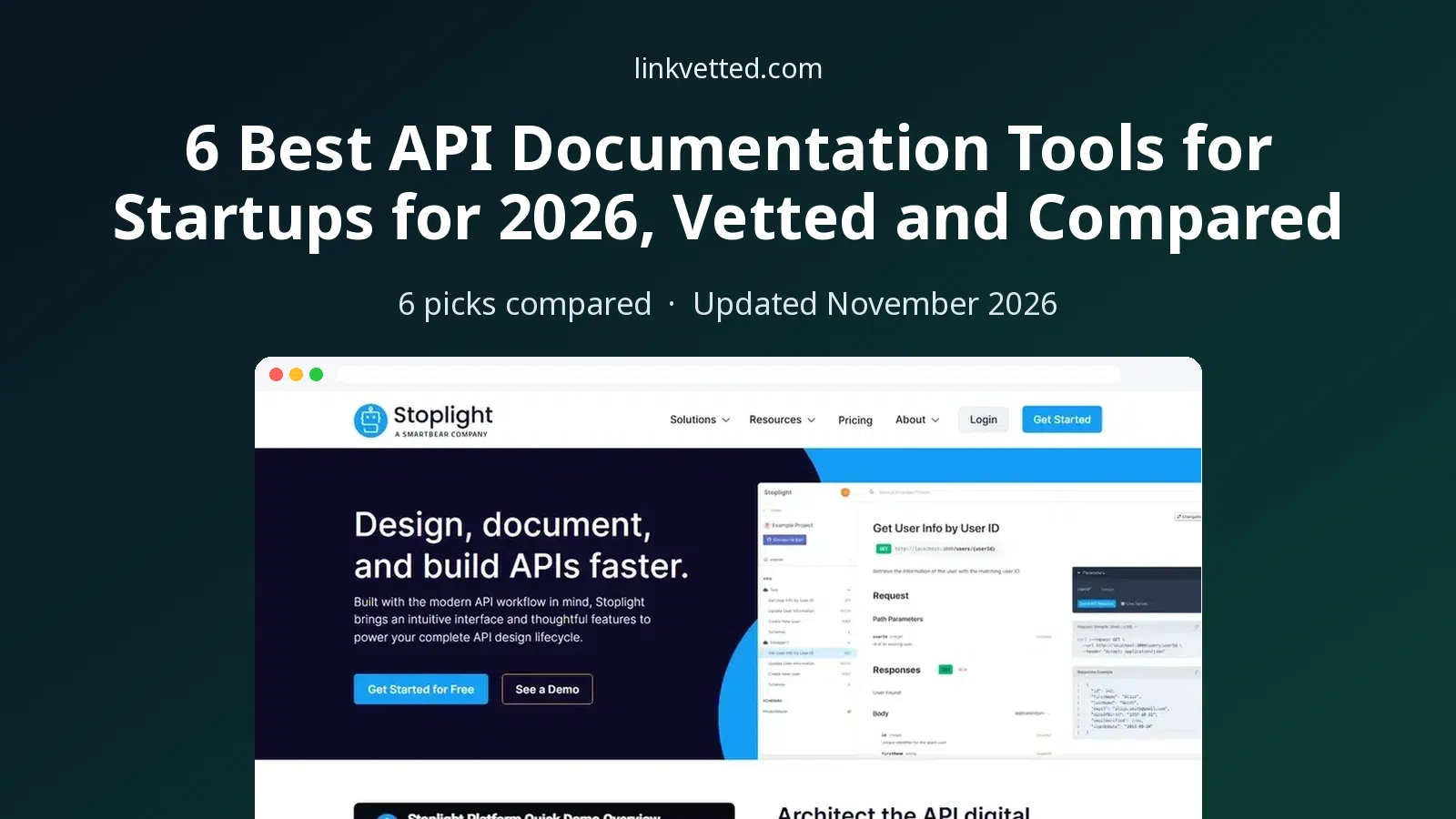
- Editor's choice
 Stoplight
OpenAPI design and documentation management
Starts at$44 per monthVisit stoplight.ioFull review - Great alternative
 Postman
Teams already using Postman for API testing
Starts at$9 a monthVisit postman.comFull review - Also consider
 ReadMe
Developer-friendly interactive API docs
Starts atSee websiteVisit readme.comFull review
Direct answer
Our first pick is Stoplight, best for OpenAPI design and documentation management. Listed starting prices: Stoplight from $44 per month, Postman from $9 a month and GitBook from $65 per site a month. Postman fits teams already using Postman for API testing; ReadMe fits developer-friendly interactive API docs. All 6 tools are compared below on price, free plan and limits.
TL;DR:
- The list opens with Stoplight, aimed at OpenAPI design and documentation management.
- Apiary suits API-first design and documentation.
- A fair warning about Postman: documentation features may be secondary to testing.
- Free plans exist at 2 of 6 tools (Postman, GitBook).
- Starting prices begin at $9 per month with Postman.
Last checked November 2026. Prices and plan details were read from the vendors' own pages in November 2026; vendors change plans often, so confirm the current price on the vendor site before you buy.
Quick comparison
| Tool | Best for | Starts at | Free plan? | |
|---|---|---|---|---|
| Stoplight | OpenAPI design and documentation management | $44 per month | Free trial | Visit |
| Postman | Teams already using Postman for API testing | $9 a month | Yes | Visit |
| ReadMe | Developer-friendly interactive API docs | See website | Not stated | Visit |
 Docusaurus | Custom documentation sites with React | See website | Not stated | Visit |
 GitBook | Documentation product for humans and AI | $65 per site a month | Yes | Visit |
| Apiary | API-first design and documentation | See website | Not stated | Visit |
6 API documentation tools for startups in detail
If you are comparing API documentation tools for startups, this page covers 6 tools in one place: what each is best for, what it costs to start, whether it has a free plan, and the main limit to know about.
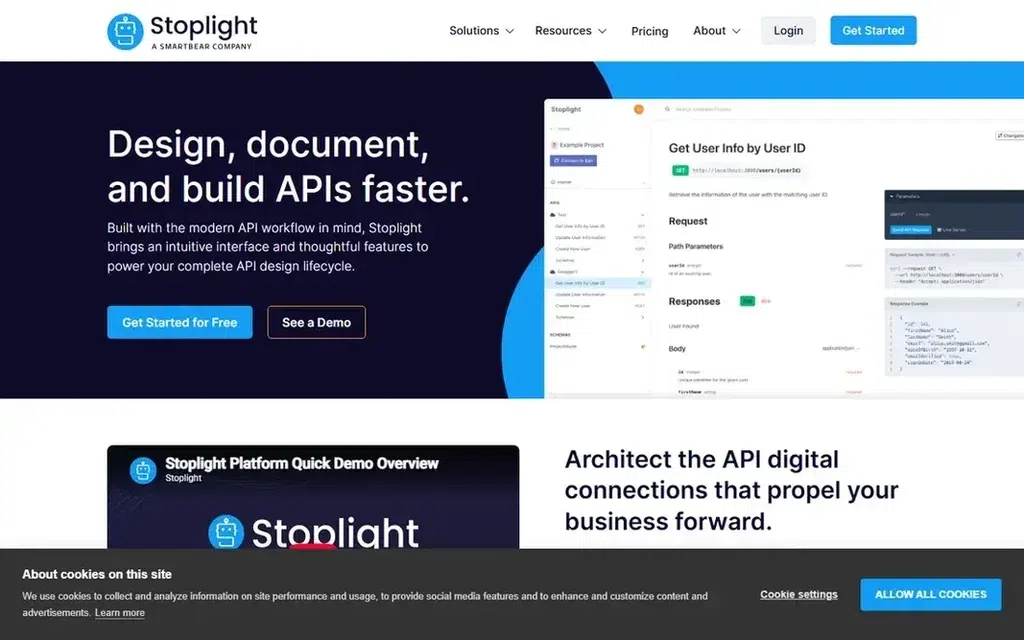
Stoplight was built for OpenAPI design and documentation management. It offers a centralized product for API design and documentation, making it a good match for startups that want to adopt an API-first approach.
In practice, if you need beautiful, interactive docs for external developers, you might pair Stoplight with a documentation tool like ReadMe. Entry price for Stoplight: $44 per month. Free options: Free trial.
Downsides: Focused more on design than end-user docs.
- Bundles mock servers for testing
- Centralized product for API design
- May need learning OpenAPI concepts
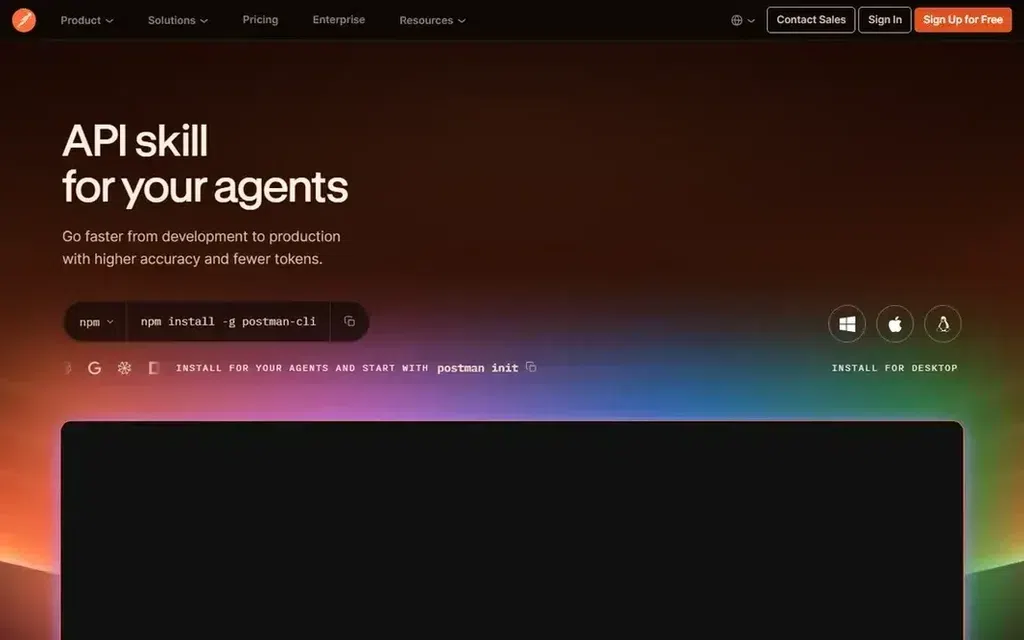
For teams already using Postman for API testing, Postman is a natural candidate. If your startup needs highly refined, interactive docs with broad theming, a tool like ReadMe might be a better fit. It bundles documentation capabilities that let you create and share API docs alongside your testing and development workflows.
Where it falls short: Can be overwhelming for straightforward documentation needs.
More specifically, Whereas Postman provides documentation features, they may not be as specialized or configurable as dedicated documentation tools. Beyond that, startups already using Postman for API testing will find it convenient to keep documentation in the same product. Postman pricing: $9 per month. Free access exists with Postman.
- Integrated with API testing and development
- Helps move from development to production quicker
- Documentation features may be secondary to testing
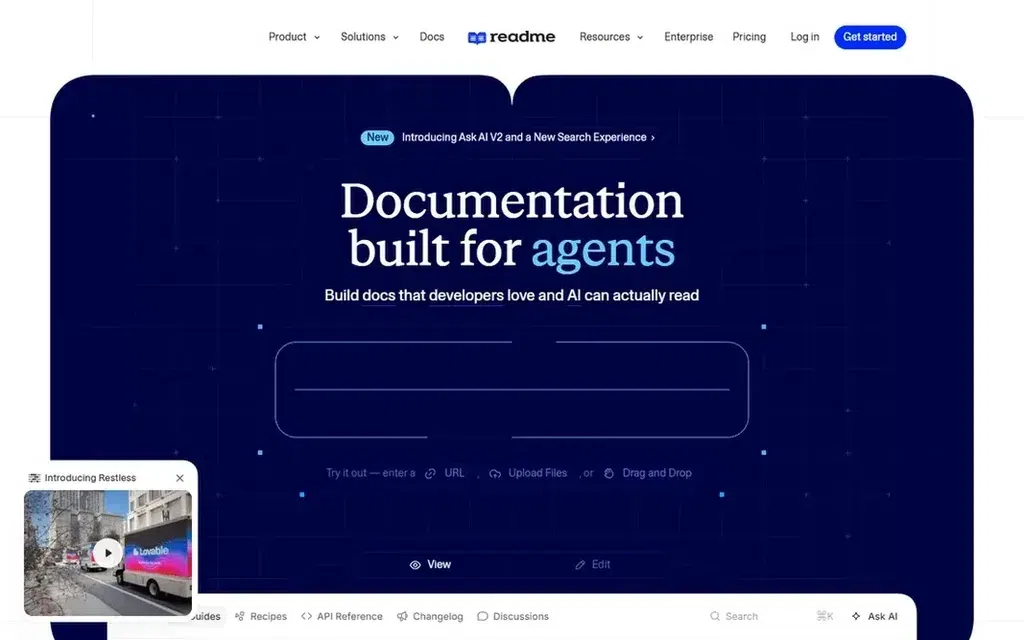
ReadMe makes the most sense for developer-friendly interactive API docs. It centres on the developer experience, making it simple to publish and maintain docs that are engaging and informative. That said, ReadMe may not offer the deep API design and testing capabilities found in more thorough platforms.
Points against: Restricted built-in testing features.
Also, if your startup needs integrated mock servers or advanced OpenAPI editing, consider pairing ReadMe with a design tool or choosing a product like Stoplight. ReadMe is best when interactive, developer-centric docs are the primary goal. This comparison lists no price for ReadMe; ask the vendor. Free options: Not stated.
- Interactive documentation that developers love
- Focus on beautiful
- May be less suited for complicated API design workflows
Docusaurus targets custom documentation sites with React. Startups with React experience and a desire for full control over their documentation site will appreciate Docusaurus for its adaptability and performance.
Where it is weaker: Needs development effort to set up.
Beyond that, choose Docusaurus when you want a highly configurable, developer-driven documentation site. No starting price is listed for Docusaurus here; confirm pricing on the vendor site. Free plan details: Not stated.
- Helps you move quick and write content
- Optimized site generator in React
- No built-in API documentation features
GitBook targets documentation system for humans and AI. GitBook is a documentation product aimed at humans and AI. Startups that want a modern documentation hub that serves both human readers and AI tools will find GitBook appealing, notably for guides, tutorials, and knowledge bases alongside API docs.
Drawbacks to consider: May need integration for OpenAPI-based workflows.
GitBook shines when you need a versatile documentation product that can manage mixed content types. In practice, GitBook is not exclusively an API documentation tool. So it may lack some specialized features like interactive API consoles or automatic OpenAPI rendering. GitBook starts at: $65 per site per month. Free access exists with GitBook.
- GitBook Agent keeps docs accurate
- A good match for both human and AI readers
- Not specifically tailored for API reference docs
Apiary
Best for: API-first design and documentation
For API-first design and documentation, Apiary is a natural candidate. Apiary is a solid choice when API design and documentation are tightly coupled in your process.
Apiary's documentation features may not be as refined or interactive as dedicated documentation tools like ReadMe. Worth adding: Apiary offers an API-First system built to help businesses accelerate and control the design, development, and documentation of APIs. No starting price is listed for Apiary here; confirm pricing on the vendor site. As for free access: Not stated.
Points against: May be less modern in user interface.
- Helps accelerate and control API development
- Focus on design-first workflows
- Restricted interactive documentation features
How we built this list
What to confirm before you sign up
- Get a written quote from ReadMe, Docusaurus and Apiary; the list shows no starting price for them.
- Look at free plan limits closely: Postman and GitBook have one, and the caps decide whether it is usable for real work.
- Use real work to test the free trial from Stoplight, rather than a demo project.
- Read the limits listed for Stoplight first: may need learning OpenAPI concepts.
- Confirm you can export your data from Stoplight, so leaving later does not mean losing records.
- Find out what support Docusaurus includes on your plan, and whether onboarding help costs extra.
FAQ
What should I look for in an API documentation tool?
Look for support for your API specification format (like OpenAPI), simplicity, customization choices, and interactive features for example API consoles. Startups should prioritize tools that are fast to set up and maintain.
Can I try these tools before paying?
Often, yes. Postman and GitBook have a free plan and Stoplight offers a free trial. Use your own data and a real task during the test, and check what the free tier or trial limits before you rely on it. Prices, free plan details and limits for all 6 tools in this API documentation tools for startups roundup sit on the individual cards above.
Do these tools publish their prices?
Not all of them. ReadMe, Docusaurus and Apiary publish no starting price, so expect a quote request for those. The rest, Stoplight included, show a starting price, though seats and billing terms still change the final cost.
How are the tools for API documentation tools for startups ordered?
Stoplight sits first and Apiary last because the order follows typical fit for API documentation tools for startups, then price clarity and free access. It is a judgement call, so read each profile for fit and limits.
Is Stoplight the right pick for everyone comparing API documentation tools for startups?
No single tool suits every team. Stoplight comes first because it fits OpenAPI design and documentation management, while Postman suits teams already using Postman for API testing and ReadMe suits developer-friendly interactive API docs. Match the tool to your own size, budget and workflow before deciding.
Sources
- https://stoplight.io
- https://www.postman.com
- https://readme.com
- https://docusaurus.io
- https://www.gitbook.com
- https://apiary.io