6 API-Enabled Scheduling Software Worth Shortlisting in 2026
Best API-Enabled scheduling software in 2026: 6 tools with starting prices, free plans and limits. Costs and caveats sit beside each pick. Easy to scan.
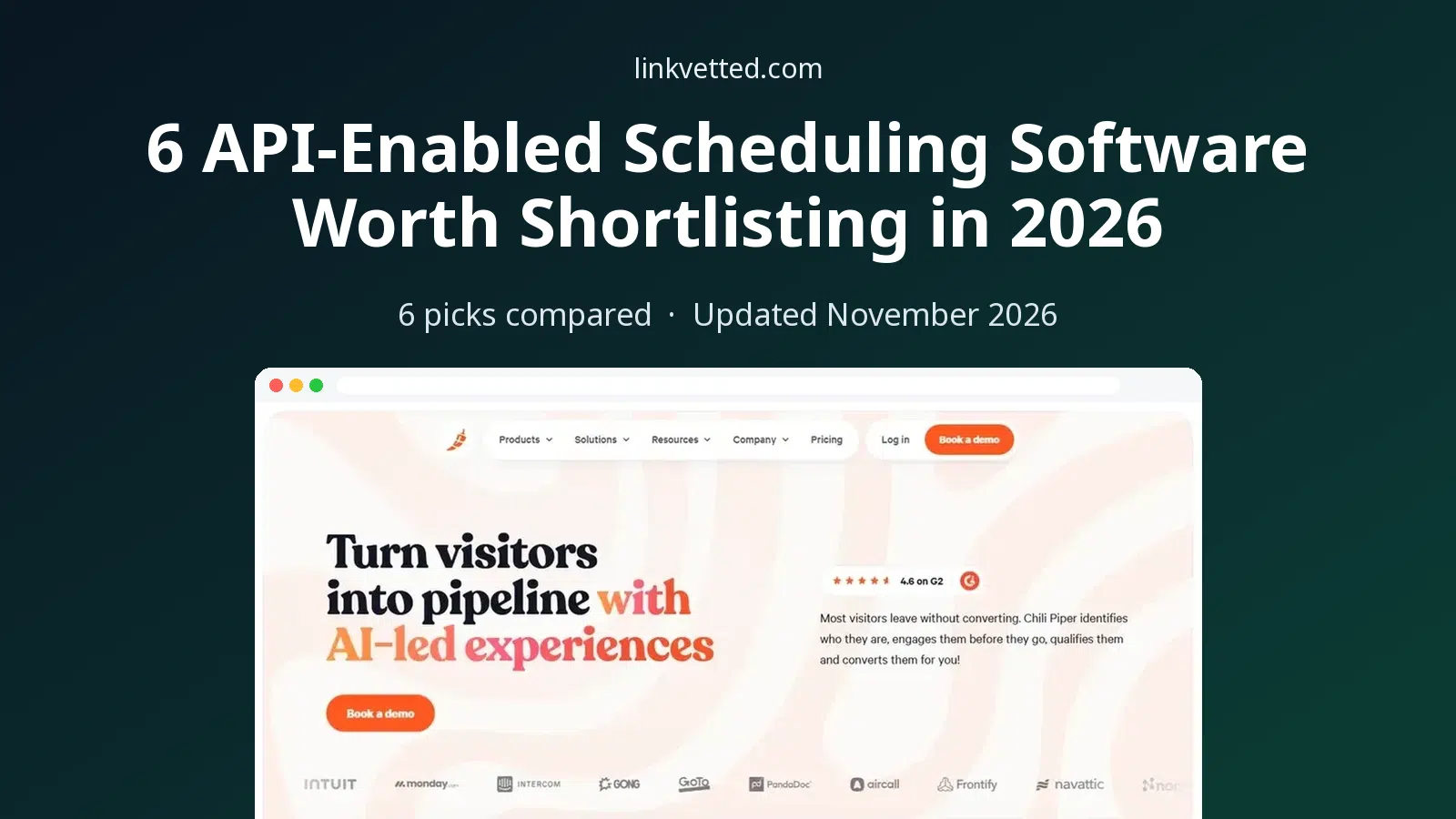
- Editor's choiceMicrosoft Bookings
Microsoft 365 organizations and departments
Starts atSee websiteVisit microsoft.comFull review - Great alternative
 Google Calendar
Calendar-centric scheduling with Google Workspace
Starts atSee websiteVisit calendar.google.comFull review - Also considerChili Piper
Inbound lead routing and meeting booking
Starts at$12 per user per monthVisit chilipiper.comFull review
Direct answer
Microsoft Bookings is the first pick on this list for Microsoft 365 organizations and departments. Listed starting prices: Chili Piper from $12 per user per month, Cal.com from $12 per user a month and Acuity Scheduling from $16 a month. Look at Google Calendar for Calendar-centric scheduling with Google Workspace, and at Chili Piper for inbound lead routing and meeting booking. The remaining 3 options are covered below with prices and limits.
TL;DR:
- Microsoft Bookings takes the first slot, best suited to Microsoft 365 organizations and departments.
- The main caution on Microsoft Bookings: API access tied to Microsoft Graph.
- For general-purpose scheduling with a mature API, Calendly is worth a look.
- Free plans exist at 2 of 6 tools (Cal.com, Calendly).
Last checked November 2026. Prices and plan details were read from the vendors' own pages in November 2026; vendors change plans often, so confirm the current price on the vendor site before you buy.
Quick comparison
| Tool | Best for | Starts at | Free plan? | |
|---|---|---|---|---|
| Microsoft Bookings | Microsoft 365 organizations and departments | See website | Not stated | Visit |
| Google Calendar | Calendar-centric scheduling with Google Workspace | See website | Not stated | Visit |
| Chili Piper | Inbound lead routing and meeting booking | $12 per user per month | Not stated | Visit |
 Cal.com | Developer-friendly open scheduling product | $12 per user a month | Yes | Visit |
 Acuity Scheduling | Appointment booking with customization and automation | $16 a month | Free trial | Visit |
 Calendly | General-purpose scheduling with a mature API | $10 per seat a month | Yes | Visit |
The full API-Enabled scheduling software list
Short on time? The summary and table above give the quick view of 6 tools for API-Enabled scheduling software, and the profiles that follow give the detail behind each entry.
Microsoft Bookings
Best for: Microsoft 365 organizations and departments
Choose Microsoft Bookings for Microsoft 365 organizations and departments. Microsoft Bookings is an online booking and appointment scheduling tool within Microsoft 365, offering adaptability and customization for departments, individuals, and several appointment types.
Worth adding: choose it when Microsoft 365 alignment and straightforward departmental booking are priorities. Programmatic access is available through Microsoft Graph APIs. Check the vendor site for Microsoft Bookings pricing; none is listed in this comparison. Trial and free access: Not stated.
Points against: Restricted advanced scheduling automation.
- Plugs into Microsoft 365 calendars
- Configurable booking pages for departments
- API access tied to Microsoft Graph
Google Calendar
Best for: Calendar-centric scheduling with Google Workspace
Google Calendar was built for Calendar-centric scheduling with Google Workspace. Its API lets developers read and write calendar data, enabling custom scheduling workflows.
Watch-outs: Booking features less specialized than dedicated tools.
Google Calendar is not a full appointment scheduling system, so complicated booking rules, routing, and client management may need extras or custom code. Google Calendar does not show a starting price in this comparison, so check the vendor site for current pricing. Trial and free access: Not stated.
- Shareable calendars and appointment schedules
- Google Workspace integration
- Advanced automation requires development
Chili Piper
Best for: Inbound lead routing and meeting booking

Chili Piper targets inbound lead routing and meeting booking. Chili Piper is an agentic marketing product that recognizes visitors, answers questions, routes them to the right representative, books meetings, and follows up.
In practice, choose it when converting website traffic into booked meetings is the primary goal. Also, teams without complicated lead routing needs may find it overbuilt. Price to start with Chili Piper: $12 per user per month. Free options: Not stated.
Where it falls short: Narrower focus than general scheduling tools.
- Routing and follow-up automation
- Focus on converting visitors into meetings
- Setup may need marketing operations input
Pick Cal.com if this describes you: developer-friendly open scheduling system. Organizations without developer resources may find it harder to adopt. In daily use, Cal.com may need more configuration and technical effort than turnkey tools, notably for self-hosted deployments.
The main drawbacks: Ecosystem still expanding compared with incumbents.
Cal.com is a scheduling system for online bookings positioned as a system developers can build on. It offers API access and supports embedding scheduling into applications. From a buyer's view, choose Cal.com when customization and openness outweigh the simplicity of a managed, closed system. Cal.com starts at: $12 per user per month. Cal.com includes a free tier.
What works well: Built for embedding and customization.
- Open scheduling system with API access
- Active developer community
- Self-hosting needs technical resources
Acuity Scheduling
Best for: Appointment booking with customization and automation
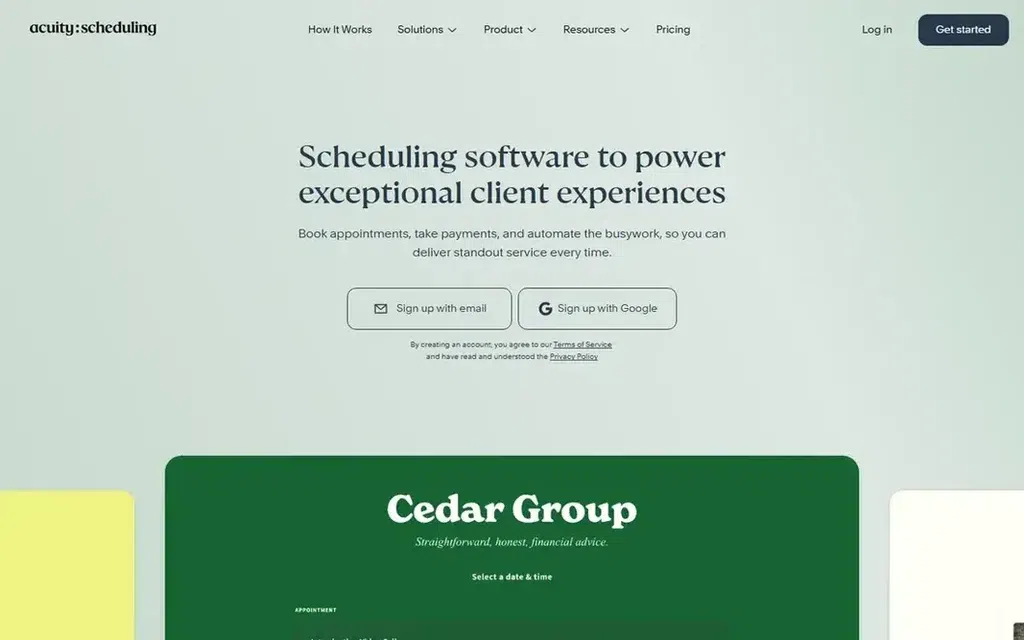
Acuity Scheduling was built for appointment booking with customization and automation. It provides an API that lets companies connect appointment and client data with other systems.
Downsides: API depth may vary by feature area.
Organizations wanting a more straightforward, calendar-first tool may find it heavy. More specifically, pick Acuity when appointment customization and client management are central to your scheduling workflow. Starting cost for Acuity Scheduling: $16 per month. Free options: Free trial.
- Capable appointment customization choices
- Automation for reminders and follow-ups
- Interface can feel complicated for straightforward needs
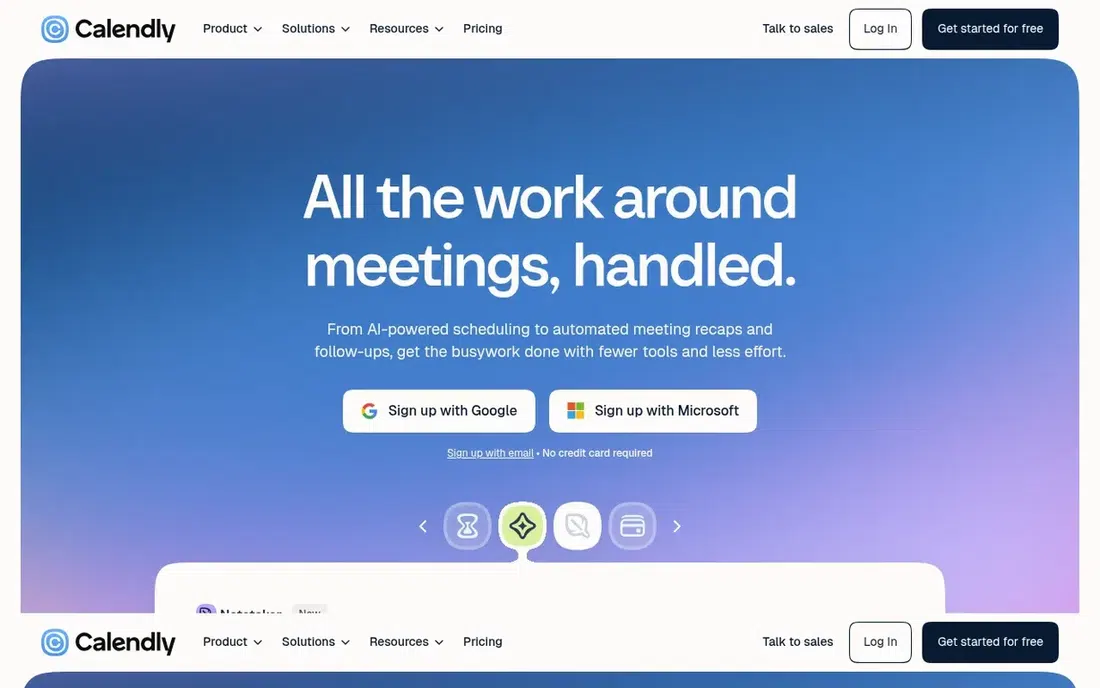
Calendly targets general-purpose scheduling with a mature API. Its API permits developers to programmatically run scheduling data and integrate booking flows into other applications.
It suits teams that want a proven, broadly integrated scheduling tool with API access for automation and embedding. Calendly cost at the entry level: $10 per seat per month. You can start on Calendly without paying.
Where it is weaker: Advanced features may need higher levels.
- Supports routing and meeting workflows
- Well-documented REST API for events and users
- Customization can be restricted for complicated use cases
How we built this list
Pricing pages, product documentation and feature lists were the main sources, and every entry carries at least one honest drawback. Treat prices as a snapshot: vendors change plans often, so check the vendor site for the figure that applies today. Tools are placed by general fit for API-Enabled scheduling software, with price clarity and free access as tie-breakers. A different team can reasonably rank them differently.
Pre-purchase checklist
- Confirm the entry price on the vendor page. For Microsoft Bookings and Google Calendar that means a quote rather than a fixed price.
- Look at free plan limits closely: Cal.com and Calendly have one, and the caps decide whether it is usable for real work.
- Run a trial of Acuity Scheduling with real work before paying for a year; your own workflow is the best test.
- Read the limits listed for Microsoft Bookings first: API access tied to Microsoft Graph.
- Ask the daily users to test Acuity Scheduling on a live task before you roll it out to everyone.
- Confirm minimum seats and billing terms with Cal.com before you commit to an annual plan.
FAQ
Do I need a separate API for Microsoft Bookings?
Microsoft Bookings is part of Microsoft 365, and programmatic access is usually available through Microsoft Graph APIs. This means your integration approach will follow Microsoft's developer ecosystem instead of a standalone booking API.
Can I try these options before paying?
Often, yes. Cal.com and Calendly have a free plan and Acuity Scheduling offers a free trial. Use your own data and a real task during the test, and check what the free tier or trial limits before you rely on it.
Which options for API-Enabled scheduling software have a free plan?
Cal.com and Calendly offer a free plan in this list. Free plans usually cap users, projects or features, so check the limits on the vendor page. One other tool offers a trial instead.
Can I use these tools for sales lead routing?
Chili Piper is specifically made for recognizing visitors, routing them to representatives, and booking meetings. Evaluate based on your sales workflow complexity.
What is the cheapest option for API-Enabled scheduling software in this list?
On published monthly entry prices, Calendly is the lowest here at $10 per seat per month. Entry price is only part of the cost, because seats, add-ons and billing terms can change the total. Prices, free plan details and limits for all 6 tools in this API-Enabled scheduling software roundup sit on the individual cards above.
Do these tools publish their prices?
Not all of them. Microsoft Bookings and Google Calendar publish no starting price, so expect a quote request for those. The rest, Chili Piper included, show a starting price, though seats and billing terms still change the final cost.
Sources
- https://www.microsoft.com/en-us/microsoft-365/business/scheduling-and-booking-app
- https://calendar.google.com
- https://www.chilipiper.com
- https://cal.com
- https://acuityscheduling.com
- https://calendly.com