Best Animation Software for Startups for 2026: Our 6 Vetted Picks
6 best animation software for startups, compared on pricing, free plans and best-fit use. The weak spots sit next to the strengths. Read before you buy.
- Editor's choice
 Adobe Animate
2D animation, cartoons and GIFs
Starts atSee websiteVisit adobe.comFull review - Great alternative
 Canva
Quick social and presentation visuals
Starts atSee websiteVisit canva.comFull review - Also considerPowtoon
Branded business videos and presentations
Starts at$8 a monthVisit powtoon.comFull review
Direct answer
Start with Adobe Animate if you need 2D animation, cartoons and GIFs. Listed starting prices: Powtoon from $8 a month, Vyond from $58 a month and Animaker from $10 a month. If your case is different, Canva suits quick social and presentation visuals and Powtoon suits branded business videos and presentations. Details, prices and limits for the rest of the 6 tools are below.
TL;DR:
- Adobe Animate takes the first slot, best suited to 2D animation, cartoons and GIFs.
- Powtoon is the lowest-priced starter here at $8 per month.
- Animaker fits beginner-friendly online animated videos.
- Check the limits for Canva before you commit: restricted advanced animation control.
Last checked November 2026. Prices and plan details were read from the vendors' own pages in November 2026; vendors change plans often, so confirm the current price on the vendor site before you buy.
Quick comparison
| Tool | Best for | Starts at | Free plan? | |
|---|---|---|---|---|
| Adobe Animate | 2D animation, cartoons and GIFs | See website | Not stated | Visit |
| Canva | Quick social and presentation visuals | See website | Not stated | Visit |
| Powtoon | Branded business videos and presentations | $8 a month | Yes | Visit |
 Adobe After Effects | Refined motion graphics and brand video | See website | Not stated | Visit |
 Vyond | Business explainer and training videos | $58 a month | Free trial | Visit |
 Animaker | Beginner-friendly online animated videos | $10 a month | Free trial | Visit |
Every option for animation software for startups explained
Choosing animation software for startups usually comes down to price, fit and limits. This LinkVetted guide sets 6 tools side by side on those three points, with the facts kept short and checkable.
Adobe Animate makes the most sense for 2D animation, cartoons and GIFs. Adobe Animate is 2D animation software for creating Flash animation films, GIFs and cartoons, with tools for puppet design and tweening.
Drawbacks to consider: Centred on 2D instead of all motion.
Expect a ramp-up time, and choose Animate when character animation and frame-based 2D storytelling are central to the content plan. Adobe Animate shows no starting price here, so confirm the cost on the vendor site. Free plan details: Not stated.
- GIF and cartoon output
- 2D animation and Flash-style films
- Ramp-up time for beginners
Pick Canva if this describes you: quick social and presentation visuals. Startups can use its visual suite to produce straightforward animated social content and branded presentation visuals without specialized training.
This comparison lists no price for Canva; ask the vendor. Trial and free access: Not stated.
Drawbacks to consider: Restricted advanced animation control.
- Video alongside posts and presentations
- Online graphic design suite
- Output can look template-based
Powtoon
Best for: Branded business videos and presentations
Powtoon is aimed squarely at branded business videos and presentations. Features for example doc-to-video, AI avatars, text-to-speech and AI translation make it relevant for startups that repurpose written content into video.
Watch-outs: Advanced motion design is restricted.
It performs well for marketing and training clips, whereas a motion graphics editor is the better fit for bespoke brand films. The starting price for Powtoon: $8 per month. Powtoon has a free plan.
- Business-ready branded videos
- Presentations and video in one
- Template-driven output style
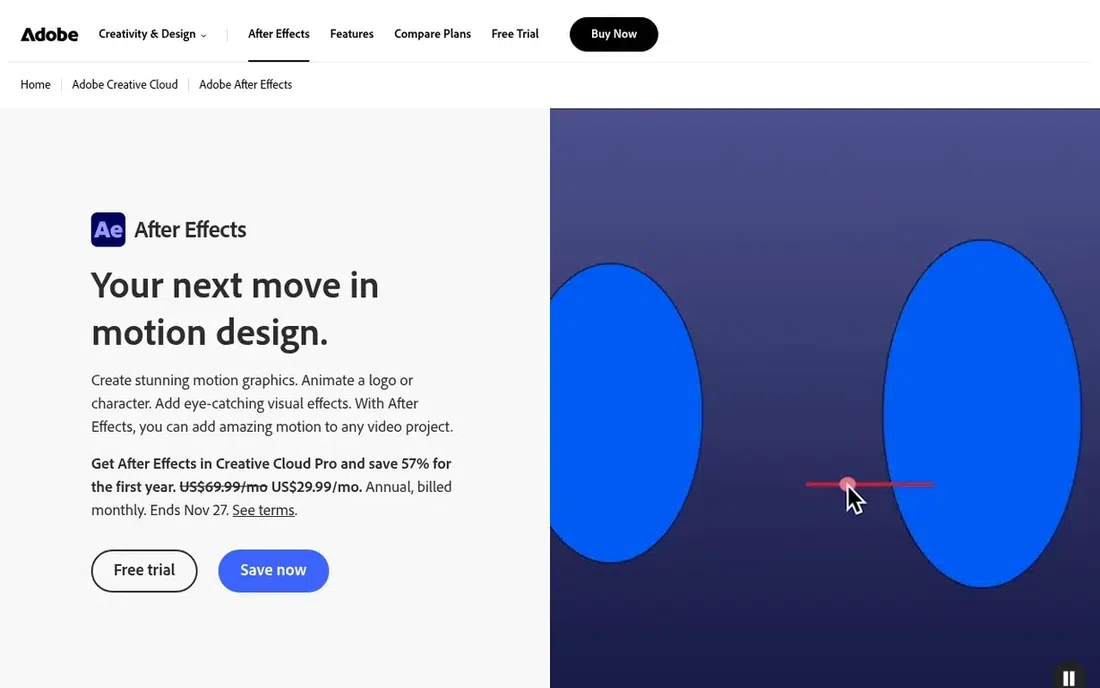
Where Adobe After Effects fits: polished motion graphics and brand video. The depth of After Effects comes with a ramp-up time, and casual users may find more straightforward online editors quicker for routine social clips.
It is aimed at design work across film, TV, video and web, which makes it a solid fit for startups with a dedicated designer or a team willing to invest in learning a professional tool. Check the vendor site for Adobe After Effects pricing; none is listed in this comparison. As for free access: Not stated.
Limits to weigh: Steep ramp-up time for newcomers.
- Video and web
- Deep design and compositing control
- Needs a capable computer
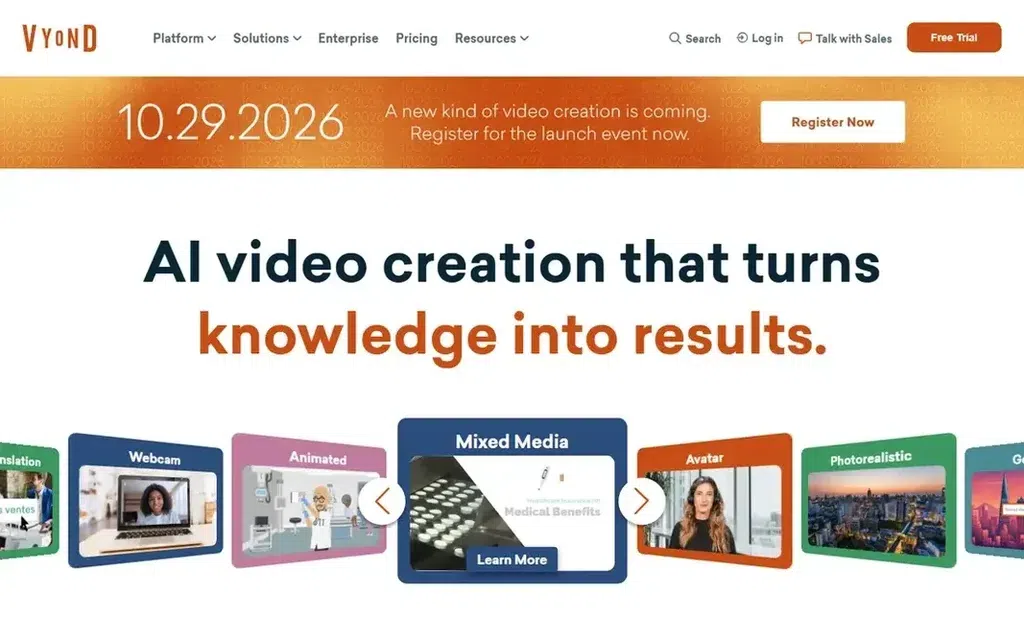
Vyond is built with business explainer and training videos in mind. Since Vyond centers on business video, teams seeking fine-grained motion design or character animation may prefer a dedicated animation editor.
Limits to weigh: Style choices may feel template-led.
It is a practical choice when speed and consistency across plenty of business videos matter more than frame-level control. On cost, Vyond starts like this: $58 per month. Trial and free access: Free trial.
- Easy creation focus
- Videos in any style
- Less suited to cinematic motion design
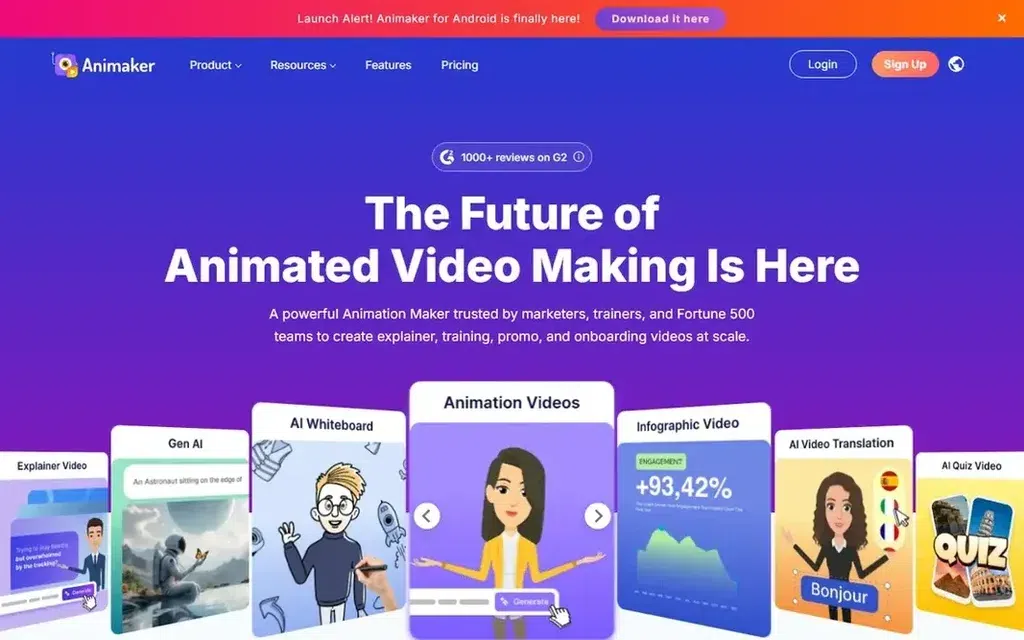
Think of Animaker for beginner-friendly online animated videos. Browser-based animation can feel constrained for highly custom motion work, and heavy projects may be simpler in a desktop tool.
Pick Animaker when accessibility for non-designers is the priority, and move to a professional editor for advanced sequences. The starting price for Animaker: $10 per month. As for free access: Free trial.
Downsides: Complicated scenes may need workarounds.
- Online animation maker
- Made for beginners and pros
- Online tools rely on connection
How the list was put together
We compared the tools on published pricing, free plan or trial availability, feature coverage for animation software for startups, and the limits each vendor documents. Prices and plan limits come from vendor pages and can change, so confirm them on the vendor site before you buy. We ordered the tools by general fit, then by how clearly pricing is shown, then by free access. A buyer with unusual needs may reorder them.
Things to verify first
- Get a written quote from Adobe Animate, Canva and Adobe After Effects; the list shows no starting price for them.
- Look at the free plan from Powtoon closely: its caps decide whether it is usable for real work.
- Run a trial of Vyond and Animaker with real work before paying for a year; your own workflow is the best test.
- Read the limits listed for Adobe Animate first: centred on 2D instead of all motion.
- Ask whether Adobe After Effects integrates with your current software, and whether that comes standard or as an add-on.
- Run a one or two week pilot of Adobe Animate with the people who will use it every day.
FAQ
Is Adobe Animate the right pick for everyone comparing animation software for startups?
No single tool suits every team. Adobe Animate comes first because it fits 2D animation, cartoons and GIFs, while Canva suits fast social and presentation visuals and Powtoon suits branded business videos and presentations. Match the tool to your own size, budget and workflow before deciding.
Can I try these tools before paying?
Often, yes. Powtoon has a free plan and Vyond and Animaker offer a free trial. Use your own data and a real task during the test, and check what the free tier or trial limits before you rely on it. Prices, free plan details and limits for all 6 tools in this Animation software for startups roundup sit on the individual cards above.
Do these tools publish their prices?
Not all of them. Adobe Animate, Canva and Adobe After Effects publish no starting price, so expect a quote request for those. The rest, Powtoon included, show a starting price, though seats and billing terms still change the final cost.
What is the cheapest option for animation software for startups in this list?
On published monthly entry prices, Powtoon is the lowest here at $8 per month. Entry price is only part of the cost, because seats, add-ons and billing terms can change the total. Each of the 6 options in this Animation software for startups guide has its own card above with the price, free plan and limits.
What should a startup check before choosing animation software?
Confirm supported animation styles, export formats, collaboration choices and available learning resources. Running one real project through the tool is the clearest way to judge fit.
Sources
- https://www.adobe.com/products/animate.html
- https://www.canva.com
- https://www.powtoon.com
- https://www.adobe.com/products/aftereffects.html
- https://www.vyond.com
- https://www.animaker.com