Top 5 AI Version Control Hosting Software for 2026 (Prices and Free Plans)
Compare 5 picks for the best AI version control hosting software, with prices, free plans and who each fits. Strengths and weak spots are spelled out.
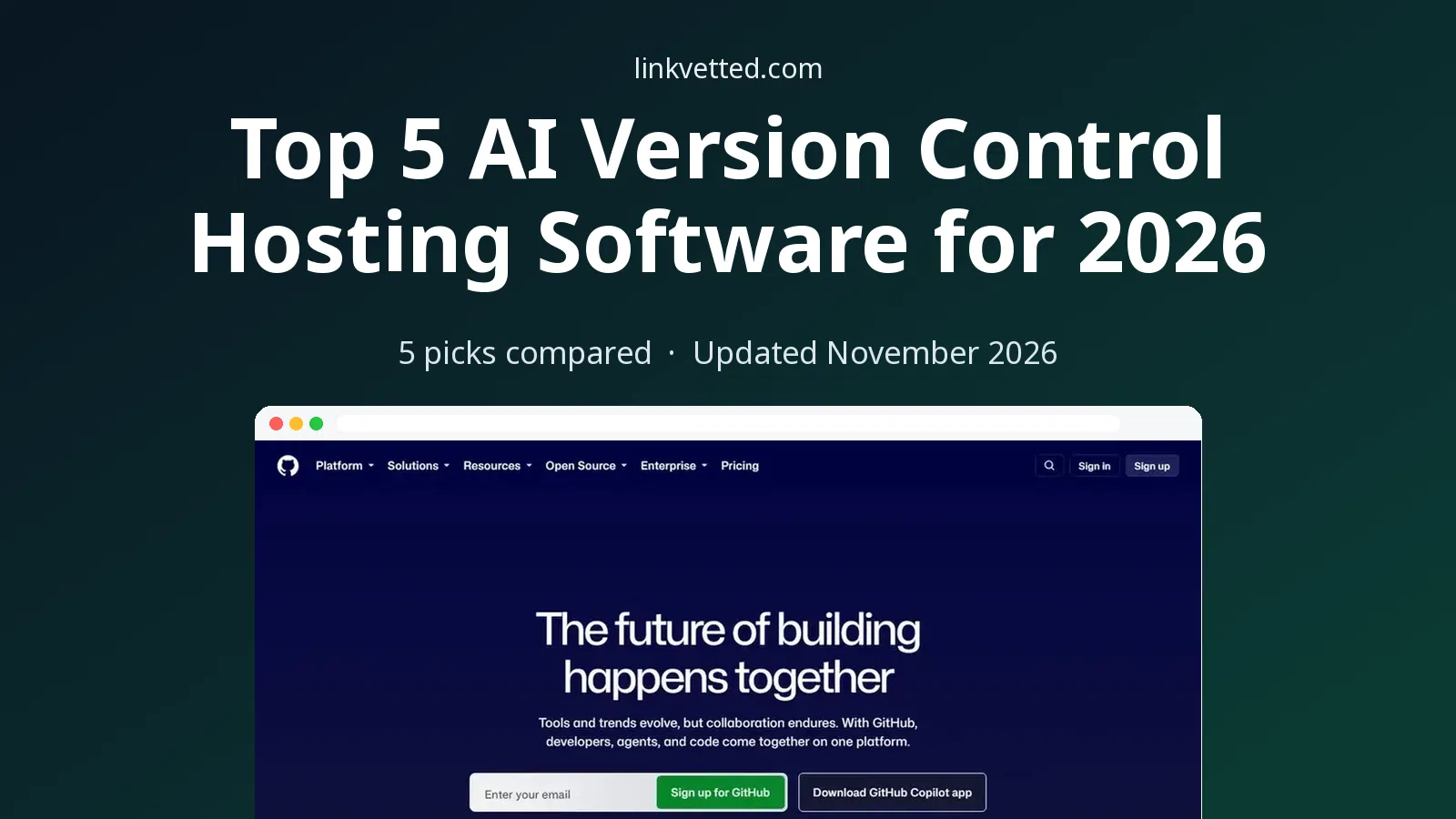
- Editor's choice
 Azure DevOps
Microsoft-aligned agile and CI/CD teams
Starts atSee websiteVisit azure.microsoft.comFull review - Great alternativePerforce Helix Core
Large-scale and binary-heavy version control
Starts atSee websiteVisit perforce.comFull review - Also consider
 GitHub
AI-assisted open source and team development
Starts at$4 per user per monthVisit github.comFull review
Direct answer
For Microsoft-aligned agile and CI/CD teams, Azure DevOps is where this list starts. Listed starting prices: GitHub from $4 per user per month and GitLab from $29 per user per month. Perforce Helix Core is better for large-scale and binary-heavy version control, and GitHub is better for AI-assisted open source and team development. Details, prices and limits for the rest of the 5 tools are below.
TL;DR:
- Azure DevOps sits first on this list: Microsoft-aligned agile and CI/CD teams.
- For the cheapest start, look at GitHub: $4 per user per month.
- Free plans exist at 2 of 5 tools (GitHub, GitLab).
- The main caution on Perforce Helix Core: different workflow from Git-centric hosts.
Last checked November 2026. Prices and plan details were read from the vendors' own pages in November 2026; vendors change plans often, so confirm the current price on the vendor site before you buy.
Quick comparison
| Tool | Best for | Starts at | Free plan? | |
|---|---|---|---|---|
| Azure DevOps | Microsoft-aligned agile and CI/CD teams | See website | Not stated | Visit |
| Perforce Helix Core | Large-scale and binary-heavy version control | See website | Not stated | Visit |
| GitHub | AI-assisted open source and team development | $4 per user per month | Yes | Visit |
| Plastic SCM | Distributed version control for big projects | See website | Not stated | Visit |
 GitLab | Integrated DevOps with governance and AI | $29 per user per month | Yes | Visit |
Our 5 picks for AI version control hosting software
Choosing AI version control hosting software usually comes down to price, fit and limits. This LinkVetted guide sets 5 tools side by side on those three points, with the facts kept short and checkable.
Azure DevOps is aimed squarely at Microsoft-aligned agile and CI/CD teams. Azure DevOps from Microsoft merges planning, collaboration, CI/CD, and agentic AI to help teams ship quicker. In practice, if you want a more straightforward Git-centric host with a large open source community, GitHub is a closer fit.
Teams already using Azure services will find natural integration points. Its advantages are most solid when paired with Microsoft tooling. Azure DevOps shows no starting price here, so confirm the cost on the vendor site. As for free access: Not stated.
The main drawbacks: Deepest value within Microsoft ecosystem.
- Agentic AI and Azure integration
- CI/CD pipelines
- Interface can feel dense
Perforce Helix Core
Best for: Large-scale and binary-heavy version control
In short, Perforce Helix Core is for large-scale and binary-heavy version control. It emphasizes security and scalability and is widely used in game development and other environments with large binary assets. It supports centralized workflows that suit large, structured teams.
Points against: May be more than small web teams need.
As for the details, Helix Core follows a different model from distributed Git hosts. So teams accustomed to GitHub-style collaboration may face a ramp-up time. For small software projects, it can be more system than needed. As for the details, if your priority is AI-assisted open source collaboration, GitHub is the more direct fit. Pricing for Perforce Helix Core is not stated here, so ask the vendor for current figures. As for free access: Not stated.
- High-performance version control
- Secure and scalable design
- Different workflow from Git-centric hosts
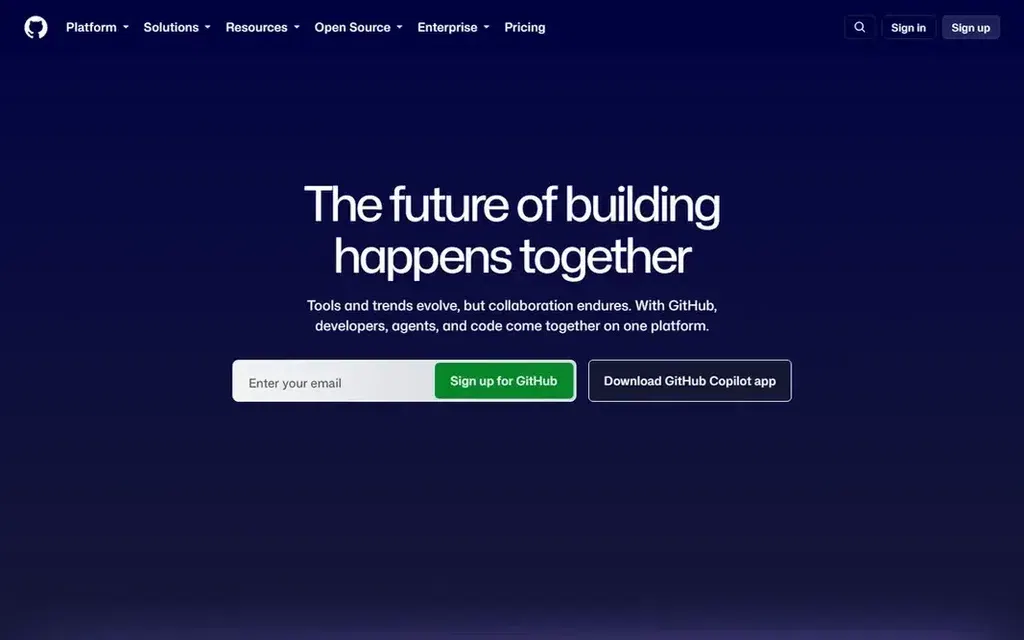
Where GitHub fits: AI-assisted open source and team development. If your organization is standardized on a single integrated DevOps suite with built-in lifecycle governance, GitLab may be the better fit.
It centers on Git hosting with pull requests, code review, and automation. It is a natural default for open source maintainers and product teams alike. Starting cost for GitHub: $4 per user per month. GitHub has a free plan.
Downsides: Advanced controls can add complexity.
- Wide AI-powered developer system
- Large open source community
- Best value requires team planning
Plastic SCM
Best for: Distributed version control for big projects
For distributed version control for big projects, Plastic SCM is a natural candidate. Plastic SCM is less familiar in open source communities, so hiring and onboarding may take additional effort. Teams deeply invested in GitHub-style collaboration may prefer to stay with a Git host.
For everyday use, if your primary need is AI-assisted development with wide community support, GitHub or GitLab are more conventional picks. For large projects needing solid branching and merging, Plastic SCM is worth evaluating. Check the vendor site for Plastic SCM pricing; none is listed in this comparison. Free plan details: Not stated.
The main drawbacks: Needs workflow adjustment from Git.
- Merge-focused workflow
- Parallel feature development
- Less common in open source circles
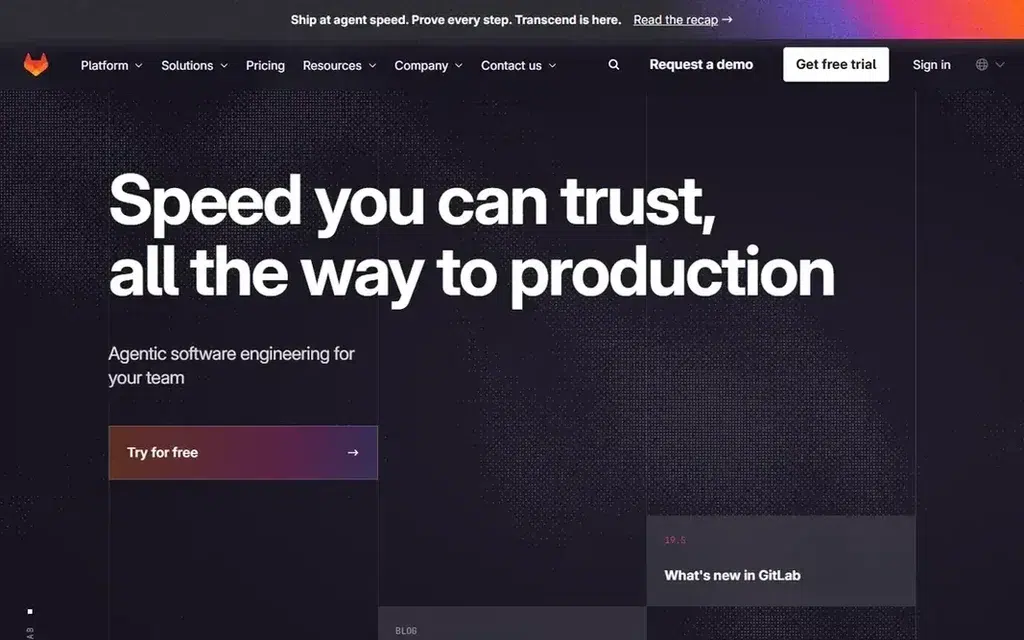
GitLab is built with integrated DevOps with governance and AI in mind. Teams adopting AI agents alongside human developers will find the governance emphasis relevant.
GitLab describes itself as an intelligent orchestration system with context and governance for the whole software lifecycle, helping teams and agents ship trusted software quicker. It merges source control with planning, CI/CD, and security in one place. Starting cost for GitLab: $29 per user per month. GitLab offers a free plan.
Watch-outs: Can be more than small teams need.
- Aimed at agentic software engineering
- Context and governance for teams and agents
- Plenty of features to configure
How the list was put together
Selection started from tools commonly considered for AI version control hosting software, then narrowed to 5 that have clear pricing information or a clear quote process. Treat prices as a snapshot: vendors change plans often, so check the vendor site for the figure that applies today. Position on the page reflects fit for a typical buyer first, with price clarity and free access breaking ties. Treat it as a guide, not a ruling.
What to check before you buy
- Get a written quote from Azure DevOps, Perforce Helix Core and Plastic SCM; the list shows no starting price for them.
- Read the fine print on the free plans from GitHub and GitLab; seat, project and feature caps differ.
- Read the limits listed for Azure DevOps first: interface can feel dense.
- Ask the daily users to test GitLab on a live task before you roll it out to everyone.
- Check how data leaves Perforce Helix Core: formats, limits and whether exports are available on every plan.
FAQ
When should a team choose Perforce Helix Core over a Git host?
Git hosts like GitHub and GitLab are commonly more straightforward for usual software teams. Evaluate Helix Core when repository scale and centralized control are primary concerns.
Is Azure DevOps the right pick for everyone comparing AI version control hosting software?
No single tool suits every team. Azure DevOps comes first because it fits Microsoft-aligned agile and CI/CD teams, while Perforce Helix Core suits large-scale and binary-heavy version control and GitHub suits AI-assisted open source and team development. Match the tool to your own size, budget and workflow before deciding.
Can I try these options before paying?
Often, yes. GitHub and GitLab have a free plan. Use your own data and a real task during the test, and check what the free tier or trial limits before you rely on it.
Which options for AI version control hosting software have a free plan?
On this list, GitHub and GitLab include a free plan. Caps on seats, usage or features are common, so test the free plan against your real workload.
Is GitHub or GitLab better for AI-assisted development?
GitLab emphasizes an intelligent orchestration system with governance across the software lifecycle. Choose GitHub for wide community and AI tooling, and GitLab when you want a single governed lifecycle product.
What should I look for in AI version control hosting software?
Focus on how AI features support code review, automation, and agent workflows without weakening governance. The right fit relies on whether you prioritize open collaboration, integrated DevOps, or large binary assets.
Sources
- https://azure.microsoft.com/en-us/products/devops
- https://www.perforce.com/products/helix-core
- https://github.com
- https://www.plasticscm.com
- https://about.gitlab.com