The 5 Best AI Scheduling Assistants for Consultants in 2026, Ranked
Best AI scheduling assistants for consultants: 5 tools compared on price, free plans and fit. Short, factual notes on every option. Last reviewed November 2026.
- Editor's choice
 Motion
All-in-one AI work and calendar management
Starts at$19 per seat per monthVisit usemotion.comFull review - Great alternativeClara
Spend management with AI receipt handling
Starts at$99 per monthVisit clara.comFull review - Also consider
 SavvyCal
Invitee-friendly booking with control
Starts at$10 per user a monthVisit savvycal.comFull review
Direct answer
For all-in-one AI work and calendar management, Motion is where this list starts. Listed starting prices: Motion from $19 per seat per month, Clara from $99 per month and SavvyCal from $10 per user a month. Look at Clara for spend management with AI receipt handling, and at SavvyCal for Invitee-friendly booking with control. The remaining 2 options are covered below with prices and limits.
TL;DR:
- Motion takes the first slot, best suited to all-in-one AI work and calendar management.
- A fair warning about SavvyCal: fewer meeting follow-up features than broader suites.
- The lowest published monthly entry price here is $10 per user per month, from SavvyCal.
- 2 of 5 tools offer a free plan: Clara, Calendly.
- Calendly suits dependable booking links and meeting follow-up.
Last checked November 2026. Prices and plan details were read from the vendors' own pages in November 2026; vendors change plans often, so confirm the current price on the vendor site before you buy.
Quick comparison
| Tool | Best for | Starts at | Free plan? | |
|---|---|---|---|---|
| Motion | All-in-one AI work and calendar management | $19 per seat per month | Free trial | Visit |
| Clara | Spend management with AI receipt handling | $99 per month | Yes | Visit |
| SavvyCal | Invitee-friendly booking with control | $10 per user a month | Free trial | Visit |
| Clockwise | Team calendar coordination and focus time | See website | Not stated | Visit |
 Calendly | Dependable booking links and meeting follow-up | $10 per seat a month | Yes | Visit |
AI Scheduling Assistants for Consultants compared in detail
LinkVetted compared 5 AI scheduling assistants for consultants. The goal is a practical shortlist: published prices, free plan facts, best-fit use cases and honest limits for every entry.
Motion is a good fit for all-in-one AI work and calendar management. For consultants, it can serve as a central workspace where scheduling links to project work and client deliverables.
Consultants who only need booking links may prefer a more straightforward scheduling assistant. Entry price for Motion: $19 per seat per month. Free access: Free trial.
Watch-outs: Wide feature set can take time to learn.
- Brings docs, notes, reports, workflows
- Merges projects, tasks, calendar, meetings
- May be more than a straightforward scheduling need needs
Clara
Best for: Spend management with AI receipt handling
Clara is aimed squarely at spend management with AI receipt handling. Consultants looking to book client calls should choose a dedicated scheduling assistant. For everyday use, consider Clara only for expense and spend management needs, notably if you operate in its supported card regions.
As for the details, Clara concentrates on spend management across Latin America and beyond, with AI that reads, checks, and routes every receipt. Beyond that, Clara does not supply meeting scheduling or calendar assistance, so it is not a substitute for a scheduling tool. Entry price for Clara: $99 per month. A free plan is available with Clara.
Where it falls short: Not a scheduling assistant for client meetings.
- Supports spend management across countries and currencies
- AI reads, checks
- Corporate cards restricted to certain countries
SavvyCal is designed for Invitee-friendly booking with control. SavvyCal is a scheduling tool for sharing booking links. In practice, choose SavvyCal when invitee-friendly scheduling and clear control over availability are the central requirements.
In daily use, if you need an all-in-one workspace, a broader product may be a better fit. In daily use, for consultants, this builds a respectful booking experience that cuts double-booking and back-and-forth. The starting price for SavvyCal: $10 per user per month. On free options: Free trial.
Points against: Fewer meeting follow-up features than broader suites.
- You control buffers, limits
- Preferred times
- Best for booking links instead of full task management
Clockwise
Best for: Team calendar coordination and focus time
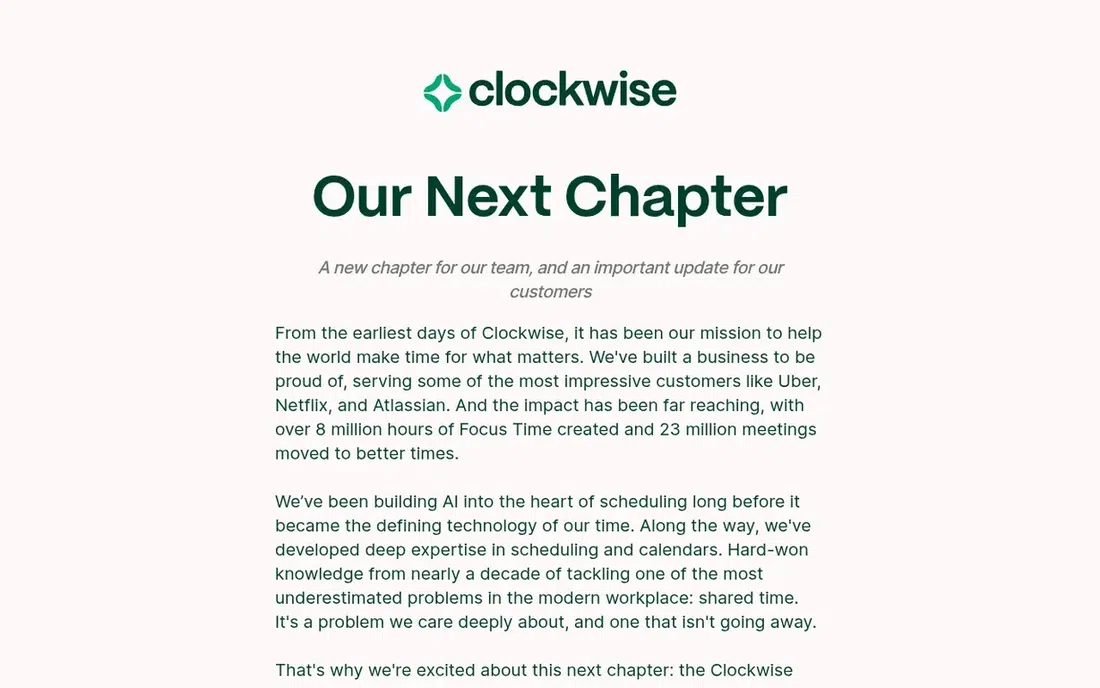
Choose Clockwise for team calendar coordination and focus time. The current homepage shares little about specific features, so confirm the latest capabilities on the vendor site before committing.
Solo consultants who primarily need client-facing booking links may find a dedicated scheduling page more direct. Pricing for Clockwise is not stated here, so ask the vendor for current figures. Trial and free access: Not stated.
Limits to weigh: Homepage gives you restricted current product detail.
- Built to coordinate schedules across a team
- Concentrates on calendar optimization
- Best value may come with shared team calendars
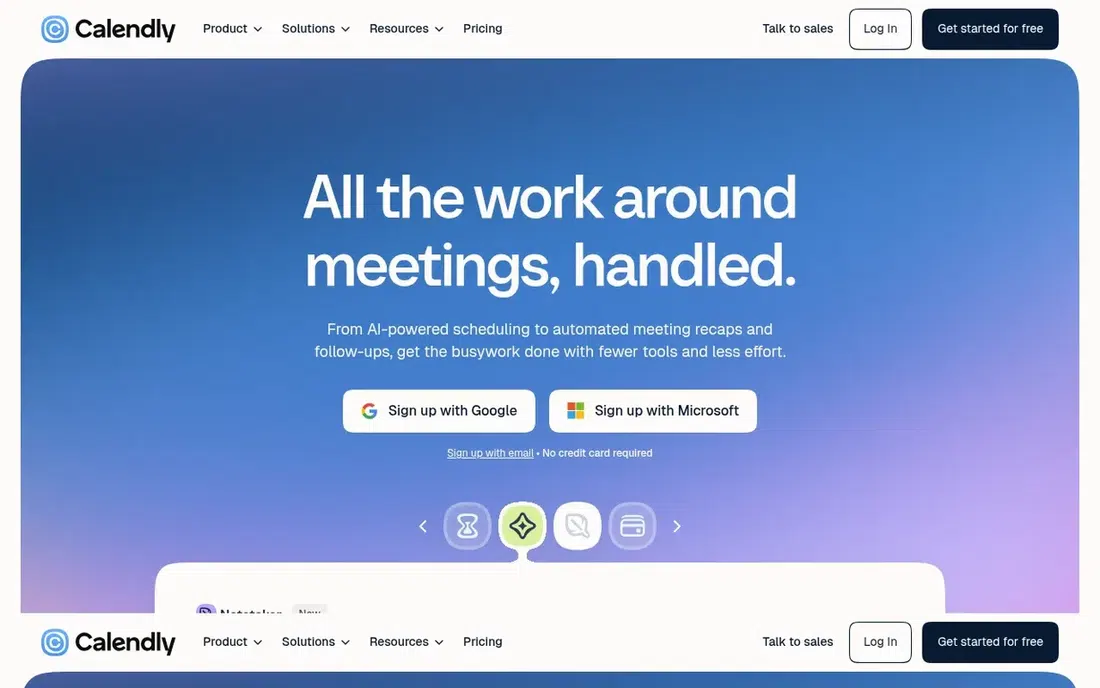
Where Calendly fits: dependable booking links and meeting follow-up. For consultants, that means one place to handle client calls and the details that follow. Worth adding: because Calendly spans plenty of meeting tasks, it may duplicate capabilities you already have in a CRM or calendar app.
Consultants who primarily need invitee-friendly booking with straightforward controls may prefer a lighter tool. Choose Calendly when you want a well-known scheduling hub with AI meeting tools and follow-up support. Calendly starts at: $10 per seat per month. A free plan is available with Calendly.
Where Calendly stands out: meeting prep.
Drawbacks to consider: May overlap with tools you already use.
- Handles scheduling, payments
- Contact management, follow-up
- Advanced automation can add setup work
How we chose
LinkVetted looked at what each vendor publishes: pricing, plan limits, feature coverage for AI scheduling assistants for consultants and stated drawbacks. No hands-on testing is claimed. Plan names, prices and limits change often. Treat the figures here as a starting point and verify them with the vendor. We ordered the tools by general fit, then by how clearly pricing is shown, then by free access. A buyer with unusual needs may reorder them.
What to confirm before you sign up
- Ask Clockwise for a written quote, since no starting price is shown.
- Check what the free option really includes: Clara and Calendly offer a free plan, and usage caps differ.
- Take the trial from Motion and SavvyCal and push a live task through it before you pay.
- Read the limits listed for Motion first: wide feature set can take time to learn.
- Add up seats, add-ons and usage charges for Clara before comparing it with cheaper entries.
- Confirm the exact Motion plan that includes your must-have features.
FAQ
Can I try these tools before paying?
Often, yes. Clara and Calendly have a free plan and Motion and SavvyCal offer a free trial. Use your own data and a real task during the test, and check what the free tier or trial limits before you rely on it.
Is Motion the right pick for everyone comparing AI scheduling assistants for consultants?
No single tool suits every team. Motion comes first because it fits all-in-one AI work and calendar management, while Clara suits spend management with AI receipt handling and SavvyCal suits Invitee-friendly booking with control. Match the tool to your own size, budget and workflow before deciding.
Which options for AI scheduling assistants for consultants have a free plan?
Clara and Calendly offer a free plan in this list. Free plans usually cap users, projects or features, so check the limits on the vendor page. Several others offer a trial instead.
What should consultants look for in an AI scheduling assistant?
Consider whether you need straightforward booking links or a broader workspace with tasks and meeting follow-up. Confirm the tool supports your time zone and privacy needs.
How are the tools for AI scheduling assistants for consultants ordered?
The order follows typical fit for AI scheduling assistants for consultants, with Motion first and Calendly last, then price clarity and free access. It is editorial judgement, not a score, so another team could rank the tools differently.
Sources
- https://www.usemotion.com
- https://clara.com
- https://savvycal.com
- https://www.getclockwise.com
- https://calendly.com