6 AI Scheduling Software Worth Shortlisting in 2026
Best AI scheduling software: 6 contenders ranked by fit, with entry costs and free tiers. Each listing flags where it falls short. Reviewed in November 2026.
- Editor's choice
 Acuity Scheduling
Client appointment booking and automation
Starts at$16 a monthVisit acuityscheduling.comFull review - Great alternative
 Reclaim.ai
Protecting focus time automatically
Starts at$10 per seat a monthVisit reclaim.aiFull review - Also considerx.ai
Teams exploring AI models and APIs
Starts at$8 a monthVisit x.aiFull review
Direct answer
Acuity Scheduling leads the list, best for client appointment booking and automation. Listed starting prices: Acuity Scheduling from $16 a month, Reclaim.ai from $10 per seat a month and x.ai from $8 a month. If your case is different, Reclaim.ai suits protecting focus time automatically and x.ai suits teams exploring AI models and APIs. Details, prices and limits for the rest of the 6 tools are below.
TL;DR:
- Top of the list is Acuity Scheduling, which targets client appointment booking and automation.
- x.ai is the lowest-priced starter here at $8 per month.
- The main caution on x.ai: not a dedicated scheduling product.
- Chili Piper is the one to check for routing inbound results in meetings.
Last checked November 2026. Prices and plan details were read from the vendors' own pages in November 2026; vendors change plans often, so confirm the current price on the vendor site before you buy.
Quick comparison
| Tool | Best for | Starts at | Free plan? | |
|---|---|---|---|---|
| Acuity Scheduling | Client appointment booking and automation | $16 a month | Free trial | Visit |
| Reclaim.ai | Protecting focus time automatically | $10 per seat a month | Yes | Visit |
| x.ai | Teams exploring AI models and APIs | $8 a month | Yes | Visit |
 Calendly | All-around meeting scheduling and follow-up | $10 per seat a month | Yes | Visit |
 Motion | Combining tasks, projects and calendar | $19 per seat a month | Free trial | Visit |
| Chili Piper | Routing inbound results in meetings | $12 per user per month | Not stated | Visit |
AI Scheduling Software profiles
Choosing AI scheduling software usually comes down to price, fit and limits. This LinkVetted guide sets 6 tools side by side on those three points, with the facts kept short and checkable.
Acuity Scheduling is aimed squarely at client appointment booking and automation. Acuity Scheduling is appointment booking software and a scheduling app offering scheduling automation and full customization.
The main drawbacks: Less centred on internal team calendar AI.
More specifically, automation takes care of repetitive booking tasks whereas customization lets you match the tool to your workflow. Organizations primarily interested in internal calendar optimization or lead routing may prefer tools built around those specific jobs. Acuity Scheduling pricing: $16 per month. Free access: Free trial.
- Appointment booking with automation
- Aimed at client-facing scheduling
- Customization can take time to configure
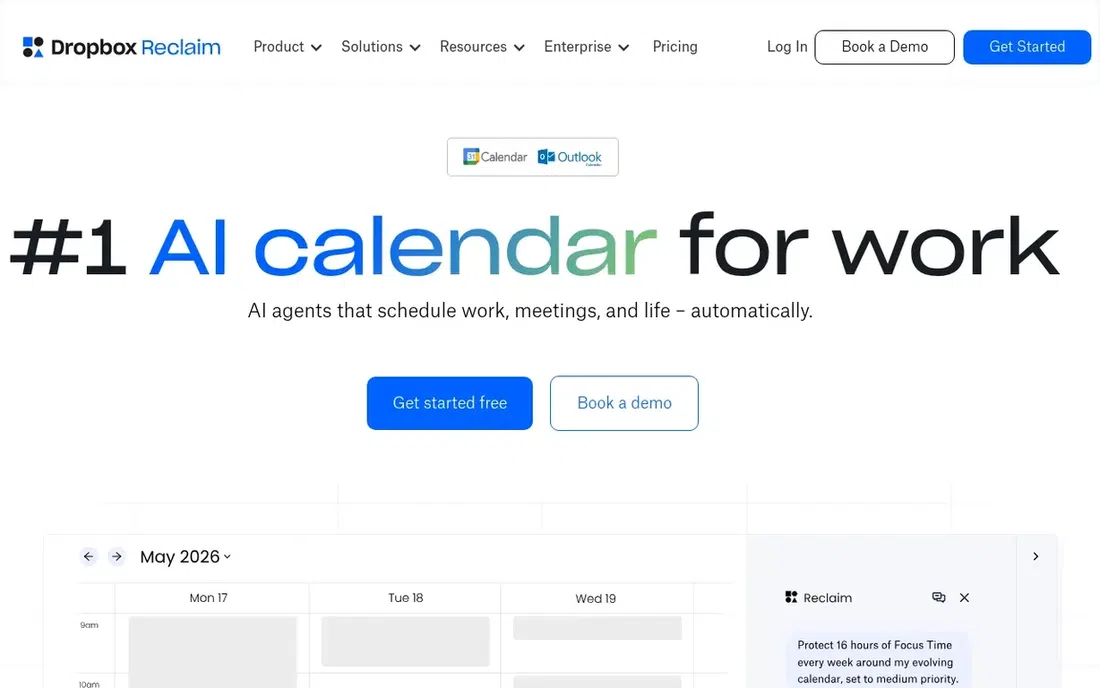
Reclaim.ai is designed for protecting focus time automatically. Reclaim.ai is built around calendar optimization instead of public appointment booking, so firms that require client self-scheduling pages may need a separate tool.
What Reclaim.ai does well: habits and breaks.
The starting price for Reclaim.ai: $10 per seat per month. Free access exists with Reclaim.ai. Drawbacks to consider: Depends on existing calendar systems.
- Aims to create more usable time for teams
- Works with Google and Outlook calendars
- Less suited to client-facing booking pages
x.ai
Best for: Teams exploring AI models and APIs
In short, x.ai is for teams exploring AI models and APIs. It is relevant to teams that want to build custom AI functionality, including scheduling logic, into their own products instead of adopt an off-the-shelf scheduler.
More specifically, x.ai is not a ready-made scheduling application, so companies wanting appointment booking from day one should choose a dedicated tool. x.ai pricing: $8 per month. You can start on x.ai without paying.
Watch-outs: Not a dedicated scheduling product.
- Supplies an API for building applications
- Centres on frontier AI models
- Needs development work to integrate
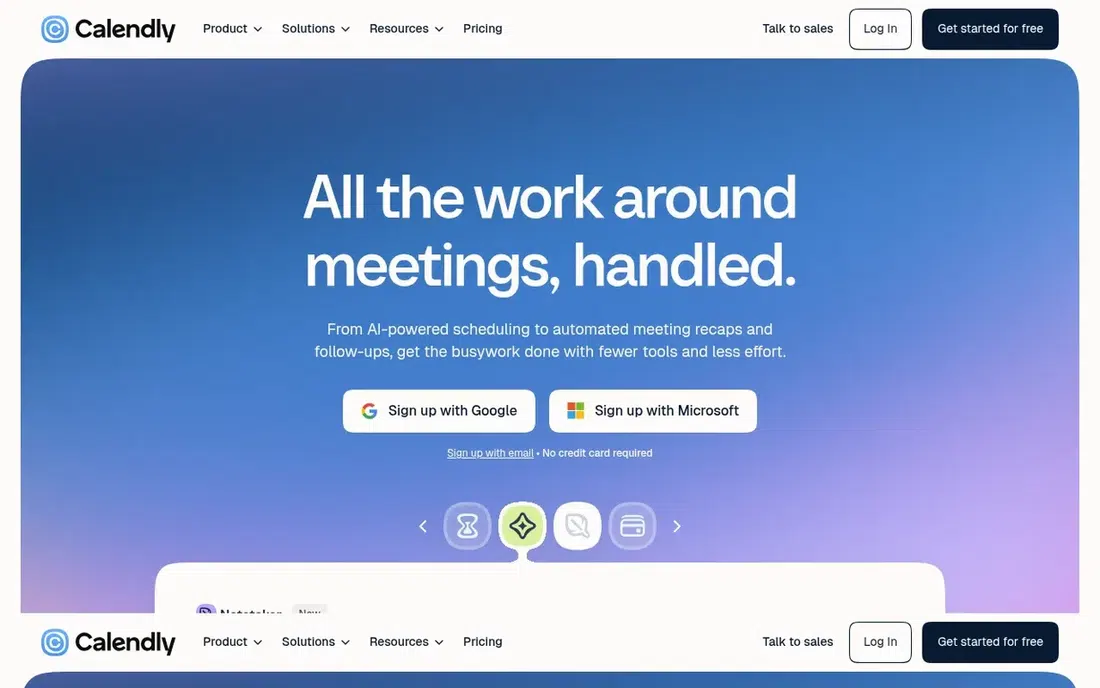
Choose Calendly for all-around meeting scheduling and follow-up. Calendly is a meeting scheduling system that connects the work around meetings, including scheduling, payments, meeting preparation, notetaking, contact management and follow-up. More specifically, teams wanting deep calendar optimization around focus time should compare dedicated calendar tools, and those centred on marketing lead routing should look at purpose-built choices.
Also, because Calendly spans so numerous functions, smaller users may find the feature set bigger than they need for entry-level appointment booking. The AI meeting tools extend its role beyond time selection into preparation and post-meeting tasks. Starting cost for Calendly: $10 per seat per month. Calendly offers a free plan.
Where it falls short: Wide scope can feel heavy for straightforward booking.
- Spans booking, prep
- Notes and follow-up
- Advanced automation may need setup

Pick Motion if this describes you: combining tasks, projects and calendar. The breadth means your calendar priorities can be driven by actual work items instead of manual entry.
Motion pricing: $19 per seat per month. Trial and free access: Free trial.
Where it shines: projects and calendar in one place. What to check first: Very wide system to learn.
- Layers on reports and workflow features
- Tasks
- May overlap with tools you already use
Chili Piper
Best for: Routing inbound results in meetings
Pick Chili Piper if this describes you: routing inbound results in meetings. The emphasis is on speed from visit to booked meeting.
As for the details, Chili Piper is specialized for inbound pipeline workflows. So it is not the obvious choice for general appointment scheduling or internal calendar management. Entry price for Chili Piper: $12 per user per month. As for free access: Not stated.
Downsides: Narrow focus on pipeline generation.
- Recognizes and qualifies website visitors
- Routes visitors to the right representative
- Not a general-purpose appointment tool
Selection criteria
Selection started from tools commonly considered for AI scheduling software, then narrowed to 6 that have clear pricing information or a clear quote process. Where a vendor does not publish a price, the entry says quote. Where a price depends on seats or billing term, the entry says so. Tools are placed by general fit for AI scheduling software, with price clarity and free access as tie-breakers. A different team can reasonably rank them differently.
A buyer's checklist
- Check the vendor page for the current price: x.ai starts at $8 per month here, and seats or billing terms can move it.
- Check what the free option really includes: Reclaim.ai, x.ai and Calendly offer a free plan, and usage caps differ.
- Run a trial of Acuity Scheduling and Motion with real work before paying for a year; your own workflow is the best test.
- Before choosing Acuity Scheduling, weigh its main limit: customization can take time to configure.
- Get the contract term, renewal terms and any onboarding fees from Calendly in writing.
- Make sure Reclaim.ai lets you export your data in a format another tool can read.
FAQ
Can I try these options before paying?
Often, yes. Reclaim.ai, x.ai and Calendly have a free plan and Acuity Scheduling and Motion offer a free trial. Use your own data and a real task during the test, and check what the free tier or trial limits before you rely on it.
Do these tools publish their prices?
Yes. Every tool from Acuity Scheduling to Chili Piper shows a starting price, though seats, add-ons and billing terms still change the final cost.
How do I evaluate a tool with restricted public information?
When a vendor homepage gives you little product detail, contact the company straight for a feature overview and demo. Ask specifically about integrations, automation and support. Comparing documented capabilities against your requirements is safer than relying on marketing summaries alone.
Is Acuity Scheduling the right pick for everyone comparing AI scheduling software?
No single tool suits every team. Acuity Scheduling comes first because it fits client appointment booking and automation, while Reclaim.ai suits protecting focus time automatically and x.ai suits teams exploring AI models and APIs. Match the tool to your own size, budget and workflow before deciding.
How are the tools for AI scheduling software ordered?
Acuity Scheduling sits first and Chili Piper last because the order follows typical fit for AI scheduling software, then price clarity and free access. It is a judgement call, so read each profile for fit and limits.
Sources
- https://acuityscheduling.com
- https://reclaim.ai
- https://x.ai
- https://calendly.com
- https://www.usemotion.com
- https://www.chilipiper.com