6 AI Graphic Design Software Options Compared on Price and Fit
6 products for the best AI graphic design software, ranked by fit, with starting costs and free tiers. Caveats come with every verdict. Compare quickly.
- Editor's choice
 Recraft
AI-generated vectors, icons and brand-consistent imagery
Starts atSee websiteVisit recraft.aiFull review - Great alternative
 Microsoft Designer
Free AI design inside the Microsoft ecosystem
Starts atFreeVisit designer.microsoft.comFull review - Also consider
 Canva
Teams that require design for everything
Starts atSee websiteVisit canva.comFull review
Direct answer
For AI-generated vectors, icons and brand-consistent imagery, Recraft is where this list starts. Look at Microsoft Designer for free AI design inside the Microsoft ecosystem, and at Canva for teams that require design for everything. The remaining 3 options are covered below with prices and limits.
TL;DR:
- Number one here is Recraft, a fit for AI-generated vectors, icons and brand-consistent imagery.
- The main caution on Kittl: less of a general template library than Canva.
- For non-designers who want speed above all, Snappa is worth a look.
- Snappa has the lowest monthly starting price in this list: $10 per month.
- 6 of the 6 tools have a free plan, including Recraft, Microsoft Designer, Canva and Kittl.
Quick comparison
| Tool | Best for | Starts at | Free plan? | |
|---|---|---|---|---|
| Recraft | AI-generated vectors, icons and brand-consistent imagery | See website | Yes | Visit |
| Microsoft Designer | Free AI design inside the Microsoft ecosystem | Free | Yes | Visit |
| Canva | Teams that require design for everything | See website | Yes | Visit |
 Kittl | Typography-heavy designs and product visuals | See website | Yes | Visit |
 VistaCreate | Social graphics with a solid free level | See website | Yes | Visit |
 Snappa | Non-designers who want speed above all | $10 per month (billed annually) | Yes | Visit |
6 options for AI graphic design software in detail
Choosing AI graphic design software usually comes down to price, fit and limits. This LinkVetted guide sets 6 tools side by side on those three points, with the facts kept short and checkable.
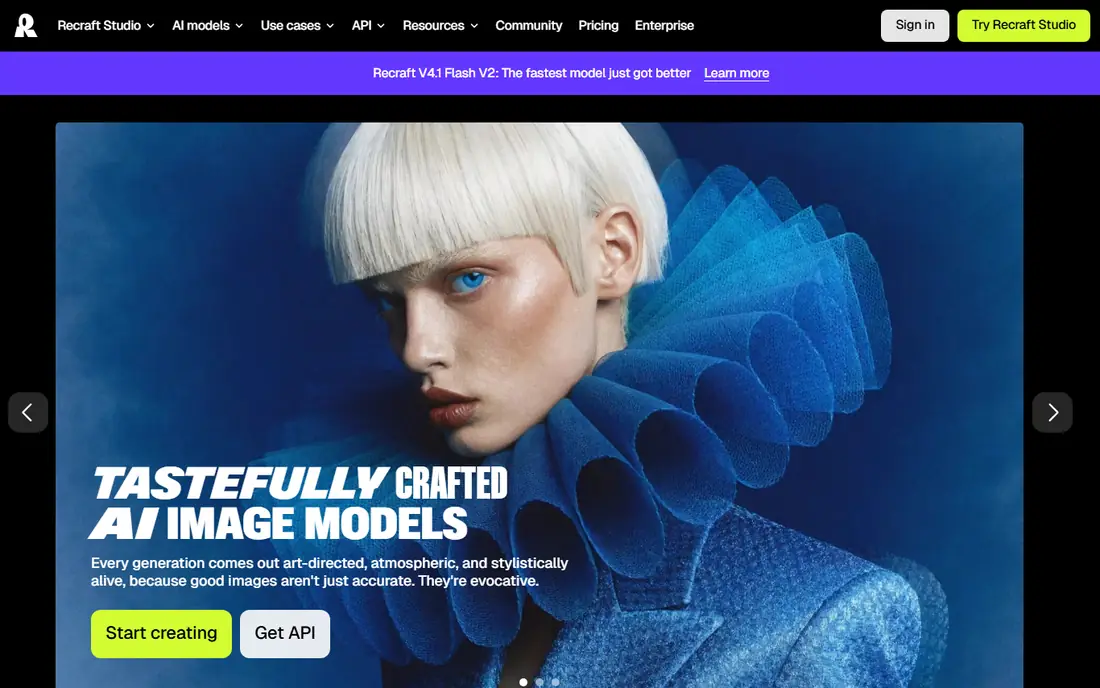
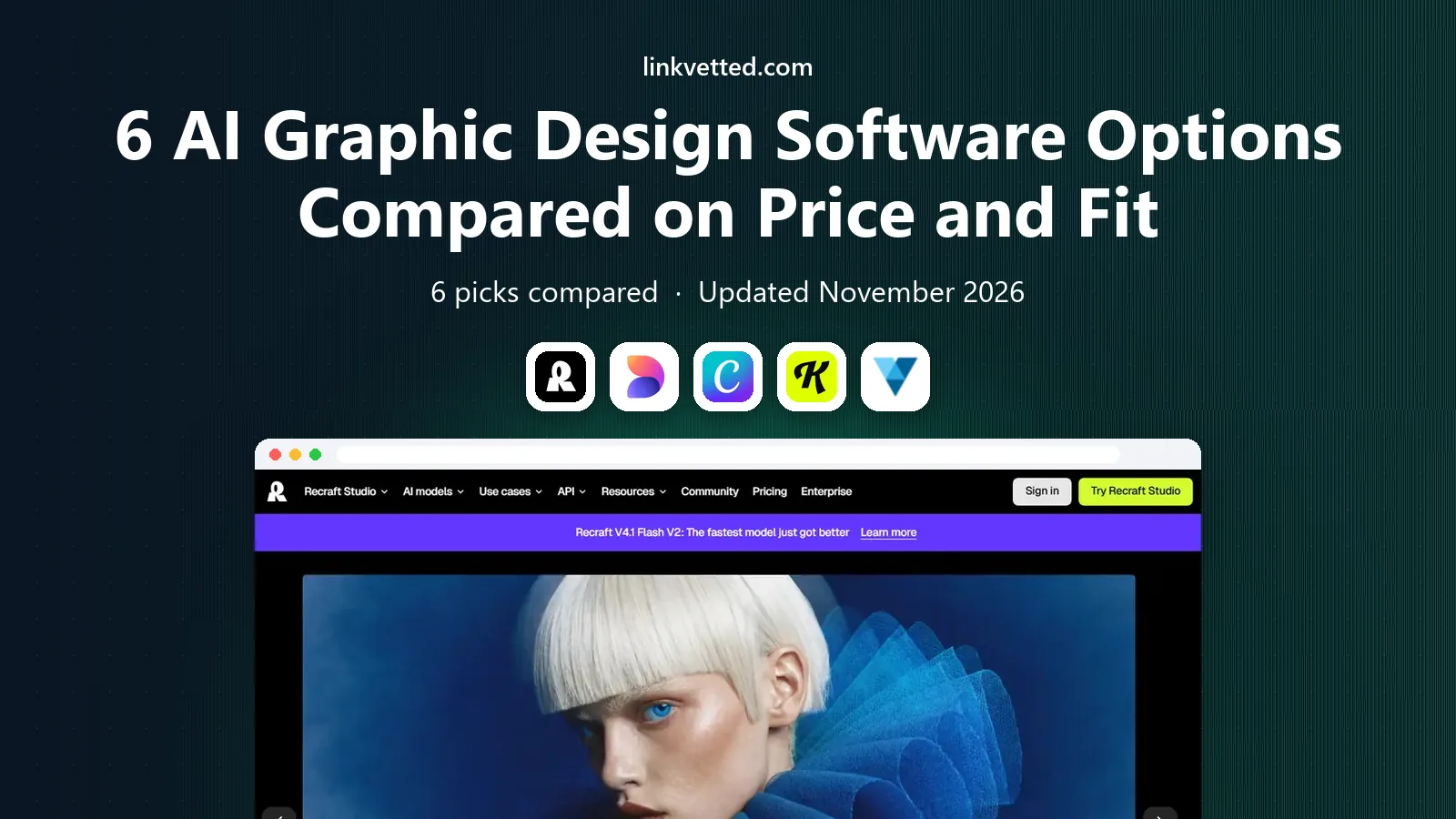
Think of Recraft for AI-generated vectors, icons and brand-consistent imagery. Recraft is designed for designers who require AI that speaks their language.
Honest limits: Image-focused.
It produces illustrations, icons, and even vector graphics from text prompts, with capable control over style and composition. Pricing for Recraft is not stated here, so ask the vendor for current figures. Recraft offers a free plan.
- Native vector generation from prompts
- Consistent brand styles
- Not a full design suite
Microsoft Designer
Best for: Free AI design inside the Microsoft ecosystem
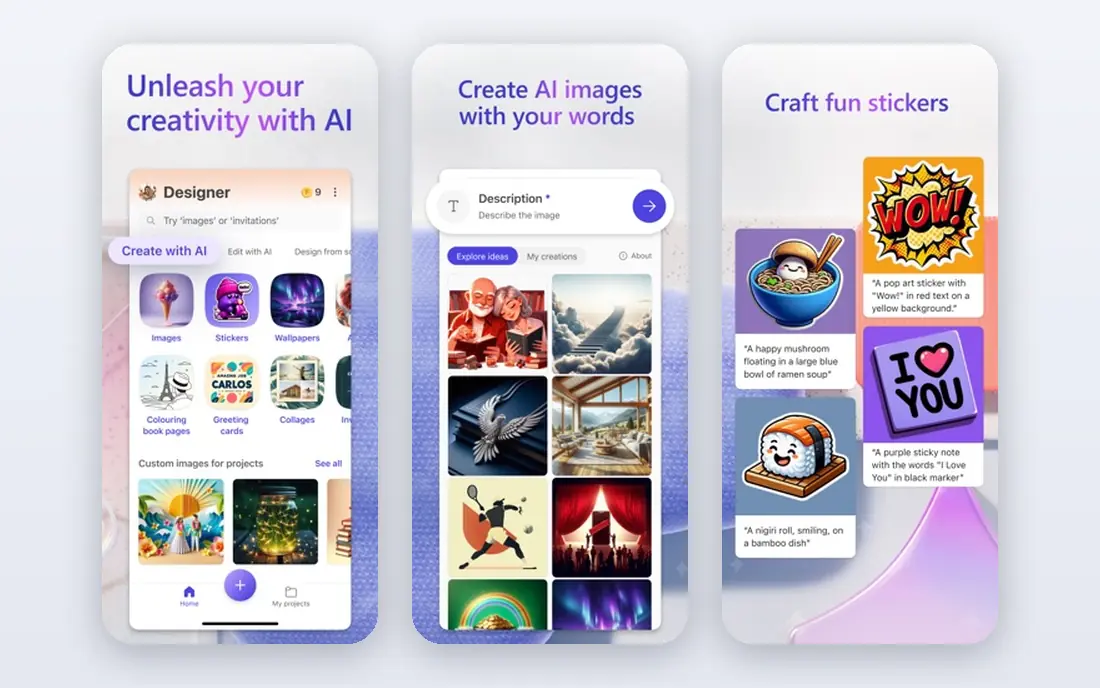
Think of Microsoft Designer for free AI design inside the Microsoft ecosystem. For fast social graphics and presentations at zero cost, notably for teams already paying for Microsoft 365, Designer is a smart pick.
Drawbacks to consider: Fewer templates and assets than Canva.
From a buyer's view, the trade-off is depth: the template library and stock assets are thinner than Canva's, and brand management features are entry-level. Microsoft Designer produces designs from plain-language descriptions. On cost, Microsoft Designer starts like this: Free. Microsoft Designer has a free plan.
- Natural-language design instructions
- DALL-E powered image generation
- Restricted team and brand features
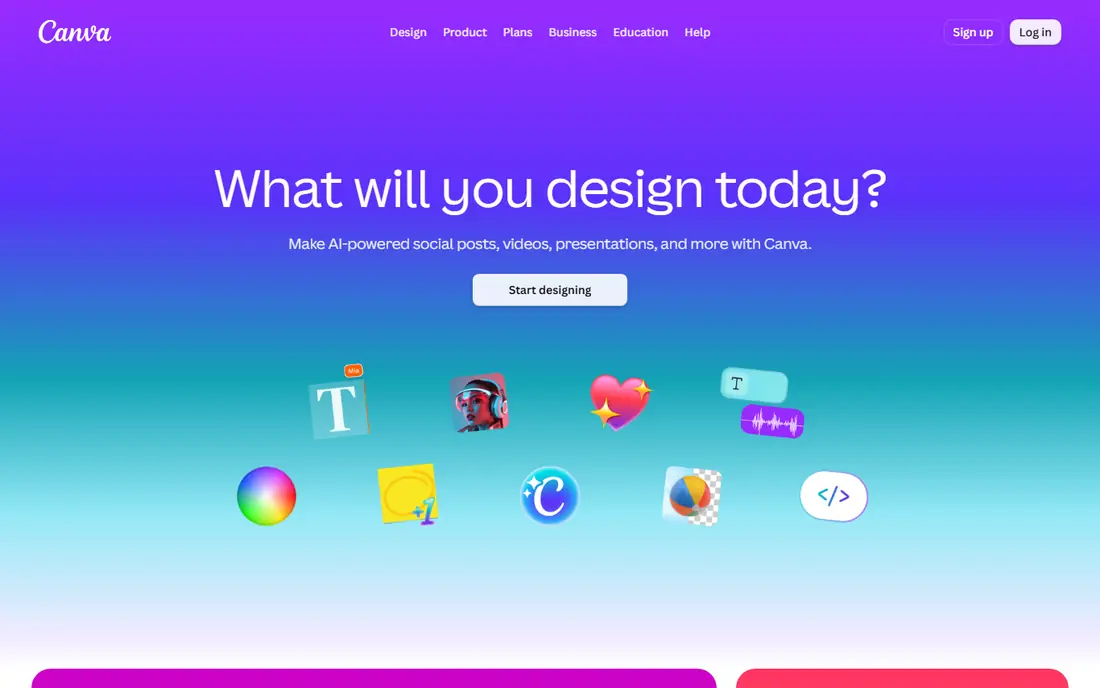
Canva makes the most sense for teams that require design for everything. The template library spans nearly every format, and the AI tools, branded as Magic Studio, create images, write copy, expand photos, and turn text into presentations. Beyond that, the free plan is genuinely handy; premium plans add the full AI toolset, background remover, and brand kits.
On top of that, for small companies, Canva deals with the bulk of weekly design work. But for speed, collaboration, and a library that spans social, print, video, and documents, Canva is hard to beat. Pricing for Canva is not stated here, so ask the vendor for current figures. Canva includes a free tier.
Limits to weigh: Template-heavy designs can look generic.
- Magic Studio AI tools
- Enormous template and stock library
- AI features restricted on free plan
Think of Kittl for typography-heavy designs and product visuals. Kittl takes an AI-first approach, integrating leading image and video models, including Recraft V4 and Flux, alongside its own design tools.
Beyond that, if your designs lean on bold lettering, apparel, or product visuals, Kittl's focus will feel more productive than a general template library. Kittl shows no starting price here, so confirm the cost on the vendor site. A free plan is available with Kittl.
Where it is weaker: Less of a general template library than Canva.
- Standout text effects and mockups
- Capable for POD sellers
- Newer product
VistaCreate works best for social graphics with a solid free level. VistaCreate, formerly Crello and now part of Vista, provides an ample free tier with hundreds of thousands of templates, built-in AI tools for generating visuals and refining copy, and over 170 million creative assets.
Points against: Smaller brand footprint than Canva.
VistaCreate is a solid alternative for teams that find Canva's premium pricing steep, with a print integration that Canva cannot match. Check the vendor site for VistaCreate pricing; none is listed in this comparison. VistaCreate offers a free plan.
- Built-in AI tools
- 200,000+ free templates
- Pro needed for full asset library
Snappa is a good fit for non-designers who want speed above all. Snappa strips design down to the essentials. On top of that, all photos and graphics are royalty-free for commercial use.
What works well: 5M+ free stock photos included.
Watch-outs: Restricted advanced editing.
The free version includes casual use; the premium plan removes limits. Pick a preset size for any social product, choose from thousands of templates, add text and graphics, and publish. For everyday use, the interface is deliberately straightforward, with no long tutorials needed. Price to start with Snappa: $10 per month. Snappa offers a free plan.
- Zero ramp-up time
- One-click background remover and resizing
- Template library smaller than Canva
How we built this list
For each of the 6 tools we noted price, free plan or trial, fit for AI graphic design software and the main limit, using vendor pages and documentation. Where a price is missing, the vendor does not list one publicly or ties it to a quote. Always confirm before budgeting. The sequence is a judgement call: typical use case first, then pricing transparency, then free access. Use the profiles to check fit.
A buyer's checklist
- Confirm the entry price on the vendor page. For Recraft, Canva, Kittl and VistaCreate that means a quote rather than a fixed price.
- Read the fine print on the free plans from Recraft, Microsoft Designer, Canva and others; seat, project and feature caps differ.
- Read the limits listed for Recraft first: image-focused, not a full design suite.
- Find out what support Recraft includes on your plan, and whether onboarding help costs extra.
- Total up the real monthly cost of VistaCreate, including add-ons, extra users and usage-based fees.
FAQ
Do these tools publish their prices?
Not all of them. Recraft, Canva, Kittl and VistaCreate publish no starting price, so expect a quote request for those. The rest, Microsoft Designer included, show a starting price, though seats and billing terms still change the final cost.
What is the best free AI graphic design software?
For most readers this guide would start with Recraft, built for AI-generated vectors, icons and brand-consistent imagery. Microsoft Designer is the alternative for free AI design inside the Microsoft ecosystem, and Canva for teams that require design for everything. The right answer depends on budget and workflow.
Can AI design tools replace a graphic designer?
For brand identity, complicated layouts, and original illustration, a designer still brings judgment AI cannot. Most small teams use these tools to manage volume and keep designers for high-value work.
Can I try these options before paying?
Often, yes. Recraft, Microsoft Designer, Canva and others have a free plan. Use your own data and a real task during the test, and check what the free tier or trial limits before you rely on it.
What is the cheapest option for AI graphic design software in this list?
On published monthly entry prices, Snappa is the lowest here at $10 per month. Entry price is only part of the cost, because seats, add-ons and billing terms can change the total.
How are the tools for AI graphic design software ordered?
Recraft sits first and Snappa last because the order follows typical fit for AI graphic design software, then price clarity and free access. It is a judgement call, so read each profile for fit and limits.