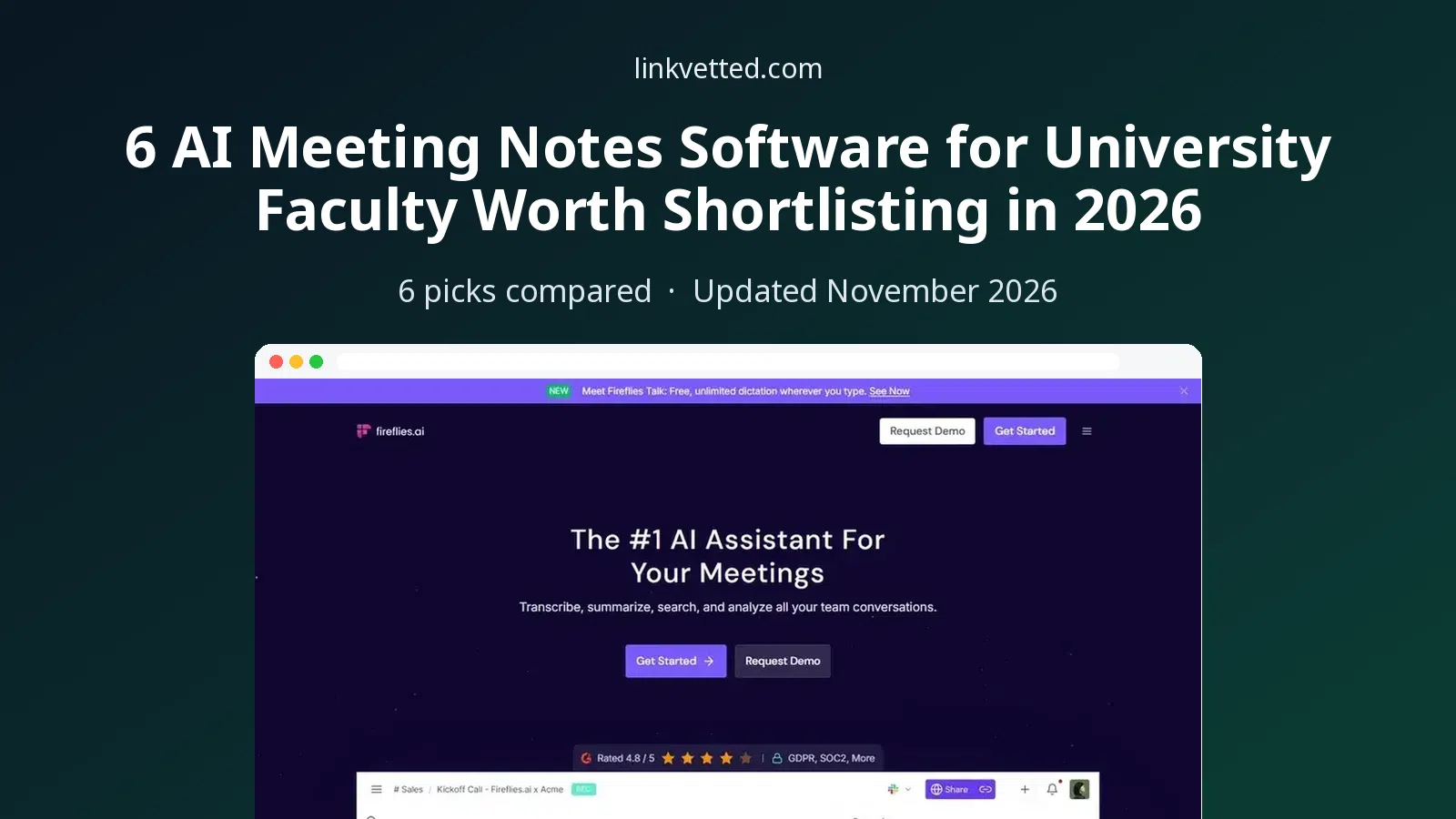
6 AI Meeting Notes Software for University Faculty Worth Shortlisting in 2026
Best AI meeting notes software for university faculty: 6 contenders ranked by fit, with entry costs and free tiers. Verdicts stay brief and factual. Facts only.
- Editor's choice
 Fireflies.ai
Cross-platform meeting capture and summaries
Starts at$10 per seat a month, billed yearlyVisit fireflies.aiFull review - Great alternative
 tl;dv
Transcripts and summaries across major systems
Starts atSee websiteVisit tldv.ioFull review - Also consider
 Fathom
Individual faculty on Zoom, Meet, or Teams
Starts at$15 per user per monthVisit fathom.videoFull review
Direct answer
This list puts Fireflies.ai first for cross-platform meeting capture and summaries. tl;dv fits transcripts and summaries across major platforms; Fathom fits individual faculty on Zoom, Meet, or Teams. Listed starting prices: Fireflies.ai from $10 per seat a month, billed yearly, Fathom from $15 per user per month and Otter.ai from $8.33 per user per month. The other 3 tools in the list cover narrower or pricier cases.
TL;DR:
- Fireflies.ai is the opening pick, best for cross-platform meeting capture and summaries.
- 4 of 6 tools offer a free plan: Fireflies.ai, Fathom, Otter.ai, Granola.
- Before buying Fireflies.ai, weigh this: Bot-based capture may need meeting permissions.
- The lowest published monthly entry price here is $8.33 per user per month, from Otter.ai.
Last checked November 2026. Prices and plan details were read from the vendors' own pages in November 2026; vendors change plans often, so confirm the current price on the vendor site before you buy.
Quick comparison
| Tool | Best for | Starts at | Free plan? | |
|---|---|---|---|---|
| Fireflies.ai | Cross-platform meeting capture and summaries | $10 per seat a month, billed yearly | Yes | Visit |
| tl;dv | Transcripts and summaries across major systems | See website | Not stated | Visit |
| Fathom | Individual faculty on Zoom, Meet, or Teams | $15 per user per month | Yes | Visit |
 Zoom AI Companion | Faculty already meeting in Zoom | See website | Not stated | Visit |
 Otter.ai | Live transcription with automatic summaries | $8.33 per user per month | Yes | Visit |
 Granola | Back-to-back meetings without a bot | $14 per user per month | Yes | Visit |
Our 6 picks for AI meeting notes software for university faculty
LinkVetted put together this guide to AI meeting notes software for university faculty for readers who want a clear shortlist without reading every vendor page. It compares 6 tools on starting price, free plans, who each one suits and where each one falls short.
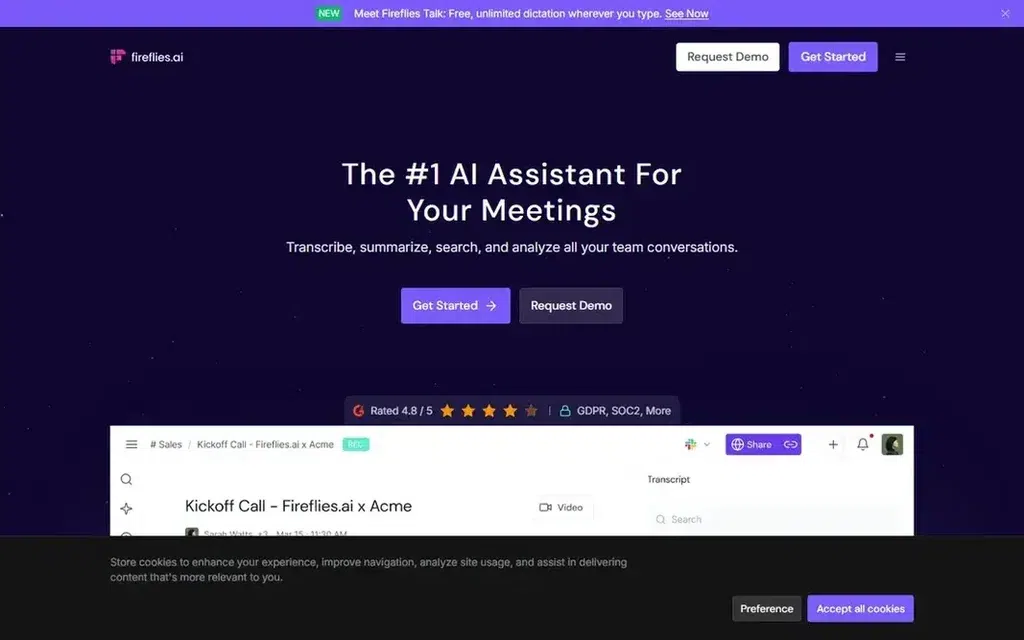
Fireflies.ai is designed for cross-platform meeting capture and summaries. Fireflies.ai describes itself as an AI teammate that transcribes, summarizes, and examines meetings, using generative AI to bring assistant-style summaries into calls. Its stated support for Zoom, Google Meet, Microsoft Teams, Webex, and other products makes it a practical choice for faculty who move between different video tools across departments and committees.
Beyond that, summaries are only as decent as the underlying transcript. Since capture is bot-based, some hosts may have to admit or permit the recorder, which can complicate external meetings. On cost, Fireflies.ai starts like this: $10 per seat per month, billed annually. Fireflies.ai has a free plan.
Where Fireflies.ai stands out: Generative AI summaries and transcripts.
Where it falls short: Summary quality relies on transcript quality.
- Wide system coverage in one tool
- Works across Zoom, Meet, Teams, Webex
- Bot-based capture may need meeting permissions
Pick tl;dv if this describes you: transcripts and summaries across major systems. tl;dv presents itself as an AI notetaker and meeting assistant for Zoom, Google Meet, and Teams, producing transcripts, summaries, and CRM updates from every call.
Downsides: CRM updates are less relevant to teaching.
As with other bot-based assistants, hosts may have to admit the recorder, which can be awkward in sensitive meetings. Pick tl;dv when wide product support and shareable summaries are the priority. Check the vendor site for tl;dv pricing; none is listed in this comparison. On free options: Not stated.
- Straightforward meeting-assistant framing
- Transcripts, summaries
- Bot-based capture needs host cooperation
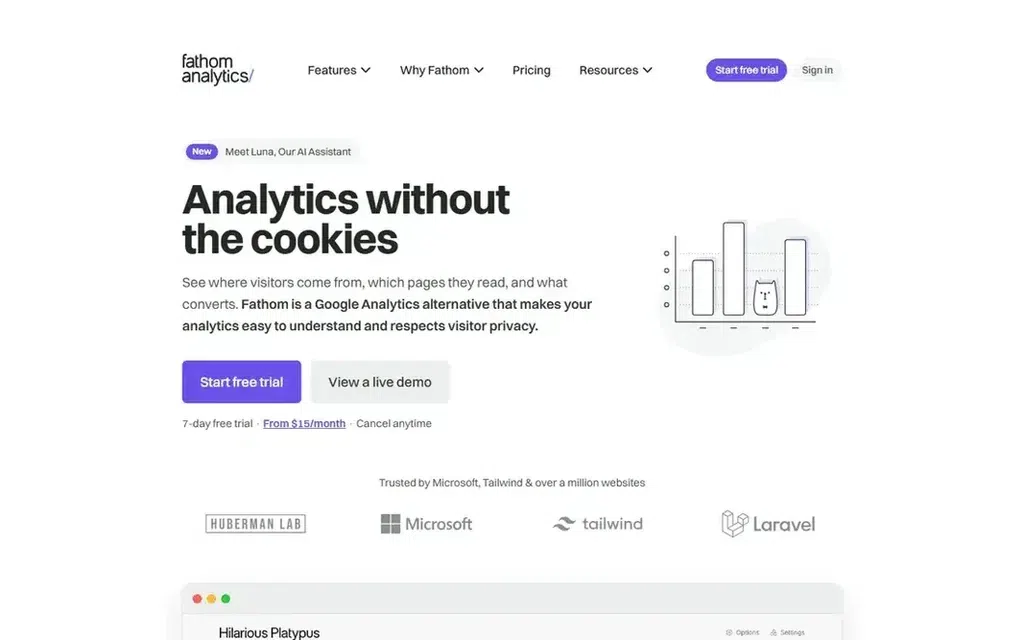
Fathom works best for individual faculty on Zoom, Meet, or Teams. Fathom records, transcribes, and summarizes Zoom, Google Meet, and Microsoft Teams calls, and its homepage flags AI-powered CRM updates for teams.
What to check first: CRM features matter less for academic work.
What users get: Microsoft Teams; Supports Zoom. In daily use, for faculty, the call capture and summary flow suits advising appointments, project check-ins, and remote committee work, whereas the CRM angle is more relevant to administrative or outreach teams than to teaching itself. Starting cost for Fathom: $15 per user per month. Fathom includes a free tier.
- Records, transcribes
- AI-powered CRM updates for teams
- Concentrated on calls instead of in-person lectures
Zoom AI Companion is designed for faculty already meeting in Zoom. Zoom AI Companion, presented on its product page as an AI teammate, examines, learns, and acts on your conversations to help complete work. More specifically, available capabilities also vary by account configuration, so confirm what your institution makes it possible for.
Where it falls short: Tied to the Zoom ecosystem.
For faculty whose department, students, and collaborators already meet in Zoom, keeping notes inside the same environment avoids asking guests to install or admit another tool. The assistant can work with meeting content you already produce. This comparison lists no price for Zoom AI Companion; ask the vendor. On free options: Not stated.
- Built into the Zoom meeting environment
- No separate tool to introduce to guests
- Capabilities vary by account configuration
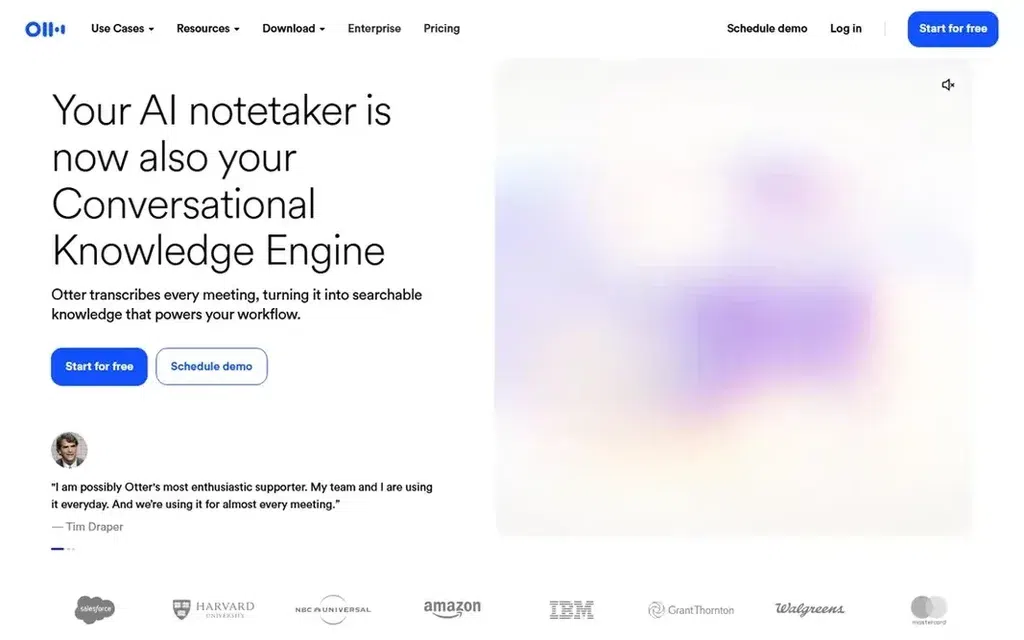
Otter.ai targets live transcription with automatic summaries. For faculty, that combination suits recorded lectures, department meetings, and research interviews where a searchable transcript is handy.
In practice, the live chat and insight features add a layer beyond plain transcription, which helps when you want to review a session rapidly instead of reread a full transcript. More specifically, automatic transcription is never perfect, and accuracy shifts with microphone quality, accents, and background noise, so plan to review key passages. Otter.ai cost at the entry level: $8.33 per user per month. Free access exists with Otter.ai.
Where it is weaker: Automated accuracy varies with audio quality.
- Automatic summaries and action items
- Live chat and insights alongside notes
- Feature depth relies on the workspace setup
Granola is a good fit for back-to-back meetings without a bot. Granola is framed as a notepad instead of a full recording and transcription product, so it may not suit faculty who require archived lecture recordings.
On top of that, published detail on system integrations is lighter than for some rivals. Starting cost for Granola: $14 per user per month. A free plan is available with Granola.
Downsides: Not geared toward recording lectures.
- Memory in one notepad
- Aimed at dense meeting schedules
- Fewer platform-integration details published
How we compared the tools
For each of the 6 tools we noted price, free plan or trial, fit for AI meeting notes software for university faculty and the main limit, using vendor pages and documentation. Prices and plan limits come from vendor pages and can change, so confirm them on the vendor site before you buy. The order reflects how well each tool fits the most common buying scenario for AI meeting notes software for university faculty, then price clarity, then free plan access. It is a starting point, not a verdict.
Before you commit
- Ask tl;dv and Zoom AI Companion for a written quote, since no starting price is shown.
- Check what the free option really includes: Fireflies.ai, Fathom, Otter.ai and Granola offer a free plan, and usage caps differ.
- Before choosing Fireflies.ai, weigh its main limit: Bot-based capture may need meeting permissions.
- Run a one or two week pilot of Granola with the people who will use it every day.
- Ask Fathom about contract length, onboarding fees and user minimums before you sign.
FAQ
Do AI meeting notes tools work for lectures plus meetings?
For in-person lectures, check whether the tool can capture room audio or whether a platform-native recorder is a better fit. Confirm recording consent rules with your institution first.
Is Fireflies.ai the right pick for everyone comparing AI meeting notes software for university faculty?
No single tool suits every team. Fireflies.ai comes first because it fits cross-platform meeting capture and summaries, while tl;dv suits transcripts and summaries across major platforms and Fathom suits individual faculty on Zoom, Meet, or Teams. Match the tool to your own size, budget and workflow before deciding.
Do these tools publish their prices?
Not all of them. tl;dv and Zoom AI Companion publish no starting price, so expect a quote request for those. The rest, Fireflies.ai included, show a starting price, though seats and billing terms still change the final cost.
Can I try these tools before paying?
Often, yes. Fireflies.ai, Fathom, Otter.ai and Granola have a free plan. Use your own data and a real task during the test, and check what the free tier or trial limits before you rely on it.
Which options for AI meeting notes software for university faculty have a free plan?
Fireflies.ai, Fathom, Otter.ai and Granola offer a free plan in this list. Free plans usually cap users, projects or features, so check the limits on the vendor page.
Sources
- https://fireflies.ai
- https://tldv.io
- https://fathom.video
- https://www.zoom.com/en/products/ai-companion
- https://otter.ai
- https://granola.ai