5 Best Graphic Design Software with AI Features for 2026, Vetted and Compared
5 best graphic design software with AI features, compared on pricing, free plans and best-fit use. The weak spots sit next to the strengths. Checked this month.
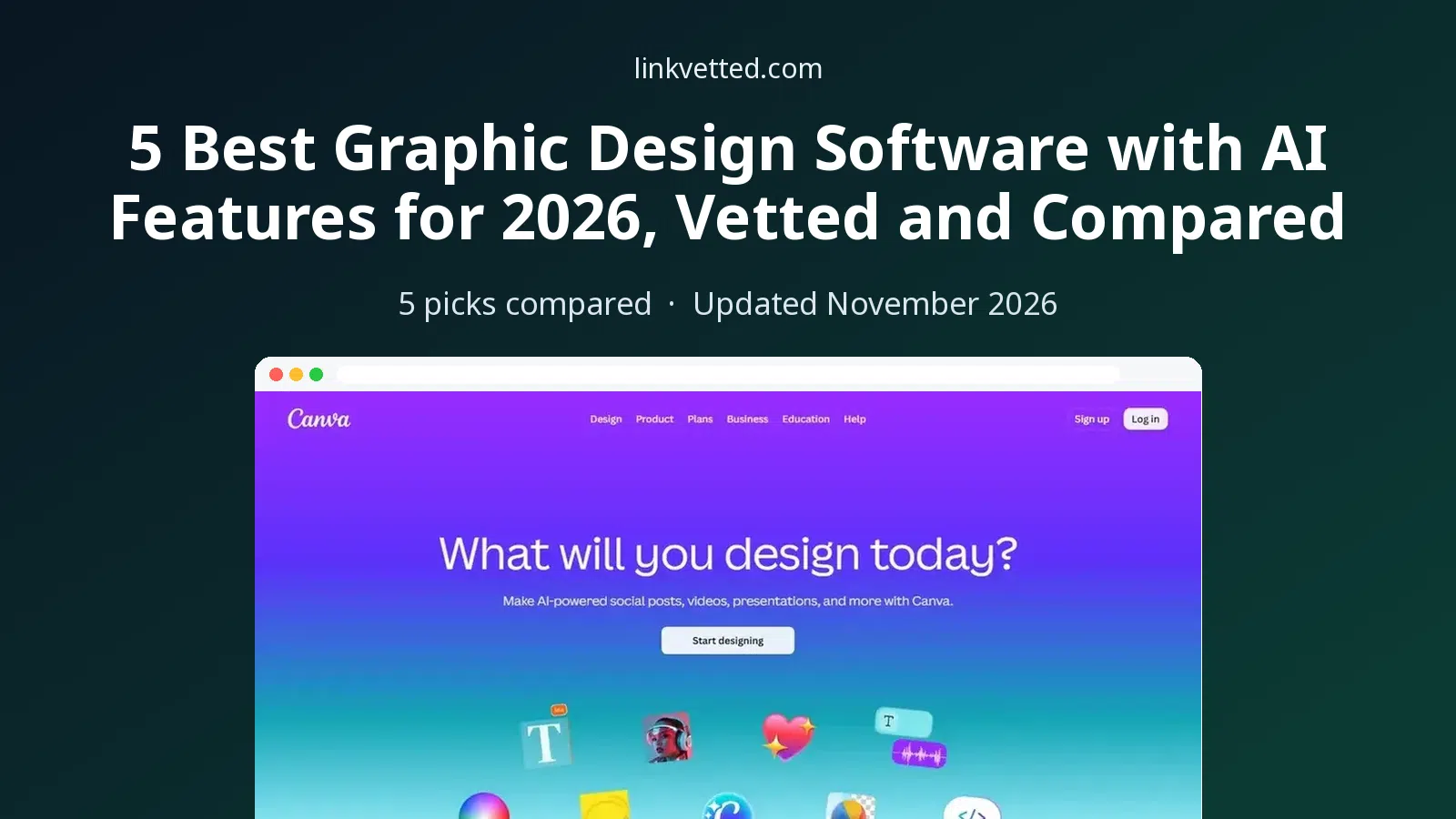
- Editor's choice
 Canva
Accessible AI design for non-designers
Starts atSee websiteVisit canva.comFull review - Great alternative
 Sketch
Digital design and prototyping for Mac
Starts at$12 per editor a monthVisit sketch.comFull review - Also consider
 Adobe Photoshop
AI-powered photo editing and compositing
Starts atSee websiteVisit adobe.comFull review
Direct answer
Canva comes first here, mainly for accessible AI design for non-designers. Listed starting prices: Sketch from $12 per editor a month and Figma from $3 per month. Look at Sketch for digital design and prototyping for Mac, and at Adobe Photoshop for AI-powered photo editing and compositing. The full list of 5 tools follows, with prices and free plan facts.
TL;DR:
- Canva takes the first slot, best suited to accessible AI design for non-designers.
- Canva, Figma and the 3 others all need a premium plan or a trial, since no free plan is listed.
- Starting prices begin at $3 per month with Figma.
- Figma fits collaborative UI/UX design with AI.
Last checked November 2026. Prices and plan details were read from the vendors' own pages in November 2026; vendors change plans often, so confirm the current price on the vendor site before you buy.
Quick comparison
| Tool | Best for | Starts at | Free plan? | |
|---|---|---|---|---|
| Canva | Accessible AI design for non-designers | See website | Not stated | Visit |
| Sketch | Digital design and prototyping for Mac | $12 per editor a month | Free trial | Visit |
| Adobe Photoshop | AI-powered photo editing and compositing | See website | Not stated | Visit |
 Adobe Illustrator | AI-driven vector graphic creation | See website | Not stated | Visit |
 Figma | Collaborative UI/UX design with AI | $3 per month | Not stated | Visit |
The 5 tools in detail
LinkVetted put together this guide to graphic design software with AI features for readers who want a clear shortlist without reading every vendor page. It compares 5 tools on starting price, free plans, who each one suits and where each one falls short.
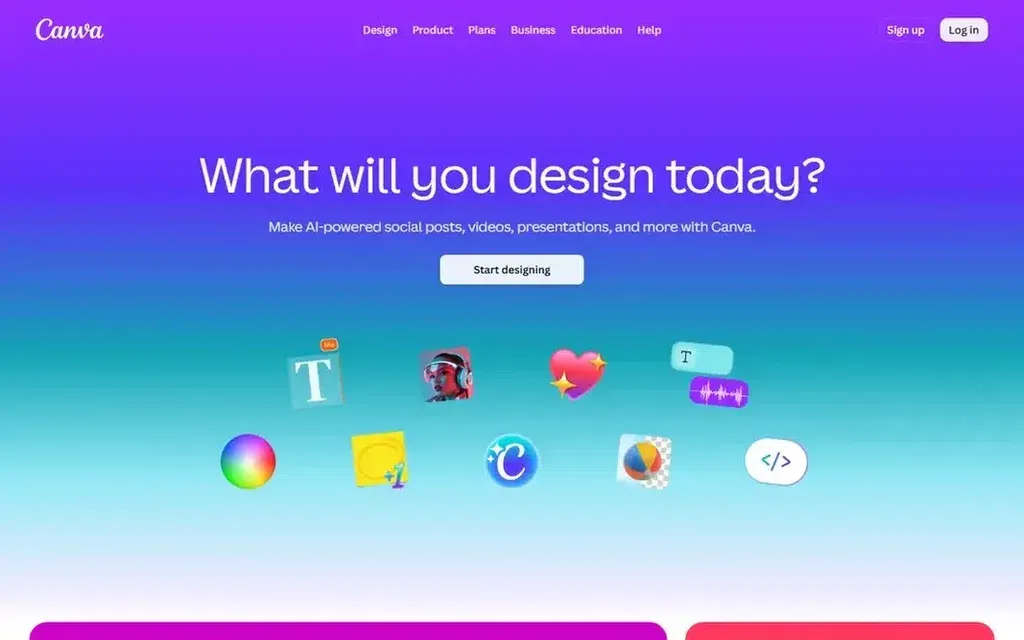
Choose Canva for accessible AI design for non-designers. It contains AI-powered features that help users create designs rapidly, making it a strong match for small companies, marketers, and individuals without formal design training.
What to check first: Restricted advanced customization.
For everyday use, for advanced vector work, consider Adobe Illustrator; for precise photo editing, Adobe Photoshop is more capable. No starting price is listed for Canva here; confirm pricing on the vendor site. Trial and free access: Not stated.
- AI features for fast design generation
- Broad range of templates
- Some features need a premium plan
Sketch targets digital design and prototyping for Mac. Sketch is exclusive to macOS and does not incorporate AI features as extensively as some other tools.
More specifically, for cross-platform collaboration with AI, Figma is a more versatile choice. Starting cost for Sketch: $12 per editor per month. Free plan details: Free trial.
Watch-outs: Restricted AI features compared with competitors.
- Optimized for macOS
- Prototyping and collaboration features
- Mac-only product
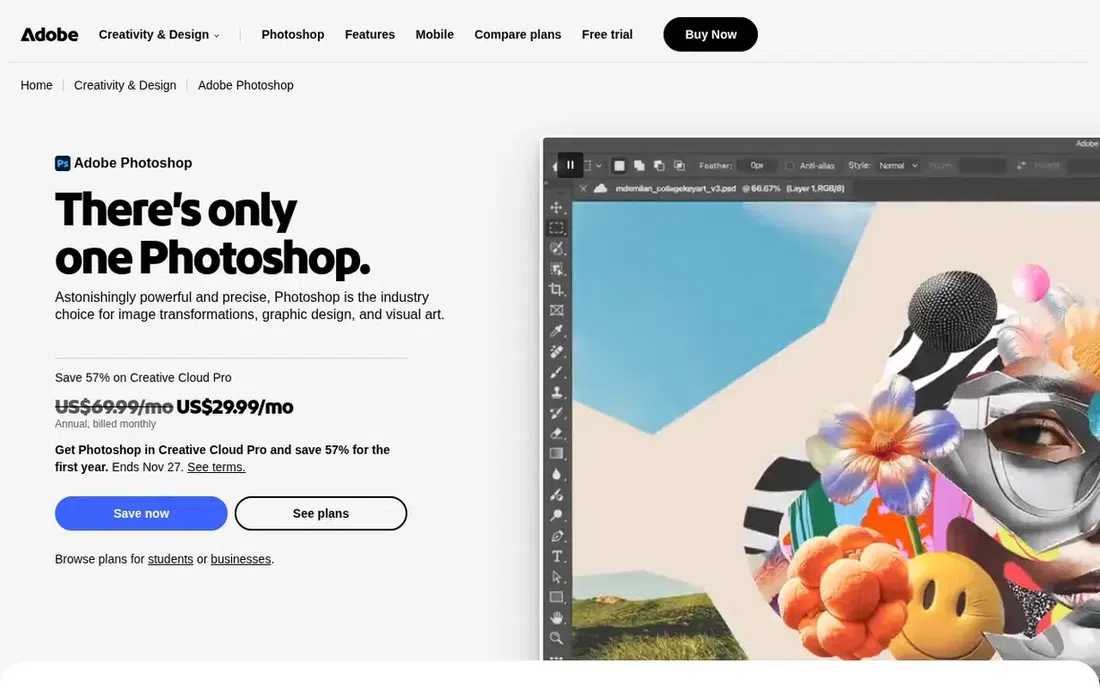
Adobe Photoshop targets AI-powered photo editing and compositing. Even so, Photoshop's broad feature set can be overwhelming for newcomers, and it operates on a subscription model.
Trade-offs to know: Needs subscription.
Pricing for Adobe Photoshop is not stated here, so ask the vendor for current figures. Trial and free access: Not stated.
- Smooth combination of images
- Advanced AI tools for complicated edits
- Steeper ramp-up time for beginners
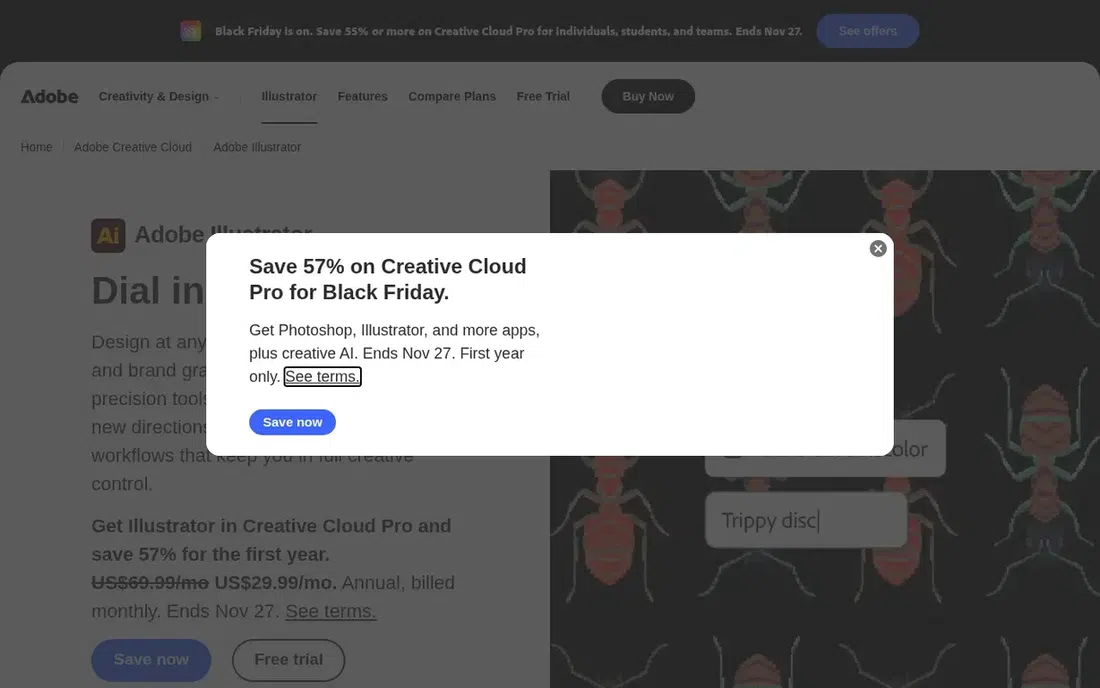
Adobe Illustrator is built with AI-driven vector graphic creation in mind. Illustrator's advanced capabilities come with a ramp-up time and a subscription cost. Adobe Illustrator is a leading vector graphics software that uses generative AI to convert text prompts into completely editable vector graphics.
Watch-outs: Complicated interface for beginners.
It is widely used by designers for creating logos, illustrations, and typography with precision. Also, the AI feature helps accelerate the design process by generating initial concepts that can be refined. Check the vendor site for Adobe Illustrator pricing; none is listed in this comparison. Trial and free access: Not stated.
- Generative AI transforms text to vectors
- Precise control over paths and shapes
- Subscription-based pricing
Figma is aimed squarely at collaborative UI/UX design with AI. Figma is optimized for digital product design and may lack advanced features for print or illustration.
On top of that, Figma is a collaborative canvas where design, code, and AI converge, enabling teams to go from concept to production in one place. On cost, Figma starts like this: $3 per month. Free plan details: Not stated.
Points against: Needs internet connection for full functionality.
- Browser-based with cross-platform support
- Live collaboration
- Less suited for print design
Selection criteria
Pre-purchase checklist
- Confirm the entry price on the vendor page. For Canva, Adobe Photoshop and Adobe Illustrator that means a quote rather than a fixed price.
- Take the trial from Sketch and push a live task through it before you pay.
- Before choosing Canva, weigh its main limit: restricted advanced customization.
- Check the integration list for Adobe Illustrator against the tools you run today, and note which ones need a higher plan.
- Ask Sketch whether prices are locked for the first term and what happens at renewal.
FAQ
How are the tools for graphic design software with AI features ordered?
Canva sits first and Figma last because the order follows typical fit for graphic design software with AI features, then price clarity and free access. It is a judgement call, so read each profile for fit and limits.
Can I try these tools before paying?
Often, yes. Sketch offers a free trial. Use your own data and a real task during the test, and check what the free tier or trial limits before you rely on it. Each of the 5 options in this Graphic design software with AI features guide has its own card above with the price, free plan and limits.
Is Canva the right pick for everyone comparing graphic design software with AI features?
No single tool suits every team. Canva comes first because it fits accessible AI design for non-designers, while Sketch suits digital design and prototyping for Mac and Adobe Photoshop suits AI-powered photo editing and compositing. Match the tool to your own size, budget and workflow before deciding.
Can I use AI features in Adobe Illustrator at no cost?
Adobe Illustrator needs a subscription to access its full features, including generative AI. In daily use, there is no permanent free version, though a trial may be available.
Do these tools publish their prices?
Not all of them. Canva, Adobe Photoshop and Adobe Illustrator publish no starting price, so expect a quote request for those. The rest, Sketch included, show a starting price, though seats and billing terms still change the final cost.
Which graphic design software has the best AI features for beginners?
Canva is the pick this page puts first, mainly for accessible AI design for non-designers. If your situation differs, Sketch suits digital design and prototyping for Mac, and Adobe Photoshop suits AI-powered photo editing and compositing. Compare price and limits before you decide.
Sources
- https://www.canva.com
- https://www.sketch.com
- https://www.adobe.com/products/photoshop.html
- https://www.adobe.com/products/illustrator.html
- https://www.figma.com