Best AI Project Collaboration Software (2026): 5 Picks Checked on Vendor Pages
Searching for the best AI project collaboration software? Here are 5 options with prices and free plans. Every pick includes one clear drawback. Choose faster.
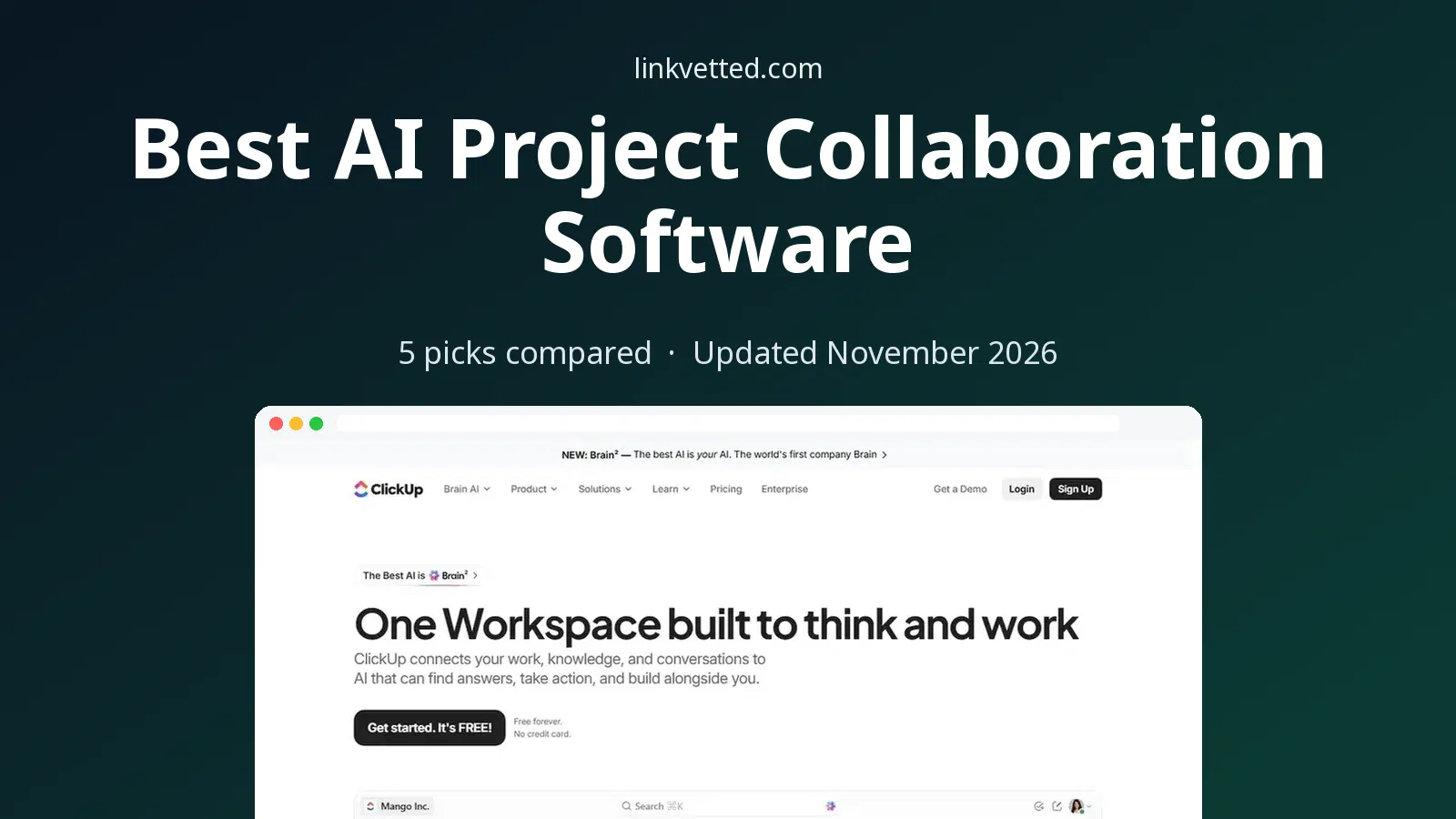
- Editor's choice
 Wrike
Controlled enterprise work delivery
Starts atSee websiteVisit wrike.comFull review - Great alternative
 Notion
Docs-first teams building custom agents
Starts at$10 per member a monthVisit notion.soFull review - Also consider
 ClickUp
Consolidating tasks, docs, goals and chat
Starts at$9 per user a monthVisit clickup.comFull review
Direct answer
This list puts Wrike first for controlled enterprise work delivery. Listed starting prices: Notion from $10 per member a month, ClickUp from $9 per user a month and Monday.com from $9 per seat a month. If your case is different, Notion suits docs-first teams building custom agents and ClickUp suits consolidating tasks, docs, goals and chat. The full list of 5 tools follows, with prices and free plan facts.
TL;DR:
- Top of the list is Wrike, which targets controlled enterprise work delivery.
- Asana fits coordinating human and AI agent workflows.
- ClickUp is the lowest-priced starter here at $9 per user per month.
- 4 of 5 tools offer a free plan: Notion, ClickUp, Monday.com, Asana.
Last checked November 2026. Prices and plan details were read from the vendors' own pages in November 2026; vendors change plans often, so confirm the current price on the vendor site before you buy.
Quick comparison
| Tool | Best for | Starts at | Free plan? | |
|---|---|---|---|---|
| Wrike | Controlled enterprise work delivery | See website | Not stated | Visit |
| Notion | Docs-first teams building custom agents | $10 per member a month | Yes | Visit |
| ClickUp | Consolidating tasks, docs, goals and chat | $9 per user a month | Yes | Visit |
 Monday.com | An AI workspace across numerous work types | $9 per seat a month | Yes | Visit |
 Asana | Coordinating human and AI agent workflows | $10.99 per user per month | Yes | Visit |
5 options for AI project collaboration software in detail
Choosing AI project collaboration software usually comes down to price, fit and limits. This LinkVetted guide sets 5 tools side by side on those three points, with the facts kept short and checkable.
Wrike is designed for controlled enterprise work delivery. It fits bigger organizations that require to coordinate complicated delivery across teams whereas keeping processes visible and governed.
Watch-outs: Enterprise positioning narrows appeal.
In practice, choose Wrike when structured delivery and oversight are central to how your organization operates. This comparison lists no price for Wrike; ask the vendor. Free access: Not stated.
- AI alongside human teams
- Emphasis on control and outcomes
- Setup pitched at bigger organizations
Notion serves docs-first teams building custom agents. Notion is an AI workspace where teams build custom agents, search across connected apps and automate busywork. Its strength is an adaptable base of pages and databases that teams shape themselves, which fits documentation-heavy groups, product teams and anyone who wants project information to live beside written knowledge instead of in a separate tracker.
Where it is weaker: Needs discipline to stay organized.
Pick Notion when writing, knowledge and light tracking belong together. Groups that want ready-made project execution views and governance may prefer a dedicated work management system. Notion pricing: $10 per member per month. Notion has a free plan.
- Custom agents and cross-app search
- Automation of routine busywork
- Less opinionated project structure
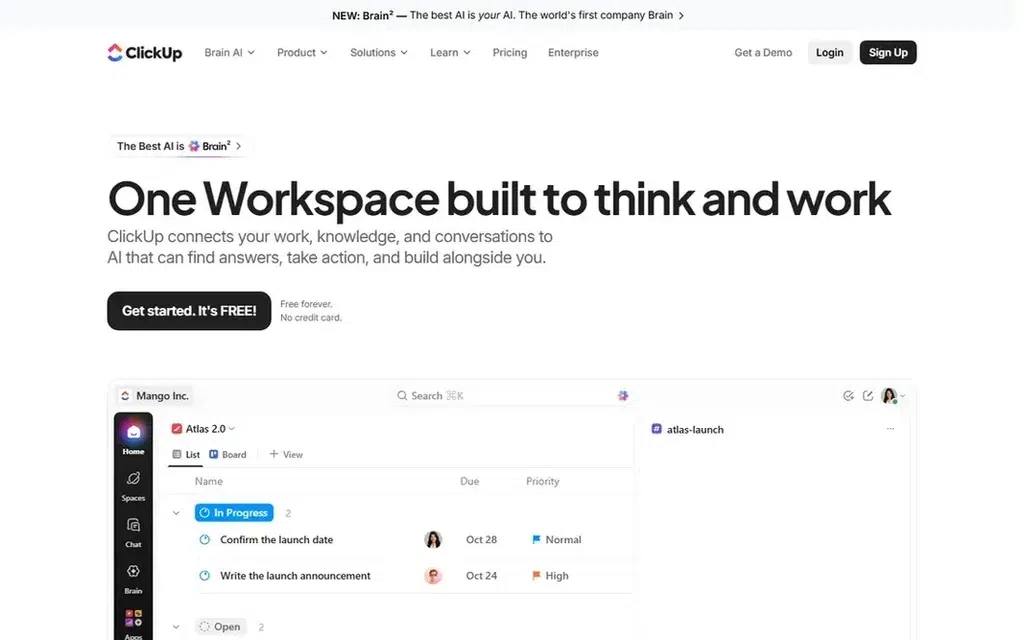
In short, ClickUp is for consolidating tasks, docs, goals and chat. An everything app carries a ramp-up time, and teams that adopt it without a clear structure can end up with cluttered workspaces.
ClickUp describes itself as the everything app for work, combining tasks, docs, goals and chat with AI and humans working together. That consolidation appeals to teams tired of switching between separate tools for planning, writing and conversation. The starting price for ClickUp: $9 per user per month. You can start on ClickUp without paying.
Drawbacks to consider: Numerous features can overwhelm new teams.
- Productivity-focused positioning
- One app for several work needs
- Needs deliberate setup to stay organized
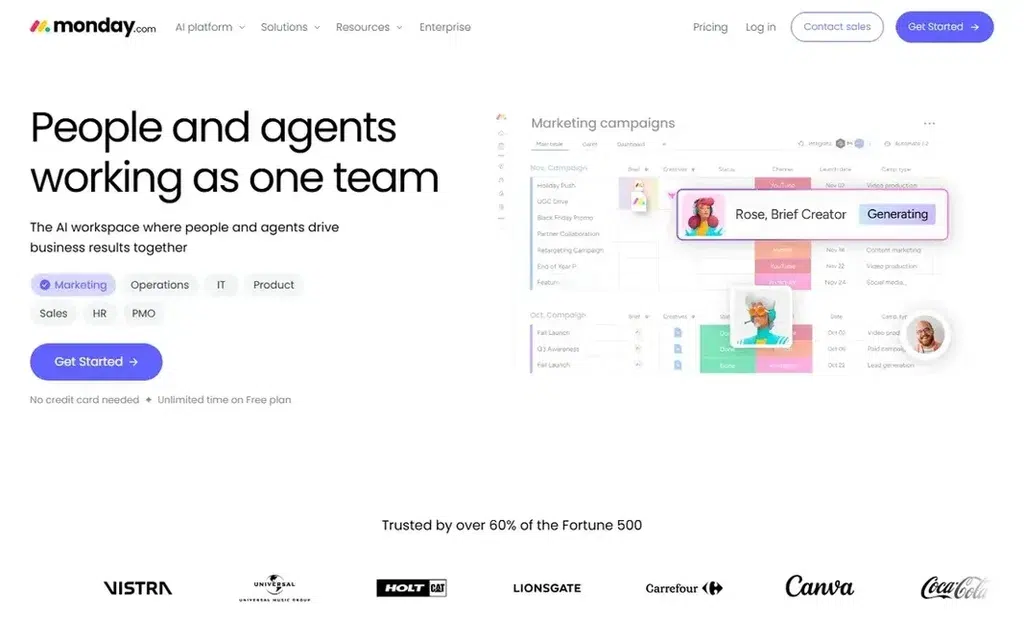
Monday.com is a good fit for an AI workspace across plenty of work types. Organizations with very rigid governance requirements may prefer a product positioned around enterprise control.
Watch-outs: Wide scope can feel open-ended.
Worth adding: pick Monday.com when adaptability across work types matters more than a tightly prescribed structure. Entry price for Monday.com: $9 per seat per month. Monday.com has a free plan.
- Adaptable workspace framing
- Spans execution and operations
- Configuration choices add complexity
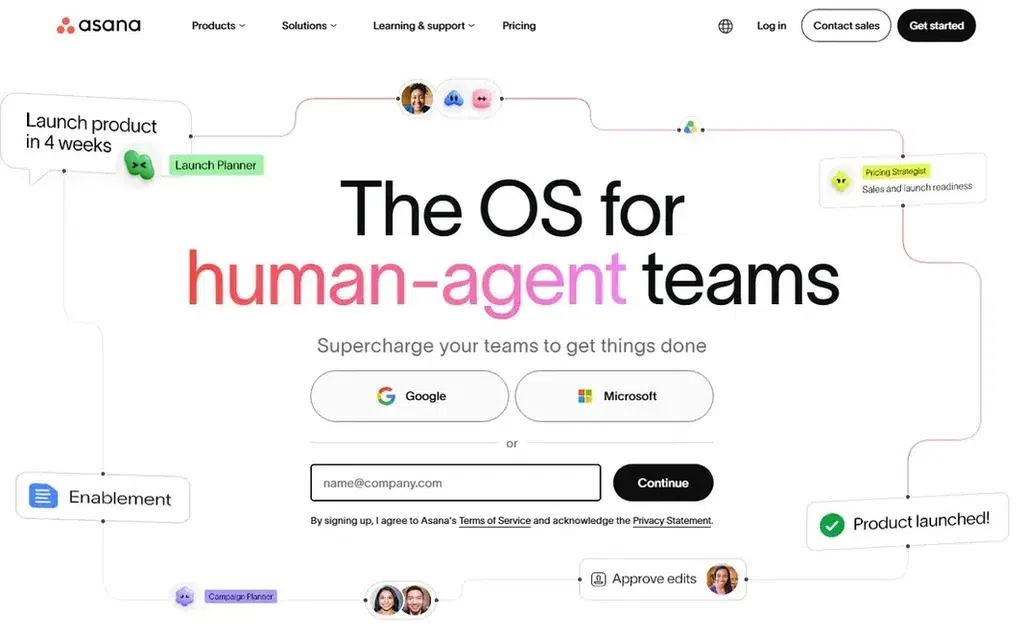
Asana serves coordinating human and AI agent workflows. Since Asana centers on structured work management, teams that chiefly want an adaptable document or database workspace may find it less natural. Asana is work and project management software designed for teams working alongside AI agents.
Points against: Less suited to document-first teams.
Its homepage describes planning, automating and executing critical workflows together, which suits organizations that want structured projects with automation layered on top. Consider a different choice if your priority is a freeform knowledge base instead of project execution. On cost, Asana starts like this: $10.99 per user per month. You can start on Asana without paying.
- Work management with automation built in
- Frames agents as part of the team
- Advanced setup may take time
What went into this list
What to confirm before you sign up
- Ask Wrike for a written quote, since no starting price is shown.
- Check what the free option really includes: Notion, ClickUp, Monday.com and Asana offer a free plan, and usage caps differ.
- Before choosing Wrike, weigh its main limit: enterprise positioning narrows appeal.
- Look at which plan of Monday.com unlocks the features you need; entry tiers are often cut down.
- Before rolling out Notion, verify the integrations your workflow depends on.
FAQ
Can these tools replace separate documentation software?
Some can. Notion and ClickUp both combine documentation with project tracking, which fits teams that want knowledge and work in one place. Others focus more narrowly on execution and may pair with a separate docs tool. Consider how much written knowledge your projects produce before deciding.
What makes project collaboration software AI-enabled?
The depth varies: some focus on automation inside structured projects, whereas others emphasize custom agents or cross-app search. Match the AI approach to the work you want to offload.
What is the cheapest option for AI project collaboration software in this list?
On published monthly entry prices, ClickUp is the lowest here at $9 per user per month. Entry price is only part of the cost, because seats, add-ons and billing terms can change the total. Prices, free plan details and limits for all 5 tools in this AI project collaboration software roundup sit on the individual cards above.
Do these tools publish their prices?
Not all of them. Wrike publishes no starting price, so expect a quote request for it. The rest, Notion included, show a starting price, though seats and billing terms still change the final cost. Each of the 5 options in this AI project collaboration software guide has its own card above with the price, free plan and limits.
Which options for AI project collaboration software have a free plan?
On this list, Notion, ClickUp, Monday.com and Asana include a free plan. Caps on seats, usage or features are common, so test the free plan against your real workload.
Is Wrike the right pick for everyone comparing AI project collaboration software?
No single tool suits every team. Wrike comes first because it fits controlled enterprise work delivery, while Notion suits docs-first teams building custom agents and ClickUp suits consolidating tasks, docs, goals and chat. Match the tool to your own size, budget and workflow before deciding.