Choosing Ai-Powered App Builder for Designers in 2026: 5 Options Compared
5 products for the best ai-powered app builder for designers, ranked by fit, with starting costs and free tiers. With pricing notes and limits. Compare quickly.
- Editor's choiceWix Studio
Agencies and enterprises building client sites
Starts atSee websiteVisit wix.comFull review - Great alternative
 Webflow
Visual web product with AI search optimization
Starts at$15 a monthVisit webflow.comFull review - Also consider
 FlutterFlow
Native mobile apps from a description
Starts at$29 a monthVisit flutterflow.ioFull review
Direct answer
Start with Wix Studio if you need agencies and enterprises building client sites. Listed starting prices: Webflow from $15 a month, FlutterFlow from $29 a month and Adalo from $65 a month. Webflow fits visual web product with AI search optimization; FlutterFlow fits native mobile apps from a description. Details, prices and limits for the rest of the 5 tools are below.
TL;DR:
- Top of the list is Wix Studio, which targets agencies and enterprises building client sites.
- Figma has the lowest monthly starting price in this list: $3 per month.
- FlutterFlow comes with a trade-off: mobile-first focus may not suit straightforward websites.
- Webflow, FlutterFlow, Adalo: these are the 3 tools out of 5 that offer a free plan.
Last checked November 2026. Prices and plan details were read from the vendors' own pages in November 2026; vendors change plans often, so confirm the current price on the vendor site before you buy.
Quick comparison
| Tool | Best for | Starts at | Free plan? | |
|---|---|---|---|---|
| Wix Studio | Agencies and enterprises building client sites | See website | Not stated | Visit |
| Webflow | Visual web product with AI search optimization | $15 a month | Yes | Visit |
| FlutterFlow | Native mobile apps from a description | $29 a month | Yes | Visit |
 Adalo | AI no-code apps for iOS, Android and web | $65 a month | Yes | Visit |
 Figma | Collaborative design canvas with AI | $3 a month | Not stated | Visit |
Every option for ai-powered app builder for designers explained
Choosing ai-powered app builder for designers usually comes down to price, fit and limits. This LinkVetted guide sets 5 tools side by side on those three points, with the facts kept short and checkable.
Wix Studio
Best for: Agencies and enterprises building client sites
Wix Studio is a good fit for agencies and enterprises building client sites. Wix Studio is centered on web experiences instead of native mobile app development.
Trade-offs to know: Less concentrated on native mobile apps.
In practice, Wix Studio is a web product aimed at agencies and enterprises, offering smart design, development and management capabilities for digital experiences across industries. From a buyer's view, if your priority is publishing native apps, look at mobile-first builders. Pricing for Wix Studio is not stated here, so ask the vendor for current figures. On free options: Not stated.
- Management tools for several projects
- Aimed at agencies and enterprises
- May be more than solo designers need
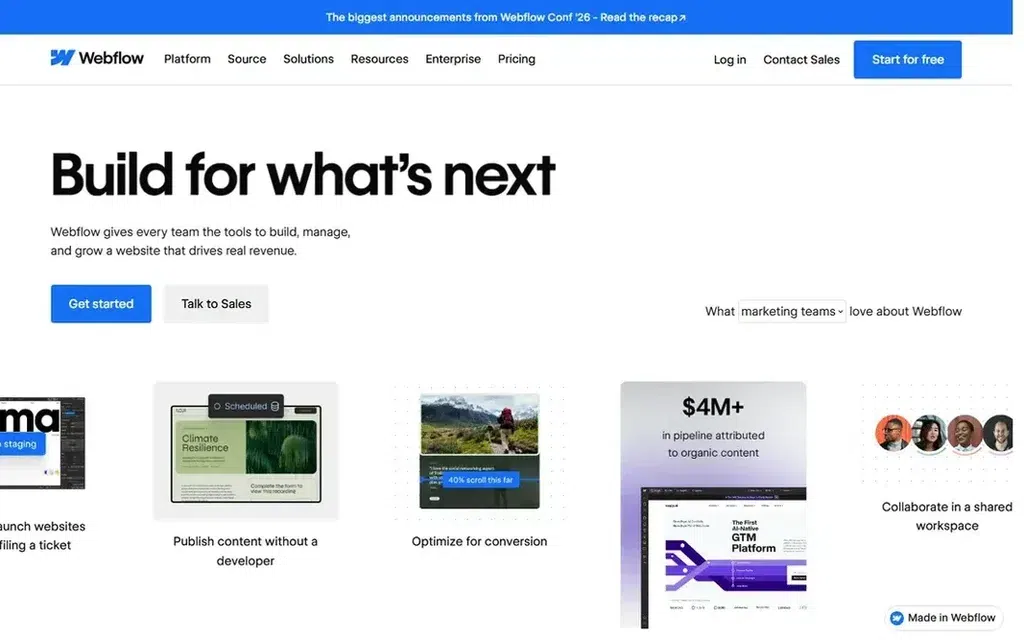
Webflow is built with visual web product with AI search optimization in mind. Enterprise-grade security, CMS, hosting and AEO are built in. More specifically, if you have to publish mobile apps to app keeps, choose a mobile-oriented builder.
Upsides: Visual design with CMS and hosting.
Worth adding: Webflow targets web experiences instead of native iOS or Android apps. Its advanced interaction and CMS features can take time to learn. For everyday use, designers who want precise visual control over responsive websites and a product that supports content and search visibility will find it a good fit. Webflow pricing: $15 per month. You can start on Webflow without paying. What to check first: Not geared toward native mobile app publishing.
- Enterprise-grade security choices
- AI search optimization built in
- Ramp-up time for advanced interactions
FlutterFlow makes the most sense for native mobile apps from a description. FlutterFlow lets you build an iPhone and Android app by describing it, starting with a first version rapidly and asking the agent for changes.
Also, publishing to app keeps involves account and review steps outside the builder. FlutterFlow pricing: $29 per month. FlutterFlow includes a free tier.
What to check first: Needs app store setup knowledge.
- Publishes to App Store and Google Play
- Visual editing for precision
- Mobile-first focus may not suit straightforward websites
Pick Adalo if this describes you: AI no-code apps for iOS, Android and web. Adalo is an AI no-code app builder for iOS, Android and web.
Also, publishing to app keeps involves external account and review processes. What you pay to start with Adalo: $65 per month. A free plan is available with Adalo.
What to check first: App store publishing needs setup.
- Describe app to create screens and logic
- One project for several systems
- Complicated custom features may need workarounds
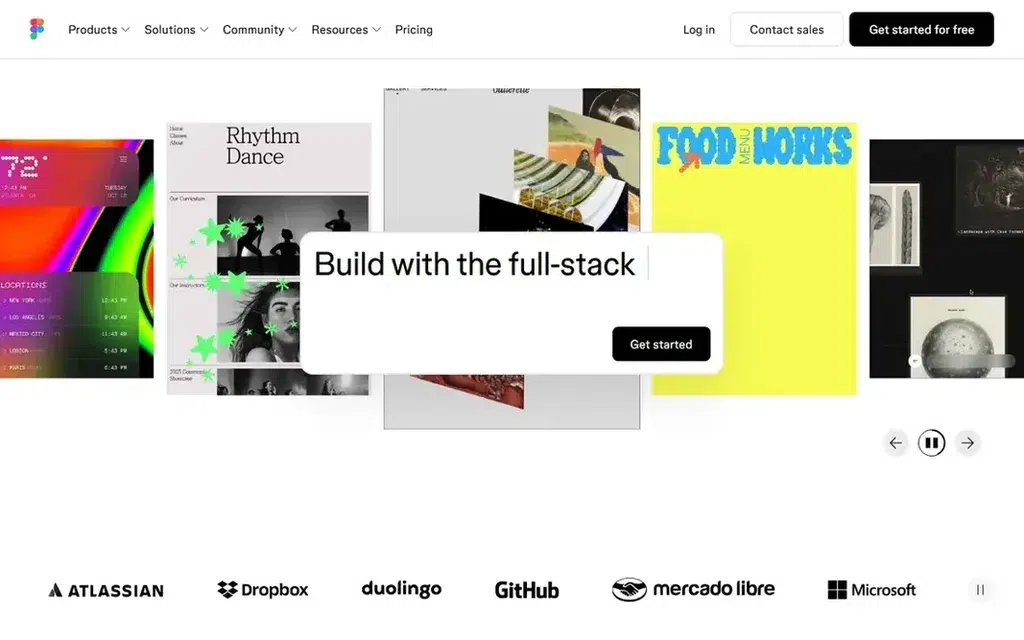
Choose Figma for collaborative design canvas with AI. Figma is a collaborative canvas where design, code and AI come together. From a buyer's view, designers who require a central workspace for UI design, prototyping and handoff will find it fits well, particularly when AI assistance is part of the design process.
If you need a single tool to build, host and launch a production app, pair Figma with a dedicated builder or choose a system that includes deployment. As for the details, Figma focuses on design and collaboration instead of hosting or app store publishing. Figma starts at: $3 per month. On free options: Not stated.
The main drawbacks: Not a full app deployment system.
- AI features built into the workflow
- Capable team collaboration
- Needs other tools to ship production apps
Selection criteria
LinkVetted looked at what each vendor publishes: pricing, plan limits, feature coverage for ai-powered app builder for designers and stated drawbacks. No hands-on testing is claimed. Plan names, prices and limits change often. Treat the figures here as a starting point and verify them with the vendor. The sequence is a judgement call: typical use case first, then pricing transparency, then free access. Use the profiles to check fit.
Pre-purchase checklist
- Get a written quote from Wix Studio; the list shows no starting price for them.
- Read the fine print on the free plans from Webflow, FlutterFlow and Adalo; seat, project and feature caps differ.
- Before choosing Wix Studio, weigh its main limit: less centred on native mobile apps.
- Ask FlutterFlow whether prices are locked for the first term and what happens at renewal.
- Test the integrations you rely on with Webflow before committing; some connectors sit on upper tiers.
FAQ
Can I try these tools before paying?
Often, yes. Webflow, FlutterFlow and Adalo have a free plan. Use your own data and a real task during the test, and check what the free tier or trial limits before you rely on it.
Is Wix Studio the right pick for everyone comparing ai-powered app builder for designers?
No single tool suits every team. Wix Studio comes first because it fits agencies and enterprises building client sites, while Webflow suits visual web platform with AI search optimization and FlutterFlow suits native mobile apps from a description. Match the tool to your own size, budget and workflow before deciding.
Which ai-powered app builder for designers have a free plan?
On this list, Webflow, FlutterFlow and Adalo include a free plan. Caps on seats, usage or features are common, so test the free plan against your real workload.
Do these tools publish their prices?
Not all of them. Wix Studio publishes no starting price, so expect a quote request for it. The rest, Webflow included, show a starting price, though seats and billing terms still change the final cost.
Sources
- https://www.wix.com/studio
- https://webflow.com
- https://www.flutterflow.io
- https://www.adalo.com
- https://www.figma.com