Choosing AI-Powered Photo Editing Software in 2026: 6 Options Compared
6 products for the top AI-Powered photo editing software, ranked by fit, with starting costs and free tiers. Every entry states what it lacks. Numbers first.
- Editor's choice
 Luminar Neo
Straightforward AI-driven photo enhancement
Starts atSee websiteVisit skylum.comFull review - Great alternative
 Topaz Photo AI
Sharpening, denoising, and upscaling
Starts at$19 per monthVisit topazlabs.comFull review - Also consider
 Adobe Photoshop
Wide AI-assisted creative editing
Starts atSee websiteVisit adobe.comFull review
Direct answer
For straightforward AI-driven photo enhancement, Luminar Neo is where this list starts. Listed starting prices: Topaz Photo AI from $19 per month and ON1 Photo RAW from $49.99. If your case is different, Topaz Photo AI suits Sharpening, denoising, and upscaling and Adobe Photoshop suits broad AI-assisted creative editing. Prices, free plans and limits for all 6 tools follow.
TL;DR:
- Luminar Neo sits first on this list: straightforward AI-driven photo enhancement.
- For the cheapest start, look at Topaz Photo AI: $19 per month.
- Adobe Lightroom comes with a trade-off: less suited to complicated compositing.
- Canva suits design-led visual content creation.
Last checked November 2026. Prices and plan details were read from the vendors' own pages in November 2026; vendors change plans often, so confirm the current price on the vendor site before you buy.
Quick comparison
| Tool | Best for | Starts at | Free plan? | |
|---|---|---|---|---|
| Luminar Neo | Straightforward AI-driven photo enhancement | See website | No | Visit |
| Topaz Photo AI | Sharpening, denoising, and upscaling | $19 per month | Not stated | Visit |
| Adobe Photoshop | Wide AI-assisted creative editing | See website | Not stated | Visit |
 Adobe Lightroom | Photo editing and organizing across devices | See website | Not stated | Visit |
 ON1 Photo RAW | All-in-one raw editing without subscription | $49.99 | Free trial | Visit |
 Canva | Design-led visual content creation | See website | Not stated | Visit |
6 options for AI-Powered photo editing software in detail
This LinkVetted guide covers 6 options for AI-Powered photo editing software. Each profile lists a starting price, free plan details, strengths and drawbacks, so you can drop poor fits quickly.
Pick Luminar Neo if this describes you: straightforward AI-driven photo enhancement. Choose Luminar Neo when speed and simplicity outweigh deep manual control.
Drawbacks to consider: Less depth for advanced compositing.
On top of that, photographers who require precise tethering or catalog-scale organization may prefer a dedicated professional editor. Luminar Neo does not show a starting price in this comparison, so check the vendor site for current pricing. Luminar Neo does not include a free plan.
- Approachable for less technical users
- AI features targeted at straightforward editing
- Smaller ecosystem than major suites
Topaz Photo AI makes the most sense for Sharpening, denoising, and upscaling. Topaz Photo AI concentrates on making decent photos excellent by sharpening, denoising, and upscaling images with what the vendor calls tomorrow's technology. It is not intended as a complete editing environment, so cropping, compositing, and design work happen elsewhere.
Trade-offs to know: Not a full editing suite.
More specifically, pick Topaz Photo AI when rescue and enhancement of existing images is the central task. Users who want one application for everything may find its scope too narrow. Entry price for Topaz Photo AI: $19 per month. Free plan details: Not stated.
- Works as a focused enhancement tool
- Targets image quality problems
- Narrower scope than all-in-one editors
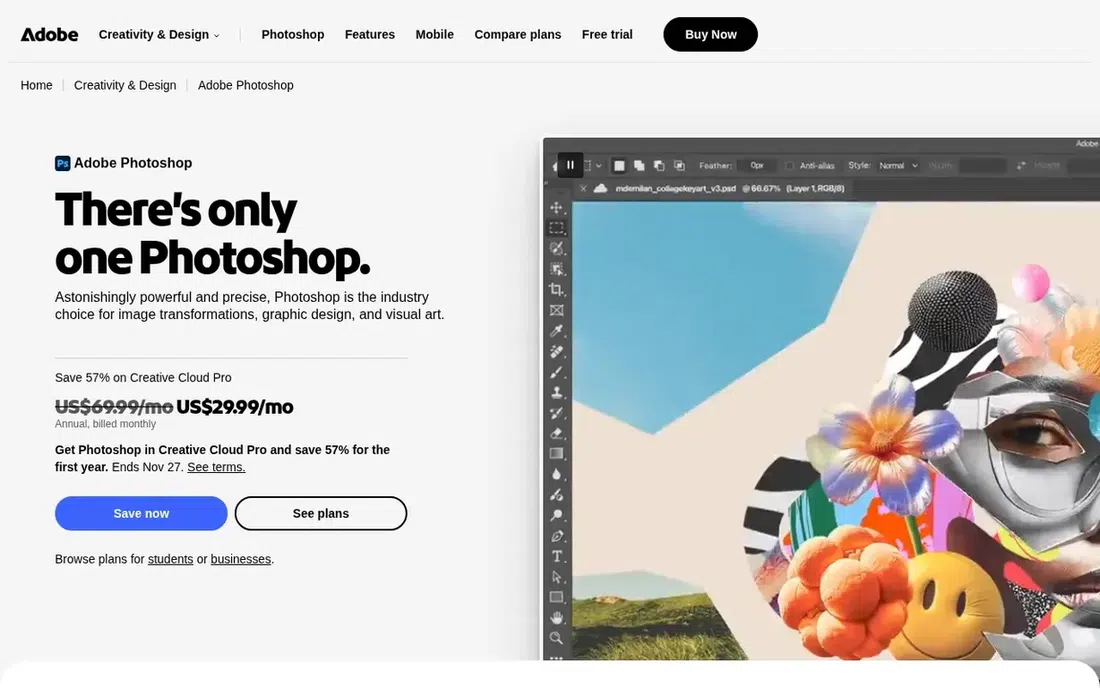
Pick Adobe Photoshop if this describes you: wide AI-assisted creative editing. Adobe Photoshop is a full creative editing environment where AI features sit alongside layers, selections, and compositing tools.
Honest limits: Subscription-based access.
On top of that, the vendor flags fast new ways to build custom scenes, make complicated edits, and combine images online or in the mobile app. More specifically, if you chiefly organize and correct large photo libraries, a dedicated photo workflow app may be more efficient. Pricing for Adobe Photoshop is not stated here, so ask the vendor for current figures. Free access: Not stated.
- Generative and quick-edit AI features
- Online and mobile access
- Complicated for beginners
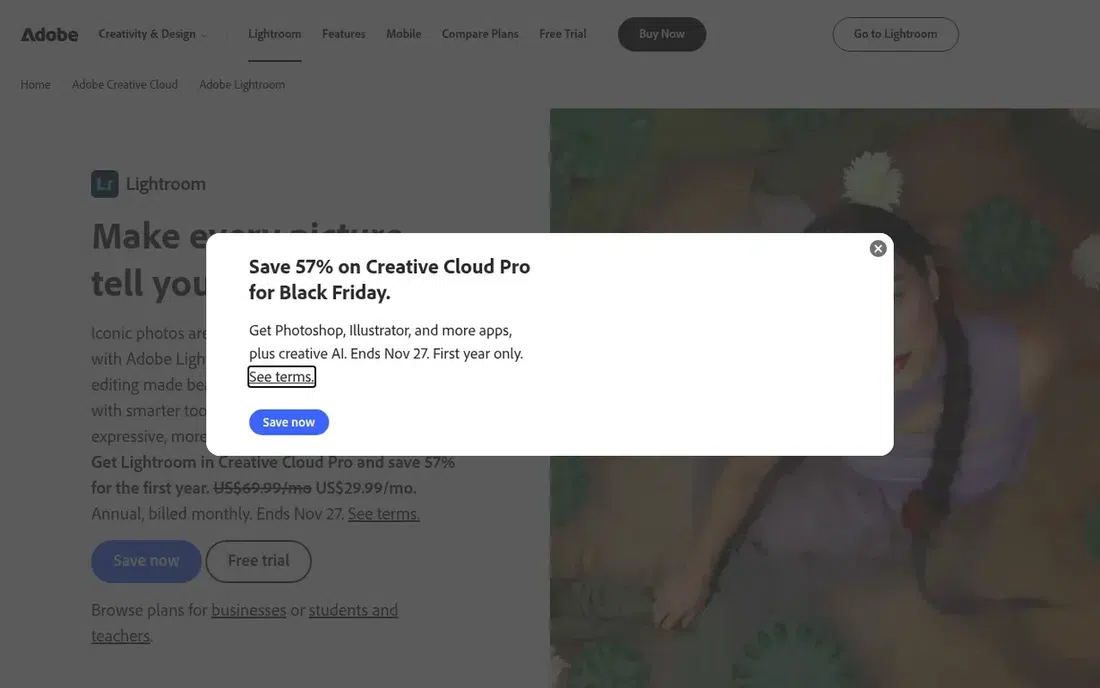
Pick Adobe Lightroom if this describes you: Photo editing and organizing across devices. Adobe Lightroom is aimed at photographers who require to edit and organize images from anywhere.
Lightroom is not a replacement for a full compositing editor, so complicated retouching or design layouts normally call for Photoshop alongside it. Also, the vendor describes it as a tool for professional photographers and enthusiasts, with editing and organizing available across desktop, web, and mobile. No starting price is listed for Adobe Lightroom here; confirm pricing on the vendor site. As for free access: Not stated.
Reasons to shortlist it: Aimed at large photo libraries. Limits to weigh: Subscription required.
- Mobile access
- Desktop, web
- Less suited to complicated compositing
ON1 Photo RAW makes the most sense for all-in-one raw editing without subscription. ON1 Photo RAW is AI-powered raw photo editing software for editing, organizing, and processing photos with pro-level quality. For everyday use, choose ON1 Photo RAW when raw editing and a non-subscription model are priorities.
Photographers deeply invested in a major ecosystem may find migration disruptive. On top of that, the vendor flags a one-time purchase with no subscription required. It has a smaller ecosystem and less design-oriented tooling than broader creative suites, so layout and graphic work may need another app. ON1 Photo RAW starts at: $49.99. On free options: Free trial.
Drawbacks to consider: Less known for design work.
- One-time purchase model
- AI-powered raw editing
- Smaller ecosystem than major suites
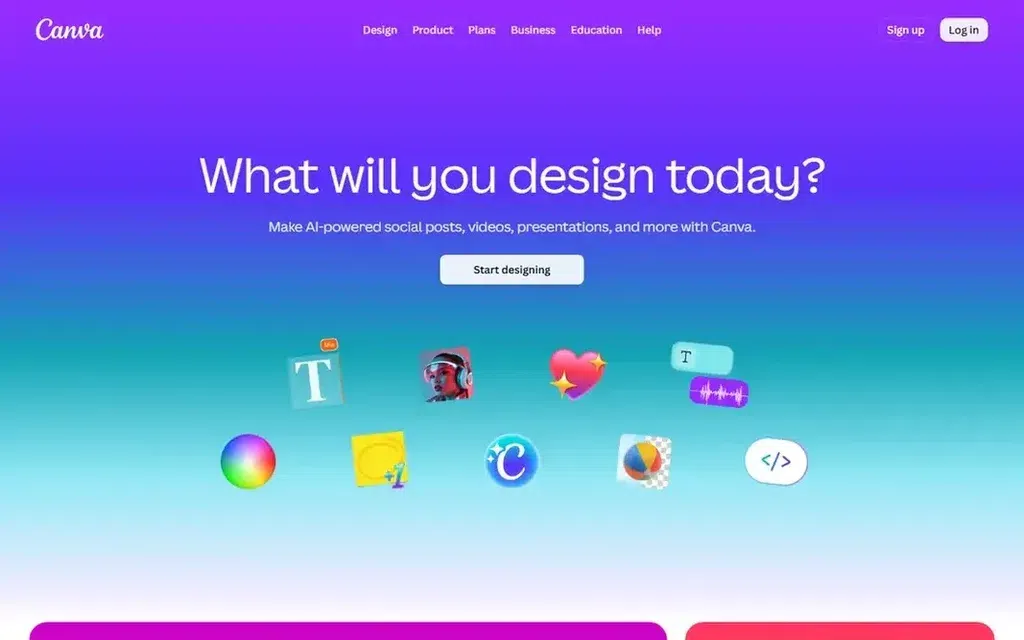
Choose Canva for design-led visual content creation. Canva is an online visual suite for creating social media posts, presentations, posters, videos, logos, and more. Its AI-assisted features help users assemble designs rapidly without advanced editing knowledge.
The main drawbacks: Not a deep raw photo editor.
As for the details, Canva lacks the precision and raw processing depth of dedicated photo editors, so serious retouching or color-critical work belongs elsewhere. Choose Canva when speed and design templates matter more than photographic control. Canva does not show a starting price in this comparison, so check the vendor site for current pricing. On free options: Not stated.
- Online graphic design workspace
- Templates for numerous content types
- Limited precision retouching
Our selection method
Things to verify first
- Get a written quote from Luminar Neo, Adobe Photoshop, Adobe Lightroom and Canva; the list shows no starting price for them.
- Use real work to test the free trial from ON1 Photo RAW, rather than a demo project.
- Before choosing Luminar Neo, weigh its main limit: less depth for advanced compositing.
- Confirm that Canva connects to the apps your team already uses, on the plan you would actually buy.
- Confirm minimum seats and billing terms with ON1 Photo RAW before you commit to an annual plan.
FAQ
How are the tools for AI-Powered photo editing software ordered?
Luminar Neo sits first and Canva last because the order follows typical fit for AI-Powered photo editing software, then price clarity and free access. It is a judgement call, so read each profile for fit and limits.
Do these tools publish their prices?
Not all of them. Luminar Neo, Adobe Photoshop, Adobe Lightroom and Canva publish no starting price, so expect a quote request for those. The rest, Topaz Photo AI included, show a starting price, though seats and billing terms still change the final cost.
Can I try these options before paying?
Often, yes. ON1 Photo RAW offers a free trial. Use your own data and a real task during the test, and check what the free tier or trial limits before you rely on it. For the full picture, the cards above cover all 6 entries of this AI-Powered photo editing software list, including price, free plan and limits.
Does any tool for AI-Powered photo editing software here have a free plan?
A permanent free plan is not offered by Luminar Neo, Canva or the other tools here. ON1 Photo RAW offer a trial. Plan a short evaluation period instead.
Which AI photo editor is a good match for beginners?
This list starts with Luminar Neo, which fits straightforward AI-driven photo enhancement. For other needs, Topaz Photo AI is aimed at Sharpening, denoising, and upscaling, and Adobe Photoshop at broad AI-assisted creative editing. Check each tool's price and main limit first.
Sources
- https://skylum.com/luminar
- https://www.topazlabs.com/topaz-photo-ai
- https://www.adobe.com/products/photoshop.html
- https://www.adobe.com/products/photoshop-lightroom.html
- https://www.on1.com/products/photo-raw
- https://www.canva.com