AI Image Upscaling Software for Print Designers in 2026: The 5 Best Options Side by Side
Need the best AI image upscaling software for print designers? We compare 5 tools on cost, free access and who each suits. Verdicts stay brief and factual.
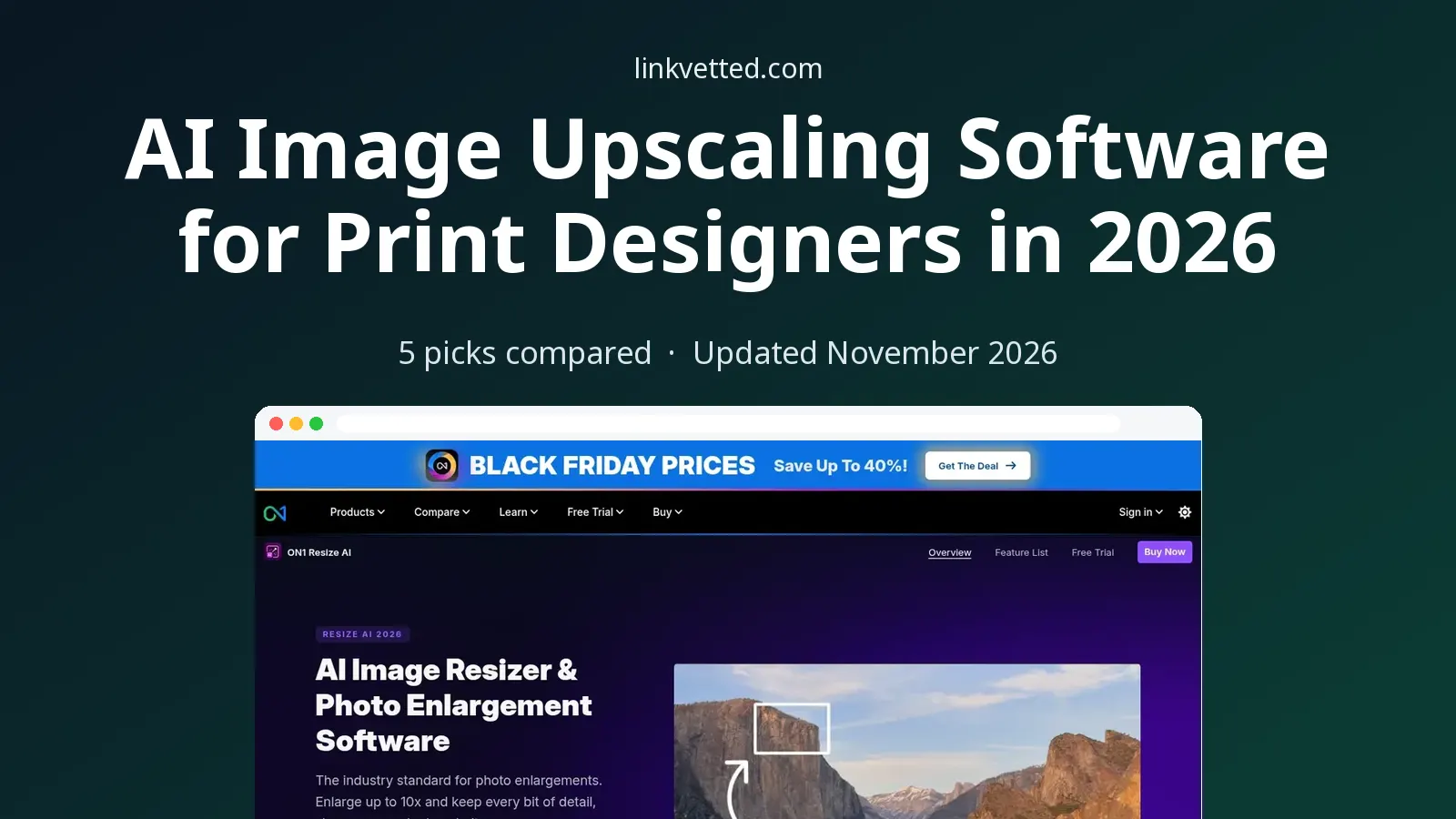
- Editor's choice
 Affinity Photo
Precise editing with upscaling control
Starts atSee websiteVisit affinity.serif.comFull review - Great alternative
 ON1 Resize AI
Large enlargement with face recovery
Starts at$49.99Visit on1.comFull review - Also considerSkylum Luminar Neo
AI-assisted editing with upscaling potential
Starts atSee websiteVisit skylum.comFull review
Direct answer
Affinity Photo is the first pick on this list for precise editing with upscaling control. Listed starting prices: ON1 Resize AI from $49.99 and Topaz Gigapixel AI from $19 per month. ON1 Resize AI is better for large enlargement with face recovery, and Skylum Luminar Neo is better for AI-assisted editing with upscaling potential. The remaining 2 options are covered below with prices and limits.
TL;DR:
- This list starts with Affinity Photo, which is built for precise editing with upscaling control.
- A permanent free plan is missing from all 5 tools, Affinity Photo and Topaz Gigapixel AI included; plan for a trial or a premium start.
- The main caution on Affinity Photo: Upscaling not the central focus.
- Topaz Gigapixel AI is the lowest-priced starter here at $19 per month.
- Topaz Gigapixel AI suits dedicated AI upscaling for print and restoration.
Last checked November 2026. Prices and plan details were read from the vendors' own pages in November 2026; vendors change plans often, so confirm the current price on the vendor site before you buy.
Quick comparison
| Tool | Best for | Starts at | Free plan? | |
|---|---|---|---|---|
| Affinity Photo | Precise editing with upscaling control | See website | Not stated | Visit |
| ON1 Resize AI | Large enlargement with face recovery | $49.99 | Free trial | Visit |
| Skylum Luminar Neo | AI-assisted editing with upscaling potential | See website | No | Visit |
 Capture One | Precision editing for photographers | See website | Not stated | Visit |
| Topaz Gigapixel AI | Dedicated AI upscaling for print and restoration | $19 per month | Not stated | Visit |
Every option for AI image upscaling software for print designers explained
This LinkVetted guide covers 5 AI image upscaling software for print designers. Each profile lists a starting price, free plan details, strengths and drawbacks, so you can drop poor fits quickly.
Affinity Photo serves precise editing with upscaling control. Whereas upscaling is not its primary selling point, Affinity Photo contains resizing and interpolation tools that print designers can use for enlargement.
Limits to weigh: Upscaling not the primary focus.
As for the details, designers needing automatic AI upscaling should consider a specialized tool. No starting price is listed for Affinity Photo here; confirm pricing on the vendor site. On free options: Not stated.
- One-time purchase option
- Precision editing tools
- Ramp-up time for advanced features
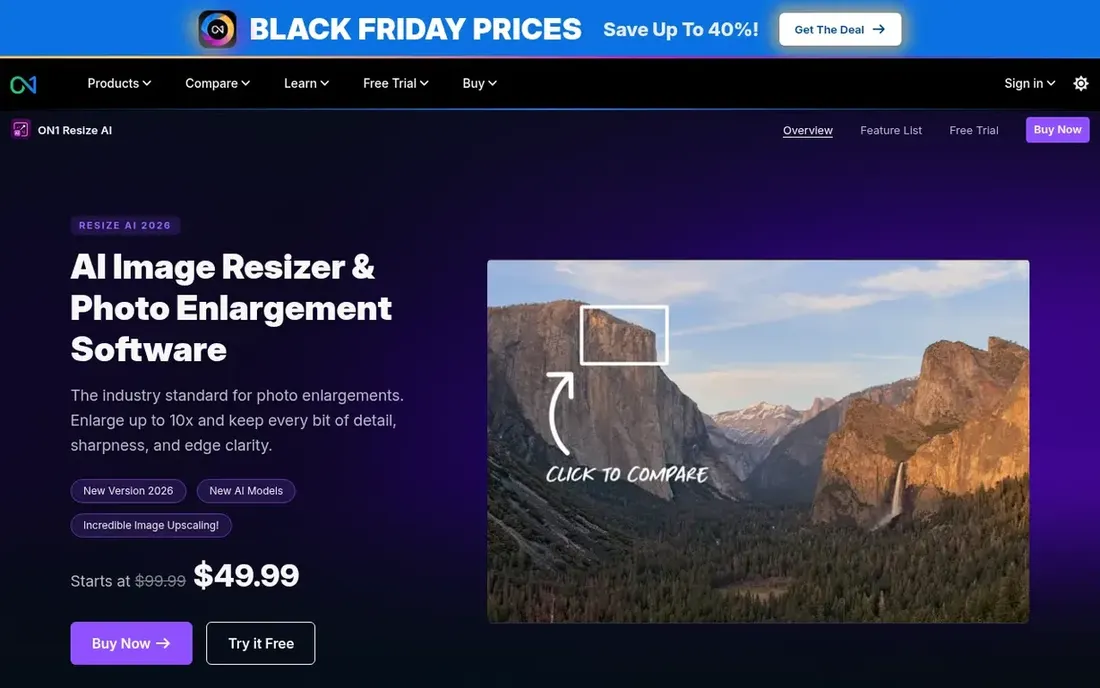
ON1 Resize AI works best for large enlargement with face recovery. Consider a broader suite if you prefer a single application for all image work.
The face recovery feature is especially handy for portraits and people-focused images. Entry price for ON1 Resize AI: $49.99. On free options: Free trial.
Trade-offs to know: Plugin integration may vary.
- Face recovery feature
- Works standalone or as a plugin
- Centred on resizing
Skylum Luminar Neo
Best for: AI-assisted editing with upscaling potential
Skylum Luminar Neo is aimed squarely at AI-assisted editing with upscaling potential. Skylum Luminar Neo is a photo editing software for PC and Mac that uses AI to help edit photos as imagined.
Luminar Neo is not marketed primarily as an upscaling tool, so its enlargement capabilities may be less specialized than dedicated choices. In daily use, choose a dedicated upscaler if upscaling is the central need. Check the vendor site for Skylum Luminar Neo pricing; none is listed in this comparison. Skylum Luminar Neo has no permanent free option.
Limits to weigh: Upscaling not the primary focus.
- AI-based editing tools
- Straightforward interface
- May lack advanced print controls
Capture One is a good fit for precision editing for photographers. For print designers working with RAW files, Capture One supplies a solid environment for color and detail adjustments before output, though upscaling is not its headline feature. Capture One is professional photo editing software aimed at photographers who demand precision and control.
Its homepage flags advanced editing tools, RAW handling, and tethering capabilities. Worth adding: Capture One does not position itself as an AI upscaling option, so designers needing significant enlargement should look to dedicated tools. Its strength lies in color and RAW processing. This comparison lists no price for Capture One; ask the vendor. As for free access: Not stated.
Limits to weigh: Not centred on upscaling.
- Advanced editing tools
- Smooth RAW handling
- Steeper ramp-up time
Topaz Gigapixel AI
Best for: Dedicated AI upscaling for print and restoration
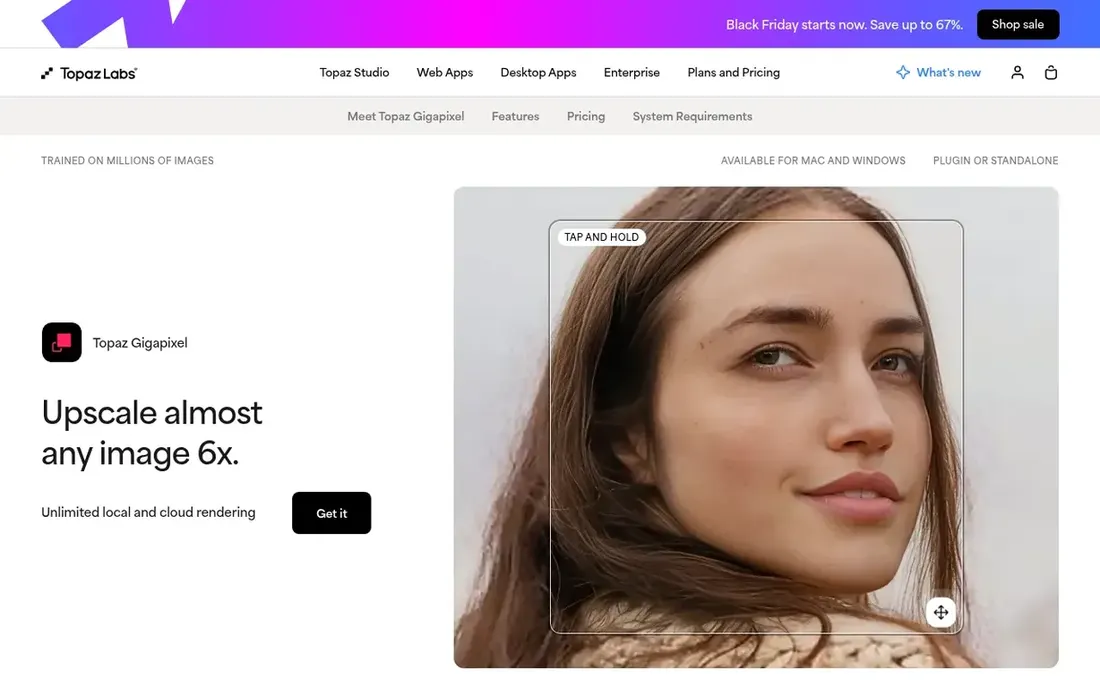
Topaz Gigapixel AI is built with dedicated AI upscaling for print and restoration in mind. Topaz Gigapixel AI is a standalone application built around deep learning for improving image resolution. More specifically, since Gigapixel AI is dedicated to upscaling, it does not replace a full editing suite.
Where it is weaker: Focused on upscaling only.
The tool is positioned for photographers and designers who want a focused upscaling step before final output. Choose a broader tool instead if upscaling is only an occasional need within a bigger workflow. Starting cost for Topaz Gigapixel AI: $19 per month. Free plan details: Not stated.
- Built for printing and cropping
- Restoration features
- May need workflow adjustment
How we compared the tools
LinkVetted looked at what each vendor publishes: pricing, plan limits, feature coverage for AI image upscaling software for print designers and stated drawbacks. No hands-on testing is claimed. Where a vendor does not publish a price, the entry says quote. Where a price depends on seats or billing term, the entry says so. Position on the page reflects fit for a typical buyer first, with price clarity and free access breaking ties. Treat it as a guide, not a ruling.
Before you commit
- Get a written quote from Affinity Photo, Skylum Luminar Neo and Capture One; the list shows no starting price for them.
- Take the trial from ON1 Resize AI and push a live task through it before you pay.
- Before choosing Affinity Photo, weigh its main limit: Upscaling not the primary focus.
- The entry price of Topaz Gigapixel AI is only the starting point; model the full cost with seats and extras.
- A short pilot of Affinity Photo with your real workflow tells you more than a feature table.
FAQ
How are the tools for AI image upscaling software for print designers ordered?
Affinity Photo sits first and Topaz Gigapixel AI last because the order follows typical fit for AI image upscaling software for print designers, then price clarity and free access. It is a judgement call, so read each profile for fit and limits.
What should print designers look for in AI upscaling software?
Print designers should prioritize tools that preserve detail at large sizes and offer control over the upscaling process. Features like face recovery and batch processing can be valuable. Integration with existing editing workflows also matters for efficiency.
Is Affinity Photo the right pick for everyone comparing AI image upscaling software for print designers?
No single tool suits every team. Affinity Photo comes first because it fits precise editing with upscaling control, while ON1 Resize AI suits large enlargement with face recovery and Skylum Luminar Neo suits AI-assisted editing with upscaling potential. Match the tool to your own size, budget and workflow before deciding.
How do I ensure upscaled images meet print resolution requirements?
Start with the highest resolution source available and upscale to the target print size at the required DPI. Always proof prints before final production to confirm quality.
Does any tool for AI image upscaling software for print designers here have a free plan?
A permanent free plan is not offered by Affinity Photo, Topaz Gigapixel AI or the other tools here. ON1 Resize AI offer a trial. Plan a short evaluation period instead.
Can I try these tools before paying?
Often, yes. ON1 Resize AI offers a free trial. Use your own data and a real task during the test, and check what the free tier or trial limits before you rely on it.
Sources
- https://affinity.serif.com/photo
- https://www.on1.com/products/resize-ai
- https://skylum.com/luminar-neo
- https://www.captureone.com
- https://www.topazlabs.com/gigapixel-ai