Top 6 AI Print Management Solutions for 2026 (Prices and Free Plans)
Searching for the best AI print management solutions? Here are 6 options with prices and free plans. Read the caveats before you buy. Updated November 2026.
- Editor's choiceMyQ X
Simple cost and waste control
Starts atSee websiteVisit myq-solution.comFull review - Great alternativeXerox Workplace Cloud
Workflow and print operations
Starts atSee websiteVisit xerox.comFull review - Also considerPaperCut MF
Multi-function device control
Starts atSee websiteVisit papercut.comFull review
Direct answer
Our first pick is MyQ X, best for simple cost and waste control. Listed starting prices: Printix from $2.09 per user per month. If your case is different, Xerox Workplace Cloud suits workflow and print operations and PaperCut MF suits multi-function device control. The other 3 tools in the list cover narrower or pricier cases.
TL;DR:
- Top of the list is MyQ X, which targets easy cost and waste control.
- The lowest published monthly entry price here is $2.09 per user per month, from Printix.
- A fair warning about MyQ X: advanced needs may need add-ons.
- Printix suits Cloud-first print infrastructure.
Last checked November 2026. Prices and plan details were read from the vendors' own pages in November 2026; vendors change plans often, so confirm the current price on the vendor site before you buy.
Quick comparison
| Tool | Best for | Starts at | Free plan? | |
|---|---|---|---|---|
| MyQ X | Simple cost and waste control | See website | Not stated | Visit |
| Xerox Workplace Cloud | Workflow and print operations | See website | Not stated | Visit |
| PaperCut MF | Multi-function device control | See website | Not stated | Visit |
| YSoft OMNI Series | Print management with document capture | See website | Not stated | Visit |
| Canon uniFLOW | Canon-centric print workflows | See website | Not stated | Visit |
 Printix | Cloud-first print infrastructure | $2.09 per user per month | Free trial | Visit |
6 AI print management solutions in detail
LinkVetted put together this guide to AI print management solutions for readers who want a clear shortlist without reading every vendor page. It compares 6 tools on starting price, free plans, who each one suits and where each one falls short.
MyQ X
Best for: Simple cost and waste control
MyQ X is built with simple cost and waste control in mind. Vendor materials lean toward marketing claims, so buyers should verify specifics.
Limits to weigh: Advanced needs may need extras.
Pricing for MyQ X is not stated here, so ask the vendor for current figures. Trial and free access: Not stated.
- Cuts unnecessary waste
- Aims to cut printing costs
- Vendor materials are marketing-led
Xerox Workplace Cloud
Best for: Workflow and print operations
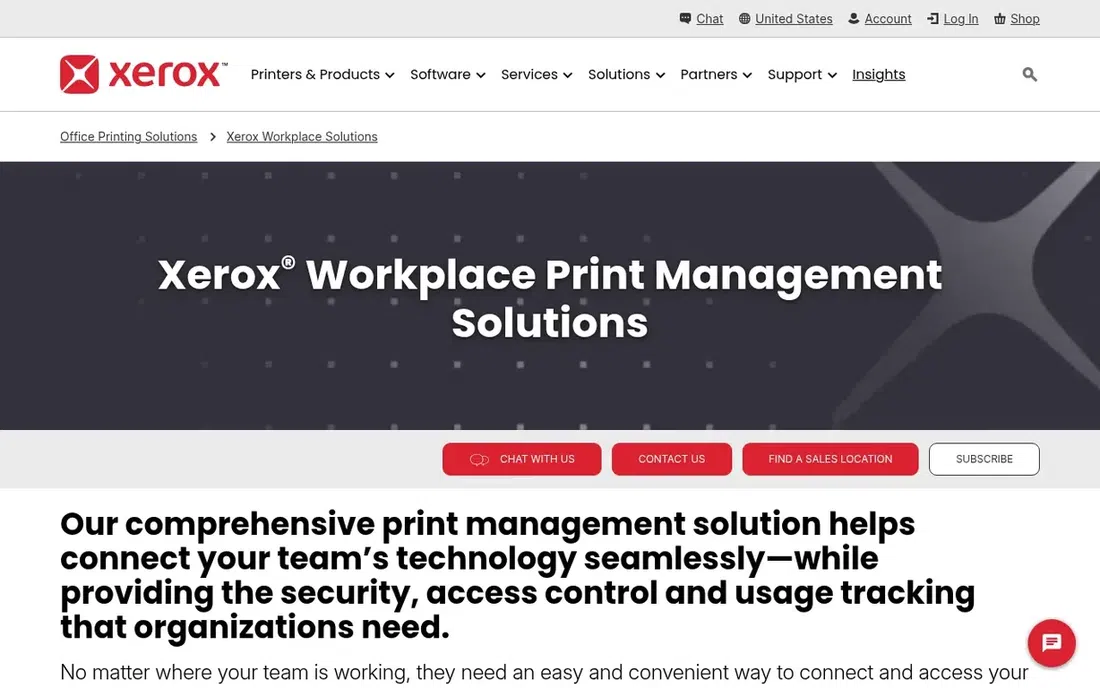
Where Xerox Workplace Cloud fits: workflow and print operations. The emphasis is on process improvement around printing instead of device control alone. As for the details, Xerox Workplace Cloud sits within Xerox workflow management software, which spans content and print management along with print operation processes.
For everyday use, consider it when Xerox devices and workflow efficiency are central, and look elsewhere for purely vendor-neutral fleet management. Also, details of the cloud service can vary by region. Pricing for Xerox Workplace Cloud is not stated here, so ask the vendor for current figures. As for free access: Not stated.
The main drawbacks: Best value inside Xerox ecosystems.
- Suits Xerox office environments
- Pitched at efficiency and cost reduction
- Cloud offering details vary by region
PaperCut MF
Best for: Multi-function device control
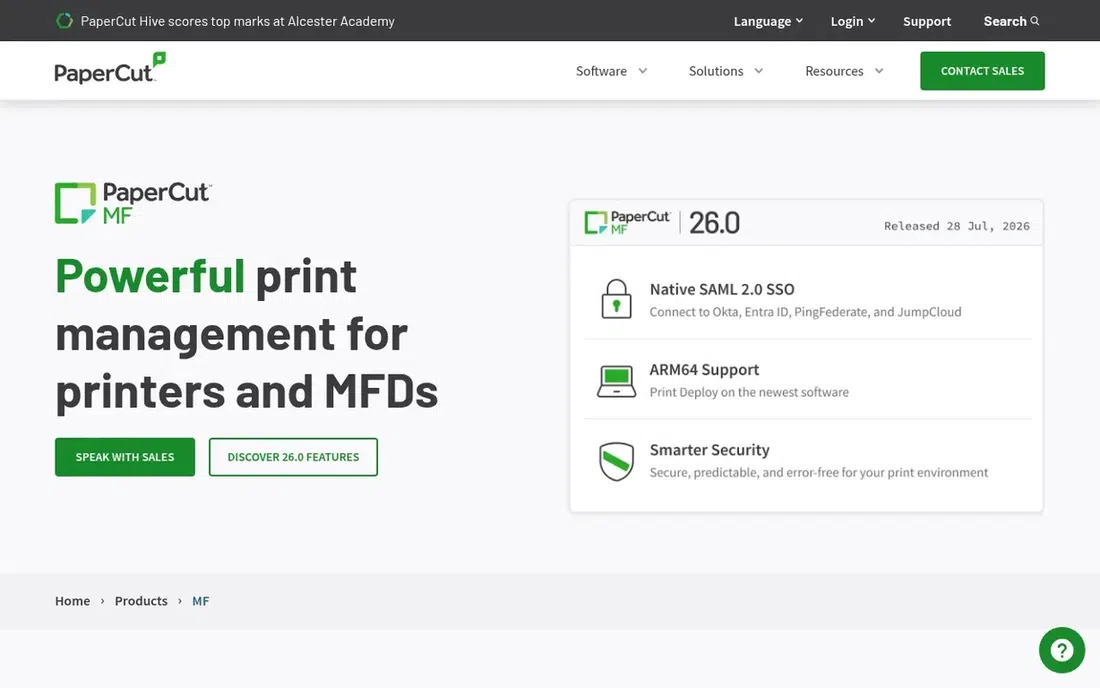
Where PaperCut MF fits: multi-function device control. PaperCut MF is a print management option built around multi-function devices. In practice, teams already familiar with print management categories will recognize the core capabilities.
The product is positioned as a capable choice for device-level oversight. More specifically, choose it when multi-function device management is the central requirement instead of an afterthought. Check the vendor site for PaperCut MF pricing; none is listed in this comparison. Trial and free access: Not stated.
Trade-offs to know: Feature depth can mean setup effort.
- Established print management feature set
- Handles multi-function devices
- May be more than small offices need
YSoft OMNI Series
Best for: Print management with document capture
For print management with document capture, YSoft OMNI Series is a natural candidate. Consider it when document capture and workflow optimization are part of the plan.
Downsides: Requires needs assessment upfront.
Organizations wanting only entry-level print control may find it broader than necessary. Since the series spans print management and capture, buyers need a clear requirements assessment to avoid paying for scope they will not use. This comparison lists no price for YSoft OMNI Series; ask the vendor. As for free access: Not stated.
- Focus on workflow optimization
- Merges print management and capture
- Broader scope can complicate selection
Canon uniFLOW
Best for: Canon-centric print workflows
Canon uniFLOW was built for Canon-centric print workflows. Canon uniFLOW is Canon's print management offering within its broader office options portfolio.
What to check first: Documentation spread across Canon sites.
Also, since uniFLOW is documented across Canon's global and regional sites, buyers should confirm current capabilities for their market and device models. Choose it when Canon hardware is the foundation and single-vendor alignment matters. No starting price is listed for Canon uniFLOW here; confirm pricing on the vendor site. As for free access: Not stated.
- Supports print workflow management
- Part of Canon's office portfolio
- Mixed-brand fleets need verification
Choose Printix for Cloud-first print infrastructure. Organizations with heavy on-premises constraints may prefer a hybrid approach.
Where it is weaker: Needs stable network connectivity.
From a buyer's view, Printix is cloud print management software that helps firms build secure print infrastructures in the cloud, removing the need for print servers. Starting cost for Printix: $2.09 per user per month. Free plan details: Free trial.
- Serverless cloud architecture
- Removes print servers
- Cloud dependency for all printing
How the list was put together
We compared the tools on published pricing, free plan or trial availability, feature coverage for AI print management solutions, and the limits each vendor documents. Seat minimums, billing terms and add-ons can move the real cost, so the starting prices here are a guide and not a quote. Order on the page follows fit for the typical buyer first, then price transparency and free access. Your own requirements should decide the final pick.
Pre-purchase checklist
- Get a written quote from MyQ X, Xerox Workplace Cloud, PaperCut MF and others; the list shows no starting price for them.
- Run a trial of Printix with real work before paying for a year; your own workflow is the best test.
- Read the limits listed for MyQ X first: advanced needs may need extras.
- See whether Canon uniFLOW offers onboarding or training, and whether it is included in the price.
- Check how data leaves PaperCut MF: formats, limits and whether exports are available on every plan.
FAQ
Can I try these options before paying?
Often, yes. Printix offers a free trial. Use your own data and a real task during the test, and check what the free tier or trial limits before you rely on it. Each of the 6 options in this AI print management solutions guide has its own card above with the price, free plan and limits.
Does any tool for AI print management solutions here have a free plan?
No tool in this list, MyQ X and Printix included, has a permanent free plan. Printix offer a trial. Trials and quotes are the usual route, so plan a short evaluation period.
What does AI add to print management software?
The tools listed here focus on print management fundamentals, so buyers should confirm which automation features each vendor documents for their edition.
How are the tools for AI print management solutions ordered?
The order follows typical fit for AI print management solutions, with MyQ X first and Printix last, then price clarity and free access. It is editorial judgement, not a score, so another team could rank the tools differently.
Do these tools publish their prices?
Not all of them. MyQ X, Xerox Workplace Cloud, PaperCut MF and others publish no starting price, so expect a quote request for those. The rest, Printix included, show a starting price, though seats and billing terms still change the final cost.
Do these tools work with multi-brand printer fleets?
Some options are tied closely to a hardware vendor, whereas others position themselves as fleet-neutral. Verify support for each printer brand and model you run, particularly if you mix vendors across locations.
Sources
- https://www.myq-solution.com
- https://www.xerox.com/en-us/office/print-management-solutions
- https://www.papercut.com/products/mf
- https://www.ysoft.com
- https://www.canon.com
- https://printix.net