Choosing Image Upscaling Software for Archival Restoration in 2026: 6 Options Compared
Best image upscaling software for archival restoration: 6 contenders ranked by fit, with entry costs and free tiers. With pricing notes and limits. No hype.
- Editor's choice
 Adobe Photoshop
Full editing with upscaling features
Starts atSee websiteVisit adobe.comFull review - Great alternative
 Luminar Neo
AI-assisted editing for straightforward workflows
Starts atSee websiteVisit skylum.comFull review - Also consider
 ON1 Photo RAW
AI-powered raw editing with one-time purchase
Starts at$49.99Visit on1.comFull review
Direct answer
If you need full editing with upscaling features, Adobe Photoshop is the first tool to look at here. Listed starting prices: ON1 Photo RAW from $49.99, Topaz Photo AI from $19 a month and Gigapixel AI from $19 a month. Look at Luminar Neo for AI-assisted editing for straightforward workflows, and at ON1 Photo RAW for AI-powered raw editing with one-time purchase. Prices, free plans and limits for all 6 tools follow.
TL;DR:
- This list starts with Adobe Photoshop, which is built for thorough editing with upscaling features.
- For the cheapest start, look at Topaz Photo AI: $19 per month.
- ACDSee Photo Studio fits all-in-one editing and asset management.
- Check the limits for Luminar Neo before you commit: may lack advanced manual controls.
- None of the 6 tools, from Adobe Photoshop to ACDSee Photo Studio, has a free plan, so budget for a subscription or use a trial.
Last checked November 2026. Prices and plan details were read from the vendors' own pages in November 2026; vendors change plans often, so confirm the current price on the vendor site before you buy.
Quick comparison
| Tool | Best for | Starts at | Free plan? | |
|---|---|---|---|---|
| Adobe Photoshop | Full editing with upscaling features | See website | Not stated | Visit |
| Luminar Neo | AI-assisted editing for straightforward workflows | See website | No | Visit |
| ON1 Photo RAW | AI-powered raw editing with one-time purchase | $49.99 | Free trial | Visit |
 Topaz Photo AI | All-in-one restoration with AI enhancement | $19 a month | Not stated | Visit |
| Gigapixel AI | Dedicated upscaling for print and restoration | $19 a month | Not stated | Visit |
| ACDSee Photo Studio | All-in-one editing and asset management | See website | Not stated | Visit |
Image Upscaling Software for Archival Restoration compared in detail
LinkVetted compared 6 tools for image upscaling software for archival restoration. The goal is a practical shortlist: published prices, free plan facts, best-fit use cases and honest limits for every entry.
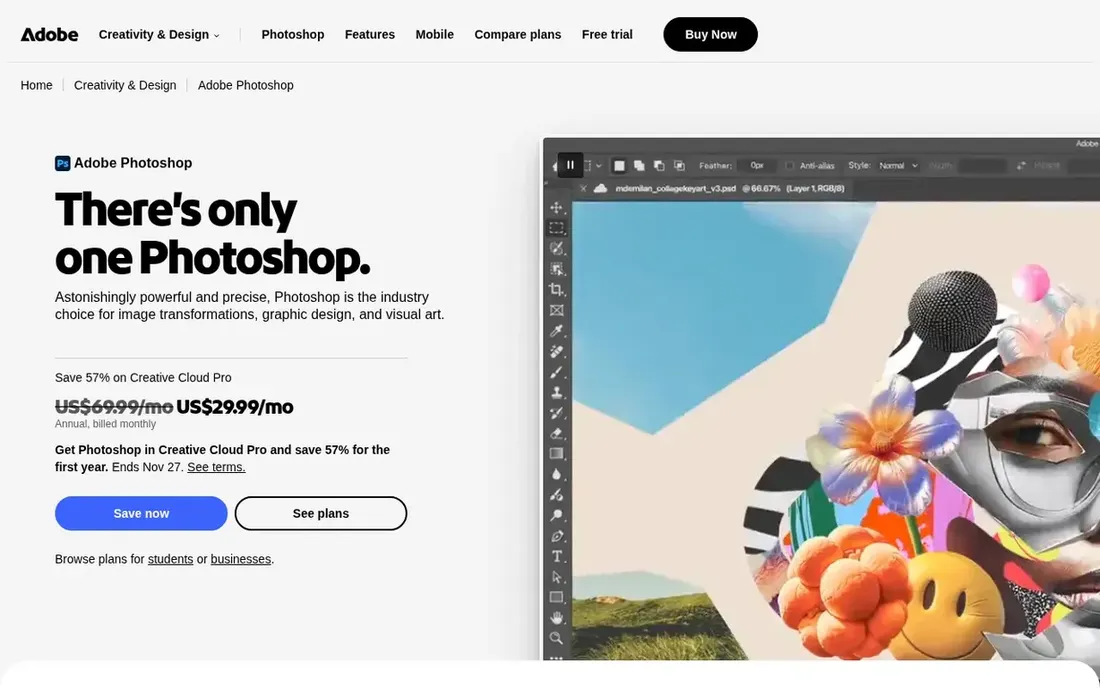
Adobe Photoshop is designed for thorough editing with upscaling features. Adobe Photoshop is a full photo and design application that provides a broad set of editing tools, including features for upscaling and enhancing images. It lets for complicated edits, custom scene creation, and image combination.
The main drawbacks: Steeper ramp-up time for beginners.
For archival restoration, Photoshop supplies granular control over every aspect of an image, from retouching scratches to adjusting color and contrast, making it right for in-depth restoration work where precision is key. Photoshop's depth can be overwhelming for users who only need straightforward upscaling. Its subscription model may not appeal to those preferring one-time purchases. Adobe Photoshop does not show a starting price in this comparison, so check the vendor site for current pricing. Free plan details: Not stated.
- Contains upscaling and enhancement tools
- Industry-standard for image manipulation
- Needs subscription for full access
Luminar Neo is designed for AI-assisted editing for straightforward workflows. Luminar Neo is a photo editing software for PC and Mac that uses AI to help edit photos as you imagine them. It is meant to be straightforward and easy-to-learn.
Beyond that, Luminar Neo may not supply the specialized upscaling performance or manual precision required for challenging archival restorations. Beyond that, for archival restoration, Luminar Neo provides AI-driven enhancements that can assist with noise reduction, detail improvement, and creative adjustments, making it accessible for users who prefer a straightforward workflow without deep technical knowledge. Check the vendor site for Luminar Neo pricing; none is listed in this comparison. Luminar Neo has no free tier.
The main drawbacks: May lack advanced manual controls.
- Approachable interface
- Available for PC and Mac
- Upscaling capabilities are not its primary focus
Choose ON1 Photo RAW for AI-powered raw editing with one-time purchase. ON1 Photo RAW is an AI-powered raw photo editing software that permits you to edit, organize, and process photos with pro-level quality. It is available as a one-time purchase without a subscription.
If your primary need is the highest possible upscaling quality, a focused tool might be better. For archival restoration, it supplies a blend of editing and organizational tools, which can be useful for managing large collections of historical images whereas applying enhancements like upscaling and noise reduction. Beyond that, Whereas ON1 Photo RAW comes with upscaling capabilities, it may not match the specialized performance of dedicated upscaling tools for extreme resolution raises. ON1 Photo RAW pricing: $49.99. Free options: Free trial.
What to check first: Upscaling may not be as specialized as dedicated tools.
- One-time purchase
- All-in-one raw editor with AI features
- May have a ramp-up time for new users
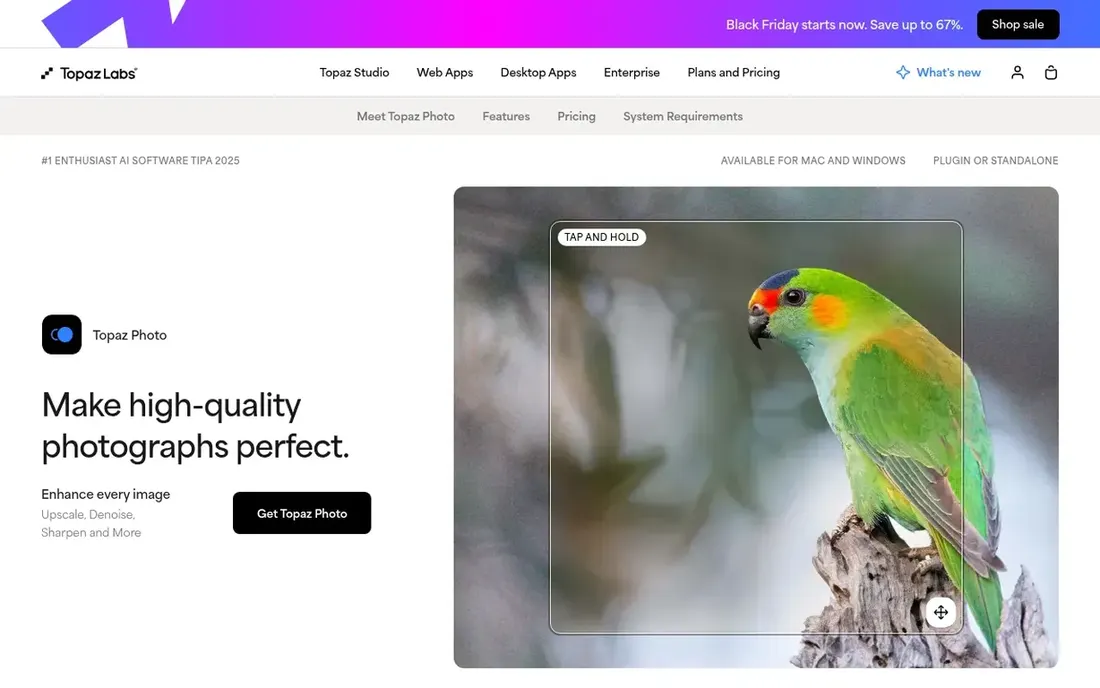
Topaz Photo AI works best for all-in-one restoration with AI enhancement. Topaz Photo AI is a software tool that sharpens, denoises, and upscales images using what the company describes as tomorrow's technology. It is meant to make decent photos excellent and is used by professionals, creatives, and enthusiasts.
If your restoration project needs in-depth retouching, compositing, or layer-based adjustments, you might have to pair it with another tool. It is most useful for users who want fast, AI-driven improvements without deep manual intervention. Beyond that, for archival restoration, it supplies a simplified way to address several issues for example blur, noise, and low resolution in a single pass, which can be efficient for batch processing or individual attention. Topaz Photo AI pricing: $19 per month. Free options: Not stated.
Watch-outs: May need capable hardware for best performance.
- Right for professionals and enthusiasts
- Merges sharpening, denoising, upscaling
- Centred on enhancement instead of full editing
Gigapixel AI
Best for: Dedicated upscaling for print and restoration
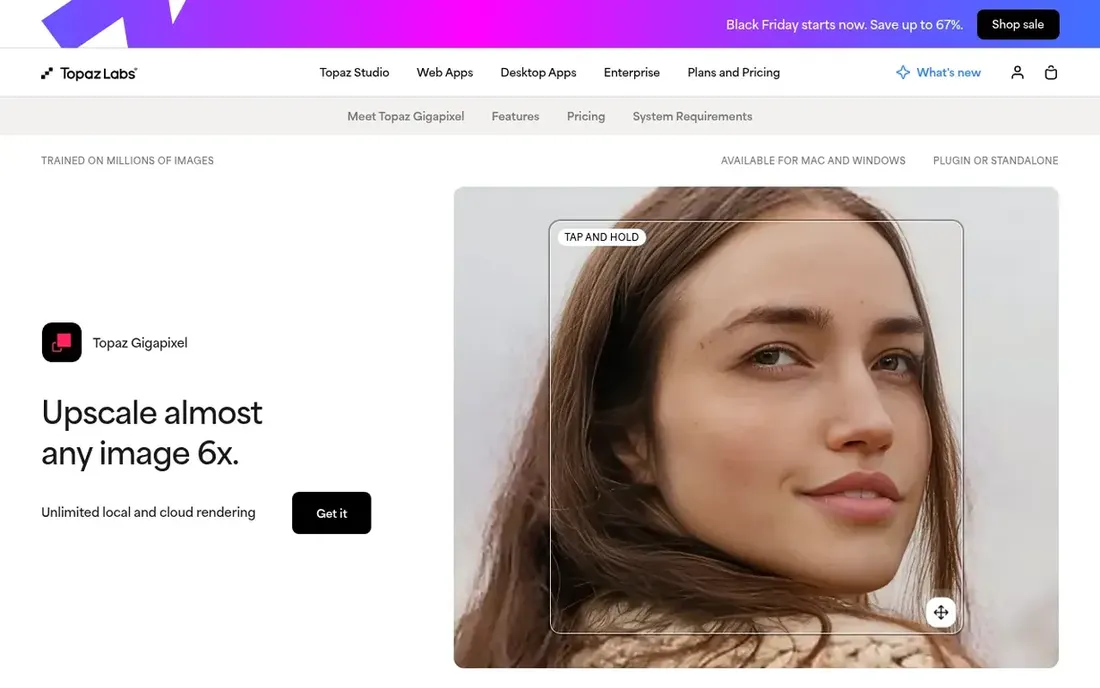
In short, Gigapixel AI is for dedicated upscaling for print and restoration. Gigapixel AI is a dedicated upscaling tool that boosts image resolution using deep learning.
From a buyer's view, choose Gigapixel AI when upscaling is the central requirement and other edits are handled elsewhere. Gigapixel AI pricing: $19 per month. Trial and free access: Not stated.
The main drawbacks: May not handle other restoration tasks like color correction.
- Concentrates on increasing image resolution
- Widely used for printing and cropping
- Restricted to upscaling and related enhancements
ACDSee Photo Studio
Best for: All-in-one editing and asset management
ACDSee Photo Studio is aimed squarely at all-in-one editing and asset management. It provides layered editing, raw photo editing, and digital asset management.
In daily use, Whereas ACDSee Photo Studio includes upscaling capabilities, they may not be as specialized or advanced as those in dedicated upscaling software. In daily use, ACDSee is a strong match for users who prioritize organization and a thorough editing environment over specialized upscaling. No starting price is listed for ACDSee Photo Studio here; confirm pricing on the vendor site. Free access: Not stated.
Honest limits: Interface may feel complicated for new users.
- Supports raw photo editing
- Helps organize large photo collections
- Upscaling features are part of a broader toolkit
How we built this list
Before you commit
- Get a written quote from Adobe Photoshop, Luminar Neo and ACDSee Photo Studio; the list shows no starting price for them.
- Use real work to test the free trial from ON1 Photo RAW, rather than a demo project.
- Before choosing Adobe Photoshop, weigh its main limit: steeper ramp-up time for beginners.
- Look at the renewal terms for Luminar Neo: auto-renewal, notice periods and price changes can matter more than the first-year price.
- Find out what support ACDSee Photo Studio includes on your plan, and whether onboarding help costs extra.
FAQ
Does any tool for image upscaling software for archival restoration here have a free plan?
No tool in this list, Adobe Photoshop and ACDSee Photo Studio included, has a permanent free plan. ON1 Photo RAW offer a trial. Trials and quotes are the usual route, so plan a short evaluation period.
Do these tools publish their prices?
Not all of them. Adobe Photoshop, Luminar Neo and ACDSee Photo Studio publish no starting price, so expect a quote request for those. The rest, ON1 Photo RAW included, show a starting price, though seats and billing terms still change the final cost.
What is the cheapest option for image upscaling software for archival restoration in this list?
On published monthly entry prices, Topaz Photo AI is the lowest here at $19 per month. Entry price is only part of the cost, because seats, add-ons and billing terms can change the total.
What should I look for in image upscaling software for archival restoration?
Focus on tools that can increase resolution without introducing artifacts, and consider whether you need extra features like noise reduction, color correction, or asset management.
How are the tools for image upscaling software for archival restoration ordered?
The order follows typical fit for image upscaling software for archival restoration, with Adobe Photoshop first and ACDSee Photo Studio last, then price clarity and free access. It is editorial judgement, not a score, so another team could rank the tools differently.
Sources
- https://www.adobe.com/products/photoshop.html
- https://skylum.com/luminar
- https://www.on1.com/products/photo-raw
- https://www.topazlabs.com/topaz-photo-ai
- https://www.topazlabs.com/gigapixel-ai
- https://www.acdsee.com/en/products/photo-studio-ultimate