Choosing AI App Builder with Templates in 2026: 6 Options Compared
Shortlisting the best AI app builder with templates? 6 products compared on cost, free access and ideal buyer. Read the caveats before you buy. Start here.
- Editor's choice
 FlutterFlow
Shipping native apps to app keeps
Starts at$29 per monthVisit flutterflow.ioFull review - Great alternative
 Retool
Internal tools on existing data
Starts at$10 per builder per monthVisit retool.comFull review - Also consider
 Bubble
Full no-code apps with visual control
Starts atSee websiteVisit bubble.ioFull review
Direct answer
Our first pick is FlutterFlow, best for shipping native apps to app keeps. Listed starting prices: FlutterFlow from $29 per month, Retool from $10 per builder per month and Adalo from $65 a month. Retool is the stronger choice for internal tools on existing data, while Bubble suits full no-code apps with visual control. Prices, free plans and limits for all 6 tools follow.
TL;DR:
- Number one here is FlutterFlow, a fit for shipping native apps to app keeps.
- One limit worth knowing about Bubble: wide feature set takes time to learn.
- The lowest published monthly entry price here is $10 per builder per month, from Retool.
- For enterprise process orchestration with AI, Appian is worth a look.
Last checked November 2026. Prices and plan details were read from the vendors' own pages in November 2026; vendors change plans often, so confirm the current price on the vendor site before you buy.
Quick comparison
| Tool | Best for | Starts at | Free plan? | |
|---|---|---|---|---|
| FlutterFlow | Shipping native apps to app keeps | $29 per month | Yes | Visit |
| Retool | Internal tools on existing data | $10 per builder per month | Yes | Visit |
| Bubble | Full no-code apps with visual control | See website | Not stated | Visit |
 Adalo | Native iOS, Android and web apps | $65 a month | Yes | Visit |
 Glide | Apps built from spreadsheets or prompts | $25 a month | Yes | Visit |
 Appian | Enterprise process orchestration with AI | See website | Not stated | Visit |
Tool-by-tool breakdown
Choosing AI app builder with templates usually comes down to price, fit and limits. This LinkVetted guide sets 6 tools side by side on those three points, with the facts kept short and checkable.
FlutterFlow is a good fit for shipping native apps to app keeps. FlutterFlow lets you build an iPhone and Android app by describing it, starting with a first version in minutes, asking the agent for changes and sending it to the App Store and Google Play.
FlutterFlow leans mobile-first, so browser-based internal tools are less of a natural fit. On cost, FlutterFlow starts like this: $29 per month. Free access exists with FlutterFlow.
Limits to weigh: Code concepts help with advanced work.
- Agent takes care of requested changes
- Path to App Store and Google Play
- Mobile-first focus over web portals
Retool is a good fit for internal tools on existing data. Retool is targeted at internal software instead of consumer-facing products, so it is a poor match for public app launches.
It also assumes you can link the underlying data sources, which may need admin access and setup. The starting price for Retool: $10 per builder per month. Retool includes a free tier.
Watch-outs: Needs access to your data systems.
- Links to databases
- AI applied throughout internal tools
- Concentrated on internal software, not consumer apps
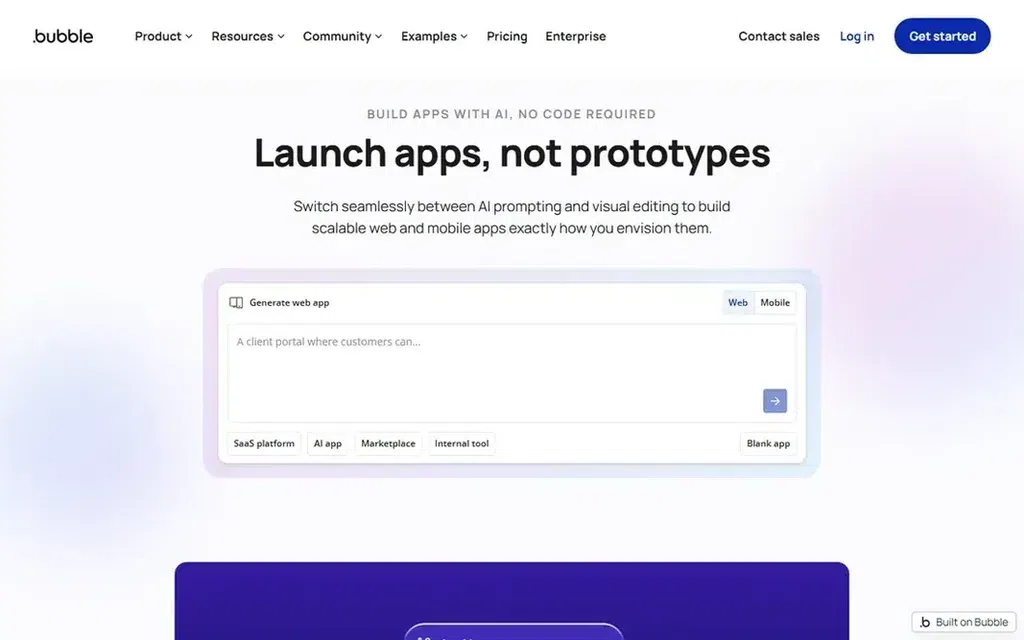
Think of Bubble for full no-code apps with visual control. The depth that makes Bubble adaptable also means a ramp-up time for newcomers, and small projects may feel overbuilt.
In daily use, Bubble describes itself as a no-code AI app builder where you build with AI for speed and edit visually for precision. Pricing for Bubble is not stated here, so ask the vendor for current figures. Free access: Not stated.
The main drawbacks: Broad feature set takes time to learn.
Where it shines: Built-in database.
- Logic and privacy rules
- Web and mobile app targets
- Less suited to straightforward static sites
For native iOS, Android and web apps, Adalo is a natural candidate. Adalo is an AI no-code app builder for iOS, Android and web. You describe your app and its assistant builds the screens, data and logic, then you publish native mobile and web apps from a single project, which fits small teams and creators who want one build across systems.
On top of that, if your priority is pixel-level design control or enterprise process orchestration, look at other choices here. In practice, projects with intricate custom logic or unusual integrations may need workarounds inside Adalo. On cost, Adalo starts like this: $65 per month. Adalo offers a free plan.
Highlights: Android and web from one project; Data and logic generated with screens. What to check first: Design freedom varies by app type.
- Describe your app and it builds screens
- Native iOS
- Complicated logic can need workarounds
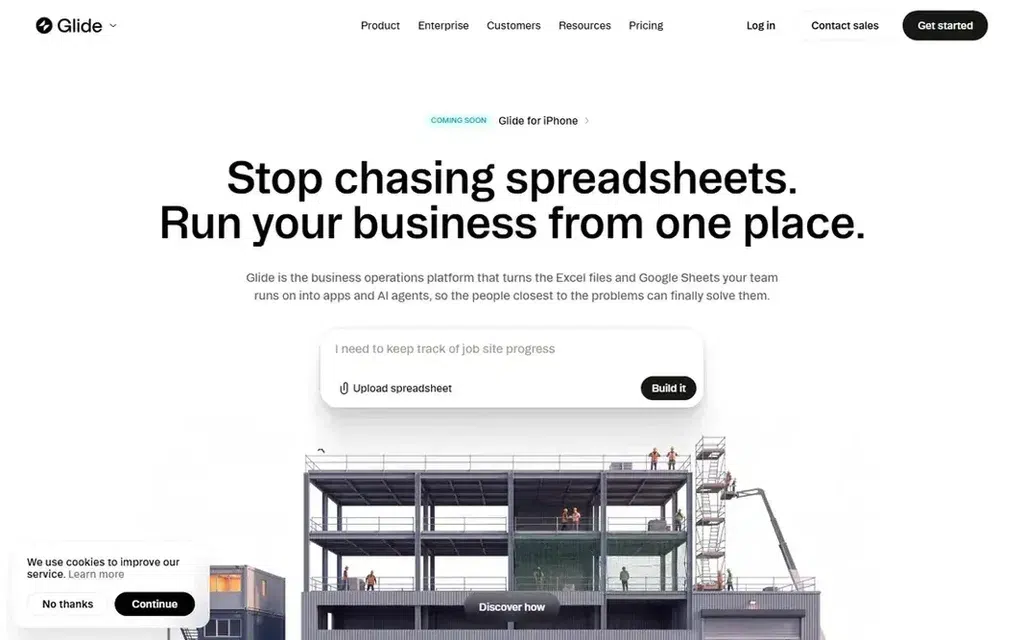
Glide was built for apps built from spreadsheets or prompts. Teams already keeping data in sheets can turn that structure into a working app rapidly, which fits internal operations, tracking and light workflow tools.
What users get: Quick path from data to app.
Drawbacks to consider: Not pitched at fully custom consumer apps.
In practice, Glide is an AI app builder for internal business apps that lets you build custom apps and agents from a spreadsheet or a prompt. Glide pricing: $25 per month. A free plan is available with Glide.
- Start from a spreadsheet or a prompt
- Business apps and agents
- Tied to structured data sources
Appian was built for enterprise process orchestration with AI. It suits bigger organizations that require to link existing systems and keep complicated workflows running with AI support instead of replacing core infrastructure.
What works well: systems and people.
From a buyer's view, expect implementation to involve mapping existing systems and processes before you see results. Pricing for Appian is not stated here, so ask the vendor for current figures. Free access: Not stated.
Downsides: Setup involves organizational processes.
- Works without replacing existing systems
- Aimed at critical enterprise processes
- Enterprise focus
How the list was put together
For each of the 6 tools we noted price, free plan or trial, fit for AI app builder with templates and the main limit, using vendor pages and documentation. Where a price is missing, the vendor does not list one publicly or ties it to a quote. Always confirm before budgeting. Position on the page reflects fit for a typical buyer first, with price clarity and free access breaking ties. Treat it as a guide, not a ruling.
What to check before you buy
- Get a written quote from Bubble and Appian; the list shows no starting price for them.
- Read the fine print on the free plans from FlutterFlow, Retool, Adalo and Glide; seat, project and feature caps differ.
- Before choosing FlutterFlow, weigh its main limit: mobile-first focus over web portals.
- Test how quickly FlutterFlow answers a pre-sales question; it hints at how support will feel later.
- Confirm that Adalo connects to the apps your team already uses, on the plan you would actually buy.
FAQ
Which AI app builder with templates have a free plan?
On this list, FlutterFlow, Retool, Adalo and Glide include a free plan. Caps on seats, usage or features are common, so test the free plan against your real workload.
Can I try these tools before paying?
Often, yes. FlutterFlow, Retool, Adalo and Glide have a free plan. Use your own data and a real task during the test, and check what the free tier or trial limits before you rely on it.
What should I look for in an AI app builder with templates?
Look at whether templates include your app type, how much the AI creates compared with what you edit by hand, and where you can publish.
Do these tools publish their prices?
Not all of them. Bubble and Appian publish no starting price, so expect a quote request for those. The rest, FlutterFlow included, show a starting price, though seats and billing terms still change the final cost.
How are the AI app builder with templates ordered?
The order follows typical fit for AI app builder with templates, with FlutterFlow first and Appian last, then price clarity and free access. It is editorial judgement, not a score, so another team could rank the tools differently.
Sources
- https://www.flutterflow.io
- https://retool.com
- https://bubble.io
- https://www.adalo.com
- https://www.glideapps.com
- https://appian.com