Best 3DMark Alternatives for 2026 (5 Compared)
3DMark alternatives, compared. 5 tools with published prices, free plans and limits. Costs and caveats sit beside each pick. Last reviewed November 2026.

- Editor's choiceUnigine Superposition
GPU benchmarking with varied scenes
Starts atPricing on requestVisit benchmark.unigine.comFull review - Great alternativeUnigine Heaven
GPU stress testing and benchmarking
Starts atPricing on requestVisit benchmark.unigine.comFull review - Also consider
 PassMark PerformanceTest
Thorough PC performance testing
Starts atPricing on requestVisit passmark.comFull review
Direct answer
Start with Unigine Superposition if you need GPU benchmarking with varied scenes. Look at Unigine Heaven for GPU stress testing and benchmarking, and at PassMark PerformanceTest for thorough PC performance testing. The remaining 2 options are covered below with pricing notes and limits. None of these vendors publish plan prices, so pricing is on request for every option.
TL;DR:
- Unigine Superposition sits first on this list: GPU benchmarking with varied scenes.
- Unigine Superposition, PCMark 10 and the 3 others all sell by quote; expect sales conversations before you see a price.
- PCMark 10 is the one to check for office and productivity PC benchmarking.
- A permanent free plan is missing from all 5 tools, Unigine Superposition and PCMark 10 included; plan for a trial or a premium start.
- PassMark PerformanceTest comes with a trade-off: interface may be less modern.
Last checked November 2026. Pricing on request: vendors did not publish plan prices when this guide was last checked (November 2026), so ask each vendor for a written quote.
Quick comparison
| Tool | Best for | Starts at | Free plan? | |
|---|---|---|---|---|
| Unigine Superposition | GPU benchmarking with varied scenes | Pricing on request | Not stated | Visit |
| Unigine Heaven | GPU stress testing and benchmarking | Pricing on request | Not stated | Visit |
| PassMark PerformanceTest | Thorough PC performance testing | Pricing on request | Free trial | Visit |
 Cinebench | CPU rendering performance | Pricing on request | Not stated | Visit |
 PCMark 10 | Office and productivity PC benchmarking | Pricing on request | Not stated | Visit |
Our 5 picks for 3DMark
Choosing 3DMark usually comes down to price, fit and limits. This LinkVetted guide sets 5 tools side by side on those three points, with the facts kept short and checkable.
Unigine Superposition
Best for: GPU benchmarking with varied scenes
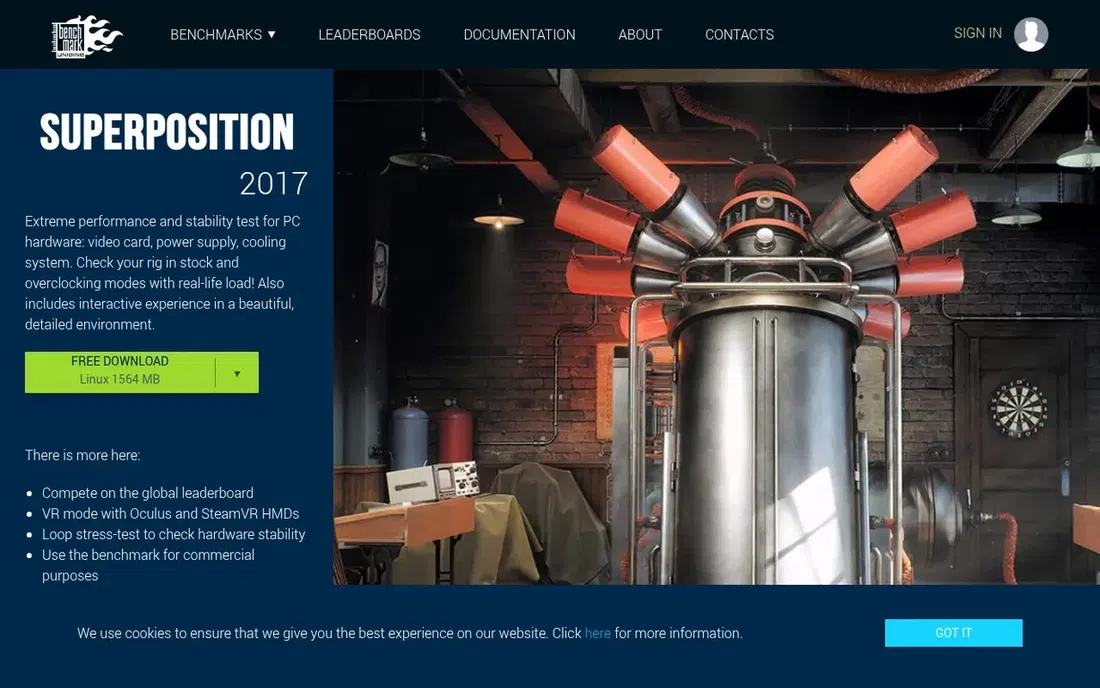
Choose Unigine Superposition for GPU benchmarking with varied scenes. If you need a broader PC benchmark, PCMark 10 or PassMark PerformanceTest could be better. In daily use, Unigine Superposition is a GPU benchmark from Unigine that provides a set of test scenes to evaluate graphics card performance.
The main drawbacks: May need a capable GPU for best results.
As for the details, the benchmark supplies in-depth results that help compare GPUs or assess overclocking gains. Choose Superposition when you specifically want to stress and measure GPU rendering performance. Unigine Superposition does not show a starting price in this comparison, so check the vendor site for current pricing. Trial and free access: Not stated.
- Several test scenes
- Modern GPU benchmark
- Primarily graphics-focused
Unigine Heaven
Best for: GPU stress testing and benchmarking
Unigine Heaven makes the most sense for GPU stress testing and benchmarking. Heaven is an older benchmark and may not completely represent the latest graphics features.
Honest limits: Graphics-focused only.
It is often used to test system stability and cooling under load. Unigine Heaven does not show a starting price in this comparison, so check the vendor site for current pricing. Free options: Not stated.
- From Unigine
- A decent match for stability testing
- Older benchmark compared with Superposition
For thorough PC performance testing, PassMark PerformanceTest is a natural candidate. PassMark PerformanceTest is a PC benchmark software that measures the speed of computer hardware across disk, 3D and CPU tests. It lets you to compare your results to other machines, supplying a wide view of system performance.
In daily use, the tool is right for users who want an all-in-one benchmark to assess several components and identify bottlenecks. In practice, PerformanceTest includes plenty of areas but may not offer the depth of specialized tools like Cinebench for CPU rendering or Unigine Superposition for GPU. The interface and reporting might feel technical for casual users. PassMark PerformanceTest does not show a starting price in this comparison, so check the vendor site for current pricing. Free access: Free trial.
Honest limits: Some tests may need technical knowledge.
Where it shines: Compare results to other machines.
- Wide coverage
- 3D and CPU tests
- Interface may be less modern

Cinebench was built for CPU rendering performance. Pick Cinebench when your primary interest is CPU rendering speed and you want a straightforward, repeatable test. Cinebench is a benchmark from Maxon that evaluates CPU performance through rendering tasks.
It is widely used to assess processor capabilities in scenarios like 3D modeling and content creation. On top of that, for full PC benchmarking or graphics stress tests, consider PCMark 10 or Unigine Superposition. Cinebench does not show a starting price in this comparison, so check the vendor site for current pricing. Free options: Not stated.
Watch-outs: No GPU stress testing. Reasons to shortlist it: Widely used for rendering tests.
- From Maxon
- Focused CPU benchmark
- Restricted to CPU performance
PCMark 10 is a good fit for office and productivity PC benchmarking. PCMark 10 is an industry-standard PC benchmark aimed at modern office environments. It is straightforward to use and a strong match for organizations that purchase PCs in high volumes.
More specifically, PCMark 10 emphasizes office and productivity workloads instead of gaming or heavy graphics. The benchmark measures performance across typical productivity tasks, making it a practical choice for IT departments and system builders who require consistent, repeatable results for fleet management or procurement decisions. Pricing for PCMark 10 is not stated here, so ask the vendor for current figures. As for free access: Not stated.
Trade-offs to know: Less emphasis on gaming graphics.
- Simple to use
- Industry-standard benchmark
- Centred on office workloads
How the list was put together
Before you commit
- Confirm the entry price with every vendor: no tool from Unigine Superposition to PCMark 10 shows a fixed starting price.
- Run a trial of PassMark PerformanceTest with real work before paying for a year; your own workflow is the best test.
- Read the limits listed for Unigine Superposition first: primarily graphics-focused.
- Ask PassMark PerformanceTest about contract length, onboarding fees and user minimums before you sign.
- Compare total cost, not headline price: for Unigine Superposition, add extra seats, add-ons and any usage-based charges.
FAQ
Which tool is a good match for GPU stress testing?
The first pick on this list is Unigine Superposition, because it suits GPU benchmarking with varied scenes. Unigine Heaven is better for GPU stress testing and benchmarking, and PassMark PerformanceTest for full PC performance testing. Check price and limits against your own needs before choosing.
Do these tools publish their prices?
No. None of the tools, from Unigine Superposition to PCMark 10, shows a fixed starting price here, so budget time for quotes.
How are the tools for 3DMark ordered?
The order follows typical fit for 3DMark, with Unigine Superposition first and PCMark 10 last, then price clarity and free access. It is editorial judgement, not a score, so another team could rank the tools differently.
Is Unigine Superposition the right pick for everyone comparing 3DMark?
No single tool suits every team. Unigine Superposition comes first because it fits GPU benchmarking with varied scenes, while Unigine Heaven suits GPU stress testing and benchmarking and PassMark PerformanceTest suits comprehensive PC performance testing. Match the tool to your own size, budget and workflow before deciding.
Can I use these benchmarks for office PC performance?
PCMark 10 is tailored for modern office PC benchmarking and is a strong match for organizations. Other tools like PassMark PerformanceTest also contain tests relevant to general system performance.
Are these benchmarks a good match for comparing different computers?
Yes, most benchmarks offer scores that can be compared across systems. PassMark PerformanceTest explicitly permits comparison to other machines, whereas others like Cinebench and Unigine benchmarks are widely used for relative performance comparisons.
Sources
- https://benchmark.unigine.com/superposition
- https://benchmark.unigine.com/heaven
- https://www.passmark.com/products/performancetest
- https://www.maxon.net/en/cinebench
- https://benchmarks.ul.com/pcmark10