Best 401(k) Software in 2026: 8 Providers Compared
Compare the best 401 k software for small and large employers, with plan pricing, payroll links, compliance help and investment options explained in detail.
- Editor's choice
 Guideline
Small employers wanting automation
Starts at$39 per month plus $4 per employeeVisit guideline.comFull review - Great alternative
 Human Interest
Affordable full-service 401(k)
Starts at$80 per month plus $5 per employeeVisit humaninterest.comFull review - Also consider
 Fidelity
Low-cost plans with broad investments
Starts atSee websiteVisit fidelity.comFull review
TL;DR:
- Guideline and Human Interest are the simplest low-cost routes for small employers, with published base-plus-per-employee pricing.
- Fidelity, Schwab and Vanguard suit cost-focused employers that want broad low-cost investment lineups and self-service administration.
- Paychex and ADP fit employers that want retirement bundled with payroll and HR, though pricing is quote-based.
- This is general information, not financial advice; plan fees, fund expenses and tax rules deserve a check with a qualified adviser before choosing.
Quick comparison
| Tool | Best for | Starts at | Free plan? | |
|---|---|---|---|---|
| Guideline | Small employers wanting automation | $39 per month plus $4 per employee | No | Visit |
| Human Interest | Affordable full-service 401(k) | $80 per month plus $5 per employee | No | Visit |
| Fidelity | Low-cost plans with broad investments | See website | No | Visit |
 Charles Schwab | Self-employed and small business plans | See website | No | Visit |
 Vanguard | Low-cost index-focused plans | See website | No | Visit |
 Paychex | Retirement bundled with payroll | See website | No | Visit |
 ADP | Retirement inside a large HR suite | See website | No | Visit |
 Ubiquity | Simple flat-fee small business plans | $97 per month | No | Visit |
The best 401(k) software
We compared official pricing pages, plan documentation and public reviews for 401(k) providers and platforms that handle plan setup, recordkeeping, compliance testing and payroll links. The list covers solo plans, small business plans and large employer plans, so match the pick to headcount and payroll setup.
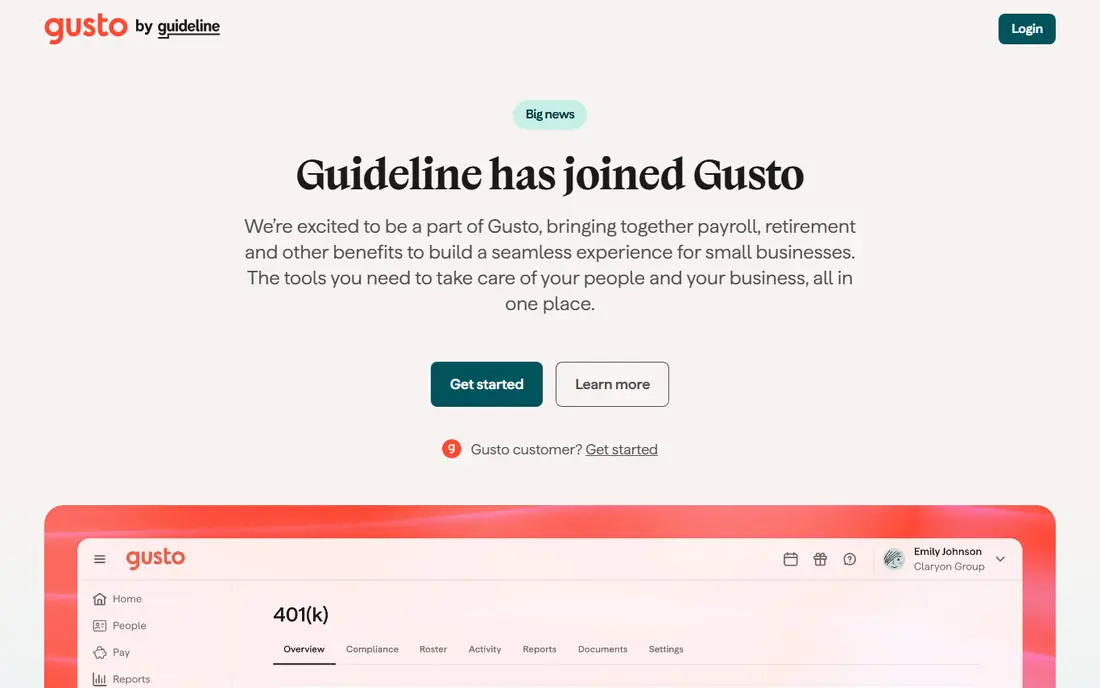
Guideline is our pick for small employers that want a 401(k) running with minimal admin. Its Starter plan is listed at $39 per month plus $4 per employee per month, with automated recordkeeping, compliance testing support and payroll integrations that keep contributions flowing without manual files. Plan design options cover matching and common plan types, and the dashboard makes participation easy to track.
The trade-off is investment choice. Guideline uses managed portfolios rather than a wide brokerage menu, which suits employers that want simplicity but not those that want a large fund lineup or brokerage window. Larger employers with complex plan designs may also need more customization. For a small team starting its first plan, Guideline balances price, automation and compliance help well.
- Low published starting price
- Automated administration and compliance support
- Payroll integrations
- Investment lineup is managed and narrower than brokerage-style plans
- Larger employers may want more customization
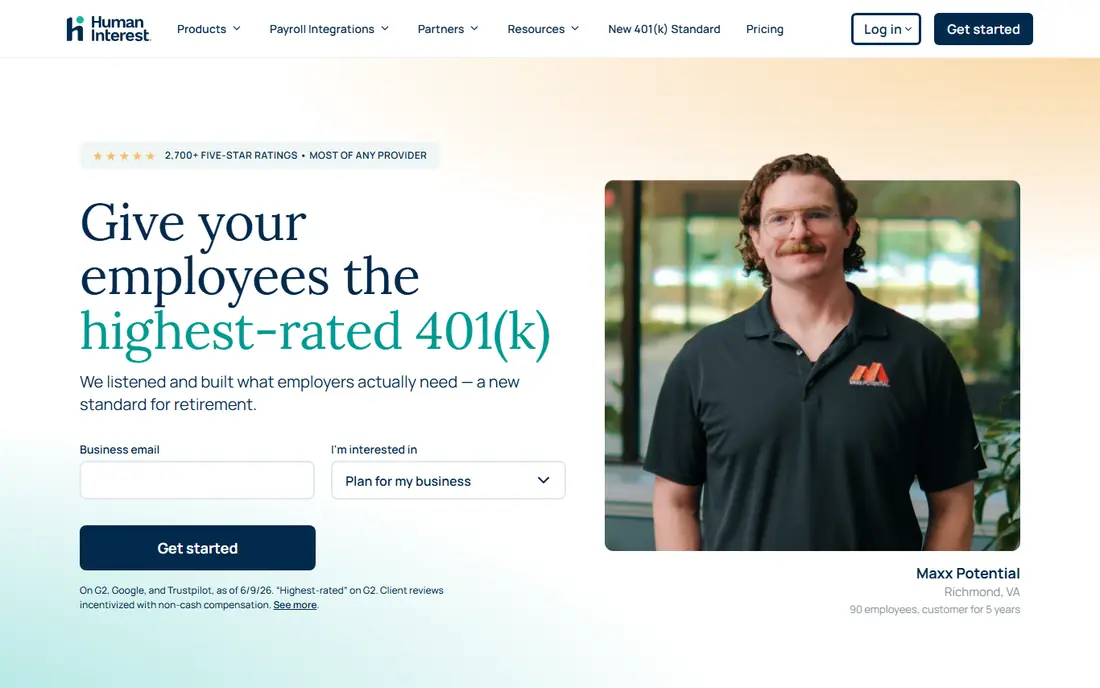
Human Interest is a strong full-service pick for small and mid-size employers. Its Essentials plan starts at $80 per month plus $5 per eligible employee per month, with higher Complete and Concierge tiers adding fiduciary services, tax support and a dedicated account manager. It syncs with many payroll providers, automates recordkeeping and compliance work, and offers a wide range of mutual funds plus employee education tools.
Watch the full fee picture. A one-time setup fee may apply, and asset-based recordkeeping and advisory fees apply on top of the monthly base, so read the pricing page in full. For employers that want a guided, mostly hands-off plan with clear tiers, Human Interest is an excellent default. Compare its Complete tier if you want the provider to take on more administrative responsibility.
- Transparent tiered pricing
- Automated administration and payroll sync
- Wide investment options and education tools
- Setup fee may apply
- Per-employee fee adds up for larger teams
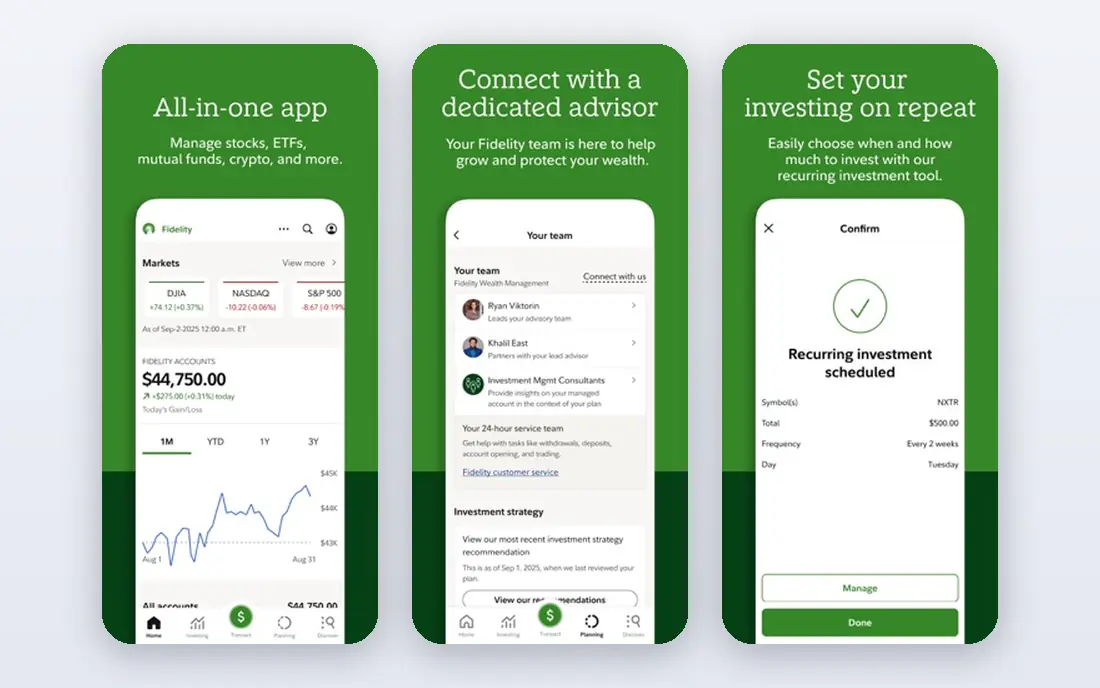
Fidelity suits employers that put low costs and investment breadth first. Its small business retirement plans are widely described as carrying no setup or ongoing plan fees for the employer, with no-commission trades and a wide range of funds, including low-cost index options. Solo 401(k) plans and plans with employees are both available, and Fidelity's tools and support are well established.
The catch is admin effort. Fidelity plans can feel more self-service than Guideline or Human Interest, since automation and compliance hand-holding vary by plan type. Employers that want a provider to run testing, notices and filings with minimal input should check exactly what is included for their plan size. For cost-focused employers comfortable with some admin, Fidelity is hard to beat.
- No setup or ongoing fee claims for many small business plans
- Broad investment menu
- Strong support and tools
- Plan administration can feel self-service
- Pricing details vary by plan type
Charles Schwab is a solid choice for self-employed owners and small businesses that want a low-cost 401(k) with a trusted brokerage behind it. Its plans are widely described as having no setup or maintenance fees, with traditional and Roth options and access to Schwab's investment lineup. Solo owners in particular get a straightforward, low-cost route to tax-advantaged saving.
Schwab is less of a managed service than Human Interest or Guideline. Employers with staff should confirm how much compliance testing, notices and payroll coordination Schwab handles versus what falls to the owner or a third-party administrator. For solo and very small plans where investment choice and low fees matter most, Schwab is a strong pick.
- No setup or maintenance fees for many plans
- Traditional and Roth 401(k) options
- Broad investment access
- Full-service admin support is lighter than dedicated 401(k) platforms
- Larger plans may need an adviser
Vanguard appeals to employers that want low-cost index investing at the core of their plan. Its funds are known for low expenses, and plan options support flexible contribution types, including pre-tax and after-tax designs depending on plan setup. Employers that believe fund fees compound over decades often start here and stay.
The practical catch is administration for small plans. Vanguard small business plans may involve a third-party administrator or partner for recordkeeping and compliance, so confirm who handles testing, filings and participant notices before signing. If low fund costs matter more than a slick dashboard, Vanguard remains a principled choice. This is general information, not financial advice.
- Low-cost in-house funds
- Flexible pre-tax and after-tax contribution types
- Strong long-term investing reputation
- Small-plan admin may need a third-party partner
- Interface is less modern than newer platforms
Paychex fits employers that already run payroll with Paychex or want one vendor for payroll, HR and retirement. Its retirement services bundle plan administration, recordkeeping and compliance support with payroll data flowing directly into contributions, which cuts manual reconciliation. Growing employers with changing headcount often value that single-vendor simplicity.
Pricing is quote-based, so compare the full retirement fee against standalone providers like Guideline and Human Interest, including fund expenses. Bundled convenience is real, but it is not always the cheapest route. If payroll integration and a single support team matter most, Paychex is a steady, established choice.
- Payroll and retirement in one vendor
- Compliance and recordkeeping support
- Suits growing employers
- Pricing is quote-based
- Bundled convenience can cost more than standalone low-cost plans
ADP suits mid-size and large employers that want retirement inside a broader HR and payroll platform. Its retirement services integrate with ADP payroll, HR records and benefits, with plan administration and compliance support at scale. Companies with hundreds or thousands of staff, multi-state payroll and complex benefits often prefer that integrated setup.
Smaller employers may find ADP heavy and quote-based pricing opaque compared with published-price rivals. Implementation and service quality also vary by package, so get administration scope in writing. If your company already runs HR and payroll on ADP, adding retirement there is usually the simplest path. Otherwise, compare standalone pricing first.
- Large-scale payroll and HR integration
- Broad plan and investment options
- Extensive support network
- Pricing is quote-based
- Smaller employers may find the suite heavy
Ubiquity, formerly Ubiquity Retirement + Savings, offers small businesses a simple flat-fee 401(k) starting at $97 per month for its Saver plan. The appeal is predictability: a flat monthly fee, automated compliance support and document preparation, without per-employee pricing that climbs with every hire. Small employers that want a straightforward plan and a known monthly cost will like that model.
Ubiquity is not the pick for employers that want a wide brokerage menu or highly customized plan designs. Its platform is deliberately simpler, and larger employers may outgrow it. For a small team that values flat pricing and low admin effort over investment breadth, Ubiquity is a clean, affordable option.
- Flat-fee model
- Simple plan setup
- Automated compliance and document preparation
- Investment flexibility is narrower than brokerage plans
- Larger plans may want more features
How we picked these
We compared official pricing pages, plan documentation and public reviews for 401(k) providers available in October 2026, keeping only providers that offer real 401(k) plans for US employers. We weighted published pricing transparency, payroll integration, compliance support, investment breadth and fit by employer size, and listed unverified prices as See website. We did not claim hands-on testing, and this article is general information, not financial advice.
How to choose a 401(k) provider
Start with total cost, not just the monthly base. Add setup fees, per-employee fees, asset-based recordkeeping and advisory fees, and fund expenses, then model the cost at your current headcount and in two years. A low base fee with high fund expenses can cost employees more over time than a slightly higher base with low-cost funds.
Next, check payroll integration and compliance scope. Confirm your payroll provider syncs cleanly, and ask who handles nondiscrimination testing, Form 5500 preparation, notices and loan or distribution processing. The more the provider handles, the less falls on your HR team, and that division should be in writing.
Finally, look at the employee experience. Staff need clear enrollment, sensible default investments, easy contribution changes and plain education tools, since participation drives the plan's value. Ask about auto-enrollment and auto-escalation defaults, and check whether new employers can claim startup tax credits. Compare two or three written quotes before deciding, and review fees annually.
FAQ
What is 401(k) software?
401(k) software and provider platforms handle plan setup, recordkeeping, payroll contribution links, compliance testing, participant accounts and reporting for employer retirement plans. Some providers are full-service, while others pair a brokerage plan with a third-party administrator.
How much does a small business 401(k) cost?
Published small business pricing in this list starts at $39 per month plus $4 per employee at Guideline, $80 per month plus $5 per employee at Human Interest, and $97 per month flat at Ubiquity. Setup fees, asset-based fees and fund expenses sit on top, so read the full pricing page.
Is Guideline or Human Interest better?
Guideline is cheaper at the entry tier and highly automated, while Human Interest offers fuller service tiers with more fiduciary and tax support. Choose Guideline for the lowest entry cost, and Human Interest if you want the provider to take on more administrative responsibility.
Can self-employed people use these providers?
Yes. Fidelity, Schwab and Vanguard all offer solo 401(k) plans, and Guideline and Human Interest also serve very small employers. Solo owners should compare contribution limits, Roth options and admin effort for their situation.
Do employees pay fees too?
Often yes, through fund expenses and sometimes asset-based recordkeeping or advisory fees deducted from accounts. Employers should compare total fund expenses and disclose all fees, since small differences compound over a career.