Uizard Alternatives in 2026: 5 Options Vetted
Searching for Uizard alternatives? Here are 5 options with prices and free plans. Framer opens the ranking for designing and publishing websites quick. No hype.
- Editor's choice
 Framer
Designing and publishing websites quick
Starts at$10 a monthVisit framer.comFull review - Great alternative
 Relume
AI-built business websites without coding
Starts atSee websiteVisit relume.ioFull review - Also consider
 Figma
Collaborative end-to-end product design
Starts at$3 a monthVisit figma.comFull review
Direct answer
This list puts Framer first for designing and publishing websites quick. Listed starting prices: Framer from $10 a month, Figma from $3 a month and Webflow from $15 a month. Relume fits AI-built business websites without coding; Figma fits collaborative end-to-end product design. Details, prices and limits for the rest of the 5 tools are below.
TL;DR:
- Framer sits first on this list: designing and publishing websites quick.
- Only 2 of the 5 tools have a free plan (Framer, Webflow), so check the caps.
- Figma is the lowest-priced starter here at $3 per month.
- Balsamiq suits fast low-fidelity wireframing.
- What to know about Framer first: website-centric instead of app design.
Last checked November 2026. Prices and plan details were read from the vendors' own pages in November 2026; vendors change plans often, so confirm the current price on the vendor site before you buy.
Quick comparison
| Tool | Best for | Starts at | Free plan? | |
|---|---|---|---|---|
| Framer | Designing and publishing websites quick | $10 a month | Yes | Visit |
| Relume | AI-built business websites without coding | See website | Not stated | Visit |
| Figma | Collaborative end-to-end product design | $3 a month | Not stated | Visit |
 Webflow | Designing and operating production websites | $15 a month | Yes | Visit |
 Balsamiq | Quick low-fidelity wireframing | $16 per editor a month | Free trial | Visit |
Uizard, one by one
If you are comparing Uizard, this page covers 5 tools in one place: what each is best for, what it costs to start, whether it has a free plan, and the main limit to know about.
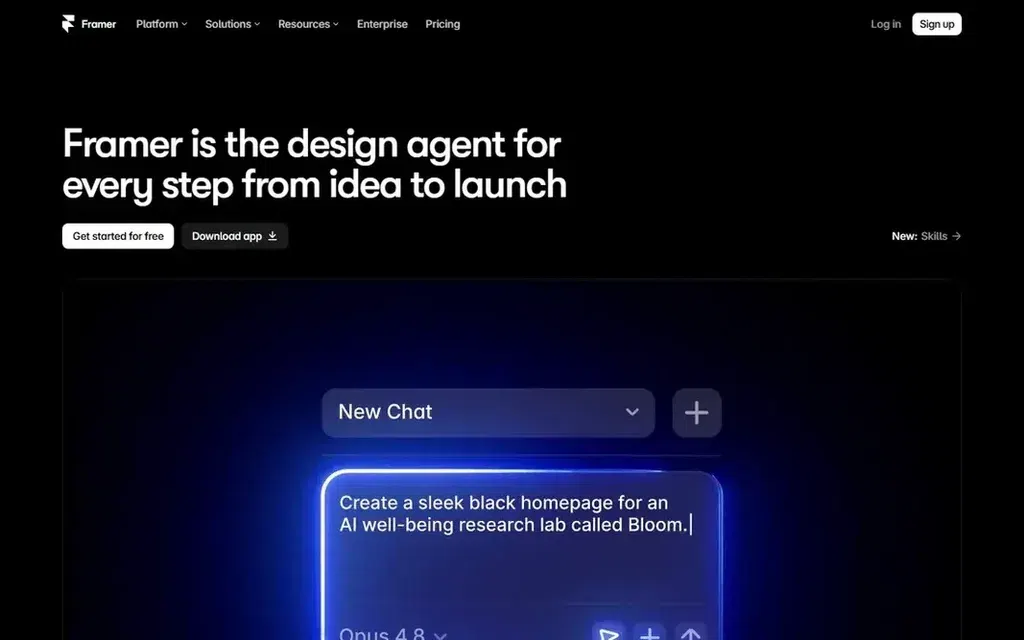
Framer targets designing and publishing websites quick. Framer is a website builder with a design agent that takes you from idea to launch, keeping changes editable along the way. Hosting, CMS, analytics, SEO, and AEO are built in.
It is a solid fit when your Uizard work leaned toward landing pages and sites. Framer is built around websites, so it is less suited to complex product UI or app prototyping. Price to start with Framer: $10 per month. Framer offers a free plan.
Where it is weaker: Advanced custom logic has a ceiling.
- Hosting, CMS, analytics
- Changes stay editable after generation
- Website-centric instead of app design
For AI-built business websites without coding, Relume is a natural candidate. Relume is an AI website builder for small business, generating a professional site with hosting, your own domain, and SSL included, all without coding.
Trade-offs to know: Restricted for custom app interfaces.
In practice, Relume is oriented toward business websites, so it is not the place for in-depth product UI design or complex app prototyping. On top of that, teams needing custom interfaces should choose a design-focused tool. Pricing for Relume is not stated here, so ask the vendor for current figures. Trial and free access: Not stated.
- AI creates a professional site
- No coding required to publish
- Concentrated on business websites
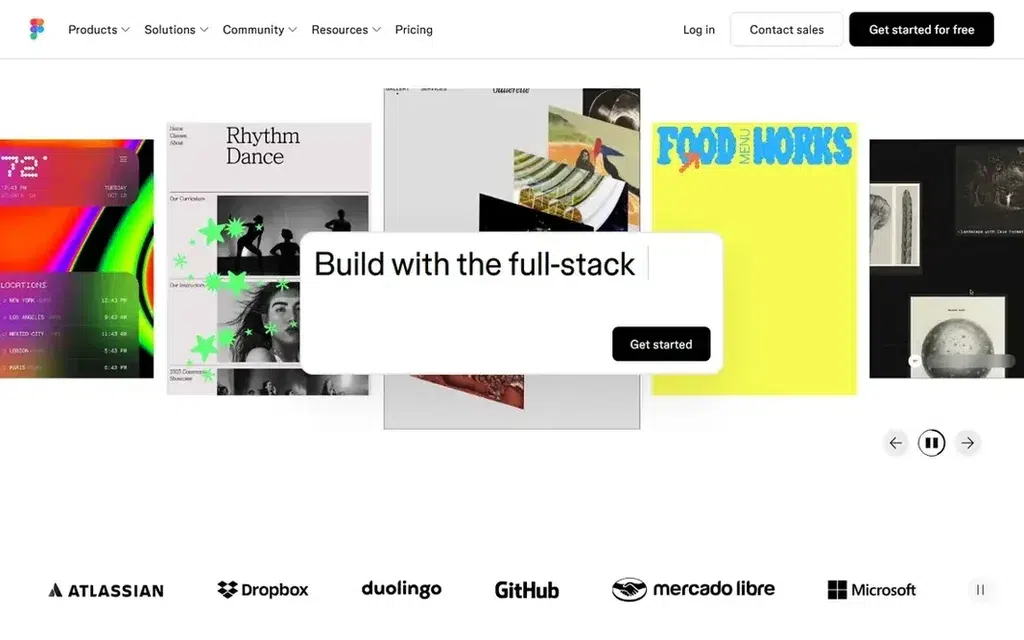
Figma serves collaborative end-to-end product design. It suits product teams, designers, and developers who require shared files, prototyping, and handoff without switching tools.
The depth that makes Figma capable also makes it heavier for straightforward mockups, and new users face a real ramp-up time. Price to start with Figma: $3 per month. Free options: Not stated.
Where it falls short: Wide feature set takes time to learn.
- Real-time collaboration across teams
- Design, prototyping
- Less concentrated on instant AI mockups
Where Webflow fits: designing and operating production websites. Webflow is a web product for designing, building, optimizing, and ranking in AI search, with CMS, hosting, and enterprise-grade security built in.
It suits designers and agencies who want production-grade control over live sites without handing off to developers. Entry price for Webflow: $15 per month. Webflow offers a free plan.
The main drawbacks: More product than fast mockups need.
- Built-in security and optimization features
- Visual design plus CMS and hosting
- Steeper ramp-up time for beginners
Think of Balsamiq for quick low-fidelity wireframing. Balsamiq gives you quick, focused wireframing and prototyping, letting product, tech, and business people sketch, test, and refine UI rapidly. Its intentionally straightforward style keeps attention on layout and flow instead of visual detail.
What Balsamiq does well: Fast to sketch and revise UI.
It is a solid Uizard alternative for teams that want to explore structure early before committing to a design system. Once wireframes are approved, you will need a fuller design tool to carry the work forward. In daily use, Balsamiq is not aimed at high-fidelity visual design or production-ready interfaces, and it does not host or publish sites. Entry price for Balsamiq: $16 per editor per month. Free options: Free trial. Watch-outs: No site hosting or publishing.
- Deliberately straightforward wireframe style
- Keeps focus on structure over polish
- Not for high-fidelity visual design
How these tools were picked
LinkVetted looked at what each vendor publishes: pricing, plan limits, feature coverage for Uizard and stated drawbacks. No hands-on testing is claimed. Treat prices as a snapshot: vendors change plans often, so check the vendor site for the figure that applies today. Position on the page reflects fit for a typical buyer first, with price clarity and free access breaking ties. Treat it as a guide, not a ruling.
What to check before you buy
- Get a written quote from Relume; the list shows no starting price for them.
- Read the fine print on the free plans from Framer and Webflow; seat, project and feature caps differ.
- Use real work to test the free trial from Balsamiq, rather than a demo project.
- Before choosing Framer, weigh its main limit: website-centric rather than app design.
- Confirm you can export your data from Relume, so leaving later does not mean losing records.
- Ask Balsamiq about contract length, onboarding fees and user minimums before you sign.
FAQ
How are the tools for Uizard ordered?
The order follows typical fit for Uizard, with Framer first and Balsamiq last, then price clarity and free access. It is editorial judgement, not a score, so another team could rank the tools differently.
Is Framer the right pick for everyone comparing Uizard?
No single tool suits every team. Framer comes first because it fits designing and publishing websites fast, while Relume suits AI-built business websites without coding and Figma suits collaborative end-to-end product design. Match the tool to your own size, budget and workflow before deciding.
Which alternative is best if I want to publish a website?
Framer is the pick this page puts first, mainly for designing and publishing websites quick. If your situation differs, Relume suits AI-built business websites without coding, and Figma suits collaborative end-to-end product design. Compare price and limits before you decide.
Which options for Uizard have a free plan?
On this list, Framer and Webflow include a free plan. Caps on seats, usage or features are common, so test the free plan against your real workload. One other tool offers a trial instead.
Can I try these tools before paying?
Often, yes. Framer and Webflow have a free plan and Balsamiq offers a free trial. Use your own data and a real task during the test, and check what the free tier or trial limits before you rely on it.
Sources
- https://www.framer.com
- https://www.relume.io
- https://www.figma.com
- https://webflow.com
- https://balsamiq.com