V-Ray Alternatives in 2026: 5 Options Vetted
Weighing V-Ray alternatives? We lined up 5 products by cost, free access and fit. Every pick gets a straight assessment. A comparison table is included.
- Editor's choice
 KeyShot
Product design visualization
Starts at$7.92 a monthVisit keyshot.comFull review - Great alternativeOctane Render
Quick GPU look development
Starts atSee websiteVisit home.otoy.comFull review - Also consider
 Corona Renderer
Architectural visualization workflows
Starts atSee websiteVisit corona-renderer.comFull review
Direct answer
KeyShot is the first pick on this list for product design visualization. Listed starting prices: KeyShot from $7.92 a month. Octane Render fits quick GPU look development; Corona Renderer fits architectural visualization workflows. The other 2 tools in the list cover narrower or pricier cases.
TL;DR:
- This list starts with KeyShot, which is built for product design visualization.
- One limit worth knowing about KeyShot: less oriented to film VFX.
- For the cheapest start, look at KeyShot: $7.92 per month.
- None of the 5 tools, from KeyShot to Arnold, has a free plan, so budget for a subscription or use a trial.
- Arnold suits predictable ray-traced production rendering.
Last checked November 2026. Prices and plan details were read from the vendors' own pages in November 2026; vendors change plans often, so confirm the current price on the vendor site before you buy.
Quick comparison
| Tool | Best for | Starts at | Free plan? | |
|---|---|---|---|---|
| KeyShot | Product design visualization | $7.92 a month | Free trial | Visit |
| Octane Render | Quick GPU look development | See website | Not stated | Visit |
| Corona Renderer | Architectural visualization workflows | See website | Not stated | Visit |
| Cycles | Open rendering inside Blender | See website | Not stated | Visit |
| Arnold | Predictable ray-traced production rendering | See website | Not stated | Visit |
5 options for V-Ray in detail
This LinkVetted guide covers 5 options for V-Ray. Each profile lists a starting price, free plan details, strengths and drawbacks, so you can drop poor fits quickly.
KeyShot is a good fit for product design visualization. Its live approach helps designers see material and lighting changes rapidly, and it fits teams that need presentable product visuals without deep rendering technical knowledge.
Watch-outs: Workflow differs from DCC-native engines.
Its standalone-style workflow also differs from renderers that live inside modeling applications. KeyShot cost at the entry level: $7.92 per month. Free access: Free trial.
- Live rendering feedback
- Supports collaboration through launch
- Less oriented to film VFX
Octane Render
Best for: Quick GPU look development
Think of Octane Render for quick GPU look development. Octane Render from OTOY is described as a GPU-accelerated, unbiased, physically correct renderer.
Watch-outs: VRAM limits large scenes.
GPU rendering ties scene capacity to available video memory, so very large or texture-heavy scenes can hit limits that CPU engines deal with more gracefully. In practice, if your scenes are enormous or your workstation lacks capable GPUs, a CPU-based or hybrid renderer may be the better fit. No starting price is listed for Octane Render here; confirm pricing on the vendor site. Trial and free access: Not stated.
- Physically correct light transport
- Widely used for fast visual iteration
- Hardware cost can be significant

Where Corona Renderer fits: architectural visualization workflows. The trade-off is scope: Corona is tied to two host applications, so teams working across other DCC tools will need a second renderer. It is also positioned around archviz instead of character or effects work.
Downsides: Less suited to general VFX pipelines.
From a buyer's view, Corona Renderer is a rendering engine from Chaos aimed squarely at architectural visualization, running inside Autodesk 3ds Max and Maxon Cinema 4D. Pick something else if your pipeline spans plenty of applications or leans heavily on simulation-driven VFX. Check the vendor site for Corona Renderer pricing; none is listed in this comparison. As for free access: Not stated.
- Designed for archviz lighting and materials
- Runs inside 3ds Max and Cinema 4D
- Restricted to two host applications
Cycles
Best for: Open rendering inside Blender
For open rendering inside Blender, Cycles is a natural candidate. Cycles is an open path-tracing renderer best known as Blender's built-in engine, producing physically based results with CPU and GPU choices. Since it ships with Blender, it is a practical alternative for artists already working in that ecosystem who want a capable renderer without adding another license to the pipeline.
Points against: Feature set varies by integration.
Performance and feature availability rely on the integration and hardware. From a buyer's view, Cycles is most often used through Blender, so studios standardized on other host applications may find integration less direct. This comparison lists no price for Cycles; ask the vendor. Free options: Not stated.
- Links up with Blender workflows
- Open renderer with wide adoption
- Tied closely to Blender ecosystem
Arnold
Best for: Predictable ray-traced production rendering
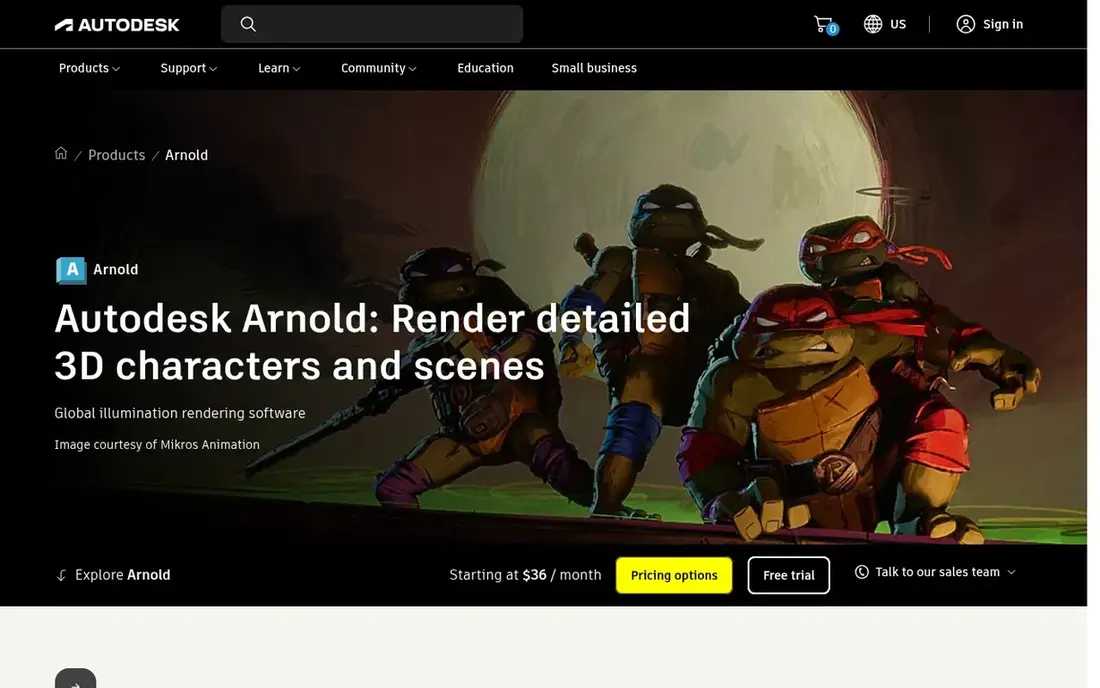
Arnold serves predictable ray-traced production rendering. Arnold is Autodesk's advanced Monte Carlo ray tracing renderer, documented as producing predictable results across scenes.
In practice, consider a GPU renderer when iteration speed on straightforward scenes is the priority. Ray tracing can also be slower for quick look development than GPU-first engines. Pricing for Arnold is not stated here, so ask the vendor for current figures. Free options: Not stated.
Downsides: Can be heavier for fast previews. Upsides: consistent results.
- Advanced Monte Carlo ray tracing
- Available through Autodesk channels
- Subscription-based access
How we chose
The comparison looks at four things: starting price, free access, how well the feature set matches V-Ray, and the main limit of each tool. Plan names, prices and limits change often. Treat the figures here as a starting point and verify them with the vendor. The sequence is a judgement call: typical use case first, then pricing transparency, then free access. Use the profiles to check fit.
A buyer's checklist
- Ask Octane Render, Corona Renderer, Cycles and Arnold for a written quote, since no starting price is shown.
- Use real work to test the free trial from KeyShot, rather than a demo project.
- Before choosing KeyShot, weigh its main limit: less oriented to film VFX.
- Ask Cycles which support channels and response times come with the plan you would buy.
- Check the integration list for Arnold against the tools you run today, and note which ones need a higher plan.
FAQ
What is the best V-Ray alternative for architectural visualization?
KeyShot comes first here and is built for product design visualization. Buyers with other needs may prefer Octane Render (for quick GPU look development) or Corona Renderer (for architectural visualization workflows). Compare costs and limits first.
What is the cheapest option for V-Ray in this list?
On published monthly entry prices, KeyShot is the lowest here at $7.92 per month. Entry price is only part of the cost, because seats, add-ons and billing terms can change the total. All 5 picks in this V-Ray alternatives comparison list a starting price, free plan details and the main limits on their cards above.
Can I try these tools before paying?
Often, yes. KeyShot offers a free trial. Use your own data and a real task during the test, and check what the free tier or trial limits before you rely on it. For the full picture, the cards above cover all 5 entries of this V-Ray alternatives list, including price, free plan and limits.
How are the tools for V-Ray ordered?
The order follows typical fit for V-Ray, with KeyShot first and Arnold last, then price clarity and free access. It is editorial judgement, not a score, so another team could rank the tools differently.
Does any tool for V-Ray here have a free plan?
No tool in this list, KeyShot and Arnold included, has a permanent free plan. KeyShot offer a trial. Trials and quotes are the usual route, so plan a short evaluation period.
Sources
- https://www.keyshot.com
- https://home.otoy.com/render/octane-render
- https://corona-renderer.com
- https://www.cycles-renderer.org
- https://www.autodesk.com/products/arnold