Userpilot Alternatives in 2026: 8 Tools Compared
These userpilot alternatives cover product onboarding and adoption, with 8 current tools compared, including alternatives to userpilot for small teams.

- Editor's choice
 Appcues
In app onboarding plus mobile
Starts atSee websiteVisit appcues.comFull review - Great alternative
 Pendo
Onboarding plus deep product analytics
Starts atSee websiteVisit pendo.ioFull review - Also consider
 UserGuiding
Budget friendly onboarding suite
Starts at$174 per monthVisit userguiding.comFull review
TL;DR:
- UserGuiding and Product Fruits are the strongest lower cost replacements for most SaaS teams.
- Appcues and Pendo suit teams that also need mobile, analytics, or enterprise scale.
- Userflow and Chameleon suit design focused teams that want flexible, custom onboarding flows.
- Many tools price by monthly active users, so check your MAU tier before comparing headline prices.
Quick comparison
| Tool | Best for | Starts at | Free plan? | |
|---|---|---|---|---|
| Appcues | In app onboarding plus mobile | See website | Free trial | Visit |
| Pendo | Onboarding plus deep product analytics | See website | Yes | Visit |
| UserGuiding | Budget friendly onboarding suite | $174 per month | Free trial | Visit |
 Product Fruits | Affordable onboarding with support tools | $111 per month | Free trial | Visit |
 Userflow | Adaptive onboarding journeys | $240 per month | Free trial | Visit |
 Chameleon | Design focused in app guidance | $279 per month | Free trial | Visit |
 WalkMe | Enterprise digital adoption | See website | No | Visit |
 Whatfix | Hands on software training at scale | See website | Free trial | Visit |
The best Userpilot alternatives
Userpilot is known for in app tours, checklists, surveys, and analytics that help SaaS users reach value faster. Teams look for an alternative when pricing jumps at higher tiers, when styling is limited on lower plans, or when they need deeper analytics, mobile support, or enterprise adoption tools. The eight tools below cover those reasons, from budget onboarding to enterprise digital adoption.
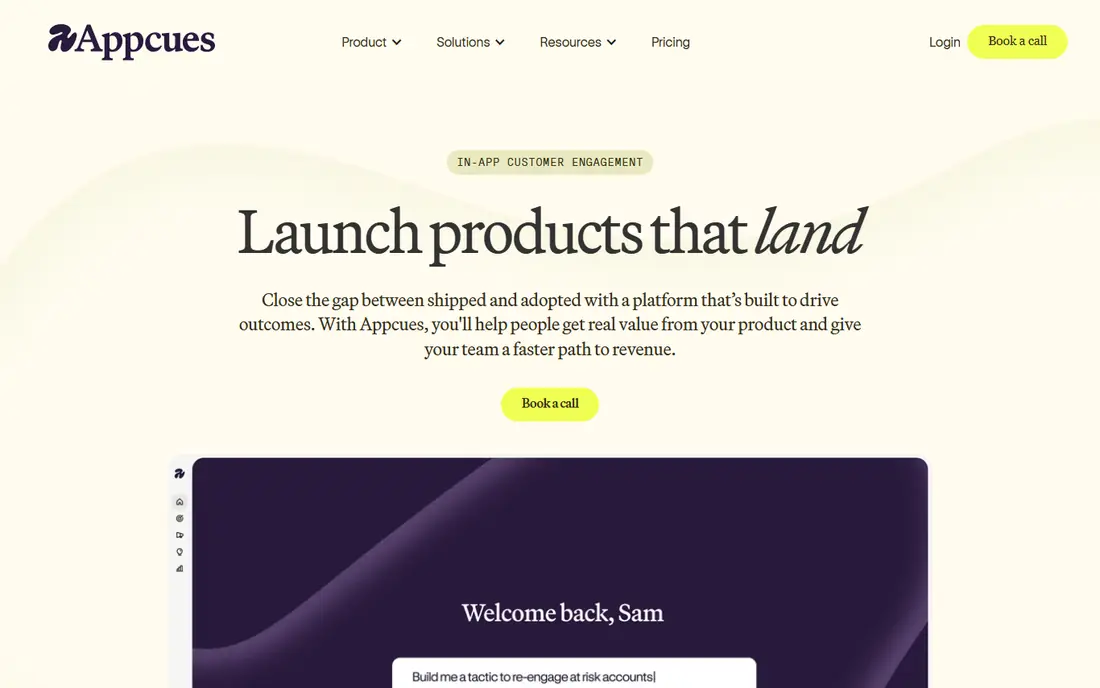
For readers who want a clear first choice, this one earns its place because Appcues is an established choice for SaaS onboarding, with tours, checklists, and surveys that product teams can build without code. It is best for in app onboarding plus mobile, and that focus shows in how the features are arranged. The strengths we noted are: no code flow builder; in app, email, and push; native mobile support on higher plans. In daily use, that combination matters more than a long feature list, because it decides whether the tool fits into work you already do, rather than forcing you to rebuild that work around it.
On price, the starting point is see website, with a free plan listed as free trial. Before you commit, check the current pricing page for the tier you need. The honest catch is: pricing is quote led for many teams; analytics are lighter than dedicated analytics tools. If that limitation touches your main use case, pick a different option from this list. If it does not, this is a solid, current choice that we would shortlist.
- No code flow builder
- In app, email, and push
- Native mobile support on higher plans
- Pricing is quote led for many teams
- Analytics are lighter than dedicated analytics tools

If the priority is getting the job done with little fuss, consider this option, since Pendo suits teams that need onboarding and analytics together, since guides can target users based on real product behavior. It is best for onboarding plus deep product analytics, and that focus shows in how the features are arranged. The strengths we noted are: product analytics beside in app guides; free tier for small mau counts; mobile sdks. In daily use, that combination matters more than a long feature list, because it decides whether the tool fits into work you already do, rather than forcing you to rebuild that work around it.
On price, the starting point is see website, with a free plan listed as yes. Before you commit, check the current pricing page for the tier you need. The honest catch is: paid pricing is quote only and can grow fast; setup takes time for full analytics. If that limitation touches your main use case, pick a different option from this list. If it does not, this is a solid, current choice that we would shortlist.
- Product analytics beside in app guides
- Free tier for small MAU counts
- Mobile SDKs
- Paid pricing is quote only and can grow fast
- Setup takes time for full analytics
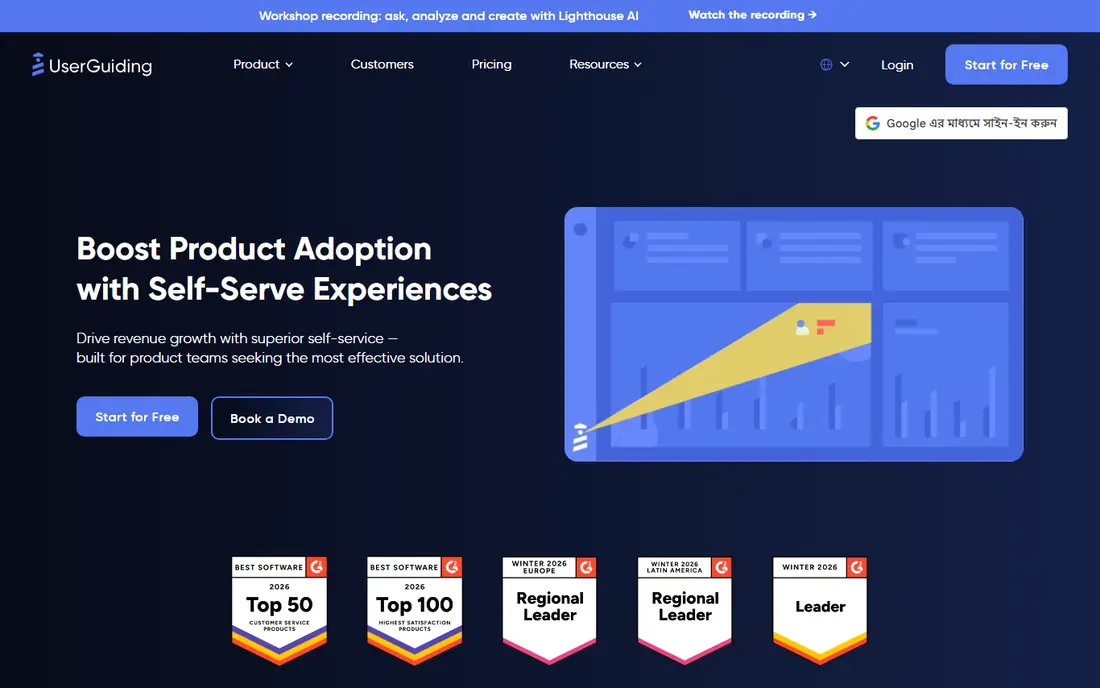
A different kind of buyer will gravitate to this tool, mainly because UserGuiding is the best budget alternative to userpilot for many startups, since it covers the core onboarding suite at a lower published price. It is best for budget friendly onboarding suite, and that focus shows in how the features are arranged. The strengths we noted are: tours, checklists, resource center, and surveys; multi language support; clear entry pricing. In daily use, that combination matters more than a long feature list, because it decides whether the tool fits into work you already do, rather than forcing you to rebuild that work around it.
On price, the starting point is $174 per month, with a free plan listed as free trial. Before you commit, check the current pricing page for the tier you need. The honest catch is: analytics are lighter than pendo; no native mobile app support. If that limitation touches your main use case, pick a different option from this list. If it does not, this is a solid, current choice that we would shortlist.
- Tours, checklists, resource center, and surveys
- Multi language support
- Clear entry pricing
- Analytics are lighter than Pendo
- No native mobile app support
On balance, this is the pick for people who value depth over novelty, as Product Fruits is a strong value pick, since one snippet covers onboarding plus self service support, without gating essentials behind a top tier. It is best for affordable onboarding with support tools, and that focus shows in how the features are arranged. The strengths we noted are: tours, checklists, hints, surveys, help center, and knowledge base in one snippet; ai flow creation. In daily use, that combination matters more than a long feature list, because it decides whether the tool fits into work you already do, rather than forcing you to rebuild that work around it.
On price, the starting point is $111 per month, with a free plan listed as free trial. Before you commit, check the current pricing page for the tier you need. The honest catch is: analytics cover onboarding engagement, not full product analytics; advanced features need higher tiers. If that limitation touches your main use case, pick a different option from this list. If it does not, this is a solid, current choice that we would shortlist.
- Tours, checklists, hints, surveys, help center, and knowledge base in one snippet
- AI flow creation
- Analytics cover onboarding engagement, not full product analytics
- Advanced features need higher tiers
What sets this option apart is its focus, and Userflow suits teams that want onboarding to adapt to user behavior, with flows that branch based on actions and segments. It is best for adaptive onboarding journeys, and that focus shows in how the features are arranged. The strengths we noted are: conditional logic for adaptive flows; ai assisted flow creation; clean builder. In daily use, that combination matters more than a long feature list, because it decides whether the tool fits into work you already do, rather than forcing you to rebuild that work around it.
On price, the starting point is $240 per month, with a free plan listed as free trial. Before you commit, check the current pricing page for the tier you need. The honest catch is: web only; relies on external tools for deep analytics; price climbs with mau. If that limitation touches your main use case, pick a different option from this list. If it does not, this is a solid, current choice that we would shortlist.
- Conditional logic for adaptive flows
- AI assisted flow creation
- Clean builder
- Web only
- Relies on external tools for deep analytics
- Price climbs with MAU
For a smaller budget or a simpler workflow, this choice makes sense because Chameleon suits design led teams that care about brand consistency, since styling control goes deeper than most rivals in this list. It is best for design focused in app guidance, and that focus shows in how the features are arranged. The strengths we noted are: highly customizable in app experiences; css level styling; strong ux control. In daily use, that combination matters more than a long feature list, because it decides whether the tool fits into work you already do, rather than forcing you to rebuild that work around it.
On price, the starting point is $279 per month, with a free plan listed as free trial. Before you commit, check the current pricing page for the tier you need. The honest catch is: web focused; built in analytics are limited; startup plan is limited. If that limitation touches your main use case, pick a different option from this list. If it does not, this is a solid, current choice that we would shortlist.
- Highly customizable in app experiences
- CSS level styling
- Strong UX control
- Web focused
- Built in analytics are limited
- Startup plan is limited
Teams with a specific need should look closely here, since WalkMe suits large enterprises rolling out complex software to employees, where workflow automation matters more than a simple product tour. It is best for enterprise digital adoption, and that focus shows in how the features are arranged. The strengths we noted are: workflow automation across enterprise apps; guidance for employees and customers; ai assistance. In daily use, that combination matters more than a long feature list, because it decides whether the tool fits into work you already do, rather than forcing you to rebuild that work around it.
On price, the starting point is see website, with a free plan listed as no. Before you commit, check the current pricing page for the tier you need. The honest catch is: custom pricing and complex implementation; heavy for a small saas team. If that limitation touches your main use case, pick a different option from this list. If it does not, this is a solid, current choice that we would shortlist.
- Workflow automation across enterprise apps
- Guidance for employees and customers
- AI assistance
- Custom pricing and complex implementation
- Heavy for a small SaaS team
Rounding out the list, this option appeals to buyers who want Whatfix suits enterprises that train staff on several systems, since it combines in app guidance with sandbox practice and learning tools. It is best for hands on software training at scale, and that focus shows in how the features are arranged. The strengths we noted are: guided walkthroughs across web, desktop, and mobile; sandbox training; lms integrations. In daily use, that combination matters more than a long feature list, because it decides whether the tool fits into work you already do, rather than forcing you to rebuild that work around it.
On price, the starting point is see website, with a free plan listed as free trial. Before you commit, check the current pricing page for the tier you need. The honest catch is: custom pricing; separate licensing per product can raise total cost. If that limitation touches your main use case, pick a different option from this list. If it does not, this is a solid, current choice that we would shortlist.
- Guided walkthroughs across web, desktop, and mobile
- Sandbox training
- LMS integrations
- Custom pricing
- Separate licensing per product can raise total cost
How we picked these
We compared official feature pages, pricing pages, app store listings, and public documentation for tools that are still available in October 2026, and we kept only products that truly fit the topic. We favored tools with clear pricing or a usable free tier, a current homepage, and a track record of regular updates. We did not claim hands-on testing, and we checked that each website below belongs to the product named. Where a price was not published clearly, we wrote See website rather than guessing.
How to choose a Userpilot alternative
Price by your real MAU, not the headline
Most onboarding tools price by monthly active users, so a low headline price can jump when your user base grows. Ask for pricing at your current MAU and at double that number, and check whether surveys, resource centers, and styling are included at that tier. A tool that looks cheap at 1,000 MAU may cost far more at 10,000.
Check mobile and analytics needs early
If your product has a native mobile app, shortlist Appcues and Pendo first, since several rivals are web only. If you need deep funnels and retention analysis, pair a guide tool with a dedicated analytics tool, since most onboarding platforms offer basic analytics only. Do not buy a guide tool expecting it to replace analytics.
Trial with one real onboarding flow
Build one real flow, such as new user setup or a key feature tour, and measure completion and time to value, not just clicks. Test styling on your brand, test segmentation, and test how the tool behaves for returning users. A tool that looks good in a demo can still frustrate users if flows repeat or block work.
FAQ
What are the best alternatives to userpilot?
For most SaaS teams, UserGuiding and Product Fruits are strong lower cost alternatives to userpilot, while Appcues and Pendo suit teams that need mobile or deep analytics. Userflow and Chameleon suit design focused teams.
Which Userpilot alternative is cheapest?
Product Fruits and UserGuiding are among the cheapest published options in this list, starting at $111 and $174 per month on annual billing. Check MAU limits, since price steps up with user volume.
Does any alternative support native mobile apps?
Yes. Pendo and Appcues offer native mobile support, while Chameleon, UserGuiding, Userflow, and WalkMe focus mainly on web. Check mobile SDK coverage for iOS and Android before you buy if mobile matters.
Can I replace Userpilot analytics with these tools?
In part. Pendo offers deep product analytics beside guides, while most other tools offer onboarding engagement analytics only. For deep funnels and retention, pair a guide tool with a dedicated analytics platform.
How long does it take to switch onboarding tools?
A simple switch with a few tours can take days, while a full migration with segmentation, surveys, and analytics can take weeks. Export your flows and user segments first, and run the new tool beside the old one during a trial period.