Voicemod Alternatives in 2026: 8 Tools Compared
Voicemod alternatives, with 8 voice changers compared on live effects, soundboards, Discord use, price, and safe, lawful use for streams for US teams.

- Editor's choice
 MorphVOX Pro
Clean paid voice changing
Starts at$39.99 one timeVisit screamingbee.comFull review - Great alternative
 Clownfish Voice Changer
Free Discord and game use
Starts atFreeVisit clownfish-voicechanger.comFull review - Also consider
 Voxal Voice Changer
Simple recording effects
Starts at$39.99 one timeVisit nchsoftware.comFull review
TL;DR:
- Clownfish is the best free alternative for Discord and games, with no account needed and a light footprint.
- MorphVOX Pro is the best paid pick for clean, low latency voice changing with many voices and sound packs.
- Voxal and AV Voice Changer suit recording and voiceover work, where live gaming effects matter less.
- Use voice changers only for fun, roleplay, and content you control, never to impersonate a real person or deceive someone.
Quick comparison
| Tool | Best for | Starts at | Free plan? | |
|---|---|---|---|---|
| MorphVOX Pro | Clean paid voice changing | $39.99 one time | Free trial | Visit |
| Clownfish Voice Changer | Free Discord and game use | Free | Yes | Visit |
| Voxal Voice Changer | Simple recording effects | $39.99 one time | Free trial | Visit |
 AV Voice Changer Software | Deep voice editing | See website | Free trial | Visit |
 FineVoice AI | AI voices and cloning with consent | See website | Free trial | Visit |
 EaseUS VoiceWave | Easy live effects | See website | Free trial | Visit |
 MagicMic | AI voices for streams | See website | Free trial | Visit |
 HitPaw VoicePea | AI voice changing for creators | See website | Free trial | Visit |
The best Voicemod alternatives
These tools change your voice live for games, streams, and calls, or in recordings for content, with different strengths on price, quality, and control.
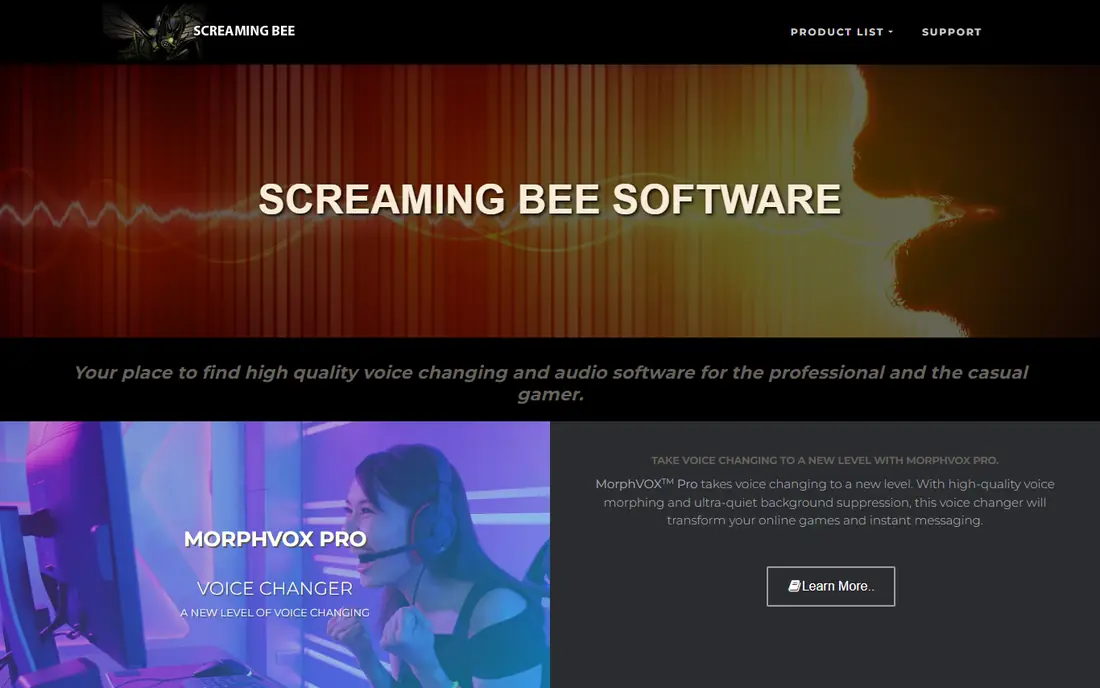
MorphVOX Pro is our pick for users who want a paid, reliable voice changer with clean sound. It offers many built-in voices, background cancellation, and an equalizer for tuning, and it works with Discord, Skype, and games through a virtual mic. For roleplay and streaming, the sound stays clear even with a strong effect.
The interface feels dated compared with newer AI tools, and some voice packs are paid extras, so the total cost can rise above the base license. For a one time purchase with steady performance, MorphVOX Pro still sets a useful standard for live voice changing.
- Clean sound with background cancellation
- Many voices and sound packs
- Works with games and chat apps
- Interface feels dated
- Extra voice packs cost more
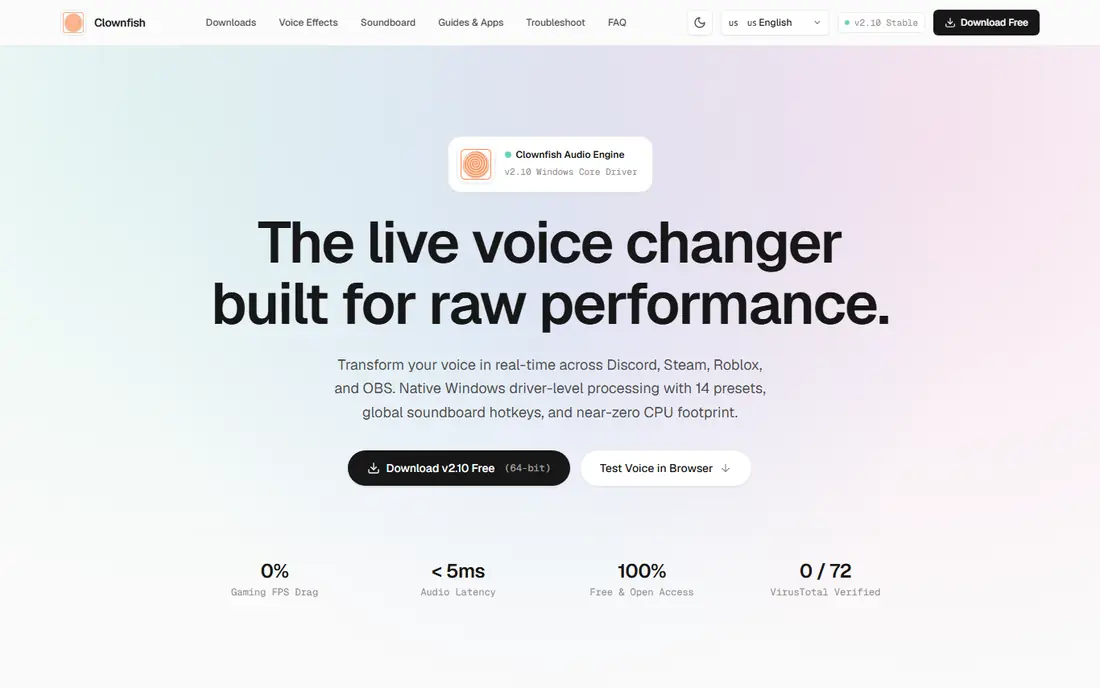
Clownfish is the best free alternative for Windows users who want live voice effects in Discord and games without a subscription or account. It runs as a light background tool, offers 14 presets, a soundboard with hotkeys, and VST plugin support, all for free. That mix is hard to match at any price for casual use.
The limits are platform and polish. Clownfish is Windows only, and its tray based interface is basic compared with a modern studio app. For Windows gamers and streamers who want a free, low impact changer, those limits are easy to accept.
- Free with no account
- Very light on system resources
- Soundboard and VST support
- Windows only
- Interface is basic
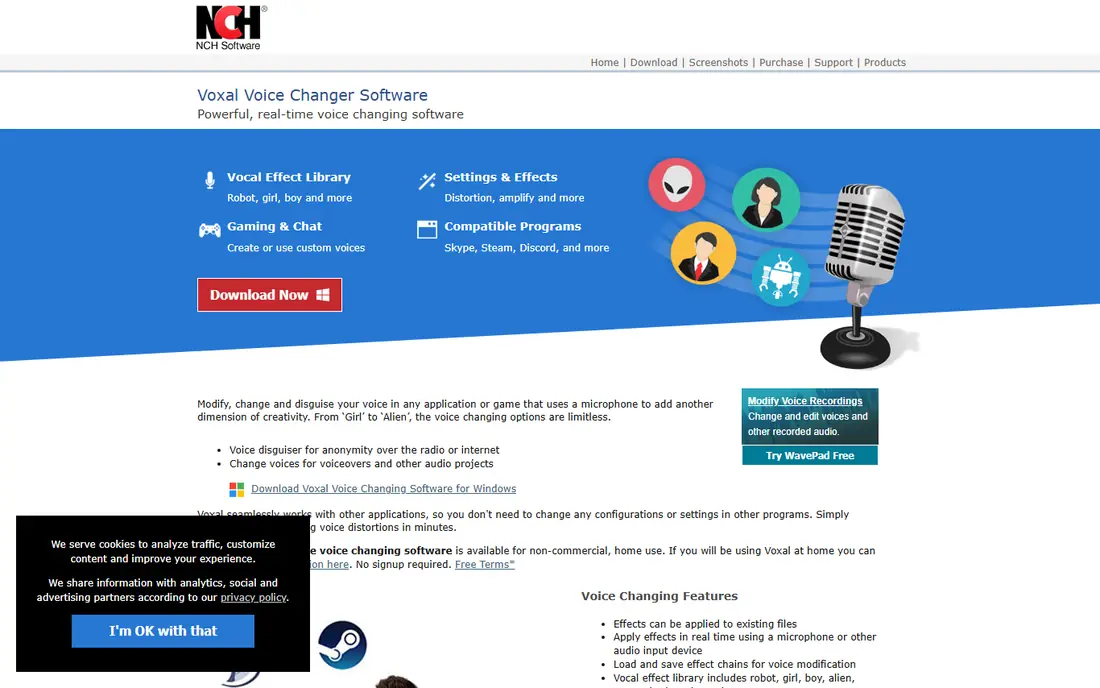
Voxal from NCH Software suits users who want a simple voice changer for calls and recordings, without a complex studio setup. It can change your voice live or apply effects to a recorded file, and it works with many chat and recording apps. The license is a one time cost, which appeals to users who dislike subscriptions.
The effect range is smaller than MorphVOX, and the interface is plain, so creators who want many character voices may need a second tool. For straightforward effects and voiceover work, Voxal is a solid, low cost pick.
- Simple real time and file effects
- Works with many apps
- Low cost license
- Effect range is smaller than MorphVOX
- Interface is plain
AV Voice Changer Software, also known as AV Voice Changer Diamond, offers deep control over pitch, timbre, and effects, with a voice editor and recorder for content work. It suits creators who want to craft a specific character voice and reuse it across recordings, rather than just picking a preset for a game night. The preset library covers many common character types.
The learning curve is steeper than Clownfish or Voxal, and pricing varies by edition, so check the edition that includes the features you need. For detailed voice crafting, the control is worth the extra setup time.
- Deep voice morphing controls
- Voice editor and recorder
- Many presets
- Learning curve
- Pricing varies by edition
FineVoice AI suits creators who want modern AI voices for streams, videos, and voiceovers, with text to speech beside live changing. It can change a voice in real time or generate speech from text, which helps for narration and character content. The range of AI voices is wider than traditional preset changers.
Voice cloning is the sensitive feature here. Only clone your own voice, or a voice where you have clear written consent, and never use a cloned voice to impersonate a real person, deceive listeners, or make false statements. For lawful creative work, FineVoice is a flexible AI option.
- AI voice changing and text to speech
- Voice cloning with consent controls
- Browser and desktop options
- AI features need a paid plan for full use
- Cloning must be used only with consent
EaseUS VoiceWave is a newer, easy to use live voice changer for streams, games, and calls, with a soundboard and a clear preset list. It is a good pick for creators who want to start quickly without learning a complex audio chain, and it works with Discord and common game chat apps. The interface is cleaner than older changers.
As a newer tool, its preset range is smaller than MorphVOX or Voicemod, and some features need a paid plan. For simple live effects and a soundboard, VoiceWave is a friendly, modern alternative.
- Easy live effects for streams
- Soundboard and voice effects
- Works with Discord and games
- Newer tool with fewer presets than rivals
- Some features need a paid plan
MagicMic from iMyFone offers a large library of AI voices and sound effects for streams, games, and calls, with a soundboard that fits live content. It suits streamers who want many character voices and meme sounds in one app, without building custom presets. Platform support covers Discord, Twitch, and common games.
Pricing is subscription based, so compare the monthly cost with a one time license such as MorphVOX before committing. A good microphone also matters, since AI effects amplify mic noise if the input is poor. For streamers who change voices often, MagicMic is a strong, modern pick.
- Large AI voice library
- Soundboard for streams
- Works with many platforms
- Subscription pricing
- AI voices need a good mic for best results
HitPaw VoicePea is an AI voice changer for creators who make videos and streams and want a simple way to change a voice without deep audio settings. It offers AI voices, real time changing, and a clear interface that fits a creator workflow. That simplicity helps when voice changing is one part of a larger video project.
As a newer tool, its community and preset range are smaller than older rivals, and full features need a paid plan. For creators who want AI voices in a simple app, VoicePea is a useful alternative to test beside MagicMic and FineVoice.
- AI voice changing for video and streams
- Simple interface
- Good for content creators
- Newer tool with a smaller community
- Some features need a paid plan
How we picked these
We compared official feature pages, pricing pages, and public reviews for voice changers that are still available in October 2026 and work live or in recordings. We favored tools with a free tier or trial, clear platform support, and a soundboard or preset range that fits games, streams, or content. We did not claim hands-on testing, and we noted where AI cloning needs consent.
How to choose a Voicemod alternative
Start with where you will use it: live games, streams, calls, or recordings. Live use needs low latency and a virtual mic that your app accepts, while recording work needs clean export and editing. Test the tool in your actual app, not just in its own preview.
Latency, mic, and soundboard
Low latency matters for games and live calls, since a delayed voice breaks conversation. Use a decent microphone, set input levels before adding effects, and test a soundboard hotkey in a private call first. A clean mic input gives every changer a better result, no matter how strong its effects are.
Price over a year
Compare one time licenses with subscriptions over twelve months. A $39.99 one time license can cost less than a year of a subscription changer, while a subscription may include new AI voices each month. Choose the model that fits how often you change voices and whether you need new voices regularly.
Safe and lawful use
Use voice changers for fun, roleplay, and content where listeners know a voice is changed or where no deception is involved. Never use a changed or cloned voice to impersonate a real person, trick someone into sharing money or personal data, or make false statements in their name. For content, label AI or changed voices where viewers could be misled, and get written consent before cloning any voice but your own.
FAQ
What is the best free Voicemod alternative?
Clownfish Voice Changer is the best free alternative for Windows, with no account, low system use, and a soundboard included. Voxal and MorphVOX offer trials, but their full versions are paid. For Mac users, check platform support carefully, since Clownfish is Windows only.
Does a voice changer work with Discord?
Yes, most tools in this list work with Discord by setting the changer as the input device or virtual mic in Discord voice settings. Test in a private call first, check latency, and confirm that your soundboard and effects do not overpower your normal voice.
Is it legal to use a voice changer?
Using a voice changer for games, streams, and roleplay is generally lawful, but impersonating a real person, deceiving someone for money or data, or making false statements in another voice is not. Use changed voices only where no deception is involved, and get consent before cloning a voice.
Which voice changer has the best sound quality?
MorphVOX Pro is often praised for clean sound with background cancellation, while AI tools such as FineVoice and MagicMic offer a wider voice range. Sound quality also depends on your microphone and input levels, so test with your own setup before choosing.
Can I use a voice changer on Mac?
Yes, but platform support varies, so check each vendor page for Mac support before buying. MorphVOX Pro lists Mac support, while Clownfish is Windows only. For Mac streams, a tool with native Mac support and a virtual mic driver will give the smoothest result.
Do voice changers slow down games?
A light tool such as Clownfish uses very little CPU, while heavier AI changers can use more resources. Close unneeded apps, test frame rates with the changer on and off, and choose a light tool if you play fast games on a modest computer.
Sources
- https://screamingbee.com/pricing
- https://clownfish-voicechanger.com/pricing
- https://www.nchsoftware.com/voicechanger/pricing
- https://www.audio4fun.com/pricing
- https://finevoice.ai/pricing
- https://www.easeus.com/voicewave/pricing
- https://www.imyfone.com/voice-changer/pricing
- https://www.hitpaw.com/voicepea/pricing