Two-Way Texting Software in 2026: The 5 Best Options Side by Side
Top Two-Way texting software in 2026: 5 contenders with entry costs and free tiers. Price notes and drawbacks come with each one. Full profiles inside.
- Editor's choiceTextline
Business texting for sales and support
Starts atSee websiteVisit textline.comFull review - Great alternativeSalesmsg
Revenue teams needing texting and calling
Starts at$277 per monthVisit salesmessage.comFull review - Also consider
 Twilio
Developers building custom messaging
Starts atSee websiteVisit twilio.comFull review
Direct answer
This list puts Textline first for business texting for sales and support. Listed starting prices: Salesmsg from $277 per month, EZ Texting from $20 a month billed yearly and SimpleTexting from $39.00 a month. Look at Salesmsg for revenue teams needing texting and calling, and at Twilio for developers building custom messaging. The other 2 tools in the list cover narrower or pricier cases.
TL;DR:
- This list starts with Textline, which is built for business texting for sales and support.
- SimpleTexting suits SMS marketing and one-on-one messaging.
- For the cheapest start, look at EZ Texting: $20 per month billed annually.
- Before buying Salesmsg, weigh this: centred on sales and support teams.
Last checked November 2026. Prices and plan details were read from the vendors' own pages in November 2026; vendors change plans often, so confirm the current price on the vendor site before you buy.
Quick comparison
| Tool | Best for | Starts at | Free plan? | |
|---|---|---|---|---|
| Textline | Business texting for sales and support | See website | Not stated | Visit |
| Salesmsg | Revenue teams needing texting and calling | $277 per month | Free trial | Visit |
| Twilio | Developers building custom messaging | See website | Free trial | Visit |
 EZ Texting | Mass texting and SMS marketing | $20 a month billed yearly | Free trial | Visit |
 SimpleTexting | SMS marketing and one-on-one messaging | $39.00 a month | Free trial | Visit |
Two-Way Texting Software, one by one
This LinkVetted guide covers 5 options for Two-Way texting software. Each profile lists a starting price, free plan details, strengths and drawbacks, so you can drop poor fits quickly.
Textline
Best for: Business texting for sales and support
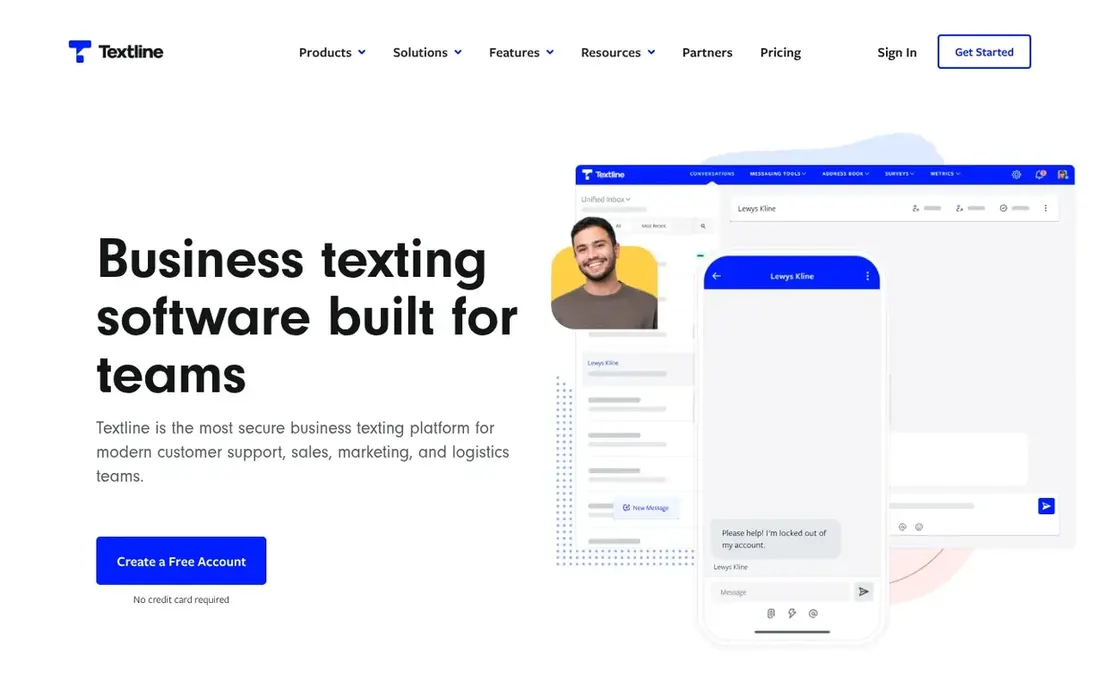
Think of Textline for business texting for sales and support. Pick Textline for a straightforward business texting option.
It suits teams that want a dedicated texting system for two-way conversations without building custom integrations. Textline shows no starting price here, so confirm the cost on the vendor site. Free plan details: Not stated.
The main drawbacks: Less emphasis on voice or email.
- SMS-focused product
- Options for sales, marketing, service
- May lack advanced API customization
Salesmsg
Best for: Revenue teams needing texting and calling
Salesmsg is designed for revenue teams needing texting and calling. Salesmsg is oriented toward revenue teams, so organizations seeking only entry-level two-way texting might find it feature-heavy. It may not be the best fit for non-sales use cases.
Where it is weaker: Centred on sales and support teams.
Consider Salesmsg when CRM integration and calling are important. On top of that, the product aims to simplify communication and follow-up. In practice, Salesmsg is a business texting and calling product aimed at sales, marketing. Support teams, offering two-way SMS, broadcasts, and deep integrations with HubSpot, Salesforce, and more. On cost, Salesmsg starts like this: $277 per month. As for free access: Free trial.
- Two-way SMS and broadcasts
- Deep HubSpot and Salesforce integrations
- May be overkill for simple SMS needs
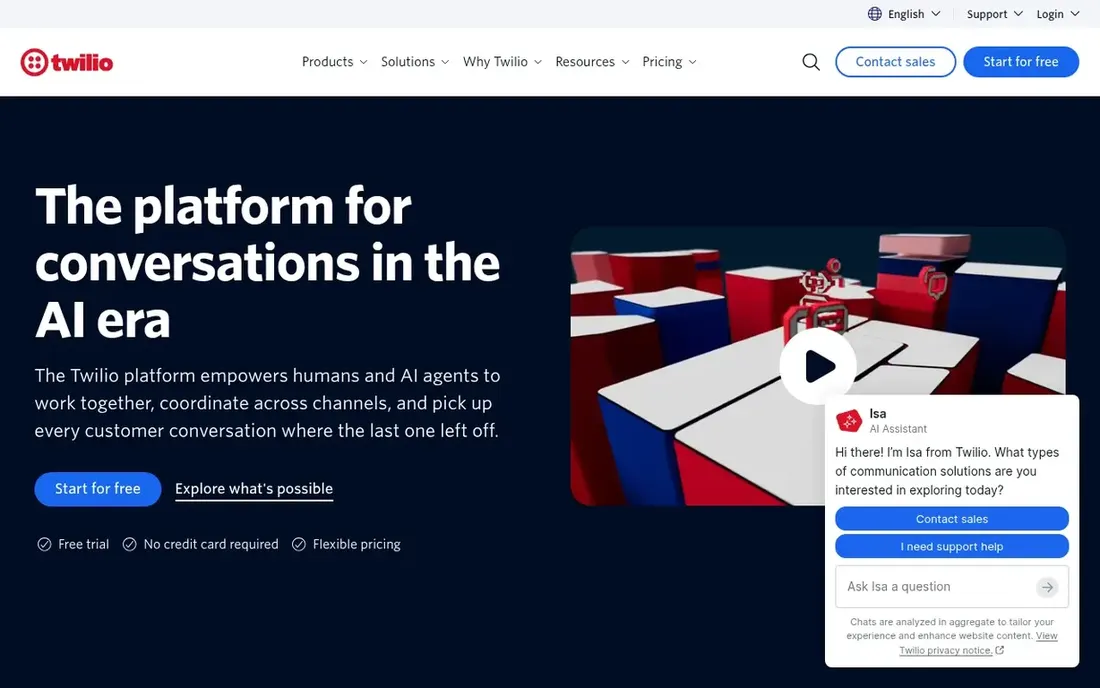
For developers building custom messaging, Twilio is a natural candidate. Consider Twilio when you need deep customization and control over messaging infrastructure. Twilio is a system for building customer experiences with APIs for SMS, RCS, voice, and email, plus conversational AI and identity verification.
Since Twilio is API-first, it demands technical resources to implement and maintain. More specifically, teams without developers may find it less approachable than turnkey texting apps. Pricing for Twilio is not stated here, so ask the vendor for current figures. As for free access: Free trial.
Where it is weaker: Less suited for non-technical teams.
- APIs for SMS, RCS, voice, email
- Conversational AI and identity verification
- Needs technical setup
EZ Texting works best for mass texting and SMS marketing. Pick EZ Texting for high-volume SMS marketing campaigns.
More specifically, Whereas EZ Texting supports texting, its primary strength is mass messaging rather than rich two-way conversations. Beyond that, teams needing advanced conversational features or deep CRM sync may prefer other options. On cost, EZ Texting starts like this: $20 per month billed annually. Free plan details: Free trial.
Where it falls short: Less focus on two-way conversations.
- Quick registration
- Feature-rich marketing tools
- May lack deep CRM integrations
SimpleTexting serves SMS marketing and one-on-one messaging. The system is built for simplicity across sales and customer engagement. For everyday use, SimpleTexting is an SMS marketing and texting system that lets firms send campaigns, receive texts, and message one-on-one.
For everyday use, SimpleTexting may lack the deep customization and API breadth of systems like Twilio. It focuses primarily on SMS instead of voice or email. On cost, SimpleTexting starts like this: $39.00 per month. As for free access: Free trial.
Honest limits: Restricted advanced API features.
- Merges marketing and conversations
- SMS marketing campaigns
- May not suit complicated enterprise workflows
Our selection method
Things to verify first
- Ask Textline and Twilio for a written quote, since no starting price is shown.
- Take the trial from Salesmsg, Twilio, EZ Texting and SimpleTexting and push a live task through it before you pay.
- Read the limits listed for Textline first: less emphasis on voice or email.
- Confirm the exact EZ Texting plan that includes your must-have features.
- Test how quickly Textline answers a pre-sales question; it hints at how support will feel later.
FAQ
Is Textline the right pick for everyone comparing Two-Way texting software?
No single tool suits every team. Textline comes first because it fits business texting for sales and support, while Salesmsg suits revenue teams needing texting and calling and Twilio suits developers building custom messaging. Match the tool to your own size, budget and workflow before deciding.
How are the tools for Two-Way texting software ordered?
Textline sits first and SimpleTexting last because the order follows typical fit for Two-Way texting software, then price clarity and free access. It is a judgement call, so read each profile for fit and limits.
Can I try these options before paying?
Often, yes. Salesmsg, Twilio, EZ Texting and SimpleTexting offer a free trial. Use your own data and a real task during the test, and check what the free tier or trial limits before you rely on it.
What is two-way texting software?
Two-way texting software lets companies send and receive text messages with customers, enabling conversations instead of one-way broadcasts. It frequently contains features like shared inboxes, automation, and integrations with other business tools.
Does any tool for Two-Way texting software here have a free plan?
No tool in this list, Textline and SimpleTexting included, has a permanent free plan. Salesmsg, Twilio, EZ Texting, SimpleTexting offer a trial. Trials and quotes are the usual route, so plan a short evaluation period.
What should I consider when choosing two-way texting software?
Consider your primary use case, whether it is sales, support, or marketing, and check for needed integrations, automation features, and simplicity. Confirm details on vendor sites before deciding.
Sources
- https://www.textline.com
- https://www.salesmessage.com
- https://www.twilio.com
- https://www.eztexting.com
- https://simpletexting.com