Best Voice Command Software for Desktop Workspaces (2026): 5 Picks Checked on Vendor Pages
Weighing the top voice command software for desktop workspaces? We lined up 5 products by cost, free access and fit. Real limits included. Skim the table first.
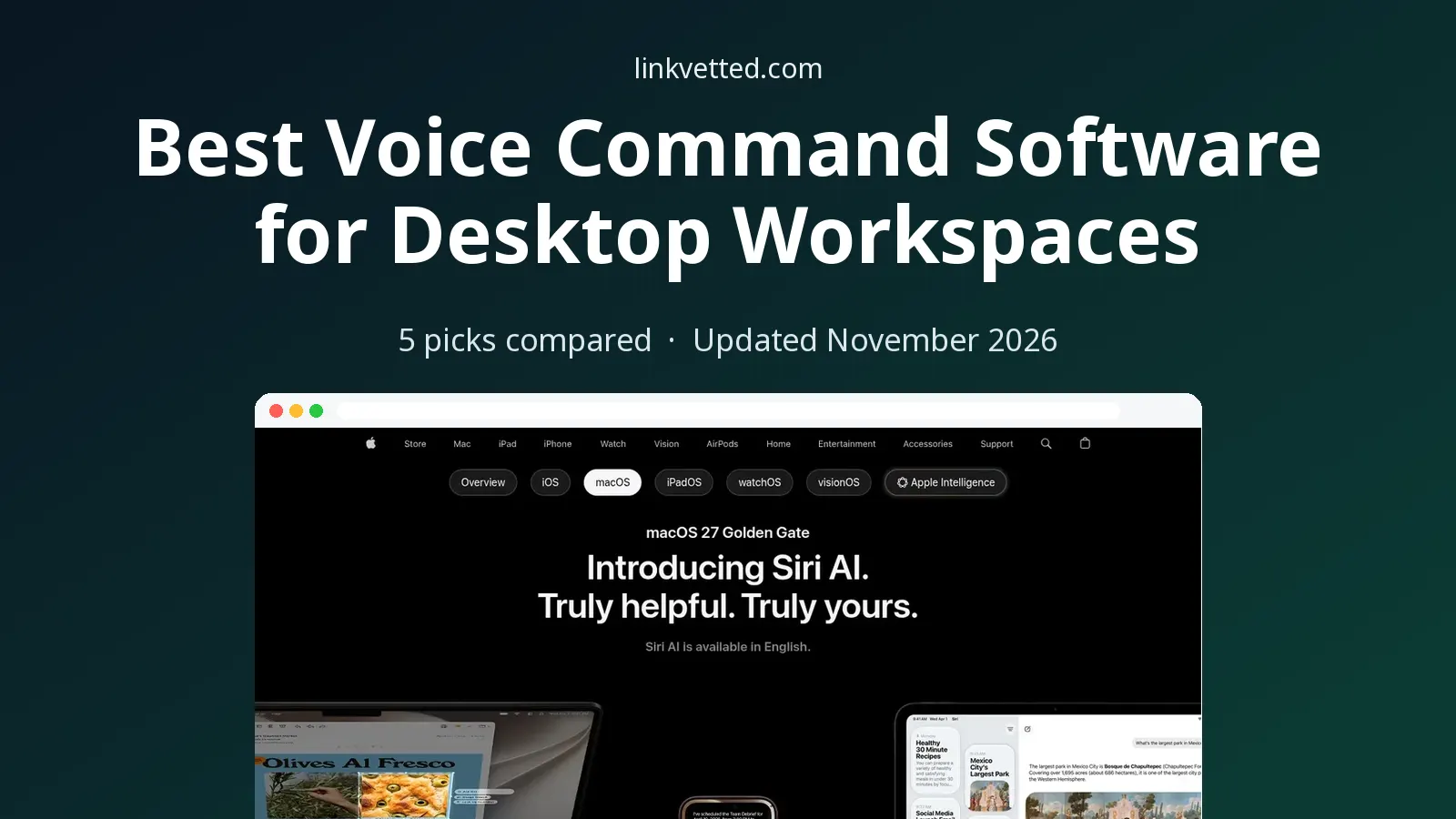
- Editor's choicemacOS Voice Control
System-wide voice navigation on Mac
Starts atSee websiteVisit apple.comFull review - Great alternativeAqua Voice
Accurate dictation with meeting notes
Starts at$10 per monthVisit aquavoice.comFull review - Also considerVoiceInk
Private offline dictation on Mac
Starts at$25 one-timeVisit tryvoiceink.comFull review
Direct answer
This list puts macOS Voice Control first for system-wide voice navigation on Mac. Listed starting prices: Aqua Voice from $10 per month, VoiceInk from $25 one-time and Wispr Flow from $12 per user per month. Aqua Voice is better for accurate dictation with meeting notes, and VoiceInk is better for private offline dictation on Mac. Details, prices and limits for the rest of the 5 tools are below.
TL;DR:
- Top of the list is macOS Voice Control, which targets system-wide voice navigation on Mac.
- Windows Speech Recognition is the one to check for built-in voice control on Windows.
- Wispr Flow comes with a trade-off: not a full voice command system.
- Free plans exist at 2 of 5 tools (Aqua Voice, Wispr Flow).
- Starting prices begin at $10 per month with Aqua Voice.
Last checked November 2026. Prices and plan details were read from the vendors' own pages in November 2026; vendors change plans often, so confirm the current price on the vendor site before you buy.
Quick comparison
| Tool | Best for | Starts at | Free plan? | |
|---|---|---|---|---|
| macOS Voice Control | System-wide voice navigation on Mac | See website | Not stated | Visit |
| Aqua Voice | Accurate dictation with meeting notes | $10 per month | Yes | Visit |
| VoiceInk | Private offline dictation on Mac | $25 one-time | Free trial | Visit |
 Wispr Flow | Quick voice dictation and notes | $12 per user per month | Yes | Visit |
| Windows Speech Recognition | Built-in voice control on Windows | See website | Not stated | Visit |
Every option for voice command software for desktop workspaces explained
Short on time? The summary and table above give the quick view of 5 voice command software for desktop workspaces, and the profiles that follow give the detail behind each entry.
macOS Voice Control
Best for: System-wide voice navigation on Mac

macOS Voice Control targets system-wide voice navigation on Mac. macOS Voice Control is Apple's built-in accessibility feature for controlling a Mac with spoken commands.
Downsides: Command set varies by app.
It works alongside other macOS accessibility tools. Pricing for macOS Voice Control is not stated here, so ask the vendor for current figures. On free options: Not stated.
- Works with plenty of apps
- Integrated into macOS
- Mac only
Aqua Voice
Best for: Accurate dictation with meeting notes
Aqua Voice is a good fit for accurate dictation with meeting notes. It lets you dictate into any app and contains AI meeting notes without a bot joining the call.
Aqua Voice starts at: $10 per month. Aqua Voice offers a free plan.
The main drawbacks: Meeting notes feature may need specific setup.
- Private speech-to-text
- AI meeting notes without a bot
- Dictation-centric instead of full command control
VoiceInk
Best for: Private offline dictation on Mac
VoiceInk serves private offline dictation on Mac. VoiceInk is a Mac dictation tool that uses local AI to turn speech into text in any app.
What VoiceInk does well: Works in any app.
Downsides: Centred on dictation; not full command control.
It emphasizes privacy and quick voice-to-text conversion without relying on cloud processing. Also, VoiceInk is restricted to macOS and centers on dictation instead of wide desktop command control. The starting price for VoiceInk: $25 one-time. Free plan details: Free trial.
- No subscription model mentioned
- Local AI processing
- Mac only
Pick Wispr Flow if this describes you: quick voice dictation and notes. Wispr Flow is a voice dictation and AI notetaker tool that aims to make writing fast and clear. It lets you dictate into applications and capture notes with voice.
Where it falls short: Requires setup for best results.
Wispr Flow centres on dictation and notes, so it may not handle advanced system navigation or scripting. It performs best as a complement to existing workflows. Wispr Flow cost at the entry level: $12 per user per month. Wispr Flow has a free plan.
- Emphasizes speed and clarity
- AI notetaker feature
- Not a full voice command system
Windows Speech Recognition
Best for: Built-in voice control on Windows
Where Windows Speech Recognition fits: built-in voice control on Windows. Windows Speech Recognition is the voice input feature included with Windows. It lets you dictate text and issue commands to navigate the desktop, open applications, and control windows.
What users get: Works across Windows apps.
Trade-offs to know: Restricted to Windows.
Accuracy can vary with microphone quality and background noise. Beyond that, the tool is tied to Windows and gives you fewer customization choices than dedicated external software. No starting price is listed for Windows Speech Recognition here; confirm pricing on the vendor site. Free options: Not stated.
- Supports voice commands and dictation
- No separate install needed
- Customization is entry-level
Selection criteria
Each tool was reviewed on what its vendor publishes: price, plan limits, core features and stated drawbacks. We did not run hands-on tests. Prices and plan limits come from vendor pages and can change, so confirm them on the vendor site before you buy. Tools are placed by general fit for voice command software for desktop workspaces, with price clarity and free access as tie-breakers. A different team can reasonably rank them differently.
Questions to settle before buying
- Ask macOS Voice Control and Windows Speech Recognition for a written quote, since no starting price is shown.
- Read the fine print on the free plans from Aqua Voice and Wispr Flow; seat, project and feature caps differ.
- Run a trial of VoiceInk with real work before paying for a year; your own workflow is the best test.
- Before choosing macOS Voice Control, weigh its main limit: Mac only.
- Check whether the features you need in macOS Voice Control sit on the entry plan or only on higher tiers.
- Compare total cost, not headline price: for Aqua Voice, add extra seats, add-ons and any usage-based charges.
FAQ
What is the cheapest option for voice command software for desktop workspaces in this list?
On published monthly entry prices, Aqua Voice is the lowest here at $10 per month. Entry price is only part of the cost, because seats, add-ons and billing terms can change the total.
How are the tools for voice command software for desktop workspaces ordered?
The order follows typical fit for voice command software for desktop workspaces, with macOS Voice Control first and Windows Speech Recognition last, then price clarity and free access. It is editorial judgement, not a score, so another team could rank the tools differently.
Do I need external software for voice commands on Windows or Mac?
No. Windows Speech Recognition and macOS Voice Control are built into their respective operating systems and can manage entry-level dictation and navigation.
Can I try these tools before paying?
Often, yes. Aqua Voice and Wispr Flow have a free plan and VoiceInk offers a free trial. Use your own data and a real task during the test, and check what the free tier or trial limits before you rely on it.
Which options for voice command software for desktop workspaces have a free plan?
On this list, Aqua Voice and Wispr Flow include a free plan. Caps on seats, usage or features are common, so test the free plan against your real workload. One other tool offers a trial instead.
Sources
- https://www.apple.com/macos
- https://aquavoice.com
- https://tryvoiceink.com
- https://wisprflow.ai
- https://support.microsoft.com/en-us/windows