6 Desktop Search Software Worth Shortlisting in 2026
Shortlisting the best desktop search software? 6 products compared on cost, free access and ideal buyer. With pricing notes and limits. See which fits.

- Editor's choiceListary
Quick file finding and app launching
Starts atSee websiteVisit listary.comFull review - Great alternativeDocFetcher Pro
Document content search
Starts atSee websiteVisit docfetcherpro.comFull review - Also considerLookeen
Windows and Outlook email search
Starts atSee websiteVisit lookeen.comFull review
Direct answer
Listary comes first here, mainly for quick file finding and app launching. Listed starting prices: Copernic Desktop Search from $999 a year. Alternatives: DocFetcher Pro for document content search, and Lookeen for Windows and Outlook email search. All 6 tools are compared below on price, free plan and limits.
TL;DR:
- Listary sits first on this list: quick file finding and app launching.
- For Everyday Windows file and email search, Copernic Desktop Search is worth a look.
- One limit worth knowing about Lookeen: Windows and Outlook oriented.
- DocFetcher Pro is the only tool of the 6 with a free plan.
- No starting price is published for Listary, DocFetcher Pro, Lookeen and others; expect a quote.
Last checked November 2026. Prices and plan details were read from the vendors' own pages in November 2026; vendors change plans often, so confirm the current price on the vendor site before you buy.
Quick comparison
| Tool | Best for | Starts at | Free plan? | |
|---|---|---|---|---|
| Listary | Quick file finding and app launching | See website | Not stated | Visit |
| DocFetcher Pro | Document content search | See website | Yes | Visit |
| Lookeen | Windows and Outlook email search | See website | Free trial | Visit |
| Everything | Instant filename search on Windows | See website | Not stated | Visit |
| dtSearch | Full-text retrieval across large data sets | See website | Not stated | Visit |
| Copernic Desktop Search | Everyday Windows file and email search | $999 a year | Not stated | Visit |
Desktop Search Software compared in detail
If you are comparing desktop search software, this page covers 6 tools in one place: what each is best for, what it costs to start, whether it has a free plan, and the main limit to know about.
Listary
Best for: Quick file finding and app launching
Listary was built for quick file finding and app launching. Listary is a Windows search utility that merges file finding with application launching, aiming to make both feel immediate. It is pitched at casual and power users alike.
So it works as a quick-access layer for people who prefer typing a handful of characters over clicking through folders. It is oriented toward speed of access instead of full indexing of document text across plenty of sources. On top of that, users who require to search inside emails and attachments should look at a fuller desktop search suite. This comparison lists no price for Listary; ask the vendor. On free options: Not stated.
The main drawbacks: Not a deep content indexer.
- Fast search and app launching
- Fits casual and power users
- Best value comes from keyboard habits
DocFetcher Pro
Best for: Document content search
DocFetcher Pro makes the most sense for document content search. If you need email, attachments and cloud locations in one index, a broader tool is the better choice. As for the details, DocFetcher Pro is presented as a quick document search tool, which places its emphasis on finding content inside files instead of only matching names.
Honest limits: Less emphasis on email search.
That makes it a reasonable fit for users with large collections of documents who require to locate passages and terms within them. Its document-centric scope means it is not a complete desktop search suite handling every source type. No starting price is listed for DocFetcher Pro here; confirm pricing on the vendor site. You can start on DocFetcher Pro without paying.
- Straightforward document-oriented purpose
- Made for quick document search
- Narrower than full desktop suites
Lookeen
Best for: Windows and Outlook email search
Lookeen serves Windows and Outlook email search. Lookeen Desktop Search is built to find emails, files, attachments and other important data from one search interface, with explicit support for Windows and Outlook.
Lookeen shows no starting price here, so confirm the cost on the vendor site. Free options: Free trial.
Honest limits: Indexing scope needs planning.
- Searches emails
- Files and attachments
- Windows and Outlook oriented
Everything
Best for: Instant filename search on Windows
Everything is a good fit for instant filename search on Windows. Everything by voidtools is a widely known Windows utility for locating files and folders by name almost immediately. It is light and fast to start, which makes it a solid fit for users who know what a file is called and want it on screen without delay.
Limits to weigh: Restricted document text indexing.
Its focus is on names and paths instead of deep full-text indexing of document contents, so it will not surface a phrase buried inside a file. Worth adding: if content search matters, pair it with a tool aimed at text indexing. This comparison lists no price for Everything; ask the vendor. Free plan details: Not stated.
- Light utility
- Very quick filename lookups
- Filename-centric instead of content search
dtSearch
Best for: Full-text retrieval across large data sets
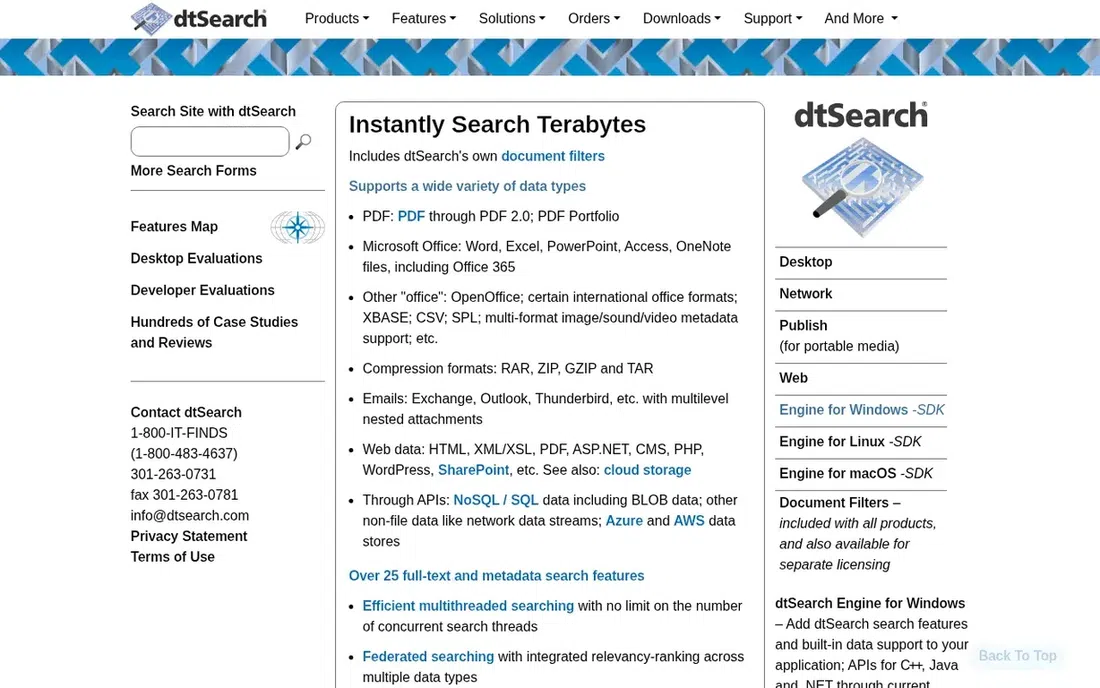
Where dtSearch fits: full-text retrieval across large data sets. dtSearch is a text retrieval and full-text search engine that emphasizes instant searching across very large data sets and numerous document types. It merges numerous full-text and metadata search features with choices for developers to embed search and data support into their own applications, suiting technical teams and content-heavy organizations.
Watch-outs: Interface geared to search work.
Its strength in depth can mean a steeper ramp-up time for casual users who just want to find a document rapidly. For straightforward everyday lookups, a consumer desktop search tool may feel more approachable. Check the vendor site for dtSearch pricing; none is listed in this comparison. Free access: Not stated.
- Instant full-text search of large volumes
- Developer integration choices
- Technical setup for some uses
Copernic Desktop Search
Best for: Everyday Windows file and email search
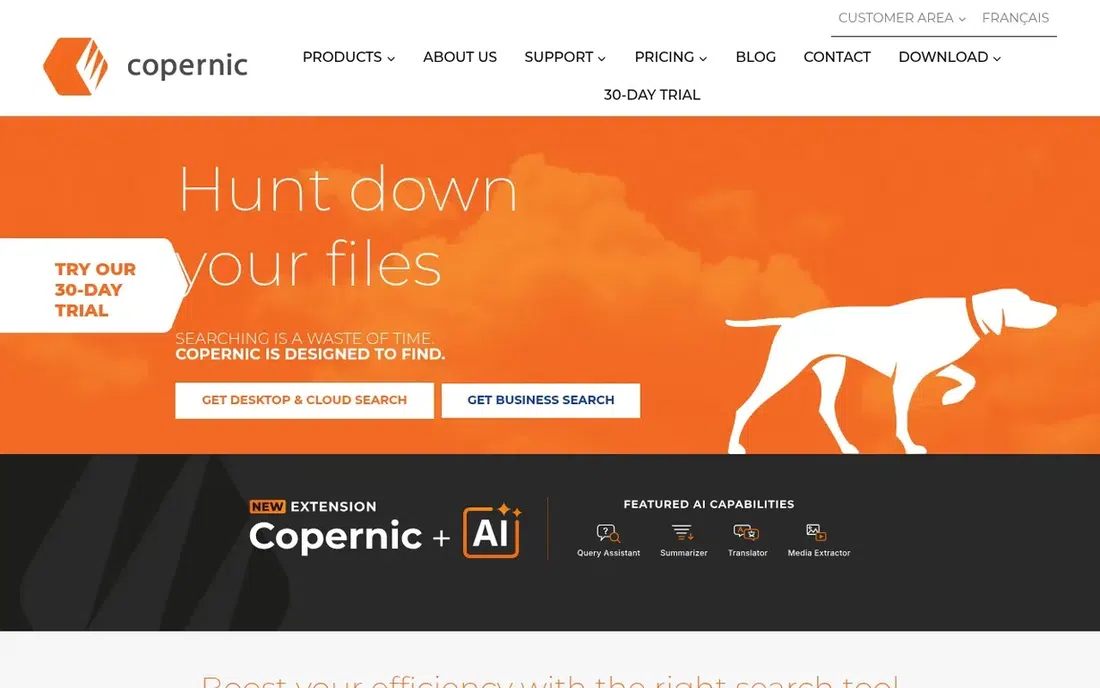
Pick Copernic Desktop Search if this describes you: Everyday Windows file and email search. Copernic Desktop Search is a Windows search tool built to locate files, emails and attachments in seconds. Its index spans hundreds of file types and can bundle desktop, network and cloud locations, which makes it a practical fit for individuals and small teams who want one search box across typical content sources.
What to check first: Windows focused.
Beyond that, since it centers on Windows and Outlook-style content, it is less suited to mixed-platform environments or deep enterprise discovery needs. On top of that, if your priority is compliance-grade search across large repositories, a discovery-oriented tool is the better match. The starting price for Copernic Desktop Search: $999 per year. On free options: Not stated.
- Supports hundreds of file types
- Network and cloud sources
- Large indexes need setup time
What went into this list
The comparison looks at four things: starting price, free access, how well the feature set matches desktop search software, and the main limit of each tool. Where a vendor does not publish a price, the entry says quote. Where a price depends on seats or billing term, the entry says so. Tools are placed by general fit for desktop search software, with price clarity and free access as tie-breakers. A different team can reasonably rank them differently.
What to check before you buy
- Confirm the entry price on the vendor page. For Listary, DocFetcher Pro, Lookeen and others that means a quote rather than a fixed price.
- Test the free plan from DocFetcher Pro against your real workload before relying on it.
- Run a trial of Lookeen with real work before paying for a year; your own workflow is the best test.
- Before choosing Listary, weigh its main limit: not a deep content indexer.
- Confirm the exact DocFetcher Pro plan that includes your must-have features.
- Look at the renewal terms for Copernic Desktop Search: auto-renewal, notice periods and price changes can matter more than the first-year price.
FAQ
How should I choose among these desktop search tools?
Then match the tool to your system and to whether you need a light utility or a broader indexed suite, and confirm current features on the vendor site.
Which options for desktop search software have a free plan?
DocFetcher Pro is the only tool in this list with a free plan. Free plans usually cap users, projects or features, so check the limits on the vendor page. One other tool offers a trial instead.
Do these tools publish their prices?
Not all of them. Listary, DocFetcher Pro, Lookeen and others publish no starting price, so expect a quote request for those. The rest, Copernic Desktop Search included, show a starting price, though seats and billing terms still change the final cost.
How are the tools for desktop search software ordered?
The order follows typical fit for desktop search software, with Listary first and Copernic Desktop Search last, then price clarity and free access. It is editorial judgement, not a score, so another team could rank the tools differently.
Can I try these options before paying?
Often, yes. DocFetcher Pro has a free plan and Lookeen offers a free trial. Use your own data and a real task during the test, and check what the free tier or trial limits before you rely on it.
Sources
- https://www.listary.com
- https://docfetcherpro.com
- https://www.lookeen.com
- https://www.voidtools.com
- https://www.dtsearch.com
- https://www.copernic.com