Choosing AI Desktop Database Software in 2026: 6 Options Compared
Best AI desktop database software: 6 tools compared on price, free plans and fit. Top pick: Caspio, aimed at compliance-focused custom apps. Jump to the table.
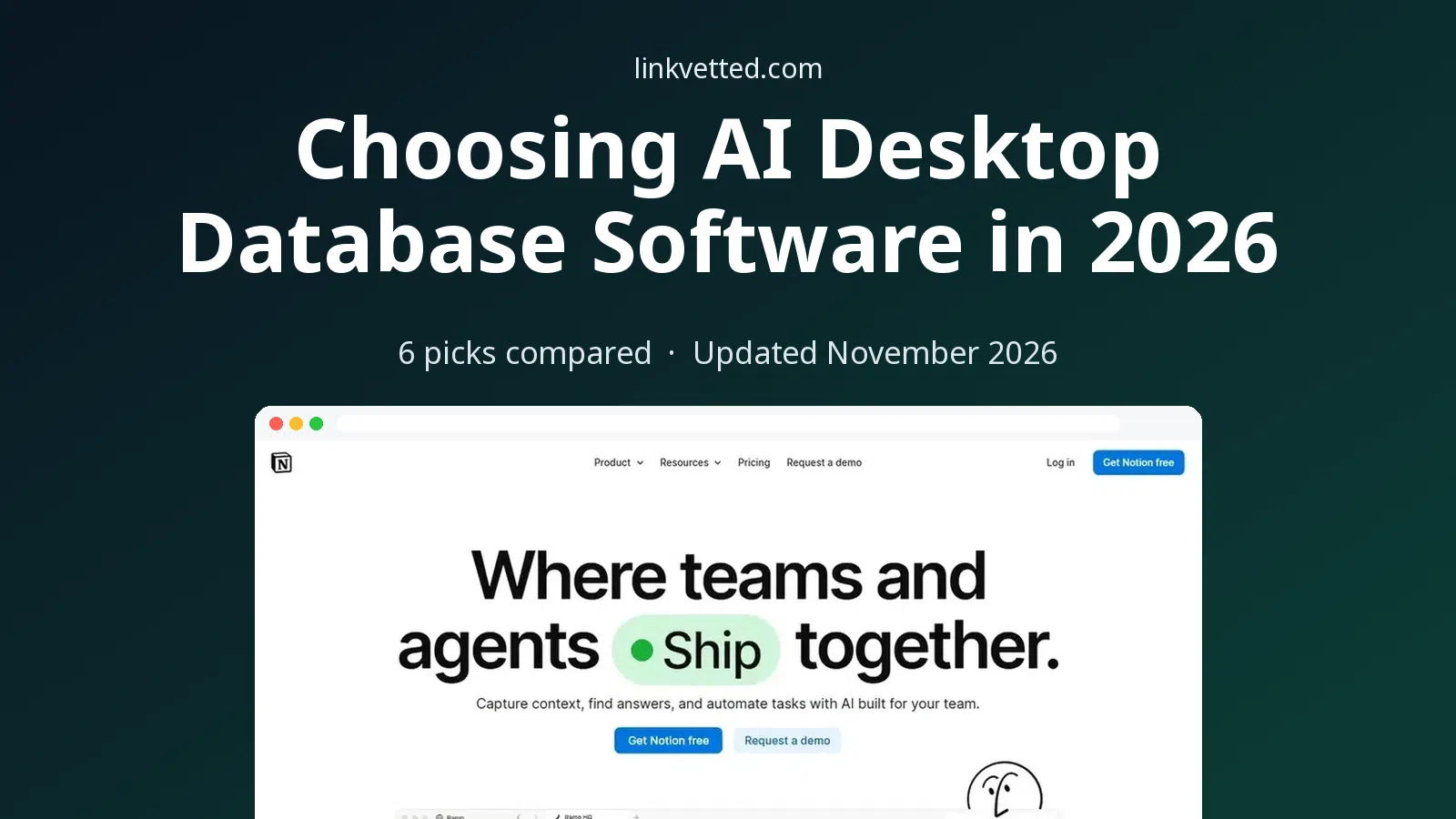
- Editor's choice
 Caspio
Compliance-focused custom apps
Starts at$270 a monthVisit caspio.comFull review - Great alternative
 Knack
No-code app building with AI
Starts at$19 per monthVisit knack.comFull review - Also considerMicrosoft Access
Traditional desktop database creation
Starts at$18.00 per user per monthVisit microsoft.comFull review
Direct answer
Caspio leads the list, best for compliance-focused custom apps. Listed starting prices: Caspio from $270 a month, Knack from $19 per month and Microsoft Access from $18.00 per user per month. Knack is the stronger choice for no-code app building with AI, while Microsoft Access suits traditional desktop database creation. Prices, free plans and limits for all 6 tools follow.
TL;DR:
- Caspio takes the first slot, best suited to compliance-focused custom apps.
- FileMaker fits low-code custom app development.
- Notion is the lowest-priced starter here at $10 per member per month.
- One limit worth knowing about Caspio: may be complicated for simple needs.
Last checked November 2026. Prices and plan details were read from the vendors' own pages in November 2026; vendors change plans often, so confirm the current price on the vendor site before you buy.
Quick comparison
| Tool | Best for | Starts at | Free plan? | |
|---|---|---|---|---|
| Caspio | Compliance-focused custom apps | $270 a month | Free trial | Visit |
| Knack | No-code app building with AI | $19 per month | Free trial | Visit |
| Microsoft Access | Traditional desktop database creation | $18.00 per user per month | Free trial | Visit |
 Notion | All-in-one workspace with AI agents | $10 per member per month | Yes | Visit |
 Airtable | Teams needing AI workflows and automation | $20 per user a month | Yes | Visit |
| FileMaker | Low-code custom app development | $22 per user a month | No | Visit |
The best AI desktop database software
If you are comparing AI desktop database software, this page covers 6 tools in one place: what each is best for, what it costs to start, whether it has a free plan, and the main limit to know about.
Caspio is built with compliance-focused custom apps in mind. Caspio is an AI product for building custom business applications, with annually certified HIPAA, SOC 2 Type II, and GDPR compliance. It supports unlimited users, making it a good match for organizations that need to build compliant, scalable applications.
What to check first: May be complicated for straightforward needs.
It is cloud-based, so offline use is restricted. More specifically, for a straightforward desktop database, consider Microsoft Access. Caspio cost at the entry level: $270 per month. Free options: Free trial. What works well: Unlimited users.
- SOC 2
- AI system for custom apps
- Pricing not transparent
Knack targets no-code app building with AI. Advanced features might need some learning. If you need a desktop-first solution, Microsoft Access could be a better choice.
Also, Knack is a no-code application development product that comes with an AI app builder. It lets users to build solid applications without coding, making it accessible for companies that want to build custom database apps rapidly. Knack pricing: $19 per month. Free access: Free trial.
Limits to weigh: Less a good match for offline use.
- No-code AI app builder
- Solid application development
- May have learning curve for advanced features
Microsoft Access
Best for: Traditional desktop database creation
Microsoft Access works best for traditional desktop database creation. Microsoft Access is a desktop database software that lets you rapidly build databases and configurable database apps. It is well-suited for users who require a local, offline database option and are already familiar with the Microsoft Office ecosystem.
From a buyer's view, Access has limited AI capabilities compared with newer cloud-based tools. It is primarily aimed at desktop use, so collaboration may be less smooth. Beyond that, if you need AI-driven automation, consider Airtable or Notion. Microsoft Access starts at: $18.00 per user per month. Free plan details: Free trial.
The main drawbacks: Restricted AI features.
- Configurable database apps
- Familiar Microsoft ecosystem
- Needs Microsoft 365 subscription
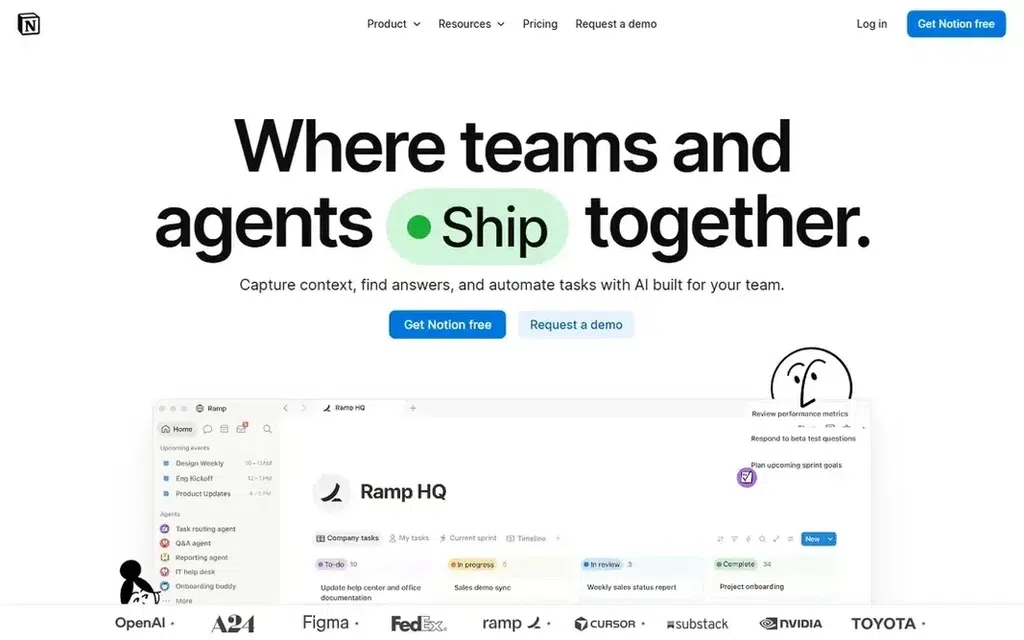
Notion makes the most sense for all-in-one workspace with AI agents. Whereas Notion manages databases well, it may not match dedicated database software for complicated relational needs or large-scale data.
Limits to weigh: Can become complicated for large datasets.
On top of that, if you need a pure desktop database, Microsoft Access or FileMaker might be more appropriate. On cost, Notion starts like this: $10 per member per month. Notion includes a free tier.
- Merges notes, databases, tasks
- AI agents and search across apps
- Offline access is restricted
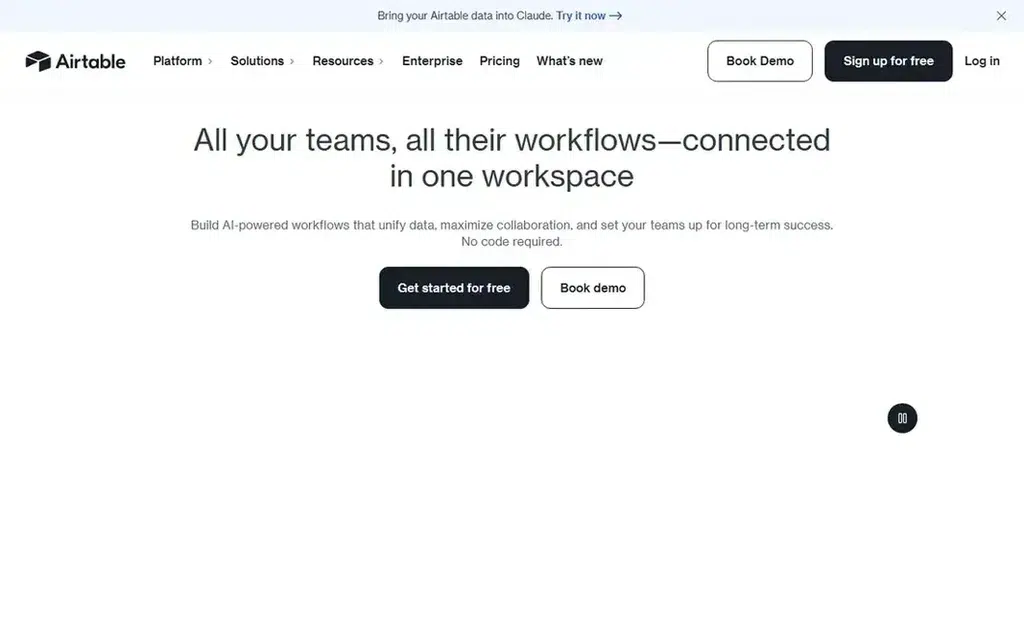
Airtable is built with teams needing AI workflows and automation in mind. It supports AI workflows, apps, and agents, making it a good match for teams that want to automate repetitive tasks and simplify business processes.
Trade-offs to know: Restricted offline capabilities.
In practice, if you need a traditional desktop database with local storage, consider Microsoft Access instead. What you pay to start with Airtable: $20 per user per month. Airtable has a free plan.
- Supports AI-powered automation
- Live collaboration
- May need learning for advanced features
FileMaker
Best for: Low-code custom app development
FileMaker makes the most sense for low-code custom app development. It is well suited to companies that require to produce tailored database applications without broad coding.
Downsides: Needs some development knowledge.
It supports deployment across desktop and mobile devices. The starting price for FileMaker: $22 per user per month. FileMaker has no free plan.
- Works across desktop and mobile
- Builds custom apps
- Can be expensive for small teams
Our selection method
LinkVetted looked at what each vendor publishes: pricing, plan limits, feature coverage for AI desktop database software and stated drawbacks. No hands-on testing is claimed. Where a vendor does not publish a price, the entry says quote. Where a price depends on seats or billing term, the entry says so. Order on the page follows fit for the typical buyer first, then price transparency and free access. Your own requirements should decide the final pick.
A buyer's checklist
- Check the vendor page for the current price: Notion starts at $10 per member per month here, and seats or billing terms can move it.
- Check what the free option really includes: Notion and Airtable offer a free plan, and usage caps differ.
- Use real work to test the free trial from Caspio, Knack and Microsoft Access, rather than a demo project.
- Read the limits listed for Caspio first: may be complicated for straightforward needs.
- Ask the daily users to test Knack on a live task before you roll it out to everyone.
- Check whether Microsoft Access bills monthly or annually, and what cancelling early costs.
FAQ
Which options for AI desktop database software have a free plan?
Notion and Airtable offer a free plan in this list. Free plans usually cap users, projects or features, so check the limits on the vendor page. Several others offer a trial instead.
How are the tools for AI desktop database software ordered?
Caspio sits first and FileMaker last because the order follows typical fit for AI desktop database software, then price clarity and free access. It is a judgement call, so read each profile for fit and limits.
What is AI desktop database software?
AI desktop database software merges traditional database management with artificial intelligence features to automate tasks, create insights, and simplify workflows. It can be installed locally or accessed via the cloud, based on the tool.
How do I choose between Microsoft Access and FileMaker?
FileMaker supplies more advanced custom app development with low-code and AI features, making it a good match for companies with specific application needs.
What is the cheapest option for AI desktop database software in this list?
On published monthly entry prices, Notion is the lowest here at $10 per member per month. Entry price is only part of the cost, because seats, add-ons and billing terms can change the total. Each of the 6 options in this AI desktop database software guide has its own card above with the price, free plan and limits.
Is Caspio the right pick for everyone comparing AI desktop database software?
No single tool suits every team. Caspio comes first because it fits compliance-focused custom apps, while Knack suits no-code app building with AI and Microsoft Access suits traditional desktop database creation. Match the tool to your own size, budget and workflow before deciding.
Sources
- https://www.caspio.com
- https://www.knack.com
- https://www.microsoft.com/en-us/microsoft-365/access
- https://www.notion.so
- https://www.airtable.com
- https://www.claris.com/filemaker