Best AI Database Software for Businesses in 2026: 9 Products Compared
Compare the best ai database software for businesses on vector search, hybrid search, scale and price, from managed cloud tools to open source options.
- Editor's choice
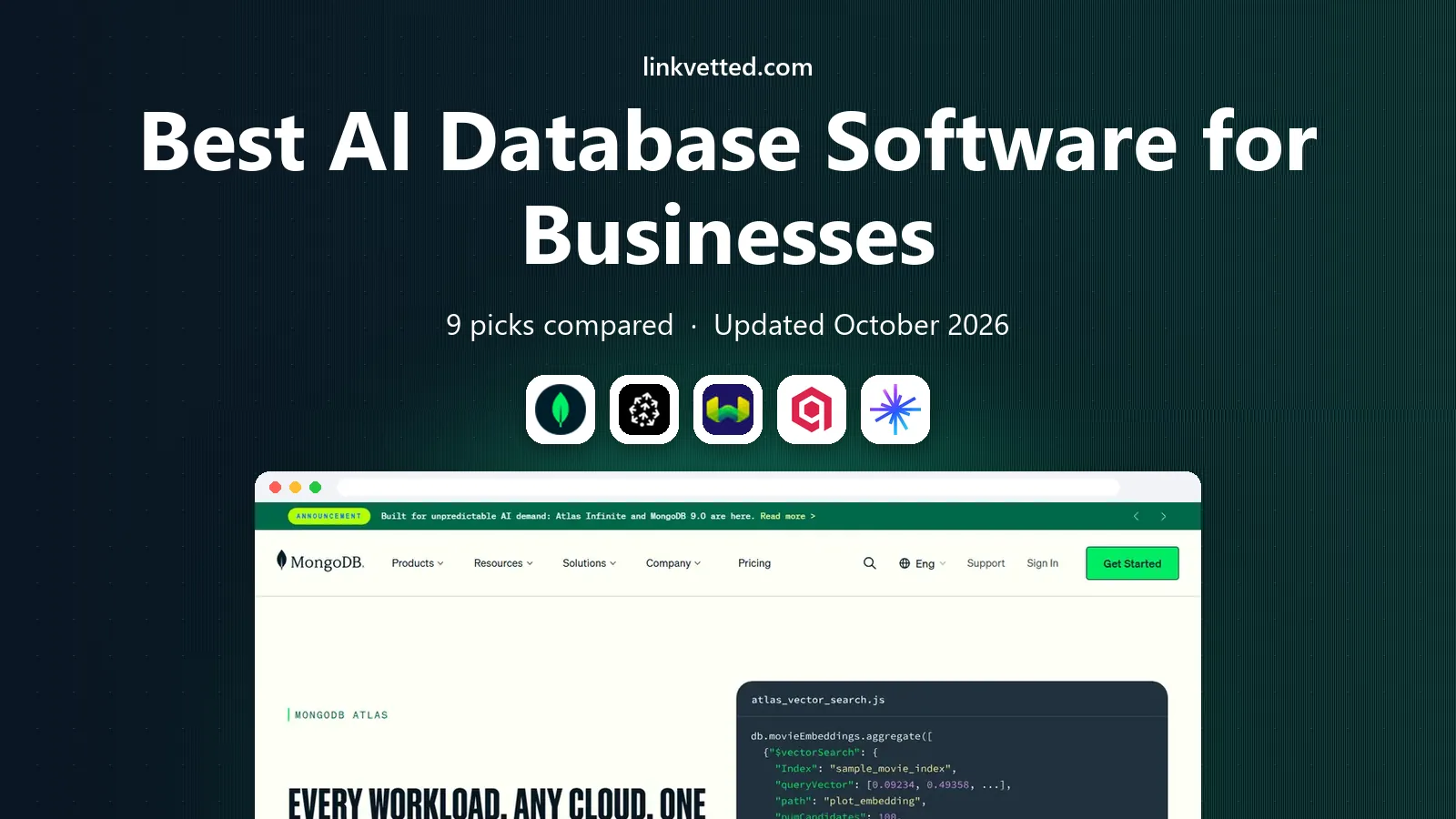
 MongoDB Atlas
AI search on MongoDB workloads
Starts at$9 per monthVisit mongodb.comFull review - Great alternative
 Pinecone
Managed vector search
Starts at$20 per monthVisit pinecone.ioFull review - Also consider
 Weaviate
Open-source hybrid search
Starts at$45 per monthVisit weaviate.ioFull review
TL;DR:
- Start with the database you already run: MongoDB Atlas, Supabase and Postgres-based tools often cover early AI search without a second system.
- Pinecone, Qdrant, Weaviate and Zilliz Cloud are purpose-built vector databases for similarity search at larger scale.
- Neo4j suits AI apps where relationships between people, products and documents matter as much as text similarity.
- Chroma is the simplest open-source option for prototypes, while DataStax Astra DB suits enterprises already on a larger data platform.
- Price depends on vectors, queries, storage and compute, so test with your real embedding size and query load before committing.
Quick comparison
| Tool | Best for | Starts at | Free plan? | |
|---|---|---|---|---|
| MongoDB Atlas | AI search on MongoDB workloads | $9 per month | Yes | Visit |
| Pinecone | Managed vector search | $20 per month | Yes | Visit |
| Weaviate | Open-source hybrid search | $45 per month | Yes | Visit |
 Qdrant | Fast open-source vector search | See website | Yes | Visit |
 Zilliz Cloud | Large managed vector workloads | Free | Yes | Visit |
 Supabase | Postgres apps with vector support | $25 per month | Yes | Visit |
 Neo4j | Connected data and graph AI | See website | Yes | Visit |
 DataStax Astra DB | Enterprise AI data platform | See website | Yes | Visit |
 Chroma | Simple open-source embedding store | See website | Yes | Visit |
The best ai database software for businesses
AI database software usually means a database that can store embeddings, which are numeric representations of text, images or other content, and find similar items fast. That powers retrieval-augmented generation, semantic search, recommendations and AI assistants that answer from your own documents. We compared official feature pages, pricing pages and public reviews, and we kept tools that support vector search, hybrid search or graph-based AI retrieval today.

MongoDB Atlas is the lowest-friction pick for teams already running MongoDB. You store embeddings alongside documents, query them with vector search, and keep one operational database instead of adding a separate vector system. That simplicity helps small teams ship an AI assistant over internal documents without hiring a search specialist.
Pricing starts from $9 per month for a shared cluster, with a free tier for prototypes. The honest limit is scale and specialization: at hundreds of millions of vectors, a dedicated vector database may return results faster and cheaper. For a chatbot over thousands or tens of thousands of documents, Atlas is often enough, and you can measure before you add complexity.
- Vector search inside a familiar document database
- No second system for many early AI apps
- Generous free tier for prototypes
- Vector performance trails purpose-built engines at very large scale
- Pricing grows complex with usage
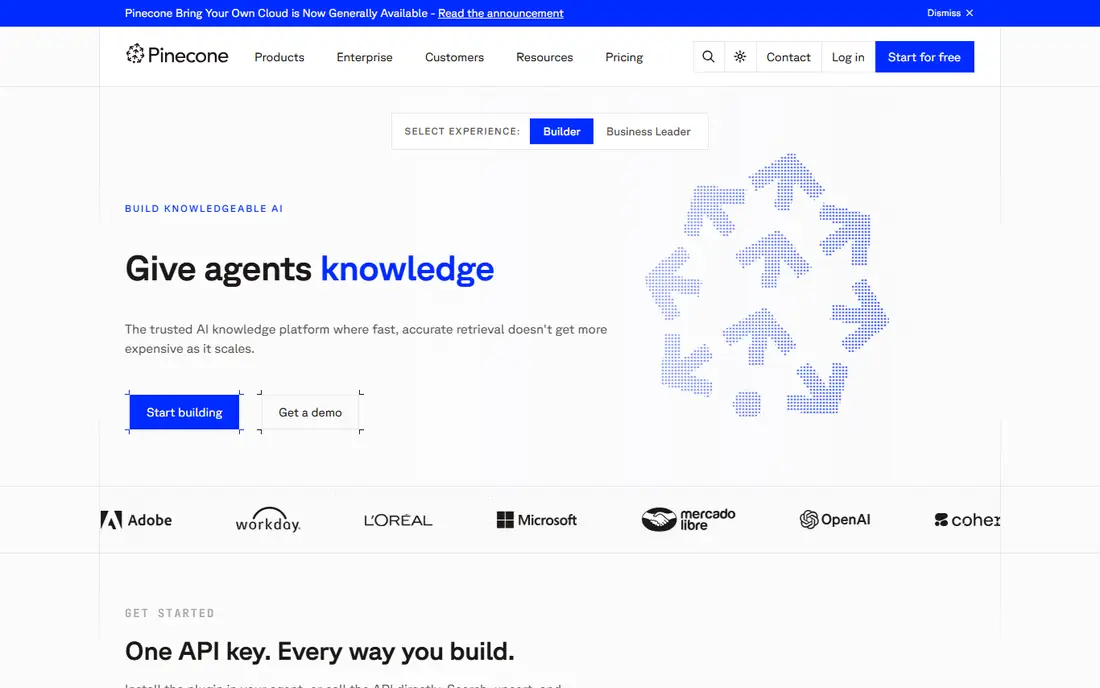
Pinecone is the managed default for teams that want vector search without operating infrastructure. You send embeddings to an index, query for similar items, filter by metadata, and let Pinecone handle scaling, updates and availability. That hands-off model suits product teams that want to focus on the AI app, not on database tuning.
Pricing starts at $20 per month, with a free tier for development. The trade-off is control and cost at scale: self-hosted tools can be cheaper for steady, predictable workloads, while Pinecone charges for the managed convenience. If your team has no database operations capacity, Pinecone is a strong first production choice.
- Fully managed vector search with little ops work
- Strong performance for production AI apps
- Clear serverless and pod options
- Cost can rise with scale and query volume
- Less control than self-hosted open-source options
Weaviate combines vector search with keyword search, which often gives better answers than either method alone. A user query can match exact terms and similar meaning at the same time, with filters for category, date or owner. The open-source core appeals to teams that want control, while Weaviate Cloud offers a managed path from $45 per month.
That flexibility comes with a learning curve. Teams need to choose embedding models, set up schemas and tune hybrid ranking, which takes more work than a single-purpose managed index. For product search, support search and document assistants where exact matches still matter, Weaviate is a balanced, capable pick.
- Hybrid keyword plus vector search in one query
- Open-source core with a managed cloud option
- Good modular design for different models
- Managed pricing starts higher than some rivals
- Setup and tuning need more skill than a fully managed tool
Qdrant is an open-source vector database known for speed and strong filtering. Engineers can run it themselves, store embeddings with rich metadata, and query for similar items with precise filters, such as only documents for one customer or one product line. That filter strength matters in real business apps, where similarity alone is not enough.
Self-hosting gives control over cost and data location, but it also means your team owns upgrades, backups and scaling. Qdrant Cloud removes much of that work, at a price that depends on usage, so we list See website for the managed starting point. For engineering teams that want performance and control, Qdrant is a top shortlist pick.
- Fast vector search with filtering
- Open-source and self-hostable
- Managed cloud option for teams that do not want ops work
- Pricing for managed cloud is not a single public starting price here
- Advanced tuning needs engineering time
Zilliz Cloud is the managed version of Milvus, an open-source vector database built for large scale. It suits companies with very large embedding collections, high query loads, or multiple AI apps sharing one vector platform. A free tier lets teams start small, while paid plans scale storage and compute for production workloads.
The Milvus model is more involved than a simple embedding store, so small prototypes may prefer Chroma or Supabase first. For a business already planning millions or billions of vectors, Zilliz Cloud offers managed scale without building a vector operations team. Check query, storage and ingestion costs together, since large workloads are priced on more than one dimension.
- Managed Milvus for very large vector workloads
- Free tier for starting projects
- Strong scale for billions of vectors in larger plans
- Enterprise scale features need paid plans
- Smaller teams may find Milvus concepts heavier than simpler tools
Supabase gives app developers a Postgres database, authentication, storage and APIs in one platform, with vector search through pgvector. That makes it easy to build an app where user data, documents and embeddings live together, with row-level security controlling who sees what. The free tier covers prototypes, and paid plans start at $25 per month.
The advantage is one system for app data and AI retrieval, which reduces integration work. The limit is scale: at very large vector counts or very high query rates, a dedicated vector database may perform better. For most business apps in their first year of AI features, Supabase is a practical, developer-friendly starting point.
- Postgres database with vector support via pgvector
- Auth, storage and APIs in one platform
- Free tier for prototypes
- Vector performance is tied to Postgres tuning at scale
- Larger AI workloads may still need a dedicated vector store
Neo4j approaches AI data as a graph: people, products, documents and events are nodes, and the links between them are first-class data. That model helps AI apps answer questions that depend on relationships, such as which supplier connects to which product, or how a fraud ring links accounts together. Vector search can sit alongside graph queries, so an app can find similar items and then follow connections from them.
Graph thinking takes practice, and teams used to tables or documents will need time to model data well. Pricing for Neo4j Aura, the managed cloud service, depends on size and usage, so we list See website. For knowledge graphs, recommendations and connected-data AI, Neo4j offers something vector-only tools do not.
- Graph model for relationships between entities
- Vector search plus graph traversal for richer answers
- Strong fit for fraud, recommendations and knowledge apps
- Graph modeling needs different skills than tables or documents
- Pricing depends on usage and deployment
DataStax Astra DB is a managed, serverless database built on Apache Cassandra, with vector search for AI apps. It suits enterprises that need high availability, global scale and large write loads, alongside AI retrieval. The platform also connects to wider data and AI tools in the DataStax and IBM ecosystem, which can help larger teams standardize.
For a small prototype, Astra DB is more platform than needed, and usage-based pricing makes a simple monthly comparison hard, so we list See website. For an enterprise already running Cassandra or planning a high-scale AI service, Astra DB offers a managed path with vector search built in, rather than a separate point tool.
- Managed Cassandra-based database with vector search
- Strong fit for high-scale, always-on apps
- Enterprise platform and support options
- Pricing is usage-based and not a single starting price
- Overkill for small prototypes
Chroma is the simplest tool on this list, and that is its strength. Developers can store embeddings, query for similar items and build a first AI assistant in an afternoon, with little configuration. It runs locally or in a small deployment, which makes it ideal for learning, prototyping and internal tools with modest data volumes.
The limit is production scale and operations. Chroma does not try to match Pinecone, Qdrant or Zilliz Cloud for billions of vectors, high query rates or multi-team governance. Use Chroma to prove an AI idea fast, then move to a managed vector database when query load, data size or reliability needs grow beyond a prototype.
- Very simple setup for prototypes
- Open-source with a small footprint
- Good fit for local development and small AI apps
- Not built for very large production scale
- Managed and enterprise features are narrower than larger rivals
How we picked these
We compared official feature pages, pricing pages, documentation and public reviews for databases that support AI retrieval today, including vector search, hybrid search and graph-based retrieval. We kept tools with a free tier or trial, active development and clear production use, and we excluded generic databases without vector or AI retrieval support. Prices are starting prices from vendor pages or recent vendor listings, and we wrote See website where pricing is usage-based or not published as a single starting price.
What to check before you buy
Start with your data and query pattern, not with a vendor list. Count how many embeddings you will store, how large each embedding is, how often you will query, and which filters every query must apply. Test with real documents, not sample data, and measure answer quality as well as speed. A database that returns fast but irrelevant results will hurt an AI assistant more than a slightly slower, more accurate one.
Check data privacy and freshness
Ask where embeddings and source documents are stored, how data is encrypted, and whether the vendor trains models on your data. Check how quickly updated or deleted documents are reflected in search results, since stale AI answers can mislead staff or customers. For regulated data, confirm region options, access controls and audit logs before you connect a production database.
Plan for scale and cost growth
Model cost at three points: prototype, first production launch, and ten times that load. Vector databases charge for storage, compute, queries and sometimes ingestion, so a low starting price can rise fast. A tool that starts free or cheap and scales cleanly is better than a tool that forces a painful migration at the first growth step.
FAQ
Do I need a vector database for every AI app?
No. Simple AI apps can use keyword search, a general database with vector support, or direct model calls. A dedicated vector database earns its place when you need fast similarity search across a large collection, with filters and high query volume. Start with the database you already run, then add a vector store when retrieval becomes a bottleneck.
What is the difference between vector search and keyword search?
Keyword search matches exact terms in a document, while vector search matches meaning by comparing numeric embeddings. Hybrid search combines both, so a query can find exact product codes and conceptually similar documents in one result set. Many business apps get the best answers from hybrid search.
How much does AI database software cost?
Starting prices in this guide range from free tiers for Chroma, Zilliz Cloud and others, to $9 per month for MongoDB Atlas, $20 for Pinecone, $25 for Supabase and $45 for Weaviate. Production cost depends on vectors, storage, queries and compute, so test with real load before budgeting. Usage-based tools need a load test, not just a price page check.
Is open-source AI database software safe for business use?
Yes, when it is actively maintained and deployed with proper backups, access controls and updates. Qdrant, Weaviate, Chroma and Milvus all have open-source cores used in production, plus managed cloud options for teams that do not want operations work. Check the license, support options and security updates for the exact version you deploy.
Can AI database software work with my existing app database?
Yes, in two common patterns. You can add vector support to your existing database, such as pgvector in Postgres or vector search in MongoDB Atlas, or you can run a dedicated vector store alongside it and sync embeddings. The first pattern is simpler, while the second pattern scales better for large AI workloads.
How do I keep AI answers accurate?
Keep source documents fresh, remove outdated content, and test answers against known questions before launch. Use filters so an AI assistant only retrieves documents a user is allowed to see, and log which documents were used for each answer. Human review for high-stakes answers remains important, since retrieval quality depends on data quality.