Best AI Powered Database Software in 2026: 9 Tools Compared
We compared the best ai powered database software for 2026, covering vector search, Postgres, document stores, and managed AI database options today now.
- Editor's choice
 Pinecone
Managed vector search
Starts at$20 per monthVisit pinecone.ioFull review - Great alternative
 Supabase
Postgres apps with vector search
Starts at$25 per monthVisit supabase.comFull review - Also consider
 MongoDB Atlas
Document apps with vector search
Starts atSee websiteVisit mongodb.comFull review
TL;DR:
- Most AI database choices come down to vector search for retrieval, or a general database with vector features added.
- Purpose-built vector databases suit large retrieval workloads, while Postgres and document stores suit apps that already use those databases.
- Free tiers are genuinely useful for prototypes, but check storage, query, and pause limits before building a production plan.
- Embedding models, chunking, and index choice affect search quality as much as the database itself.
- Test with your own documents and questions, since benchmark speed rarely predicts retrieval quality on real data.
Quick comparison
| Tool | Best for | Starts at | Free plan? | |
|---|---|---|---|---|
| Pinecone | Managed vector search | $20 per month | Yes | Visit |
| Supabase | Postgres apps with vector search | $25 per month | Yes | Visit |
| MongoDB Atlas | Document apps with vector search | See website | Yes | Visit |
 Weaviate | Open source vector search with modules | $45 per month | Yes | Visit |
 Qdrant | Fast open source vector search | See website | Yes | Visit |
 Zilliz Cloud | Managed Milvus at scale | See website | Yes | Visit |
 Neo4j | Graph plus vector AI apps | See website | Yes | Visit |
 Chroma | Simple local vector prototypes | See website | Yes | Visit |
 Neon | Serverless Postgres with vectors | See website | Yes | Visit |
The best ai powered database software
These databases support AI workloads, from vector search for retrieval-augmented generation to AI-assisted queries and indexing. We compared official feature pages, pricing pages, and public documentation.
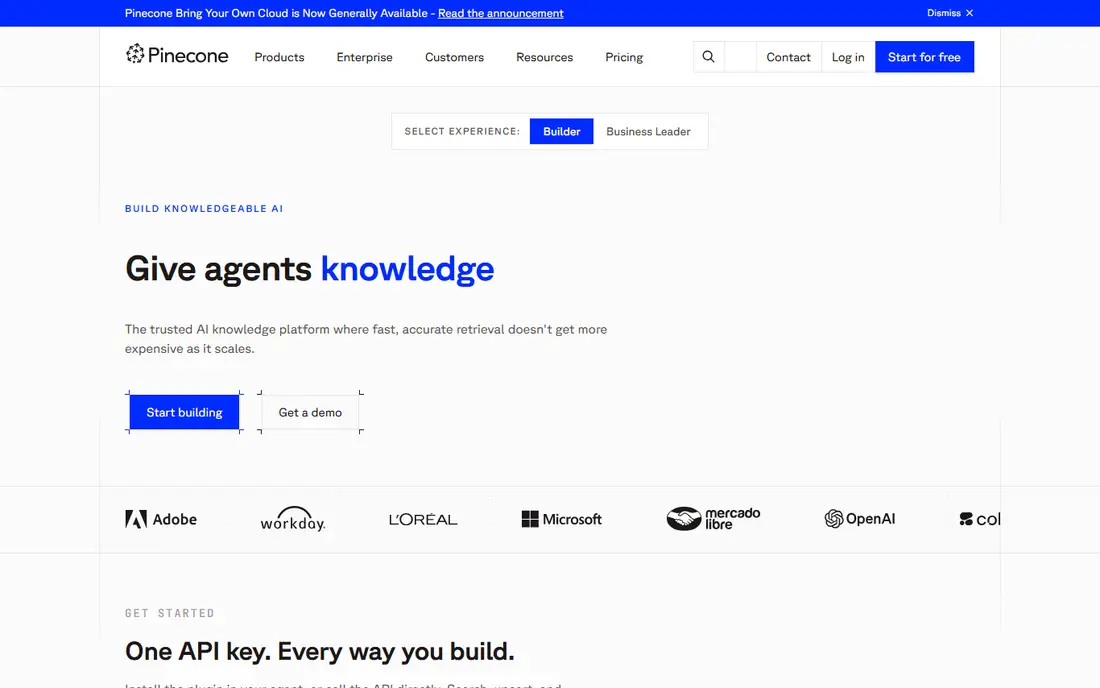
Pinecone is the simplest route to production vector search for many teams. Developers store embeddings, query by similarity, filter by metadata, and scale without running clusters themselves. Hybrid search, which combines dense vectors with sparse keyword signals, helps retrieval when a pure vector match misses exact terms.
The trade-off is control and cost. Pinecone is a managed service only, so teams that need self-hosting or strict data residency in their own cloud must look elsewhere. Usage-based costs also need monitoring as data and queries grow. For teams that want managed vector search with minimal operations work, Pinecone is a leading pick.
- Fully managed vector search with no infrastructure to run
- Hybrid dense and sparse search
- Strong for production retrieval apps
- Proprietary managed service, so no self-hosted option
- Usage costs rise with storage and query volume
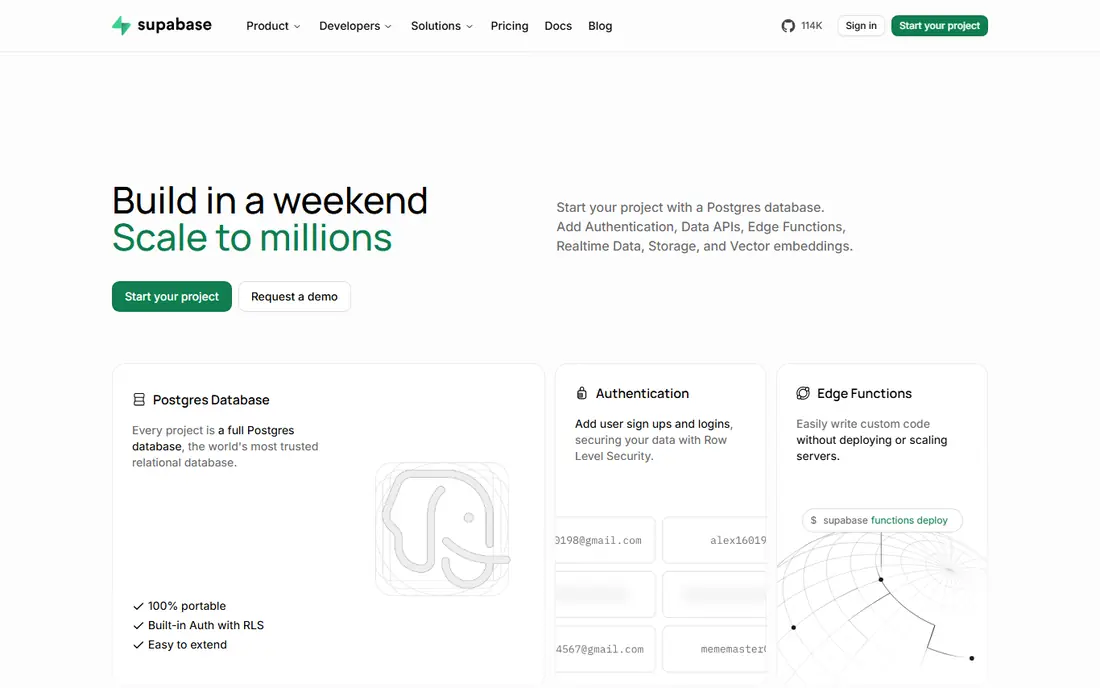
Supabase suits app developers who want AI search without adding a separate database. It is Postgres with pgvector for vector storage and search, plus auth, storage, and auto-generated APIs. That combination means a team can build a full app, store user data, and add semantic search in the same project.
Free tier limits matter for production planning, including storage caps and pauses after idle time, so teams should check the current limits on the pricing page. Large vector workloads may also need index tuning and query care. For Postgres apps that need AI search as a feature, not a separate system, Supabase is an excellent fit.
- Postgres with pgvector, auth, storage, and APIs in one platform
- Free tier for prototypes
- Familiar SQL for developers
- Free tier pauses after idle time and has storage limits
- Vector performance needs tuning at large scale

MongoDB Atlas suits teams already building on MongoDB who want to add AI search to document data. Atlas Vector Search lets developers store embeddings beside documents, run similarity queries with filters, and keep operational and AI data in one place. A free M0 cluster helps prototypes, and managed clusters scale across major clouds.
Teams that only need vector search may find a purpose-built vector database simpler, since Atlas pricing depends on cluster choice and usage. Data modelling also matters, since document design affects both app queries and vector queries. For MongoDB teams, adding vector search in Atlas is usually more coherent than running a second database.
- Document store plus vector search in one managed service
- Free M0 cluster for prototypes
- Multi-cloud deployment
- Vector search is one feature of a larger platform
- Costs depend on cluster size and usage
Weaviate is an open source vector database with a module system for embeddings, reranking, and generative AI connections. Developers can run it themselves with Docker or Kubernetes, or use Weaviate Cloud for a managed service. Hybrid search, filtering, and multi-tenancy suit apps that need more than simple similarity queries.
Self-hosting brings operations work for backups, scaling, and upgrades, while managed pricing varies by tier and usage. Teams should also check which modules are included in their tier. For teams that want open source flexibility with a managed path, Weaviate is a strong choice.
- Open source with a managed cloud option
- Hybrid search and generative modules
- GraphQL and REST APIs
- Module and enterprise pricing can be complex
- Self-hosting needs operations skill
Qdrant is known for speed and efficient vector search, with strong support for filtering by payload data and for hybrid queries. Developers can run it as open source or use Qdrant Cloud, which offers a free tier for small clusters. That mix suits engineering teams that want performance and control without a heavy managed bill at small scale.
The ecosystem is smaller than Pinecone in some integration areas, and cloud pricing depends on cluster resources, so teams should model costs for their data size. Documentation and APIs are clear, and the Rust-based engine appeals to performance-focused teams. For fast, cost-aware vector search, Qdrant is a top pick.
- Fast open source vector search
- Strong filtering and payload handling
- Cloud and self-hosted options
- Managed cloud pricing is usage-based
- Smaller ecosystem than Pinecone for some integrations
Zilliz Cloud is the managed service for Milvus, the open source vector database built for very large scale. It suits teams with millions or billions of vectors, high query rates, or strict performance needs, where a general database would struggle. Serverless options help small projects start cheaply, while dedicated clusters serve production scale.
Pricing depends on serverless usage or dedicated cluster size, so teams should check the pricing page for their workload shape. Small apps may find Supabase or Pinecone simpler. For large-scale vector search with Milvus, Zilliz Cloud is the natural managed choice.
- Managed Milvus for billion-scale vector workloads
- Serverless and dedicated options
- Free tier for small projects
- Pricing varies by deployment type
- Milvus depth may be more than small apps need
Neo4j suits AI apps where relationships matter as much as similarity. A recommendation, fraud, or knowledge graph app can store entities and their connections as a graph, then add vector search for semantic matches. That combination helps retrieval that needs both meaning and structure, such as finding related cases through shared entities.
Graph modelling with Cypher takes time to learn, and teams used to tables or documents should plan for that shift. Pricing also varies by cloud, self-managed, and enterprise options. For connected-data AI apps, Neo4j offers a distinct advantage over pure vector stores.
- Graph database with vector search
- Strong for connected data such as fraud, recommendations, and knowledge graphs
- Cypher query language
- Graph modelling takes learning
- Pricing is complex for large deployments
Chroma is the simplest way to start with vector search in Python. Developers can store embeddings locally, query by similarity, and build a retrieval prototype in minutes, without cloud setup or complex configuration. That simplicity made it popular for tutorials, hackathons, and early retrieval experiments.
Production scale is the limit. Large datasets, high query rates, and multi-user access usually need a managed vector database or a tuned Postgres setup instead. Chroma Cloud adds a hosted path, but team pricing should be checked. For prototypes and learning, Chroma is still an excellent first step.
- Simple Python-first vector store for prototypes
- Easy local setup
- Open source
- Not built for large production scale on its own
- Managed cloud options are newer and costlier at team scale
Neon is serverless Postgres with branching, which lets developers copy a database for testing in seconds and scale compute up and down with demand. With pgvector, it can serve AI search for Postgres apps, alongside normal app data. The free tier suits many small projects and prototypes.
Usage-based pricing for compute and storage needs monitoring, and teams should check free tier limits for their project count and usage. For Postgres apps that want serverless scaling and easy branching, plus vector search, Neon is a strong alternative to Supabase.
- Serverless Postgres with instant branching
- Pgvector support
- Free tier for many small projects
- Usage-based pricing needs monitoring
- Branching and autoscaling add concepts to learn
How we picked these
We compared official product pages, pricing pages, and documentation for databases with AI or vector features still available in October 2026. We favored tools with a free tier or open source option, clear vector or AI search support, and a managed path for production, and we wrote See website where pricing was not published on the vendor page.
How to choose an AI database
Start with the workload, not the brand, and test retrieval quality on your own data.
Vector-only or general database
Choose a purpose-built vector database such as Pinecone, Qdrant, Weaviate, or Zilliz Cloud when retrieval scale, speed, or hybrid search is the main job. Choose Supabase, Neon, or MongoDB Atlas when AI search is one feature of an app that already needs Postgres or document storage, since one database is simpler to run.
Test retrieval, not just speed
Load a sample of real documents, embed them with your chosen model, and ask real user questions. Check whether the top results actually answer each question, and whether filters, metadata, and hybrid search improve results. A fast database that returns weak matches will not help users, no matter how good its benchmarks look.
Plan for cost and operations
Model storage, query volume, and embedding costs together, since re-embedding a large corpus after a model change can be costly. Decide who runs backups, upgrades, and scaling, and pick managed hosting if no one on the team wants that work. A free tier is for learning, not a production service level.
FAQ
What is an AI powered database?
It is a database with features for AI workloads, most often vector search for finding similar text, images, or other data by meaning. Some are purpose-built vector databases, while others are general databases such as Postgres or MongoDB with vector search added.
Do I need a vector database for a chatbot?
Not always. A small chatbot can use Postgres with pgvector or a document store with vector search. A large retrieval app with millions of documents, high query rates, or strict latency needs usually benefits from a purpose-built vector database.
What are embeddings?
Embeddings are numeric representations of text or other data, produced by a model, that capture meaning in a way a database can compare. Similar meanings produce similar embeddings, so a vector database can find related documents even when they share no exact words.
Is a free tier enough for production?
Usually not for a real product. Free tiers help prototypes and small projects, but they often limit storage, queries, or uptime, and some pause after idle time. Check limits on the pricing page and move to a paid tier before launch if users depend on the app.
How do I keep AI search accurate?
Use good chunking for documents, a suitable embedding model, metadata filters, and hybrid search where it helps. Test with real questions, review poor results, and re-check quality after any model or data change, since small changes can shift retrieval a lot.