The 6 Best Scientific Workflow Automation Software in 2026, Ranked
Weighing the top scientific workflow automation software? We lined up 6 products by cost, free access and fit. Honest caveats for every entry. Choose faster.
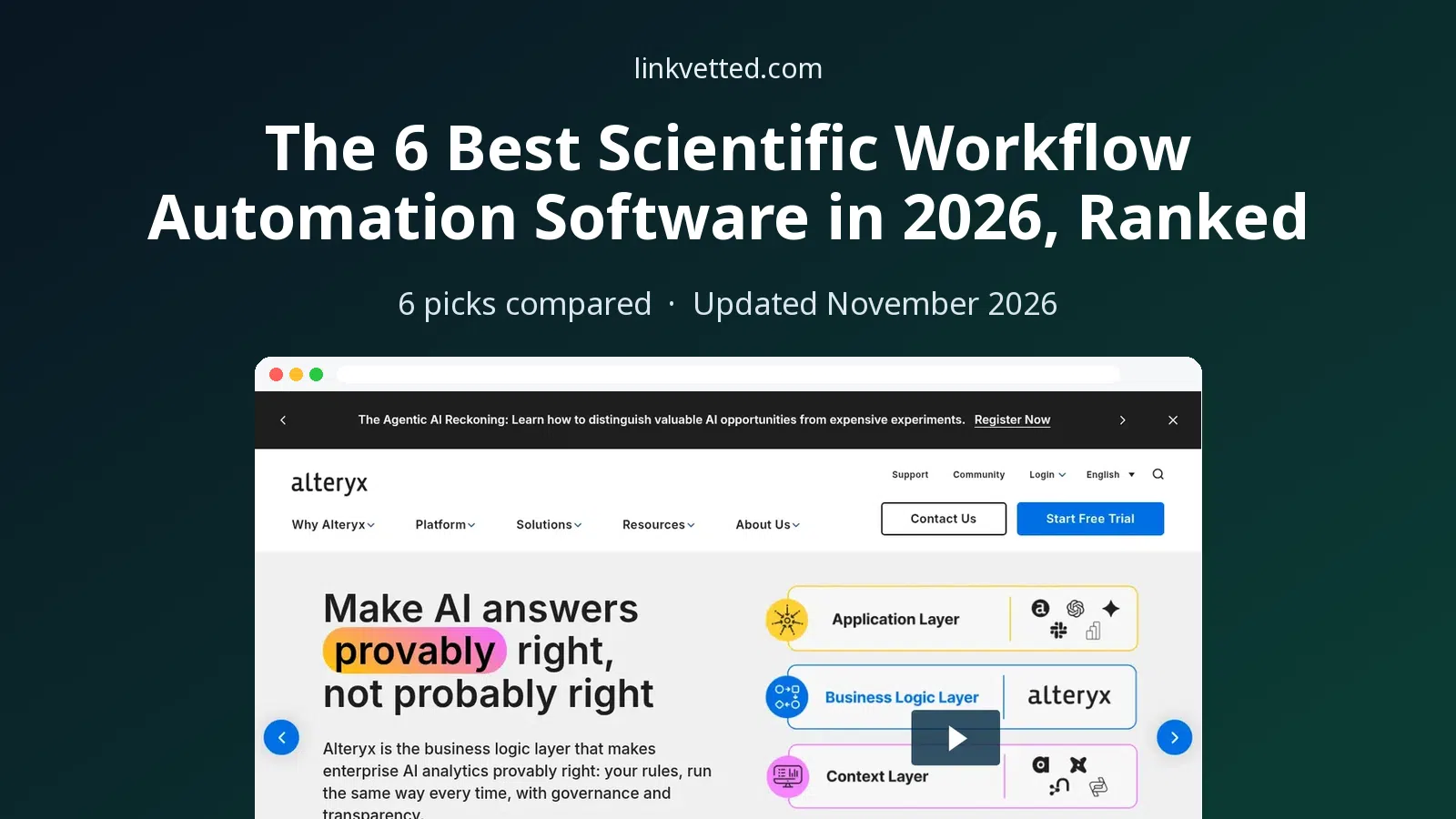
- Editor's choiceAlteryx Designer
Automating data workflows with BI connections
Starts at$250 per user per monthVisit alteryx.comFull review - Great alternativeTIBCO Data Science
Live enterprise data integration
Starts atSee websiteVisit tibco.comFull review - Also considerKnime Analytics Platform
Open source visual data science workflows
Starts atSee websiteVisit knime.comFull review
Direct answer
Alteryx Designer leads the list, best for automating data workflows with BI connections. Listed starting prices: Alteryx Designer from $250 per user per month. For a different need, TIBCO Data Science covers live enterprise data integration and Knime Analytics Platform covers open source visual data science workflows. Details, prices and limits for the rest of the 6 tools are below.
TL;DR:
- Alteryx Designer is the opening pick, best for automating data workflows with BI connections.
- For the cheapest start, look at Alteryx Designer: $250 per user per month.
- For simulation process automation and optimization, Ansys optiSLang is worth a look.
- What to know about TIBCO Data Science first: wide system scope can obscure data science fit.
Last checked November 2026. Prices and plan details were read from the vendors' own pages in November 2026; vendors change plans often, so confirm the current price on the vendor site before you buy.
Quick comparison
| Tool | Best for | Starts at | Free plan? | |
|---|---|---|---|---|
| Alteryx Designer | Automating data workflows with BI connections | $250 per user per month | Free trial | Visit |
| TIBCO Data Science | Live enterprise data integration | See website | Not stated | Visit |
| Knime Analytics Platform | Open source visual data science workflows | See website | Not stated | Visit |
 MATLAB | Numerical computing and model-based design | See website | Free trial | Visit |
 RapidMiner | End-to-end enterprise analytics modernization | See website | Not stated | Visit |
| Ansys optiSLang | Simulation process automation and optimization | See website | Not stated | Visit |
The full scientific workflow automation software list
Choosing scientific workflow automation software usually comes down to price, fit and limits. This LinkVetted guide sets 6 tools side by side on those three points, with the facts kept short and checkable.
Alteryx Designer
Best for: Automating data workflows with BI connections

Choose Alteryx Designer for automating data workflows with BI connections. Alteryx Designer centres on automating data workflows to cut manual work and deliver insights quicker.
Where it falls short: Designer is one part of a broader system.
Choose it when data preparation and reporting automation are the core need. The starting price for Alteryx Designer: $250 per user per month. As for free access: Free trial.
- Connects with Snowflake and Databricks
- Automates repetitive data workflows
- Complicated logic can need ramp-up time
TIBCO Data Science
Best for: Live enterprise data integration
TIBCO Data Science serves live enterprise data integration. TIBCO Data Science sits within the TIBCO Platform, which the vendor describes as a modern enterprise data product delivering integration, messaging, and event processing in any environment. Since the system spans plenty of capabilities, teams should verify how the data science components align with their specific workflow needs.
In practice, a focused analytics system can be a better starting point for pure analysis work. More specifically, for scientific workflows that rely on live data feeds and system integration, this broader system context matters. Pricing for TIBCO Data Science is not stated here, so ask the vendor for current figures. Free access: Not stated.
What to check first: Wide product scope can obscure data science fit.
- Part of a modern data product
- Event processing in any environment
- Needs enterprise integration knowledge
Knime Analytics Platform
Best for: Open source visual data science workflows
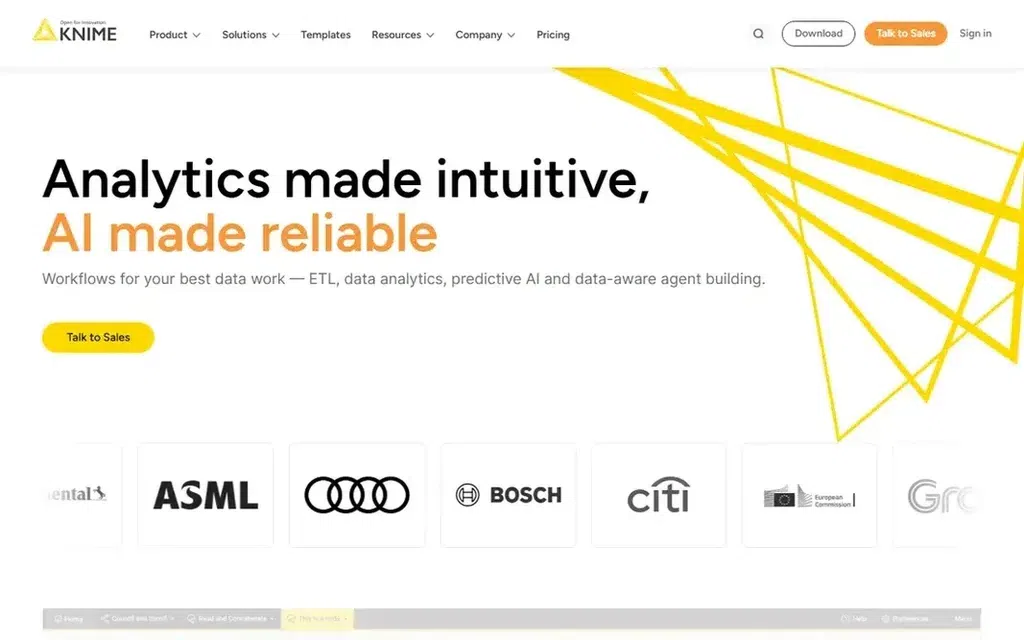
Where Knime Analytics Platform fits: open source visual data science workflows. KNIME Analytics Platform is an open source environment built around a visual workflow builder that links data analysis tools into repeatable pipelines.
The drag-and-drop approach keeps methods visible and shareable across a team. As for the details, since the core is open source, teams frequently have to handle their own governance and scaling practices as projects grow. Pricing for Knime Analytics Platform is not stated here, so ask the vendor for current figures. As for free access: Not stated.
Trade-offs to know: Large workflows can get visually busy.
- Path to enterprise production
- Visual workflow builder
- Advanced deployment may need extras
MATLAB is built with numerical computing and model-based design in mind. MATLAB, developed by MathWorks, is a numerical computing environment widely used in scientific and engineering research.
More specifically, MathWorks also develops Simulink for model-based design, so teams can combine analysis with simulation workflows. Choose it when numerical depth and custom code matter more than drag-and-drop pipeline building. MATLAB shows no starting price here, so confirm the cost on the vendor site. Free plan details: Free trial.
The main drawbacks: Needs programming familiarity.
- Pairs with Simulink for modeling
- Capable numerical computing foundation
- Workflow automation is not the primary framing
RapidMiner is built with end-to-end enterprise analytics modernization in mind. Beyond that, teams with very specific numerical or simulation needs may pair it with specialized software. Confirm how the workflow automation features map to your process before committing.
Trade-offs to know: Enterprise orientation may suit bigger teams.
Mixed-skill teams benefit from a shared product instead of scattered tools. The enterprise framing means smaller groups should check whether the structure matches their scale. Check the vendor site for RapidMiner pricing; none is listed in this comparison. Free options: Not stated.
- End-to-end AI and analytics
- Supports diverse analytics teams
- Needs role planning across teams
Ansys optiSLang
Best for: Simulation process automation and optimization
Ansys optiSLang is designed for simulation process automation and optimization. Ansys optiSLang is part of the Ansys engineering simulation portfolio, which the vendor describes as delivering product modeling with scalability and a full multiphysics foundation.
For everyday use, value depends heavily on existing Ansys adoption. On top of that, for broader analytics pipelines, a general system is more appropriate. Ansys optiSLang does not show a starting price in this comparison, so check the vendor site for current pricing. As for free access: Not stated.
The main drawbacks: Narrower than general data science platforms.
- Ties into Ansys simulation suite
- Supports multiphysics workflows
- Best value within Ansys ecosystem
How we compared the tools
LinkVetted looked at what each vendor publishes: pricing, plan limits, feature coverage for scientific workflow automation software and stated drawbacks. No hands-on testing is claimed. Prices and plan limits come from vendor pages and can change, so confirm them on the vendor site before you buy. The ranking is editorial: typical fit first, then clear pricing, then free access. If your needs are unusual, read the profiles rather than relying on position.
What to check before you buy
- Get a written quote from TIBCO Data Science, Knime Analytics Platform, MATLAB and others; the list shows no starting price for them.
- Take the trial from Alteryx Designer and MATLAB and push a live task through it before you pay.
- Read the limits listed for Alteryx Designer first: Designer is one part of a broader system.
- Work out what Knime Analytics Platform costs with your real seat count, add-ons and usage, not just the entry price.
- See whether Ansys optiSLang offers onboarding or training, and whether it is included in the price.
FAQ
Does any tool for scientific workflow automation software here have a free plan?
A permanent free plan is not offered by Alteryx Designer, Ansys optiSLang or the other tools here. Alteryx Designer, MATLAB offer a trial. Plan a short evaluation period instead.
Is Alteryx Designer the right pick for everyone comparing scientific workflow automation software?
No single tool suits every team. Alteryx Designer comes first because it fits automating data workflows with BI connections, while TIBCO Data Science suits real-time enterprise data integration and Knime Analytics Platform suits open source visual data science workflows. Match the tool to your own size, budget and workflow before deciding.
Do these tools publish their prices?
Not all of them. TIBCO Data Science, Knime Analytics Platform, MATLAB and others publish no starting price, so expect a quote request for those. The rest, Alteryx Designer included, show a starting price, though seats and billing terms still change the final cost.
Can I try these options before paying?
Often, yes. Alteryx Designer and MATLAB offer a free trial. Use your own data and a real task during the test, and check what the free tier or trial limits before you rely on it.
How do simulation-focused tools differ from data science products?
Ansys optiSLang targets simulation process automation and design optimization within engineering workflows. On top of that, match the tool category to whether your core need is simulation or data analysis.
Sources
- https://www.alteryx.com
- https://www.tibco.com
- https://www.knime.com
- https://www.mathworks.com
- https://www.rapidminer.com
- https://www.ansys.com