The 6 Best Software to Create Templates in 2026, Ranked
Best software to create templates in 2026: 6 tools with starting prices, free plans and limits. Strengths and weak spots are spelled out. Read the profiles.
- Editor's choice
 Adobe InDesign
Print and long-form layout templates
Starts atSee websiteVisit adobe.comFull review - Great alternative
 Typeform
Conversational form and survey templates
Starts atSee websiteVisit typeform.comFull review - Also consider
 Jotform
Form and survey templates
Starts at$34 per monthVisit jotform.comFull review
Direct answer
For print and long-form layout templates, Adobe InDesign is where this list starts. Listed starting prices: Jotform from $34 per month, DocuSign from $45 per user per month and Figma from $3 per month. If your case is different, Typeform suits conversational form and survey templates and Jotform suits form and survey templates. Prices, free plans and limits for all 6 tools follow.
TL;DR:
- Adobe InDesign is the opening pick, best for print and long-form layout templates.
- Jotform is the only tool of the 6 with a free plan.
- For the cheapest start, look at Figma: $3 per month.
- For visual and social media templates, Canva is worth a look.
- The main caution on Jotform: restricted to form-style use cases.
Last checked November 2026. Prices and plan details were read from the vendors' own pages in November 2026; vendors change plans often, so confirm the current price on the vendor site before you buy.
Quick comparison
| Tool | Best for | Starts at | Free plan? | |
|---|---|---|---|---|
| Adobe InDesign | Print and long-form layout templates | See website | Not stated | Visit |
| Typeform | Conversational form and survey templates | See website | Not stated | Visit |
| Jotform | Form and survey templates | $34 per month | Yes | Visit |
 DocuSign | Agreement and signature templates | $45 per user per month | Not stated | Visit |
 Figma | Interface and design-system templates | $3 per month | Not stated | Visit |
 Canva | Visual and social media templates | See website | Not stated | Visit |
6 software to create templates in detail
Choosing software to create templates usually comes down to price, fit and limits. This LinkVetted guide sets 6 tools side by side on those three points, with the facts kept short and checkable.
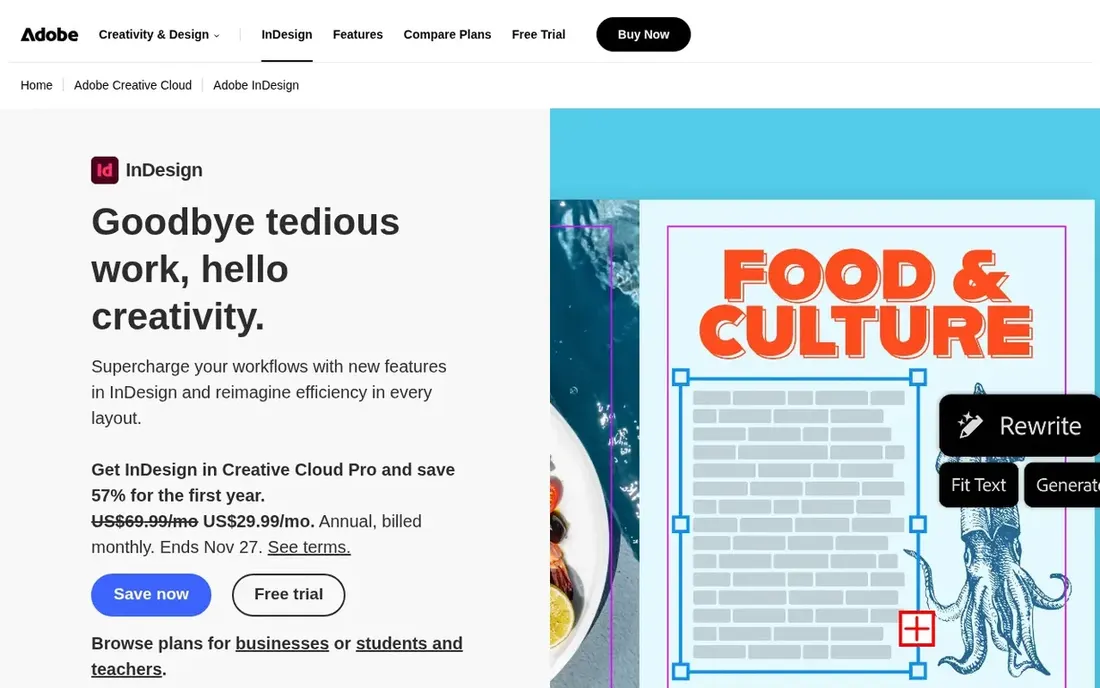
Adobe InDesign is aimed squarely at print and long-form layout templates. Adobe InDesign is desktop publishing software for layout design.
Where Adobe InDesign stands out: brochures and magazines.
It demands more training than drag-and-drop tools and is not the quickest route for straightforward social graphics. Adobe InDesign does not show a starting price in this comparison, so check the vendor site for current pricing. On free options: Not stated. Where it falls short: Desktop-focused workflow.
- Takes care of books
- Supports interactive digital documents
- Steeper ramp-up time
Typeform was built for conversational form and survey templates. Typeform is a form builder with AI automation. That makes it a fit for teams that want reusable, conversational forms for lead capture, research or feedback, where the template comes with both questions and downstream automation.
Its scope is forms and surveys, so it will not handle visual or agreement templates. In daily use, Jotform is a reasonable alternative for straightforward forms, whereas DocuSign is the better fit when the template must end in a signature. Typeform does not show a starting price in this comparison, so check the vendor site for current pricing. Trial and free access: Not stated.
Points against: Less suited to document or print templates.
- Automatic workflows after submission
- AI-powered form building
- Form-centric scope only
For form and survey templates, Jotform is a natural candidate. Compare Typeform if you want a more conversational form experience, or Canva if the template is a graphic instead of a form.
In practice, Jotform is an online form builder. Its homepage emphasizes creating forms and surveys easily, which makes it relevant when your template is a structured intake, registration or feedback form that others fill in. What you pay to start with Jotform: $34 per month. Jotform offers a free plan.
Where it falls short: Restricted to form-style use cases.
- Includes forms and surveys
- Templates for repeatable data collection
- Design adaptability narrower than a full design suite
DocuSign was built for agreement and signature templates. Choose Jotform or Typeform if you need data collection forms instead of signed agreements. From a buyer's view, DocuSign is an electronic signature and agreement management product.
What to check first: Centred on agreements instead of visuals.
Its homepage describes creating, committing to and managing agreements in one place. For teams that repeatedly send the same contract, consent or onboarding paperwork, it supports turning that process into a repeatable template with signature steps built in. It is not intended for designing visual or document layouts, so it complements instead of replaces a design or word processing tool. DocuSign pricing: $45 per user per month. Trial and free access: Not stated.
- Electronic signature workflow
- Central place to build and handle agreements
- Not a general design tool
Figma serves interface and design-system templates. From concept to production with an entire team in one place, it fits product and design teams that build reusable interface templates, component libraries and design systems that others then adapt.
It is oriented toward digital product work instead of print collateral or office documents. On cost, Figma starts like this: $3 per month. On free options: Not stated.
The main drawbacks: Not pitched at print or office documents.
- Code and AI together
- Collaborative design canvas
- Geared to product and interface work
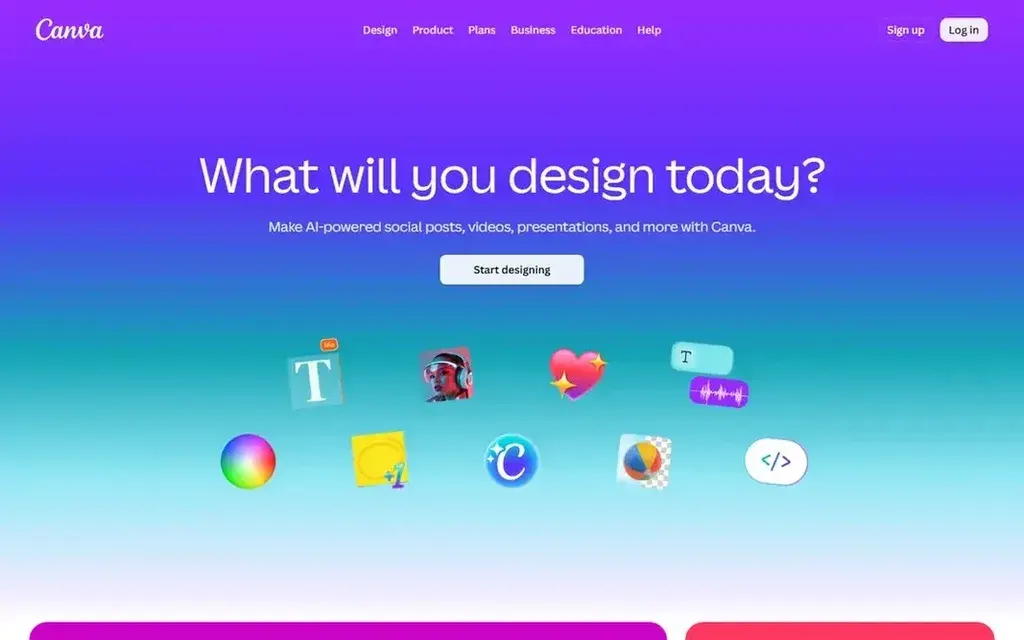
For visual and social media templates, Canva is a natural candidate. Its homepage lists social media posts, presentations, posters, videos and logos, which makes it a natural home for reusable templates that teammates can duplicate and adapt.
It suits marketing teams, small companies and educators who want consistent branded layouts without a steep ramp-up time. This comparison lists no price for Canva; ask the vendor. On free options: Not stated.
Watch-outs: Less suited to long print documents.
- Branded template reuse across teams
- Covers posts, presentations
- Restricted fine typographic control
Our selection method
Pricing pages, product documentation and feature lists were the main sources, and every entry carries at least one honest drawback. Prices and plan limits come from vendor pages and can change, so confirm them on the vendor site before you buy. The order reflects how well each tool fits the most common buying scenario for software to create templates, then price clarity, then free plan access. It is a starting point, not a verdict.
What to confirm before you sign up
- Confirm the entry price on the vendor page. For Adobe InDesign, Typeform and Canva that means a quote rather than a fixed price.
- Test the free plan from Jotform against your real workload before relying on it.
- Before choosing Adobe InDesign, weigh its main limit: steeper ramp-up time.
- Check whether Typeform bills monthly or annually, and what cancelling early costs.
- See whether Adobe InDesign offers onboarding or training, and whether it is included in the price.
FAQ
What is the cheapest option for software to create templates in this list?
On published monthly entry prices, Figma is the lowest here at $3 per month. Entry price is only part of the cost, because seats, add-ons and billing terms can change the total. Prices, free plan details and limits for all 6 tools in this software to create templates roundup sit on the individual cards above.
Is Adobe InDesign the right pick for everyone comparing software to create templates?
No single tool suits every team. Adobe InDesign comes first because it fits print and long-form layout templates, while Typeform suits conversational form and survey templates and Jotform suits form and survey templates. Match the tool to your own size, budget and workflow before deciding.
Can I try these tools before paying?
Often, yes. Jotform has a free plan. Use your own data and a real task during the test, and check what the free tier or trial limits before you rely on it.
Which tool fits design-system or interface templates?
Figma is built for collaborative interface and design-system work, bringing design, code and AI into one canvas. It suits product teams that require reusable components instead of print or office documents.
Which options for software to create templates have a free plan?
Jotform is the only tool in this list with a free plan. Free plans usually cap users, projects or features, so check the limits on the vendor page.
Can I build templates for forms and agreements with these tools?
Jotform and Typeform focus on reusable forms and surveys, whereas DocuSign supports repeatable agreement and signature processes. They complement design and document tools instead of replace them.
Sources
- https://www.adobe.com/products/indesign.html
- https://www.typeform.com
- https://www.jotform.com
- https://www.docusign.com
- https://www.figma.com
- https://www.canva.com