6 Best Creative Software with Templates Included for 2026, Vetted and Compared
Top creative software with templates included, compared. 6 tools with published prices, free plans and limits. Caveats come with every verdict. Choose faster.
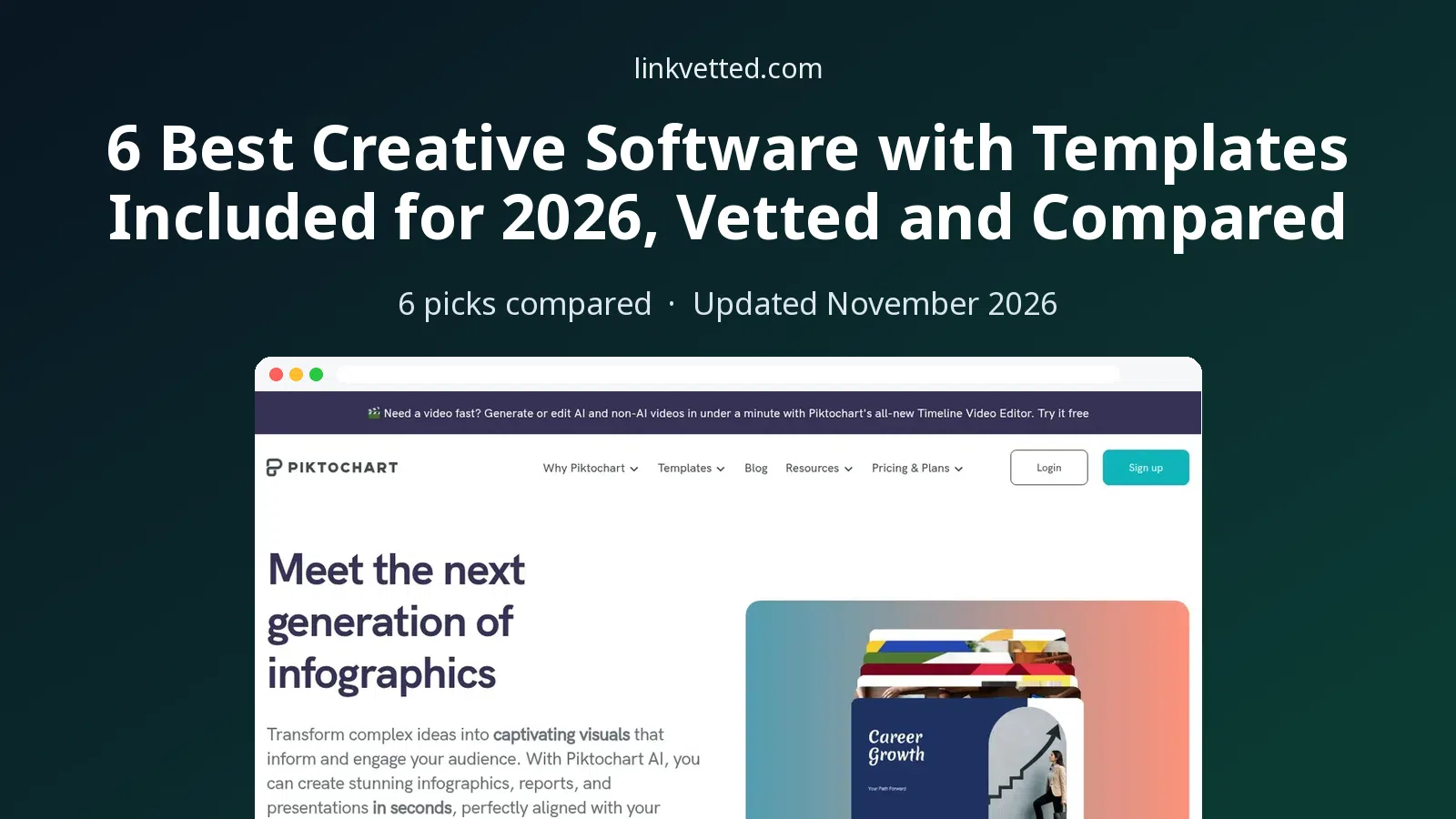
- Editor's choice
 CorelDRAW
Vector illustration and technical design
Starts atSee websiteVisit coreldraw.comFull review - Great alternative
 Piktochart
Infographics and data storytelling
Starts at$10 per member a monthVisit piktochart.comFull review - Also consider
 Adobe Photoshop
Advanced image editing and composites
Starts atSee websiteVisit adobe.comFull review
Direct answer
If you need vector illustration and technical design, CorelDRAW is the first tool to look at here. Listed starting prices: Piktochart from $10 per member a month and Venngage from $10 per month. Piktochart is better for Infographics and data storytelling, and Adobe Photoshop is better for advanced image editing and composites. All 6 tools are compared below on price, free plan and limits.
TL;DR:
- CorelDRAW sits first on this list: vector illustration and technical design.
- The lowest published monthly entry price here is $10 per member per month, from Piktochart.
- Canva suits all-around design with templates.
- A free plan is available from 2 of the 6 tools: Piktochart, Venngage.
Last checked November 2026. Prices and plan details were read from the vendors' own pages in November 2026; vendors change plans often, so confirm the current price on the vendor site before you buy.
Quick comparison
| Tool | Best for | Starts at | Free plan? | |
|---|---|---|---|---|
| CorelDRAW | Vector illustration and technical design | See website | Not stated | Visit |
| Piktochart | Infographics and data storytelling | $10 per member a month | Yes | Visit |
| Adobe Photoshop | Advanced image editing and composites | See website | Not stated | Visit |
| Venngage | Business infographic templates | $10 per month | Yes | Visit |
 Microsoft Designer | Idea-first design generation | See website | Not stated | Visit |
 Canva | All-around design with templates | See website | Not stated | Visit |
Creative Software with Templates Included profiles
Short on time? The summary and table above give the quick view of 6 tools for creative software with templates included, and the profiles that follow give the detail behind each entry.
In short, CorelDRAW is for vector illustration and technical design. Casual users wanting fast social graphics may find it excessive.
The suite is designed for drawing and layout control instead of browsing a template gallery. Its professional depth includes a ramp-up time, and template browsing is not the central draw compared to design-first apps. CorelDRAW does not show a starting price in this comparison, so check the vendor site for current pricing. Free options: Not stated.
Upsides: Vector.
Watch-outs: Less template-driven than design apps.
- Technical illustration and CAD choices
- Manages logos
- Interface takes time to learn
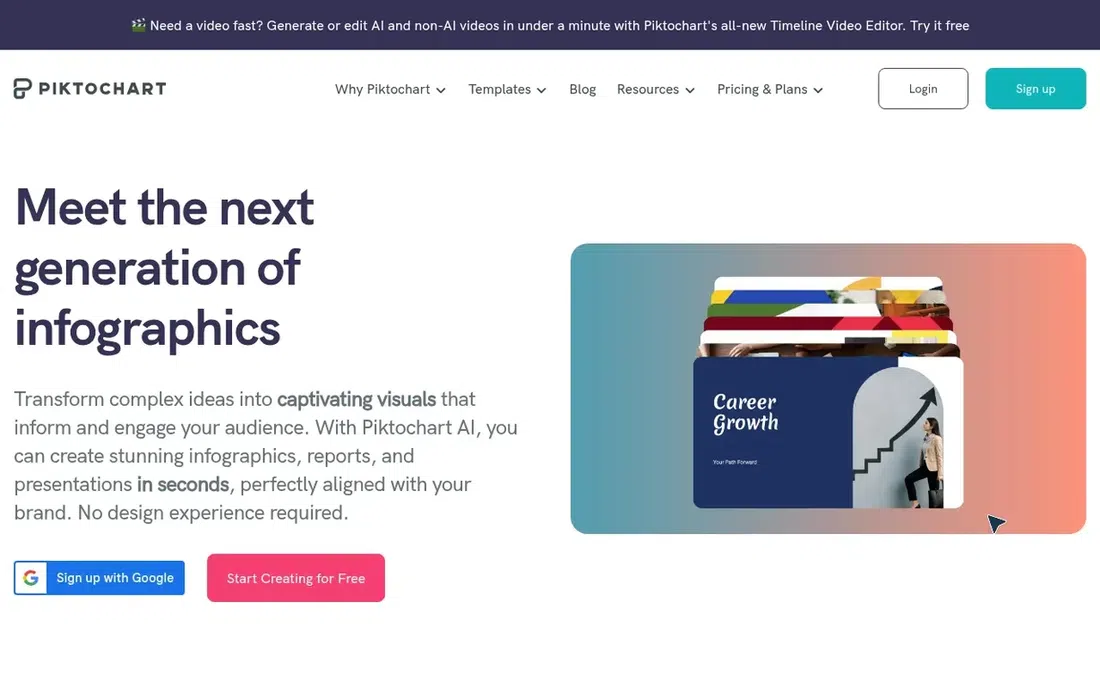
Choose Piktochart for Infographics and data storytelling. Piktochart presents itself as an infographic and AI design system whose tools turn data into visuals quick.
Downsides: Narrower general graphic design range.
Its Pikto AI Studio is pitched at designs, presentations, reports, ebooks and videos, and the vendor states no design experience is needed. Also, choose Piktochart when clarity of data and structured templates are the priority. Piktochart starts at: $10 per member per month. A free plan is available with Piktochart.
- Turns data into visuals rapidly
- Covers reports, ebooks
- Best results need some content planning
Adobe Photoshop is a good fit for advanced image editing and composites. Choose Photoshop when image editing depth matters more than ready-made layouts. Adobe Photoshop is a professional photo and design application with quick ways to build custom scenes, make complicated edits and combine images online or in the mobile app.
The main drawbacks: Templates are secondary to manual editing.
Its strength is control over pixels, layers and composites instead of a template-first workflow. Photoshop is not primarily a template library, so beginners hoping to fill in a layout and publish quick may find it heavy. This comparison lists no price for Adobe Photoshop; ask the vendor. Free plan details: Not stated.
- Deep photo editing and compositing
- Works online and in the mobile app
- Ramp-up time is steeper than template apps
Venngage
Best for: Business infographic templates
Pick Venngage if this describes you: business infographic templates. Venngage is professional infographic software with a large library of templates made for companies. Also, the vendor positions it as an infographic maker of choice for professionals.
The template range targets corporate reports, explainers and internal communications. As for the details, the business-infographic focus means Venngage supplies less for illustration, photo editing or highly custom layouts. Worth adding: designers seeking precise vector tools will need a dedicated application. For everyday use, pick Venngage when your output is largely structured business visuals and you want templates that already look corporate. Entry price for Venngage: $10 per month. You can start on Venngage without paying.
- Large professional template library
- Aimed at business communication
- Less suited to artistic or vector work

Microsoft Designer is a good fit for idea-first design generation. Teams with detailed style guides may prefer a tool built around precise editing.
Microsoft Designer is a graphic design app that helps you produce professional quality social media posts, invitations, digital postcards and graphics. Also, pick Microsoft Designer when you want a fast starting point and are comfortable refining the result. No starting price is listed for Microsoft Designer here; confirm pricing on the vendor site. Free plan details: Not stated.
Points against: Output may need cleanup for brand consistency.
- Handles social posts
- Begins from a written idea
- Fewer manual layout controls
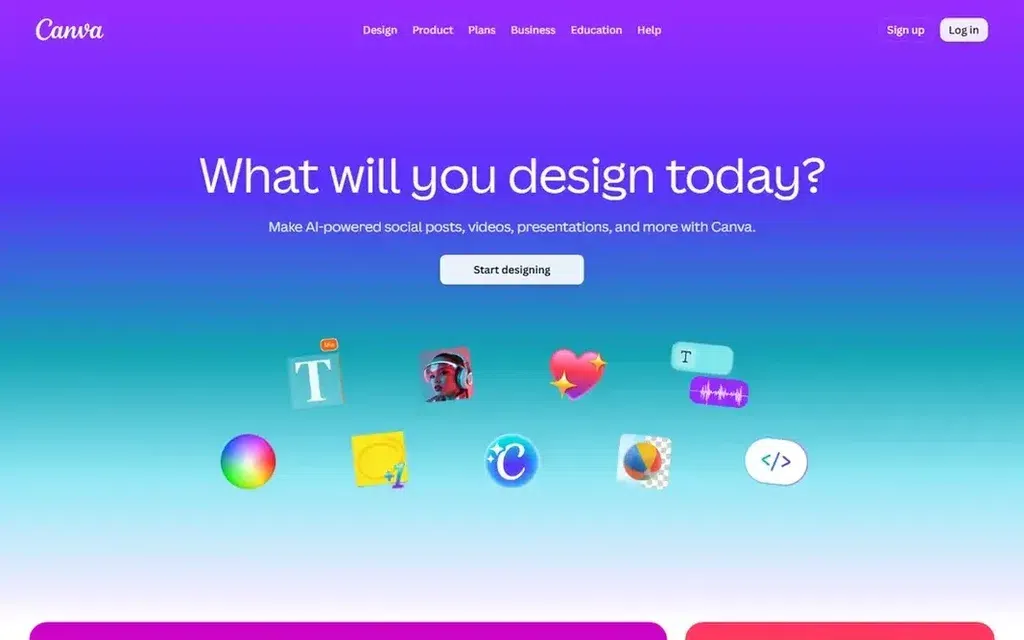
Choose Canva for all-around design with templates. Canva is an online graphic design tool positioned as a visual suite for everyone. Designers who require precision artwork or complicated photo editing will likely keep a specialist app alongside it.
Worth adding: choose Canva when speed and template variety matter more than pixel-level craft. For everyday use, the range of formats makes it a practical default when you want templates included from the start. This comparison lists no price for Canva; ask the vendor. Free access: Not stated.
Watch-outs: Less precise vector control than dedicated design apps.
- Posters and video
- Templates across social posts, presentations
- Wide scope can feel overwhelming at first
How we built this list
Selection started from tools commonly considered for creative software with templates included, then narrowed to 6 that have clear pricing information or a clear quote process. Treat prices as a snapshot: vendors change plans often, so check the vendor site for the figure that applies today. Position on the page reflects fit for a typical buyer first, with price clarity and free access breaking ties. Treat it as a guide, not a ruling.
Things to verify first
- Confirm the entry price on the vendor page. For CorelDRAW, Adobe Photoshop, Microsoft Designer and Canva that means a quote rather than a fixed price.
- Check what the free option really includes: Piktochart and Venngage offer a free plan, and usage caps differ.
- Read the limits listed for CorelDRAW first: interface takes time to learn.
- Find out whether the entry plan of CorelDRAW covers your must-haves or only a trimmed-down version.
- Verify that exporting from Piktochart is possible on your plan and covers all your records.
FAQ
Which tool is a good match for beginners who want templates?
CorelDRAW comes first here and is built for vector illustration and technical design. Buyers with other needs may prefer Piktochart (for Infographics and data storytelling) or Adobe Photoshop (for advanced image editing and composites). Compare costs and limits first.
Do these tools publish their prices?
Not all of them. CorelDRAW, Adobe Photoshop, Microsoft Designer and Canva publish no starting price, so expect a quote request for those. The rest, Piktochart included, show a starting price, though seats and billing terms still change the final cost.
Is CorelDRAW the right pick for everyone comparing creative software with templates included?
No single tool suits every team. CorelDRAW comes first because it fits vector illustration and technical design, while Piktochart suits Infographics and data storytelling and Adobe Photoshop suits advanced image editing and composites. Match the tool to your own size, budget and workflow before deciding.
What is the cheapest option for creative software with templates included in this list?
On published monthly entry prices, Piktochart is the lowest here at $10 per member per month. Entry price is only part of the cost, because seats, add-ons and billing terms can change the total. Each of the 6 options in this creative software with templates included guide has its own card above with the price, free plan and limits.
Which options for creative software with templates included have a free plan?
Piktochart and Venngage offer a free plan in this list. Free plans usually cap users, projects or features, so check the limits on the vendor page.
What is the difference between Piktochart and Venngage?
Both focus on infographics, but Piktochart emphasizes turning data into visuals with its AI studio for reports, ebooks and presentations. Venngage leans toward a large library of professional business templates for corporate communication.
Sources
- https://www.coreldraw.com
- https://piktochart.com
- https://www.adobe.com/products/photoshop.html
- https://venngage.com
- https://designer.microsoft.com
- https://www.canva.com