8 Best DAM Software Solutions for Creative Agencies in 2026
Find the best dam software solutions for creative agencies, with pricing, asset search, approvals, and client portals that keep creative work organized.
- Editor's choice
 Bynder
Agencies that manage brands for many clients with strict approval rules
Starts atSee websiteVisit bynder.comFull review - Great alternative
 Brandfolder
Agencies that need asset analytics and easy client sharing
Starts atSee websiteVisit brandfolder.comFull review - Also consider
 Canto
Mid-size agencies that want a capable DAM without enterprise complexity
Starts atSee websiteVisit canto.comFull review
TL;DR:
- Agencies need search, version control, and approval tools more than raw storage, because clients and freelancers reuse files constantly.
- Bynder and Brandfolder suit larger agencies with brand governance needs, while Pics.io and Filecamp suit smaller teams on tighter budgets.
- Client portals and permission controls matter as much as upload speed, since agencies share work with people outside the team.
- Published pricing is rare at the enterprise end, so request a quote that includes storage, users, and any AI tagging fees.
- A trial with a messy real folder, not a clean demo library, shows whether search and tagging will actually work for your team.
Quick comparison
| Tool | Best for | Starts at | Free plan? | |
|---|---|---|---|---|
| Bynder | Agencies that manage brands for many clients with strict approval rules | See website | No | Visit |
| Brandfolder | Agencies that need asset analytics and easy client sharing | See website | No | Visit |
| Canto | Mid-size agencies that want a capable DAM without enterprise complexity | See website | No | Visit |
 Frontify | Agencies that pair brand guidelines with asset libraries | See website | No | Visit |
 Pics.io | Small agencies that already use Google Drive or Amazon S3 | $100 per month | No | Visit |
 Filecamp | Small creative teams that need simple branded sharing | $29 per month | No | Visit |
 Cloudinary | Agencies that deliver images and video to websites and apps | Free | Yes | Visit |
 Air | Creative teams that track versions and approvals in one workspace | $25 per month | No | Visit |
The best DAM software solutions for creative agencies
Creative agencies lose time when the final logo lives in one inbox, the approved video lives in another, and a freelancer uses an old version by mistake. A digital asset management system fixes that by giving every file one home, clear permissions, and search that works across projects. The options below cover both enterprise platforms and lighter tools for smaller shops.
Bynder
Best for: Agencies that manage brands for many clients with strict approval rules
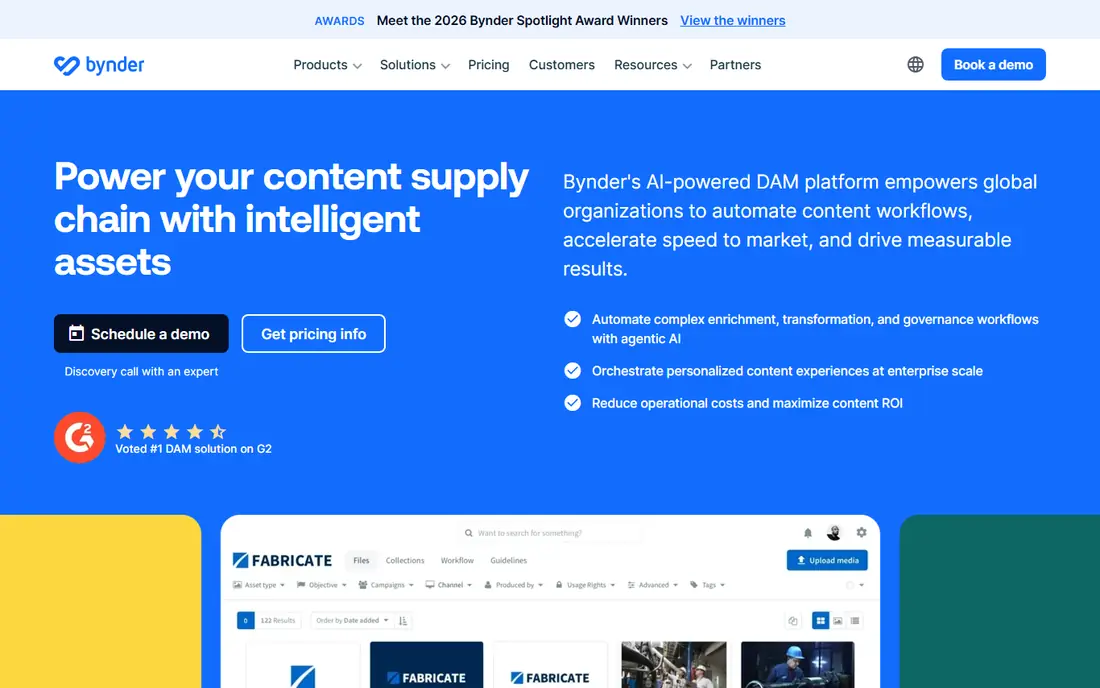
Bynder fits an agency that acts as a brand guardian for clients. Teams can build a branded portal per client, control who can download print-ready files versus web versions, and track asset use across campaigns. Approval workflows keep unfinished work out of client hands, which matters when a draft could be mistaken for a final file. The concrete strength is governance at scale. Metadata, collections, and permission rules help a team of dozens find the right version fast, even when the library holds years of work. The honest weakness is cost and setup. Smaller agencies may find the quote and onboarding effort heavier than they need, and should confirm storage limits and user counts before signing.
- Strong brand portals, AI-assisted tagging and search, approval workflows and rights controls
- Quote-based pricing, implementation can take weeks for large libraries
Brandfolder
Best for: Agencies that need asset analytics and easy client sharing
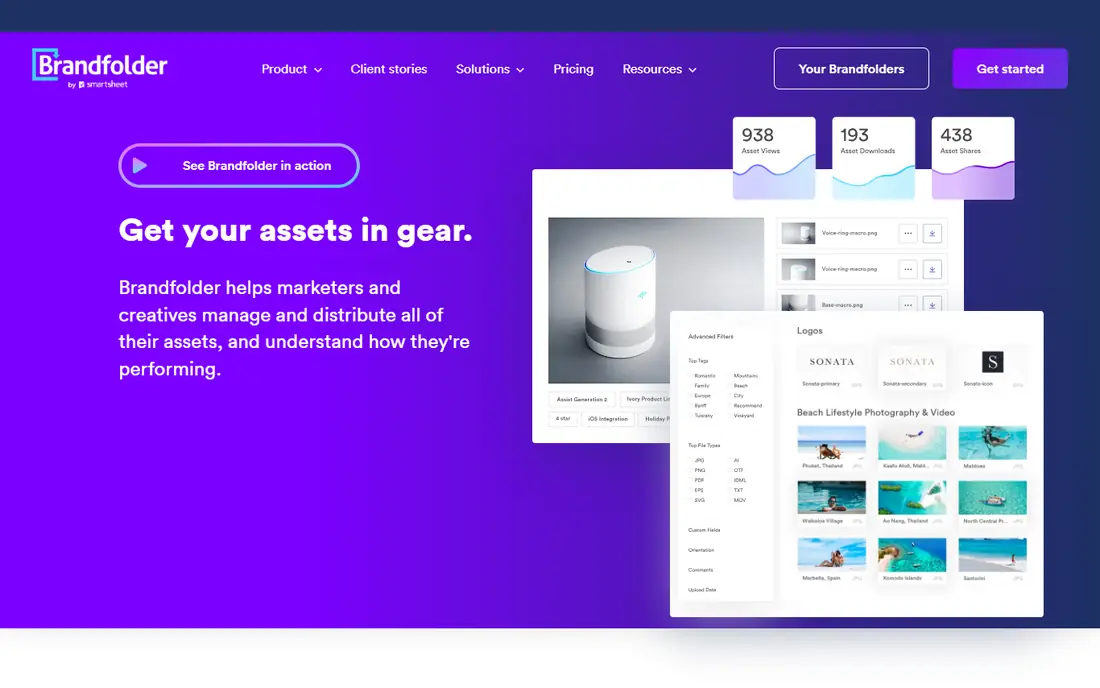
Brandfolder suits agencies that want to know which assets clients actually use. Analytics show downloads and views by asset, collection, or portal, which helps account teams report value and retire unused files. Sharing links and portals keep client access tidy without giving every client full library access. The concrete strength is the reporting view, which turns a file library into evidence for renewal conversations and campaign reviews. The honest weakness is price transparency. Without published entry pricing, a small agency must go through sales to learn whether the platform fits its budget, so ask for a full quote early in the trial.
- Clear asset analytics, branded portals, strong search and organization tools
- Quote-based pricing, some advanced features sit on higher tiers
Canto
Best for: Mid-size agencies that want a capable DAM without enterprise complexity
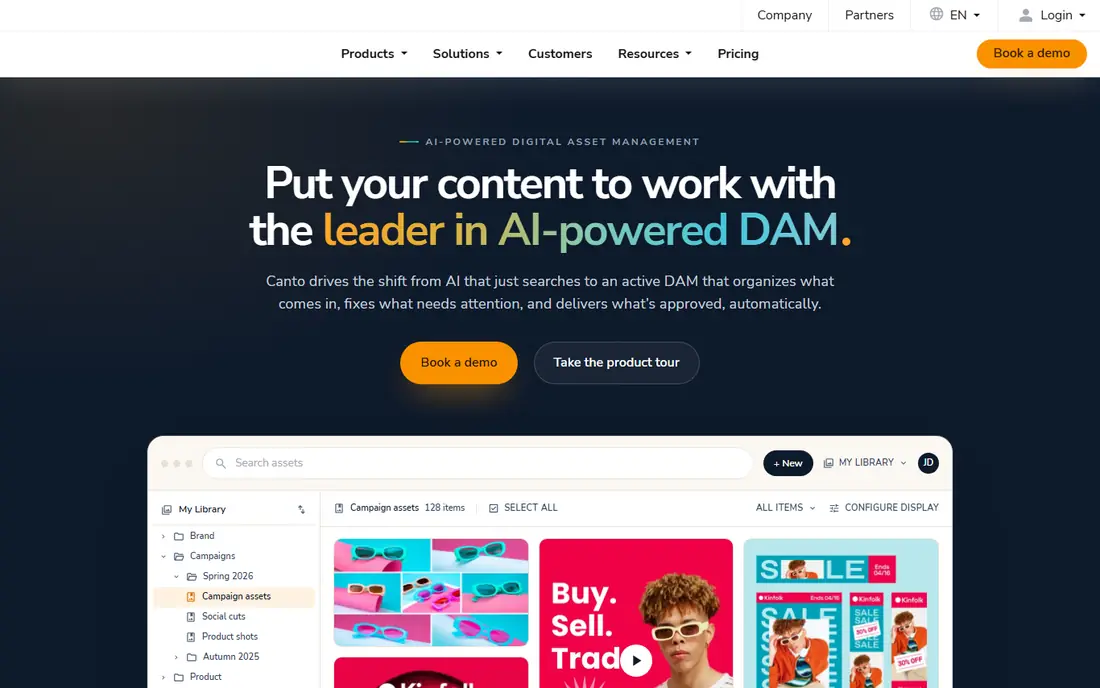
Canto works well as a first serious DAM for an agency outgrowing shared drives. Visual search, keyword tagging, and smart folders help designers find images by subject or client, and portals let clients browse approved work without seeing internal drafts. The interface stays approachable for non-technical account staff. The concrete strength is findability for image-heavy teams. A designer can locate a product shot or campaign photo in seconds rather than digging through nested folders. The honest weakness is that teams with heavy video editing or complex rights workflows may need extra tools or a higher tier, so test video preview and approval steps during evaluation.
- Fast visual search, smart folders and facial recognition, portals for clients and partners
- Pricing requires a quote, video handling is less deep than some enterprise rivals
Frontify fits agencies that produce brand books as well as campaign assets. Guidelines, logos, colors, and templates can live beside the files they govern, so a freelancer or client sees the rules and the approved assets together. That pairing reduces off-brand use more effectively than a separate PDF guideline that no one opens. The concrete strength is the combined brand hub, which is valuable when an agency hands a brand to a client team or a new vendor. The honest weakness is that a team buying Frontify mainly for high-volume asset storage should compare storage, search, and video features carefully against a DAM-first platform such as Bynder or Canto.
- Brand guidelines and assets in one place, templates for on-brand content, clear portal design
- Quote-based pricing, asset management depth varies by plan
Pics.io suits a small agency that does not want to migrate its whole library to a new storage system. It layers DAM features such as tagging, collections, and search over Google Drive or S3, so files stay where the team already works. That approach keeps migration risk low and avoids duplicate storage bills. The concrete strength is the low-friction start. A team can add structure to an existing drive in days rather than months, and AI search helps with large photo sets. The honest weakness is governance depth. Agencies that need detailed rights management, complex approval chains, or strict client separation may outgrow it sooner than an enterprise DAM.
- Works over existing Drive or S3 storage, AI search options, lower entry price than enterprise DAMs
- Less built-in governance than enterprise platforms, storage still depends on the underlying drive
Filecamp fits a small agency or studio that mainly needs a tidy, client-facing library. Unlimited users on its plans make it easy to invite clients and freelancers without counting seats, and branded portals give each client a clean place to download approved work. Labels and folders keep organization simple for teams without a dedicated librarian. The concrete strength is simplicity and price. A team can set up portals quickly and share work without training clients on a complex system. The honest weakness is depth. Search, AI tagging, and analytics are lighter than on enterprise platforms, so a fast-growing agency should check whether those limits will matter within a year.
- Low starting price, unlimited users on plans, branded portals and labels
- Fewer AI and analytics features, smaller integration set than larger DAMs
Cloudinary
Best for: Agencies that deliver images and video to websites and apps
Cloudinary suits agencies that build and maintain digital experiences, not just store files. It can resize, crop, compress, and convert media on delivery, so one source image can serve a website hero, a social post, and a mobile app without manual exports. The free tier lets a small team test transformation and delivery before paying. The concrete strength is delivery automation. Developers and designers save repeated export work, and pages load faster with optimized formats. The honest weakness is that Cloudinary feels like a media platform with DAM features, rather than a brand governance tool out of the box, so agencies that need strict approval and rights workflows should plan extra configuration.
- Free tier to start, automatic image and video transformation, fast global delivery
- More developer-oriented than a classic DAM, asset governance needs careful setup
Air fits a creative team that reviews work constantly. Boards organize assets visually, versions stay linked to the same item, and approvals show who signed off on what. That history helps when a client asks why a file changed or which version went live. The concrete strength is the review workflow. Creative leads can comment, approve, and share from the same board instead of chasing feedback in email threads. The honest weakness is scale. Very large agencies with complex rights rules and huge archives may need a more governance-heavy DAM, while mid-size creative teams will likely find Air a good fit.
- Version history and approvals, visual boards for creative review, client sharing tools
- Storage and feature limits vary by plan, less suited to very large enterprise libraries
How we picked these
We looked for DAM products that are actively sold in October 2026, that support tagging and search, version control, permission controls, and sharing with people outside the company, and that appear in agency workflows rather than only in enterprise IT shortlists. We checked vendor homepages and published pricing where available, used See website where pricing is quote-based, and left out general cloud storage tools that lack DAM search, approval, and portal features.
What to check before you buy
Test search with your messiest folder
Import a real project folder with duplicate names, old versions, and mixed file types. Search for a specific image, a client name, and a file type. If the team cannot find assets without perfect filenames, tagging and AI search need more work or a different product.
Map permissions before you invite clients
List who should see drafts, who should see finals, and who can download print files. Set up one client portal during the trial and test it with a colleague acting as the client. Permission mistakes are harder to fix after clients have links to the full library.
Check video and file support
Confirm preview, playback, and download options for the formats your agency delivers most, including large video files and design source files. Some DAMs preview images well but handle video or layered design files with limits that slow review.
Add up storage, users, and AI fees
Ask for the total cost at your expected storage level, user count, and portal count. Some quotes exclude AI tagging, extra storage, or branded portals, so a low headline price can rise once those items are added. Get the full quote in writing before you migrate.
FAQ
What is DAM software, in plain terms?
DAM software is a central library for digital files such as photos, videos, logos, and design files, with search, tagging, version control, and permission controls. Unlike a shared drive, it helps teams find the approved version fast, control who can download it, and share it with clients through branded portals.
How is a DAM different from Google Drive or Dropbox?
Shared drives store files well but rely heavily on folder names and manual organization. A DAM adds metadata, visual search, approval workflows, version history, and client portals, which matter when many people reuse the same assets across campaigns and clients.
Do small agencies really need a DAM?
A small agency may not need an enterprise DAM, but it benefits from a lighter tool once files spread across inboxes, drives, and freelancer accounts. If your team wastes time hunting for finals or sends the wrong version to a client more than once, a tool such as Pics.io or Filecamp can pay for itself in saved hours.
How long does it take to set up a DAM?
A lighter tool can be useful within days, while an enterprise DAM with migrated archives, metadata rules, and client portals can take several weeks. Start with current projects and active clients, then migrate older archives in batches rather than trying to tag everything at once.
Should clients get direct access to the DAM?
Yes, through a portal with limited permissions, not through full library access. A portal shows only approved assets for that client, keeps drafts private, and gives the agency a record of what was shared. Test the portal view before sending the first link.
Sources
https://www.bynder.com https://www.brandfolder.com https://www.canto.com https://www.frontify.com https://www.pics.io https://www.filecamp.com https://cloudinary.com https://air.inc