Best DAM Software in 2026: 8 Platforms Compared
Compare the best DAM software for digital asset management, with brand portals, search, rights management and pricing for teams of all sizes in 2026 now.

- Editor's choice
 Bynder
Large brands managing assets globally
Starts atSee websiteVisit bynder.comFull review - Great alternative
 Brandfolder
Easy brand portals for marketing teams
Starts atSee websiteVisit brandfolder.comFull review - Also consider
 Canto
Mid-sized teams wanting a visual DAM
Starts atSee websiteVisit canto.comFull review
TL;DR:
- Bynder, Brandfolder and Canto are the leading brand focused DAM platforms, with portals, permissions and brand guidelines built in.
- Cloudinary suits developer led teams that need image and video transformation and delivery, not just storage.
- Adobe Experience Manager Assets fits large enterprises already invested in Adobe, but it is an enterprise purchase.
- Most DAM platforms are quote based, so budget for a demo and a quote, and check storage, user and asset limits carefully.
- Search, metadata and rights management matter more than storage size, since a DAM that staff cannot search will not be used.
Quick comparison
| Tool | Best for | Starts at | Free plan? | |
|---|---|---|---|---|
| Bynder | Large brands managing assets globally | See website | No | Visit |
| Brandfolder | Easy brand portals for marketing teams | See website | No | Visit |
| Canto | Mid-sized teams wanting a visual DAM | See website | Free trial | Visit |
 Adobe Experience Manager Assets | Enterprises already using Adobe tools | See website | No | Visit |
 Cloudinary | Developer teams managing images and video | Free | Yes | Visit |
 Acquia DAM | Widen customers and Drupal based teams | See website | No | Visit |
 Aprimo | Enterprise marketing operations and content | See website | No | Visit |
 MediaValet | Secure enterprise media libraries | See website | No | Visit |
The best DAM software
We compared asset organization, search, portals, permissions, integrations and pricing to find the best DAM software, also called digital asset management software, for different teams.
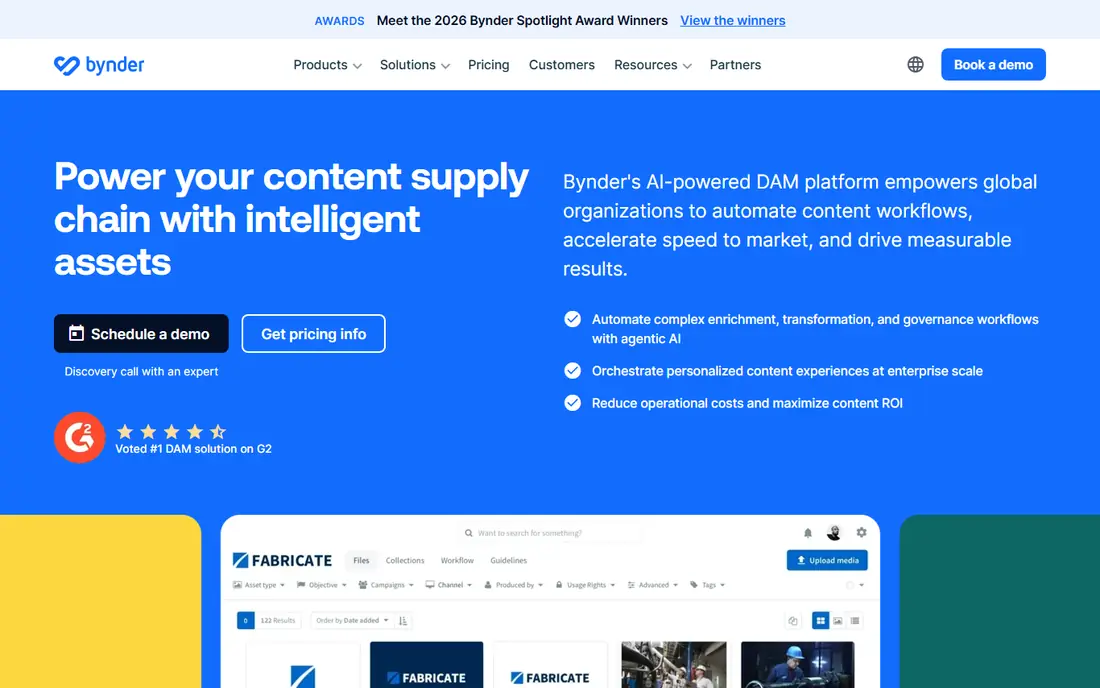
Bynder is one of the most widely used DAM platforms for large brands. It combines asset storage with brand guidelines, templates, creative workflow and portals for partners, agencies and retailers. Teams can control who sees, downloads and uses each asset, track usage, and keep brand materials consistent across regions.
Pricing is quote based and aimed at mid-market and enterprise teams, so a small business may find it expensive. Migration of a large existing library also takes planning, including metadata cleanup and permission design. For a brand with many stakeholders and strict brand control needs, Bynder is a leading choice.
- Strong brand guidelines and portals
- Granular permissions
- Good creative workflow tools
- Quote based enterprise pricing
- Implementation can be long for large libraries
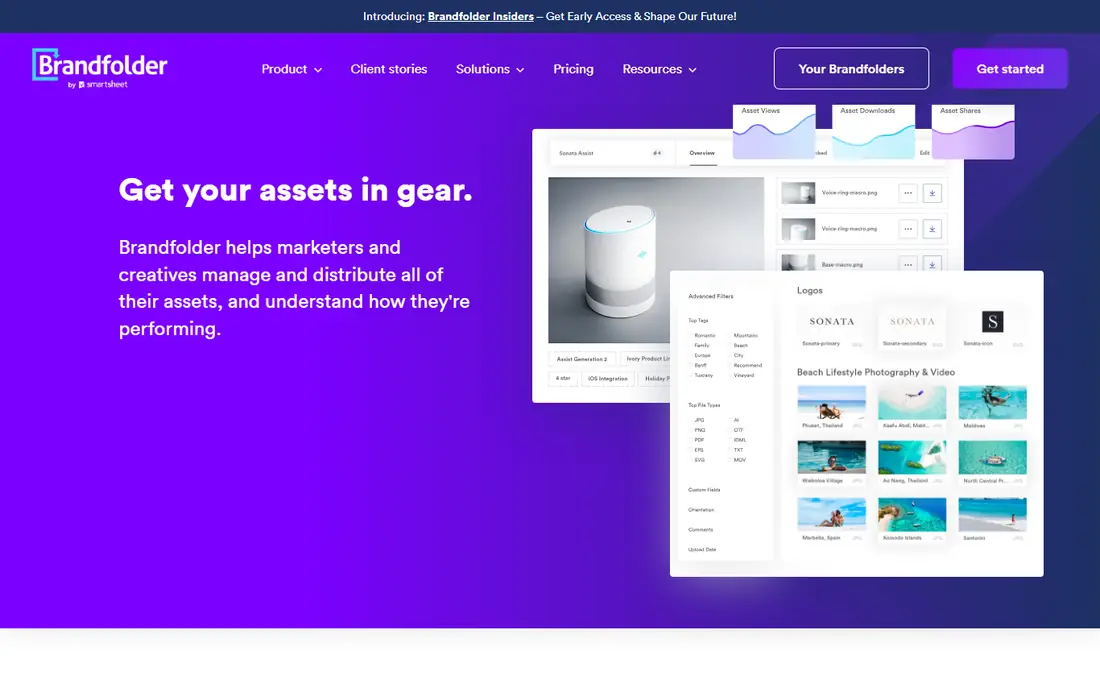
Brandfolder, part of Smartsheet, focuses on making brand assets easy to find, share and use. Its portals are clean and simple for non-technical staff, partners and agencies, and its search, collections and permissions help marketing teams stop sending assets by email or shared drive links. Analytics show which assets are actually used, which helps teams retire outdated material.
Like Bynder, Brandfolder is quote based, so small teams should ask for entry pricing early. It is less of a developer media delivery platform than Cloudinary. For a marketing team that needs a polished brand portal that people will actually use, Brandfolder is a strong pick.
- Clean, easy to use portals
- Strong search and sharing
- Good analytics on asset use
- Quote based pricing
- Advanced workflow needs higher tiers
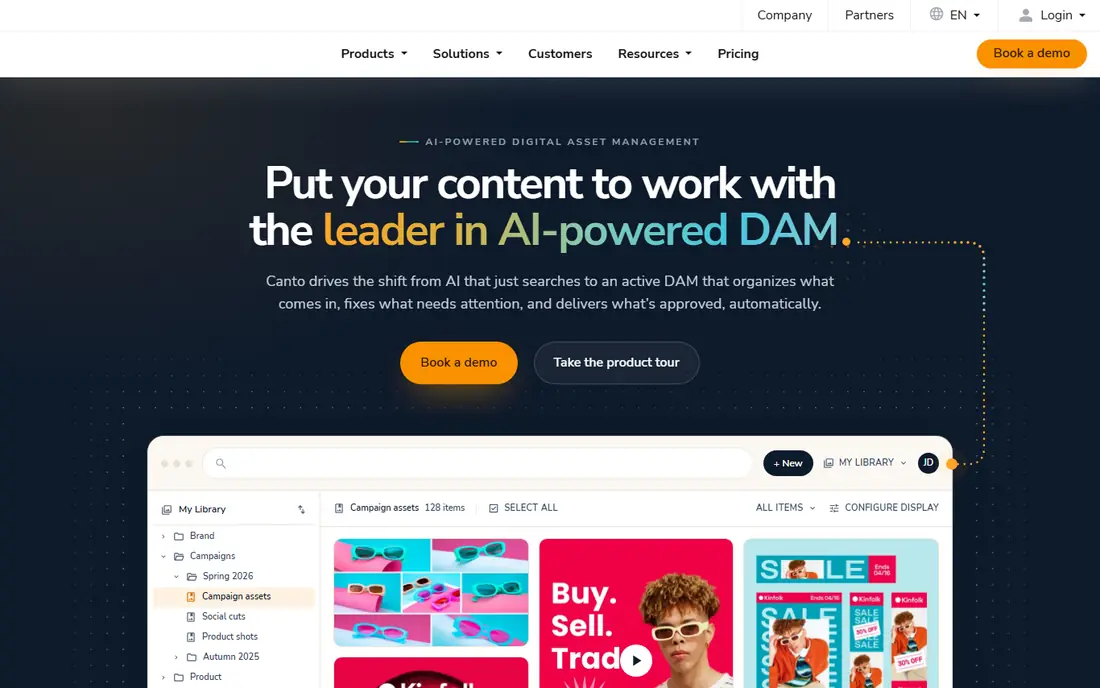
Canto is a visual DAM that suits mid-sized marketing, communications and creative teams. Assets are easy to browse, search and share, with AI assisted tagging, facial recognition for people photos, and portals for external partners. Integrations with design tools, content systems and productivity apps help teams use assets where they work.
Canto does not publish a standard price, so you need a quote based on users, storage and features. It is less suited to a global enterprise with complex marketing operations than Aprimo or Adobe. For a team moving from shared drives to a real DAM, Canto offers a good balance of power and ease of use.
- Visual, easy to browse library
- Strong search and facial recognition
- Good integrations
- Quote based pricing
- Enterprise workflow depth is limited
Adobe Experience Manager Assets is the DAM part of Adobe Experience Manager, aimed at large enterprises that manage huge asset libraries across web, commerce and marketing channels. It integrates tightly with Photoshop, Illustrator and other Creative Cloud tools, supports dynamic media renditions, and handles governance, workflows and multi-site publishing at scale.
This is an enterprise platform, sold by quote, with implementation that usually involves Adobe partners. A small or mid-sized team will find it too large and costly. For a large company already invested in Adobe Experience Manager, Assets is the natural DAM choice, since it keeps creative and web publishing in one system.
- Deep Adobe Creative Cloud integration
- Enterprise scale and governance
- Dynamic media delivery
- Enterprise pricing and implementation
- Needs Adobe expertise
Cloudinary is a media management platform built for developers and product teams. It stores images and video, transforms them on the fly for different devices and formats, optimizes file size, and delivers them through a global network. That makes it ideal for websites, apps and commerce sites where media performance directly affects load time.
It also offers a DAM product, but its strength is media processing and delivery, not brand guidelines or creative workflow. Pricing starts with a free plan, then scales with storage, transformations and bandwidth, so high traffic sites should model those costs. For a technical team, Cloudinary is often the best DAM plus delivery combination.
- Free plan for starting
- Powerful image and video transformation
- Fast global delivery
- Less brand portal focus than Bynder
- Costs scale with transformations and bandwidth
Acquia DAM, formerly Widen Collective, is an enterprise DAM with strong metadata, search, portals and rights management. It suits companies with large, complex libraries, including manufacturers, retailers and higher education, and it integrates well with Drupal and other content platforms through Acquia. Its workflow tools help teams review and approve assets before publication.
Pricing is quote based, and buyers should confirm the current Acquia DAM product details, since the Widen brand moved under Acquia. For an enterprise team that needs deep metadata and governance, Acquia DAM remains a credible, long standing option.
- Strong metadata and search
- Good Drupal integration
- Enterprise permissions
- Quote based pricing
- Brand has changed hands, so check current product name
Aprimo combines DAM with marketing resource management, content planning and workflow, so large marketing organizations can plan campaigns, manage assets and track work in one system. It offers AI tagging, rights management, portals and integrations with creative and content tools, and it scales to global teams.
That scope means enterprise pricing and a longer implementation, and it is more than a small team needs for simple asset storage. For a large marketing department that wants DAM connected to campaign planning and budgets, Aprimo is a strong contender. For a team that just needs a shared library, a simpler DAM will be faster and cheaper.
- Combines DAM with marketing planning and workflow
- Strong enterprise integrations
- AI tagging
- Enterprise pricing by quote
- Implementation can be complex
MediaValet is an enterprise DAM built on Microsoft Azure, with a focus on security, permissions and reliable media delivery. It offers portals, collections, AI tagging, video support and integrations with creative and productivity tools. Industries with strict security or compliance needs, such as healthcare, government and manufacturing, often shortlist MediaValet for that reason.
Pricing is quote based, and its partner ecosystem is smaller than Bynder or Adobe. For a security conscious enterprise that wants a DAM on Azure infrastructure, MediaValet is worth a demo. For a small marketing team, its enterprise focus may make it more platform than needed.
- Built on secure cloud infrastructure
- Strong permissions and portals
- Good video support
- Quote based pricing
- Smaller ecosystem than Bynder or Adobe
How we picked these
We compared official product pages, documentation and feature lists, focusing on asset organization, search and metadata, portals, permissions, rights management and integrations. We included brand focused DAMs, developer led media platforms and enterprise suites, since digital asset management covers all three needs. Where a vendor does not publish a price, we wrote "See website" rather than inventing a figure.
What to check before you buy DAM software
Start with how people find assets today, and what fails. If search is the problem, test metadata, AI tagging and filtering with your own files, not vendor demo files. Check permissions and rights management: who can view, download and share each asset, and how expiry and licensing are tracked. That matters most for photos, video and licensed content.
Next, check portals for external partners, agencies and retailers, since a DAM that only works inside your company will push people back to email. Confirm integrations with your design tools, content system and website, and check storage, user and bandwidth limits in the quote. Finally, plan migration: cleaning metadata, setting naming rules and training staff matter more than the tool itself for long term adoption.
FAQ
What is DAM software?
DAM, or digital asset management, software stores, organizes, searches and shares digital assets such as photos, video, logos, documents and brand files. It replaces shared drives and email attachments with a searchable library, permissions and portals, so teams use approved, current assets.
What is the best DAM software for a small business?
Canto and Brandfolder suit many mid-sized teams, while Cloudinary offers a free plan for developer led teams. Bynder and Aprimo are stronger for larger brands but are quote based and enterprise priced. A small team should also consider whether a simpler shared library meets its needs before buying a full DAM.
How much does DAM software cost?
Most enterprise DAM platforms are quote based, with pricing tied to users, storage, assets and features. Cloudinary is the exception here, with a free plan and usage based paid plans. Always ask for storage, user, bandwidth and implementation costs in the quote, since headline prices can hide those items.
What is the difference between a DAM and cloud storage?
Cloud storage, such as a shared drive, stores files in folders. A DAM adds metadata, search, version control, permissions, rights management, portals and workflow, so teams can find the right asset, check its license and share it safely. For large libraries, that structure is the main benefit.
Can DAM software handle video?
Yes, all platforms here support video, but check transcoding, preview, streaming and file size limits for your formats. MediaValet, Cloudinary and Adobe Experience Manager Assets are particularly strong for video heavy libraries, while brand DAMs focus more on images and documents.
How long does DAM implementation take?
A small library can launch in weeks, while a large enterprise migration with metadata cleanup, permissions and integrations can take months. The longest part is usually cleaning and tagging existing assets, not installing the software, so budget staff time for that work.