8 Best Appointment Reminder Software in 2026
Eight best appointment reminder software tools in 2026, for clinics, salons and services, compared on SMS, email, booking, no-shows and pricing.
- Editor's choice
 ReminderCall
Automated reminders
Starts atSee websiteVisit remindercall.comFull review - Great alternative
 Apptoto
SMS and email reminders
Starts atSee websiteVisit apptoto.comFull review - Also consider
 Reminderly
Simple reminders
Starts atSee websiteVisit reminderly.comFull review
TL;DR:
- ReminderCall, Apptoto and Reminderly suit clinics and services that need SMS and call reminders.
- Calendly and Acuity Scheduling suit professionals who need booking plus reminders.
- SimplyBook.me and BookSteam suit small businesses that want booking and reminders together.
- Vagaro and WellnessLiving suit salons and wellness businesses with reminders built in.
- SMS reminders cut no-shows most, so check SMS pricing and delivery, not just email.
Quick comparison
| Tool | Best for | Starts at | Free plan? | |
|---|---|---|---|---|
| ReminderCall | Automated reminders | See website | No | Visit |
| Apptoto | SMS and email reminders | See website | No | Visit |
| Reminderly | Simple reminders | See website | No | Visit |
 Calendly | Booking plus reminders | Free | Yes | Visit |
 Acuity Scheduling | Client booking | Free | Yes | Visit |
 SimplyBook.me | Booking and reminders | Free | Yes | Visit |
 BookSteam | Small business booking | See website | No | Visit |
 Vagaro | Salon reminders | See website | No | Visit |
The best appointment reminder software
Appointment reminder software cuts no-shows by sending SMS, email or call reminders before appointments, with booking and calendar tools alongside. These eight tools cover clinics, salons and service businesses in October 2026.
ReminderCall sends automated voice, SMS and email reminders for appointments, with calendar integrations and no-show reports. Clinics, salons and service businesses use it to reduce missed appointments without staff calling each client. Its voice reminders suit clients who prefer calls to texts.
Pricing depends on reminder volume, so high-volume businesses should model SMS and call costs. Setup needs calendar integration, which takes time for custom systems. For automated reminders across channels, ReminderCall is a focused choice.
For ReminderCall, the practical question is fit, not features alone. Check whether its limits, integrations and support hours match how you actually work, and confirm pricing for the size you expect in six months, not just today. A tool that fits now but strains at the next step costs more in switching time later.
- Automated voice, SMS and email reminders
- Calendar integrations
- No-show reports
- Pricing by reminders
- Setup needs calendar integration
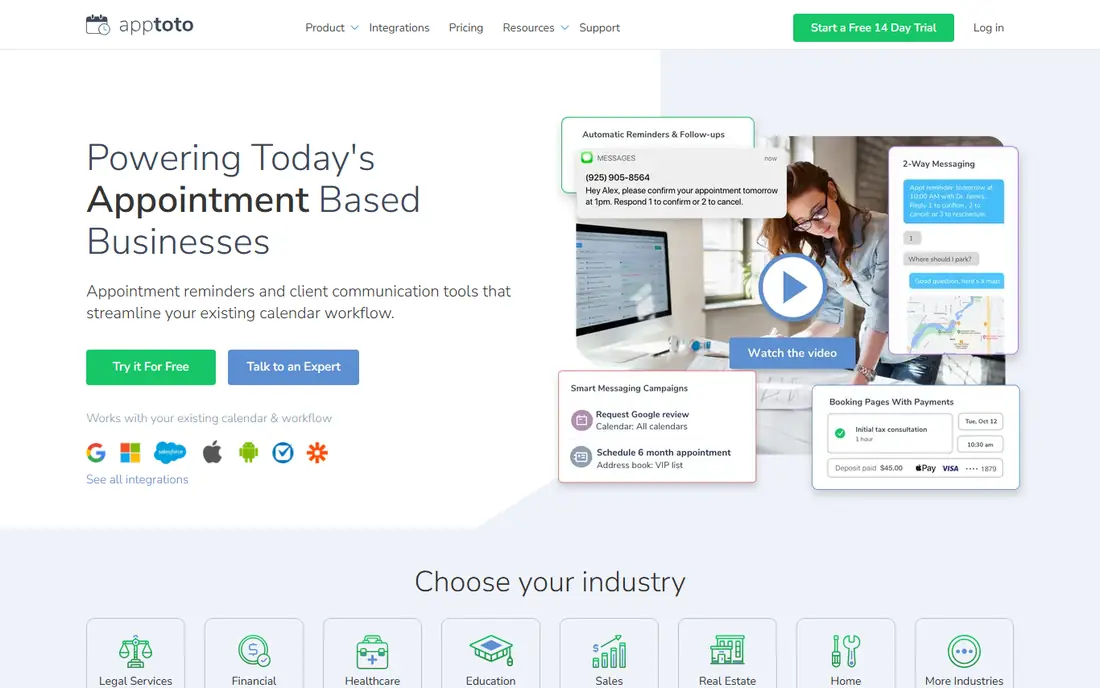
Apptoto offers SMS and email reminders with two-way messaging, so clients can confirm, reschedule or cancel by reply. It syncs with Google Calendar, Outlook and other calendars, and reports show confirmation and no-show rates. Service businesses value its simplicity for reminder workflows.
Pricing is by appointments, and the interface is functional rather than polished. For SMS and email reminders with two-way replies, Apptoto is a strong choice.
We would put Apptoto on a shortlist when its best-for description matches your main job, and trial it beside one rival from this list. Compare the same task in both, note where each one slows you down, and keep the one that staff, family or clients adopt without extra training.
- SMS and email reminders
- Two-way messaging
- Calendar sync
- Pricing by appointments
- Interface is functional
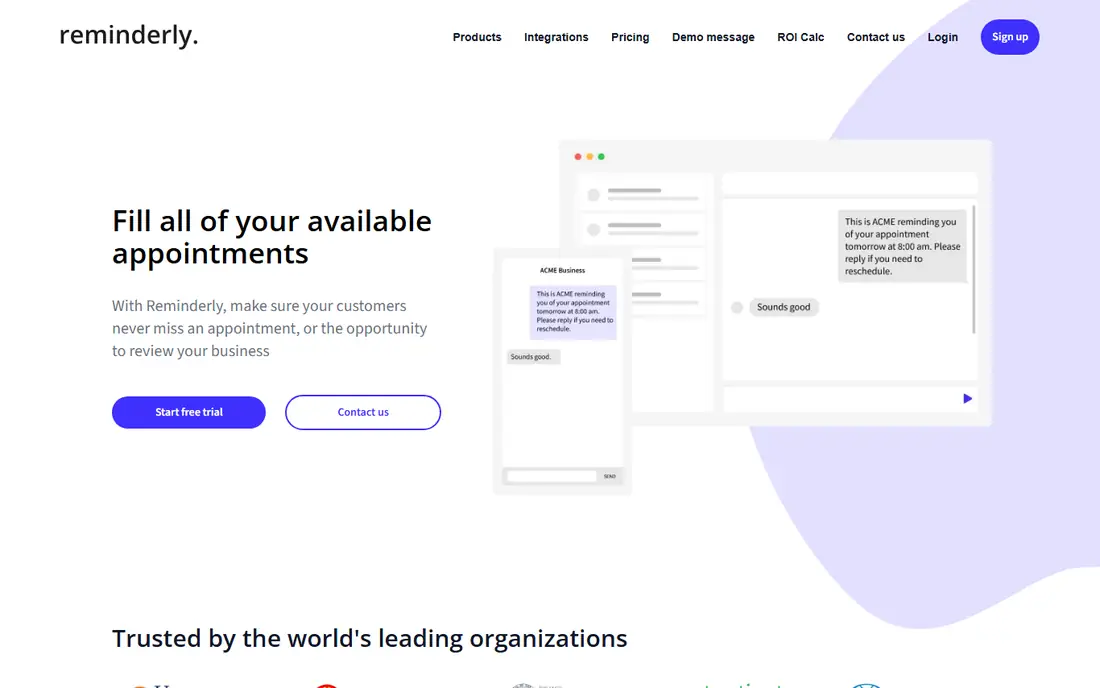
Reminderly provides simple SMS appointment reminders with easy setup for small businesses. Owners can import appointments, set reminder timing and let clients confirm by reply. Its simplicity suits businesses that need reminders without a full booking platform.
Feature set is smaller than Calendly or SimplyBook, and booking tools are basic. For simple, affordable SMS reminders, Reminderly is a practical choice.
A good way to judge Reminderly is to ask what happens when something goes wrong. Check support channels, response times, export options and cancellation terms before you commit data or a team to it. Those answers matter as much as the feature list, especially for a tool you plan to use daily.
- Simple SMS reminders
- Easy setup
- Affordable for small businesses
- Smaller feature set
- Booking tools are basic
Calendly lets clients book appointments through links, with email reminders and calendar sync built in. SMS reminders, workflows and team features sit on paid plans. Professionals, consultants and clinics use it to replace back-and-forth scheduling emails.
SMS reminders are paid, so businesses that rely on text should check that cost. For booking plus reminders in one simple tool, Calendly is a leading choice.
If Calendly appeals to you, check recent user reviews for the exact plan you intend to buy, since free and paid tiers can differ a lot. Look for comments on reliability, billing and support, and weigh recent reviews more heavily than older ones, because pricing and features change often.
- Easy booking links
- Email and SMS reminders
- Calendar integrations
- SMS reminders are paid
- Team features are paid
Acuity Scheduling, now part of Squarespace, offers client self-booking, intake forms, payments and email and SMS reminders. Service businesses, clinics and coaches use it for online booking with reminders built in. Its customisation suits businesses with varied appointment types.
Pricing and plans have changed since the Squarespace acquisition, so check current terms. For client booking plus reminders, Acuity remains a strong option.
When you trial Acuity Scheduling, start with the use case in its best-for line and test one real workflow end to end, rather than clicking through a demo. That test shows whether setup, daily use and support feel right for your team or household, and it gives you a fair basis for comparing it with the other options in this list.
- Client self-booking
- Intake forms
- Email and SMS reminders
- Now part of Squarespace
- Pricing and plans have changed over time
SimplyBook.me combines booking with SMS and email reminders, plus plugins for payments, memberships and marketing. A free tier covers small businesses, while paid plans add more bookings and features. Its flexibility suits varied service businesses.
SMS reminders use credits, so high-volume SMS needs a paid plan. For booking plus reminders on a budget, SimplyBook.me is a flexible choice.
For SimplyBook.me, the practical question is fit, not features alone. Check whether its limits, integrations and support hours match how you actually work, and confirm pricing for the size you expect in six months, not just today. A tool that fits now but strains at the next step costs more in switching time later.
- Free tier
- Booking plus SMS and email reminders
- Plugins
- Reminder credits for SMS
- Interface can feel busy
BookSteam offers affordable class and appointment booking with reminders and payments for small businesses. Its pricing suits new studios and service businesses that want core booking without enterprise cost. Setup is quick.
Reminder features are basic compared with dedicated reminder tools such as Apptoto. For small business booking plus reminders, BookSteam is a practical, affordable choice.
We would put BookSteam on a shortlist when its best-for description matches your main job, and trial it beside one rival from this list. Compare the same task in both, note where each one slows you down, and keep the one that staff, family or clients adopt without extra training.
- Affordable booking
- Class and appointment reminders
- Payments
- Smaller brand
- Reminder features are basic compared with Apptoto
Vagaro serves salons, spas and wellness businesses with booking, payments, reminders and marketing tools. Its reminders reduce no-shows for appointment-based services, while its marketplace helps clients discover businesses. Staff management and payroll add business depth.
It is salon focused, so other service types should check fit. For salons and wellness businesses, Vagaro combines booking and reminders well.
A good way to judge Vagaro is to ask what happens when something goes wrong. Check support channels, response times, export options and cancellation terms before you commit data or a team to it. Those answers matter as much as the feature list, especially for a tool you plan to use daily.
- Booking, payments and reminders for salons
- Marketplace
- Marketing tools
- Salon focused
- Other services need checking
How we picked these
We compared official product pages, pricing pages and public reviews for reminder tools live in October 2026. We required live SMS or email reminders, booking or calendar integration, and a clear business use case. We did not claim hands-on testing, and we noted SMS pricing, since text costs drive total price for high-volume users.
What to check before you choose
Start with channel: SMS reminders cut no-shows most, but they cost more than email, so check SMS pricing per message. Next, check two-way replies, since clients who can confirm or reschedule by text reduce staff calls. Finally, test calendar sync with your existing calendar, since a reminder tool that misses new appointments creates more no-shows, not fewer.
Timing and frequency
Send a first reminder a few days before, plus a final reminder the day before or morning of the appointment, for most services. Too many reminders annoy clients, while one early reminder is easily forgotten. Test timing for your client base and adjust by no-show data.
No-show policies
Pair reminders with a clear cancellation policy, including notice period and fees where appropriate. Reminders reduce no-shows, but a policy gives staff a fair way to handle repeat missed appointments. Communicate the policy at booking, not after a no-show.
FAQ
What is the best appointment reminder software?
Apptoto and ReminderCall are the best appointment reminder software for dedicated SMS and call reminders, while Calendly and Acuity suit booking plus reminders. SimplyBook.me suits budget booking plus reminders, and Vagaro suits salons. Choose by channel and booking needs.
Is there free appointment reminder software?
Yes, Calendly, Acuity Scheduling and SimplyBook.me offer free tiers with booking and email reminders. SMS reminders usually cost extra, even on free tiers, since carriers charge per message. For free email reminders, Calendly free is a good starting point.
Do SMS reminders reduce no-shows?
Yes, SMS reminders reduce no-shows significantly compared with no reminders, since texts are read quickly and allow easy confirmation. Two-way SMS, where clients can confirm or reschedule by reply, works best. Pair reminders with a clear cancellation policy for best results.
Can reminder software sync with Google Calendar?
Yes, most tools here sync with Google Calendar, Outlook and other calendars, including Apptoto, Calendly, Acuity and SimplyBook.me. Test sync during a trial, especially for recurring appointments and staff calendars, since sync errors cause missed reminders.
How much does appointment reminder software cost?
Appointment reminder software costs vary by appointments, users and SMS volume, with many tools charging per appointment or per SMS credit. Booking tools often include email reminders free, while SMS is paid. Model total cost at your monthly appointment volume before choosing.