6 Best Customizable Project Management Software Options for 2026
Best customizable project management software in 2026: 6 contenders with entry costs and free tiers. Short, factual notes on every option. Clear verdicts.

- Editor's choice
 Airtable
Database-driven projects
Starts atSee websiteVisit airtable.comFull review - Great alternative
 monday.com
Visual boards and columns
Starts atSee websiteVisit monday.comFull review - Also consider
 ClickUp
Maximum customization depth
Starts atSee websiteVisit clickup.comFull review
Direct answer
Airtable is the first pick on this list for database-driven projects. monday.com is the stronger choice for visual boards and columns, while ClickUp suits maximum customization depth. The other 3 tools in the list cover narrower or pricier cases.
TL;DR:
- Airtable is the opening pick, best for database-driven projects.
- The main caution on monday.com: pricing per seat layers on up as teams grow.
- For cross-functional portfolio work, Wrike is worth a look.
- Every tool from Airtable to Wrike works by quote, with no list price shown.
- Free plans exist at 3 of 6 tools (monday.com, ClickUp, Notion).
Quick comparison
| Tool | Best for | Starts at | Free plan? | |
|---|---|---|---|---|
| Airtable | Database-driven projects | See website | Not stated | Visit |
| monday.com | Visual boards and columns | See website | Yes | Visit |
| ClickUp | Maximum customization depth | See website | Yes | Visit |
 Notion | Docs-plus-tasks workspaces | See website | Yes | Visit |
 Asana | Structured planning with goals | See website | Not stated | Visit |
 Wrike | Cross-functional portfolio work | See website | Not stated | Visit |
The full customizable project management software list
If you are comparing customizable project management software, this page covers 6 tools in one place: what each is best for, what it costs to start, whether it has a free plan, and the main limit to know about.
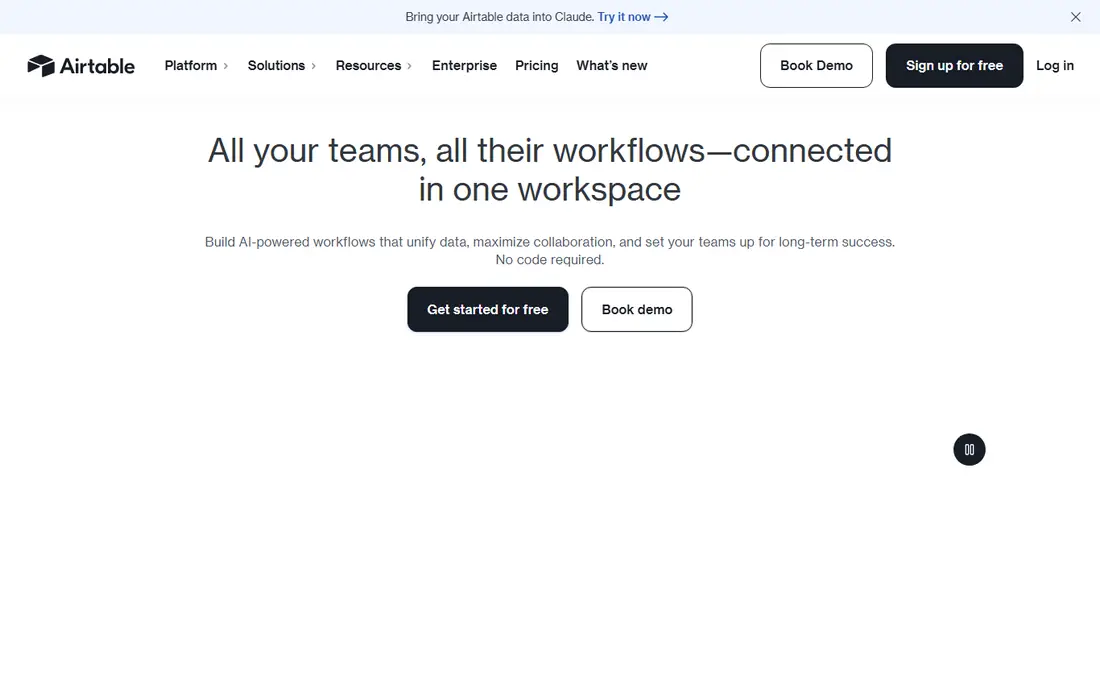
For database-driven projects, Airtable is a natural candidate. Airtable is what happens when a spreadsheet grows a real database engine. On top of that, tables link with true relationships, views (grid, kanban, calendar, timeline, Gantt, gallery) slice the same data different ways.
The Interfaces Designer lets teams build custom dashboards and apps on top without code. The customization ceiling is high since the foundation is a database, not a task metaphor. No starting price is listed for Airtable here; confirm pricing on the vendor site. As for free access: Not stated.
Drawbacks to consider: Learning relational concepts takes effort for non-technical teams.
- Real relational database under a friendly interface
- Capable automations and 1,000+ integrations
- Per-seat pricing gets expensive as viewer counts grow
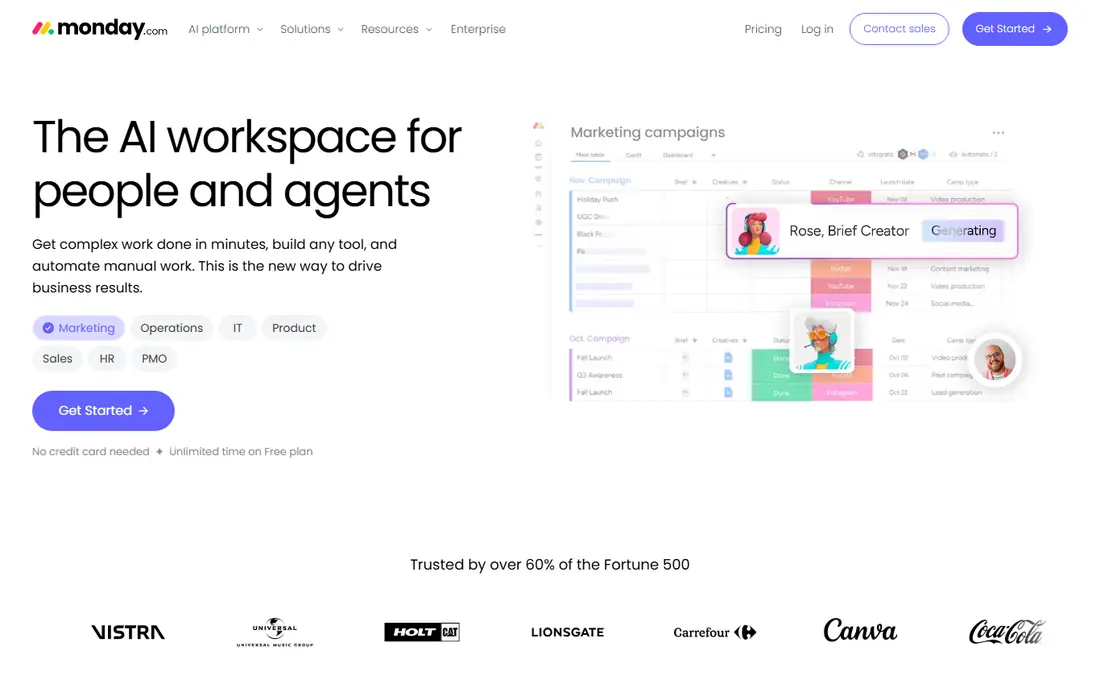
Choose monday.com for visual boards and columns. A non-technical operations manager can build a working intake-to-delivery workflow in an afternoon, which is why adoption tends to be quick. Worth adding: the free plan is unusually ample in duration: unlimited time with no credit card required, targeted at individuals and tiny teams.
Drawbacks to consider: Complicated workflows need higher levels for automations and integrations.
Beyond that, the honest catch is the seat math. In daily use, for visual, adaptable project tracking that the entire company will actually open, it is the friendliest choice here. No starting price is listed for monday.com here; confirm pricing on the vendor site. You can start on monday.com without paying.
- 200+ column types and no-code automations
- Free plan with unlimited time
- Pricing per seat brings up as teams grow
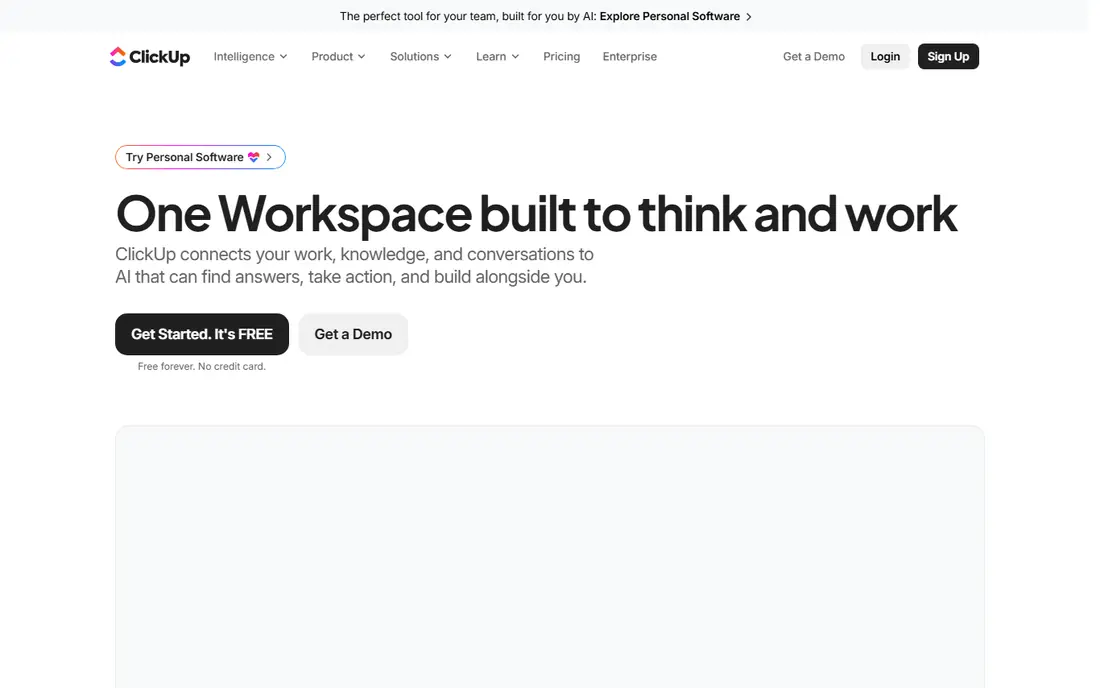
ClickUp is built with maximum customization depth in mind. Custom fields, custom statuses, custom views, task hierarchies five levels deep, and automations that trigger on almost any event: there is very little about the workflow you cannot change.
Performance in very large workspaces has also drawn complaints. ClickUp does not show a starting price in this comparison, so check the vendor site for current pricing. ClickUp includes a free tier.
What users get: Genuinely free-forever plan with no credit card. Limits to weigh: The depth overwhelms new users.
- Custom statuses, fields
- 15+ views including Gantt
- Performance can lag in very large workspaces
Notion is aimed squarely at docs-plus-tasks workspaces. Notion customizes by refusing to decide what it is. In daily use, very large databases can also get slow.
The main drawbacks: Performance suffers in very large databases.
The honest catch is depth. Beyond that, the template community, 1.4 million members capable, means almost any workflow has a starting point built by someone else. Notion does not show a starting price in this comparison, so check the vendor site for current pricing. Notion offers a free plan.
- Databases, docs
- Free for individuals with ample limits
- Project-specific features like Gantt and workload are thinner than dedicated PM tools
In short, Asana is for structured planning with goals. Asana customizes through structure rather than chaos. Custom fields, rules, forms, templates and portfolios let organizations standardize how work gets planned, whereas the work graph links every task to the goals and portfolios above it.
That makes Asana the pick for businesses that want customization with guardrails: teams can adapt workflows, but leadership still gets consistent reporting. With 85% of the Fortune 100 as customers, Asana is proven at scale. Also, if your team wants a freeform database-like canvas, Airtable or Notion will feel less constrained. And the features that make Asana capable for organizations, portfolios, goals, advanced reporting, live on higher-priced levels. Asana shows no starting price here, so confirm the cost on the vendor site. Free options: Not stated.
Trade-offs to know: Customization is structured instead of freeform.
Best features of Asana: timelines and workload views.
- Work graph links tasks to goals and portfolios
- AI teammates embedded in real workflows
- Advanced features like portfolios sit on higher levels
For cross-functional portfolio work, Wrike is a natural candidate. Wrike is made for the reality of large organizations: work arrives as requests from other departments, crosses team boundaries, and needs portfolio-level visibility. With 400+ integrations, Wrike links to nearly any stack.
Custom request forms with intake workflows route work to the right team automatically. The product's Gantt charts, dashboards, workload views and time tracking provide managers genuine control over complicated, multi-team delivery. Worth adding: the interface packs in a lot, and casual users can find it intimidating compared with monday.com or Asana. In practice, custom fields, workflows and item types adapt the system to different departments without separate tools. Check the vendor site for Wrike pricing; none is listed in this comparison. Free options: Not stated.
Trade-offs to know: Interface density intimidates casual users.
- Request forms and intake built for cross-functional work
- Dashboards and resource management
- Configuration takes real admin effort
Our selection method
Selection started from tools commonly considered for customizable project management software, then narrowed to 6 that have clear pricing information or a clear quote process. Where a price is missing, the vendor does not list one publicly or ties it to a quote. Always confirm before budgeting. Position on the page reflects fit for a typical buyer first, with price clarity and free access breaking ties. Treat it as a guide, not a ruling.
What to check before you buy
- Confirm the entry price with every vendor: no tool from Airtable to Wrike shows a fixed starting price.
- Look at free plan limits closely: monday.com, ClickUp and Notion have one, and the caps decide whether it is usable for real work.
- Read the limits listed for Airtable first: per-seat pricing gets pricey as viewer counts grow.
- Before rolling out ClickUp, verify the integrations your workflow depends on.
- Look at the help docs and support options for Notion before you commit.
FAQ
Is Airtable the right pick for everyone comparing customizable project management software?
No single tool suits every team. Airtable comes first because it fits database-driven projects, while monday.com suits visual boards and columns and ClickUp suits maximum customization depth. Match the tool to your own size, budget and workflow before deciding.
Which options for customizable project management software have a free plan?
On this list, monday.com, ClickUp and Notion include a free plan. Caps on seats, usage or features are common, so test the free plan against your real workload.
Do these tools publish their prices?
No. None of the tools, from Airtable to Wrike, shows a fixed starting price here, so budget time for quotes.
Can I try these options before paying?
Often, yes. monday.com, ClickUp and Notion have a free plan. Use your own data and a real task during the test, and check what the free tier or trial limits before you rely on it.