5 Glary Utilities Alternatives Worth Switching To in 2026
5 products for Glary Utilities alternatives, ranked by fit, with starting costs and free tiers. We note where every tool falls short. Updated for 2026.

- Editor's choiceWise Care 365
One-click Windows tune-up
Starts atSee websiteVisit wisecleaner.comFull review - Great alternativeAdvanced SystemCare
All-in-one cleaning and optimization
Starts atSee websiteVisit iobit.comFull review - Also consider
 CCleaner
Wide PC cleaning and privacy
Starts at$44.95Visit ccleaner.comFull review
Direct answer
This list puts Wise Care 365 first for one-click Windows tune-up. Listed starting prices: CCleaner from $44.95. If your case is different, Advanced SystemCare suits all-in-one cleaning and optimization and CCleaner suits wide PC cleaning and privacy. The other 2 tools in the list cover narrower or pricier cases.
TL;DR:
- This list starts with Wise Care 365, which is built for one-click Windows tune-up.
- Auslogics BoostSpeed suits disk space and performance tuning.
- One limit worth knowing about Wise Care 365: interface can feel busy.
- Only CCleaner offers a free plan among these 5 tools.
- No starting price is published for Wise Care 365, Advanced SystemCare, MacPaw CleanMyPC and Auslogics BoostSpeed; expect a quote.
Last checked November 2026. Prices and plan details were read from the vendors' own pages in November 2026; vendors change plans often, so confirm the current price on the vendor site before you buy.
Quick comparison
| Tool | Best for | Starts at | Free plan? | |
|---|---|---|---|---|
| Wise Care 365 | One-click Windows tune-up | See website | Not stated | Visit |
| Advanced SystemCare | All-in-one cleaning and optimization | See website | Not stated | Visit |
| CCleaner | Wide PC cleaning and privacy | $44.95 | Yes | Visit |
| MacPaw CleanMyPC | Existing users seeking cleanup | See website | Not stated | Visit |
| Auslogics BoostSpeed | Disk space and performance tuning | See website | Not stated | Visit |
The best Glary Utilities
Choosing Glary Utilities usually comes down to price, fit and limits. This LinkVetted guide sets 5 tools side by side on those three points, with the facts kept short and checkable.
Wise Care 365
Best for: One-click Windows tune-up
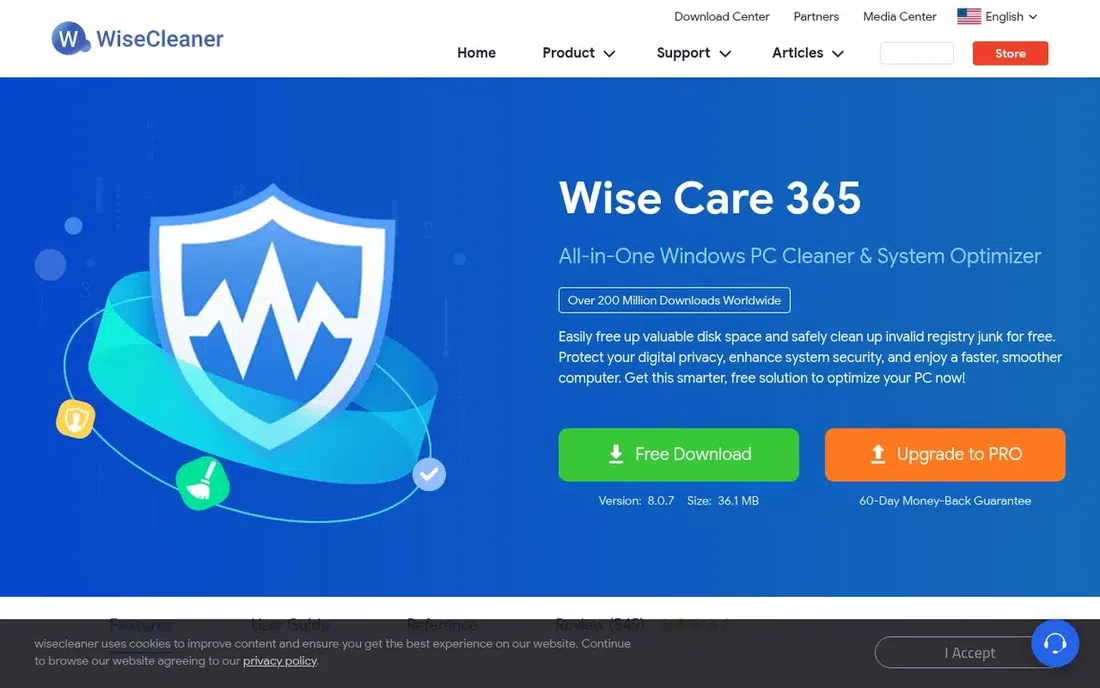
Wise Care 365 is a good fit for one-click Windows tune-up. The interface can feel crowded with plenty of modules, and some features overlap in purpose.
Where it falls short: Some modules overlap.
It provides one-click cleaning of registry and junk files along with privacy protection, making it a good match for users who want simplicity. Check the vendor site for Wise Care 365 pricing; none is listed in this comparison. As for free access: Not stated.
- All-in-one system tune-up
- Privacy protection features
- Interface can feel busy
Advanced SystemCare
Best for: All-in-one cleaning and optimization

Choose Advanced SystemCare for all-in-one cleaning and optimization. Advanced SystemCare from IObit is presented as a free PC cleaner and optimizer that helps clean, accelerate, and secure Windows systems.
The tool may apply optimizations that some users find too aggressive, and upsell prompts can appear. Also, if you prefer granular control over every change, a more manual utility might be a better fit. This comparison lists no price for Advanced SystemCare; ask the vendor. Free access: Not stated.
Best features of Advanced SystemCare: Optimizes Windows for performance; accelerates.
- Cleans
- Secures PC
- Some tools may be aggressive
CCleaner is aimed squarely at wide PC cleaning and privacy. CCleaner is a PC cleaning tool that centres on removing junk files and protecting privacy whereas aiming to make computers quicker and more secure.
Its registry cleaning and privacy tools may not deliver noticeable speed gains for every user, and advanced features sit behind a premium level. On cost, CCleaner starts like this: $44.95. CCleaner has a free plan.
Drawbacks to consider: Registry cleaning benefits debated.
- Well-known interface
- Aims to boost speed and security
- Some features may need premium upgrade
MacPaw CleanMyPC
Best for: Existing users seeking cleanup
Pick MacPaw CleanMyPC if this describes you: existing users seeking cleanup. MacPaw CleanMyPC is a Windows cleanup utility from the developer behind CleanMyMac.
It has been positioned for routine maintenance and junk file removal, and may suit existing users who already depend on it. Beyond that, MacPaw has announced it is sunsetting CleanMyPC, so new buyers should consider long-term support. Pricing for MacPaw CleanMyPC is not stated here, so ask the vendor for current figures. Trial and free access: Not stated.
Where it falls short: Restricted future updates.
- From a known Mac developer
- Straightforward interface
- Product being sunset
Auslogics BoostSpeed
Best for: Disk space and performance tuning
In short, Auslogics BoostSpeed is for disk space and performance tuning. Auslogics BoostSpeed is a PC optimizer and cleaner for Windows that runs a health check, frees disk space, and tunes performance.
Points against: Some tools are advanced.
Also, some optimization tools may be advanced for casual users, and results vary by system. For everyday use, if you prefer a purely automatic cleaner, a more straightforward option could be more appropriate. This comparison lists no price for Auslogics BoostSpeed; ask the vendor. Free plan details: Not stated.
- PC health check
- Frees up disk space
- May need technical comfort
How the list was put together
LinkVetted looked at what each vendor publishes: pricing, plan limits, feature coverage for Glary Utilities and stated drawbacks. No hands-on testing is claimed. Seat minimums, billing terms and add-ons can move the real cost, so the starting prices here are a guide and not a quote. The sequence is a judgement call: typical use case first, then pricing transparency, then free access. Use the profiles to check fit.
Before you commit
- Confirm the entry price on the vendor page. For Wise Care 365, Advanced SystemCare, MacPaw CleanMyPC and Auslogics BoostSpeed that means a quote rather than a fixed price.
- Look at the free plan from CCleaner closely: its caps decide whether it is usable for real work.
- Before choosing Wise Care 365, weigh its main limit: interface can feel busy.
- Confirm you can export your data from MacPaw CleanMyPC, so leaving later does not mean losing records.
- Confirm minimum seats and billing terms with Advanced SystemCare before you commit to an annual plan.
FAQ
Is Wise Care 365 the right pick for everyone comparing Glary Utilities?
No single tool suits every team. Wise Care 365 comes first because it fits one-click Windows tune-up, while Advanced SystemCare suits all-in-one cleaning and optimization and CCleaner suits broad PC cleaning and privacy. Match the tool to your own size, budget and workflow before deciding.
Do I need a premium version for full functionality?
Plenty of PC cleaners offer an entry-level set of features at no cost and reserve advanced tools for premium editions.
Can I try these tools before paying?
Often, yes. CCleaner has a free plan. Use your own data and a real task during the test, and check what the free tier or trial limits before you rely on it. Each of the 5 options in this Glary Utilities alternatives guide has its own card above with the price, free plan and limits.
Which Glary Utilities have a free plan?
CCleaner is the only tool in this list with a free plan. Free plans usually cap users, projects or features, so check the limits on the vendor page. All 5 picks in this Glary Utilities alternatives comparison list a starting price, free plan details and the main limits on their cards above.
Do these tools publish their prices?
Not all of them. Wise Care 365, Advanced SystemCare, MacPaw CleanMyPC and Auslogics BoostSpeed publish no starting price, so expect a quote request for those. The rest, CCleaner included, show a starting price, though seats and billing terms still change the final cost.
Can these tools really accelerate my computer?
Cleaning junk files and managing startup items can help, but gains vary by system and are frequently modest. For significant slowdowns, consider hardware upgrades or addressing specific software issues instead of relying solely on a cleaner.
Sources
- https://www.wisecleaner.com/wise-care-365.html
- https://www.iobit.com/en/advancedsystemcarefree.php
- https://www.ccleaner.com
- https://macpaw.com/cleanmypc
- https://www.auslogics.com/en/software/boost-speed