5 Hard Drive Partitioning Software Worth Shortlisting in 2026
Best hard drive partitioning software: 5 tools compared on price, free plans and fit. Each pick comes with its main catch. Last reviewed November 2026.
- Editor's choiceMiniTool Partition Wizard
Cloning disks and recovering data
Starts atSee websiteVisit partitionwizard.comFull review - Great alternativeEaseUS Partition Master
Everyday Windows partition resizing and merging
Starts at$19.90 a monthVisit easeus.comFull review - Also considerParagon Partition Manager
Optimizing overall disk structure
Starts atSee websiteVisit paragon-software.comFull review
Direct answer
MiniTool Partition Wizard leads the list, best for cloning disks and recovering data. Listed starting prices: EaseUS Partition Master from $19.90 a month. If your case is different, EaseUS Partition Master suits Everyday Windows partition resizing and merging and Paragon Partition Manager suits optimizing overall disk structure. All 5 tools are compared below on price, free plan and limits.
TL;DR:
- Top of the list is MiniTool Partition Wizard, which targets cloning disks and recovering data.
- Acronis Disk Director is the one to check for existing Acronis users on legacy setups.
- For the cheapest start, look at EaseUS Partition Master: $19.90 per month.
- What to know about NIUBI Partition Editor first: server focus may be overkill at home.
- None of the 5 tools, from MiniTool Partition Wizard to Acronis Disk Director, has a free plan, so budget for a subscription or use a trial.
Last checked November 2026. Prices and plan details were read from the vendors' own pages in November 2026; vendors change plans often, so confirm the current price on the vendor site before you buy.
Quick comparison
| Tool | Best for | Starts at | Free plan? | |
|---|---|---|---|---|
| MiniTool Partition Wizard | Cloning disks and recovering data | See website | Not stated | Visit |
| EaseUS Partition Master | Everyday Windows partition resizing and merging | $19.90 a month | Not stated | Visit |
| Paragon Partition Manager | Optimizing overall disk structure | See website | Not stated | Visit |
| NIUBI Partition Editor | Server and workstation partition changes | See website | Not stated | Visit |
| Acronis Disk Director | Existing Acronis users on legacy setups | See website | Not stated | Visit |
5 options for hard drive partitioning software in detail
This LinkVetted guide covers 5 options for hard drive partitioning software. Each profile lists a starting price, free plan details, strengths and drawbacks, so you can drop poor fits quickly.
MiniTool Partition Wizard
Best for: Cloning disks and recovering data
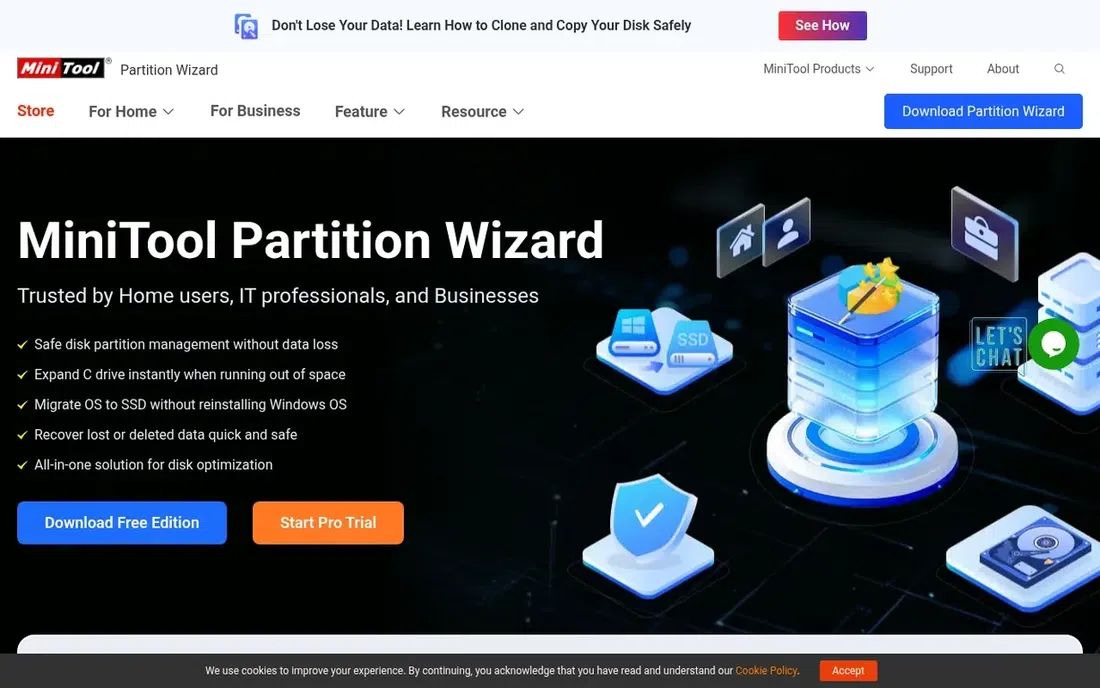
MiniTool Partition Wizard is built with cloning disks and recovering data in mind. The feature set is wide, and the vendor separates some capabilities by edition, so confirm what your version bundles.
Beyond that, the number of choices can feel heavy for straightforward resize jobs. MiniTool Partition Wizard shows no starting price here, so confirm the cost on the vendor site. Free plan details: Not stated.
Points against: Numerous choices can overwhelm beginners.
- Clone disks and recover data
- Handle and resize partitions
- Some features tied to premium editions
EaseUS Partition Master
Best for: Everyday Windows partition resizing and merging
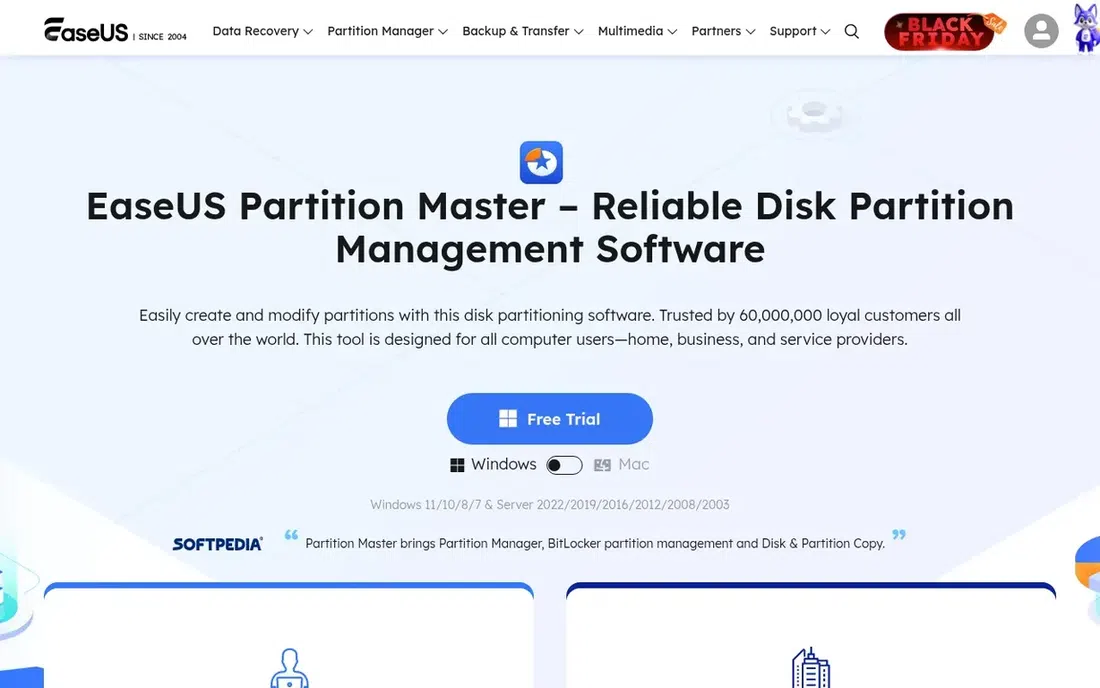
In short, EaseUS Partition Master is for Everyday Windows partition resizing and merging. Because the vendor spreads capabilities across editions, check that the specific operation you need is included before committing.
Partition changes always carry risk, so keep a backup first. The starting price for EaseUS Partition Master: $19.90 per month. Free access: Not stated.
Where it is weaker: Advanced operations need care with backups.
- Resize, merge
- Split partitions
- Feature depth varies by edition
Paragon Partition Manager
Best for: Optimizing overall disk structure
Think of Paragon Partition Manager for optimizing overall disk structure. The vendor positioning centers on structure optimization, so it is not the obvious pick if data recovery or backup is your priority.
Downsides: Less emphasis on recovery features.
On top of that, Paragon Partition Manager is described by its vendor as a tool to optimize hard disk structure. It targets users who want to reorganize partitions and keep disk layout efficient instead of chase every additional utility. Paragon Partition Manager does not show a starting price in this comparison, so check the vendor site for current pricing. Trial and free access: Not stated.
- Long-standing disk utility vendor
- Concentrated on disk structure optimization
- Interface depth fits technical users
NIUBI Partition Editor
Best for: Server and workstation partition changes
Think of NIUBI Partition Editor for server and workstation partition changes. NIUBI Partition Editor is described by its vendor as a safe partition manager for Windows, listing support from Windows 11 back to XP and a set of Server releases.
For everyday use, if your work is purely desktop resizing, a more straightforward tool like EaseUS Partition Master or Paragon Partition Manager may be simpler to handle. No starting price is listed for NIUBI Partition Editor here; confirm pricing on the vendor site. Free plan details: Not stated.
Where it is weaker: Editions split by product.
- Handles desktop and server Windows versions
- Positioned around safe partition changes
- Server focus may be overkill at home
Acronis Disk Director
Best for: Existing Acronis users on legacy setups
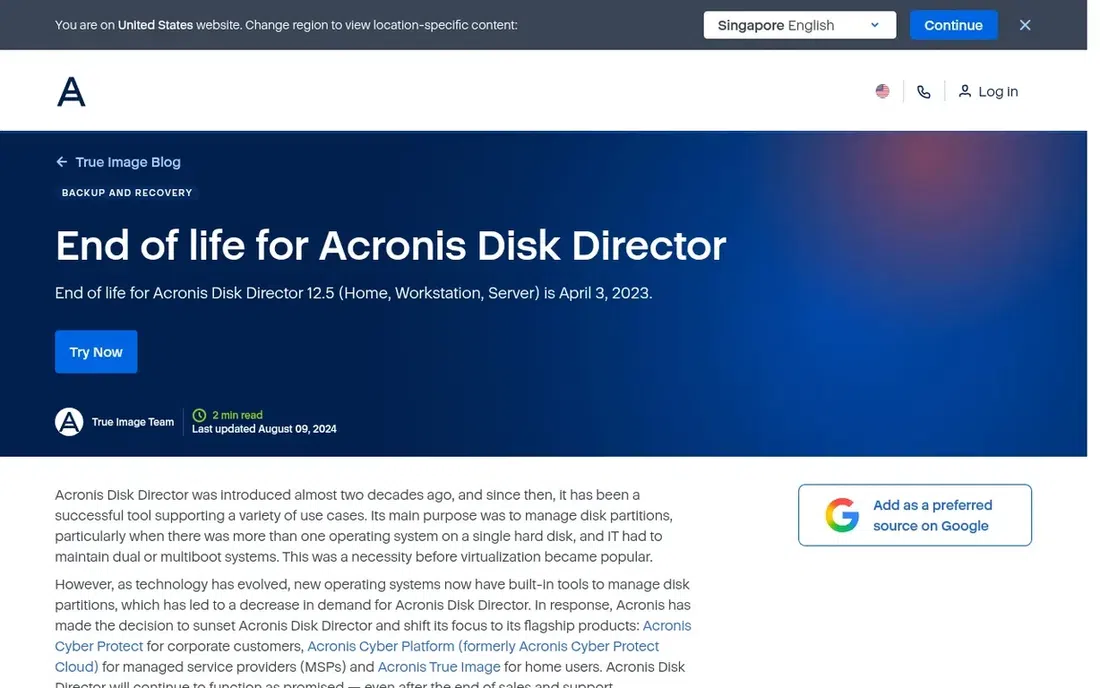
In short, Acronis Disk Director is for existing Acronis users on legacy setups. It was designed for partition resizing and disk structuring tasks.
Where it falls short: No continuing updates expected.
It suits organizations that already run it and have to keep existing installations working, instead of anyone shopping for new partitioning software. Acronis Disk Director does not show a starting price in this comparison, so check the vendor site for current pricing. Free plan details: Not stated.
- Includes home, workstation
- Server editions
- Vendor lists it as end of life
Selection criteria
A buyer's checklist
- Get a written quote from MiniTool Partition Wizard, Paragon Partition Manager, NIUBI Partition Editor and Acronis Disk Director; the list shows no starting price for them.
- Read the limits listed for MiniTool Partition Wizard first: some features tied to premium editions.
- Ask Paragon Partition Manager how an export works before you move any records in; an easy exit lowers the risk.
- Check the integration list for Acronis Disk Director against the tools you run today, and note which ones need a higher plan.
- Run a one or two week pilot of NIUBI Partition Editor with the people who will use it every day.
FAQ
Can I try these options before paying?
Not by default. None of the tools, from MiniTool Partition Wizard to Acronis Disk Director, lists a free plan or a free trial here, so ask each vendor for a demo before committing.
Is free partitioning software enough for resizing a drive?
Numerous vendors offer entry editions that handle entry-level resizing, but advanced operations like cloning or recovery are frequently restricted to higher editions. Check the vendor site to see exactly which operations your edition supports before relying on it for important disks.
What is the cheapest option for hard drive partitioning software in this list?
On published monthly entry prices, EaseUS Partition Master is the lowest here at $19.90 per month. Entry price is only part of the cost, because seats, add-ons and billing terms can change the total. All 5 picks in this hard drive partitioning software comparison list a starting price, free plan details and the main limits on their cards above.
Do these tools publish their prices?
Not all of them. MiniTool Partition Wizard, Paragon Partition Manager, NIUBI Partition Editor and Acronis Disk Director publish no starting price, so expect a quote request for those. The rest, EaseUS Partition Master included, show a starting price, though seats and billing terms still change the final cost.
Is MiniTool Partition Wizard the right pick for everyone comparing hard drive partitioning software?
No single tool suits every team. MiniTool Partition Wizard comes first because it fits cloning disks and recovering data, while EaseUS Partition Master suits Everyday Windows partition resizing and merging and Paragon Partition Manager suits optimizing overall disk structure. Match the tool to your own size, budget and workflow before deciding.
Sources
- https://www.partitionwizard.com
- https://www.easeus.com/partition-manager
- https://www.paragon-software.com/home/partition-manager
- https://www.hdd-tool.com
- https://www.acronis.com/en-us/products/disk-director