Choosing Hard Drive Partition Software in 2026: 6 Options Compared
Need the best hard drive Partition software? We compare 6 tools on cost, free access and who each suits. Every profile names its biggest catch. Choose faster.
- Editor's choiceMacrorit Partition Expert
Entry-level partition management on Windows
Starts atSee websiteVisit macrorit.comFull review - Great alternativeParagon Partition Manager
Optimizing hard disk structure
Starts atSee websiteVisit paragon-software.comFull review - Also considerEaseUS Partition Master
Everyday Windows partition resizing and merging
Starts at$19.90 a monthVisit easeus.comFull review
Direct answer
For entry-level partition management on Windows, Macrorit Partition Expert is where this list starts. Listed starting prices: EaseUS Partition Master from $19.90 a month. Alternatives: Paragon Partition Manager for optimizing hard disk structure, and EaseUS Partition Master for Everyday Windows partition resizing and merging. Details, prices and limits for the rest of the 6 tools are below.
TL;DR:
- The list opens with Macrorit Partition Expert, aimed at entry-level partition management on Windows.
- Acronis Disk Director suits existing users of a discontinued product.
- The cheapest monthly starting price in the list is $19.90 per month, offered by EaseUS Partition Master.
- A permanent free plan is missing from all 6 tools, Macrorit Partition Expert and Acronis Disk Director included; plan for a trial or a premium start.
- A fair warning about MiniTool Partition Wizard: feature depth relies on edition.
Last checked November 2026. Prices and plan details were read from the vendors' own pages in November 2026; vendors change plans often, so confirm the current price on the vendor site before you buy.
Quick comparison
| Tool | Best for | Starts at | Free plan? | |
|---|---|---|---|---|
| Macrorit Partition Expert | Entry-level partition management on Windows | See website | Not stated | Visit |
| Paragon Partition Manager | Optimizing hard disk structure | See website | Not stated | Visit |
| EaseUS Partition Master | Everyday Windows partition resizing and merging | $19.90 a month | Not stated | Visit |
| MiniTool Partition Wizard | Server-focused partition management | See website | Not stated | Visit |
| NIUBI Partition Editor | Safe partition editing on servers | See website | Not stated | Visit |
| Acronis Disk Director | Existing users of a discontinued product | See website | Not stated | Visit |
The full hard drive Partition software list
Short on time? The summary and table above give the quick view of 6 tools for hard drive Partition software, and the profiles that follow give the detail behind each entry.
Macrorit Partition Expert
Best for: Entry-level partition management on Windows
Choose Macrorit Partition Expert for entry-level partition management on Windows. Macrorit Partition Expert is a partition management utility for Windows targeted at common disk tasks for example resizing and reorganizing partitions.
On top of that, pick Macrorit when a straightforward, focused partition utility is enough. Also, users needing server-grade coverage or recovery features should look at broader tools. Macrorit Partition Expert does not show a starting price in this comparison, so check the vendor site for current pricing. On free options: Not stated.
Limits to weigh: Fewer advanced extras than some rivals.
- Simple task focus
- Partition management utility
- Limited public documentation on the page
Paragon Partition Manager
Best for: Optimizing hard disk structure
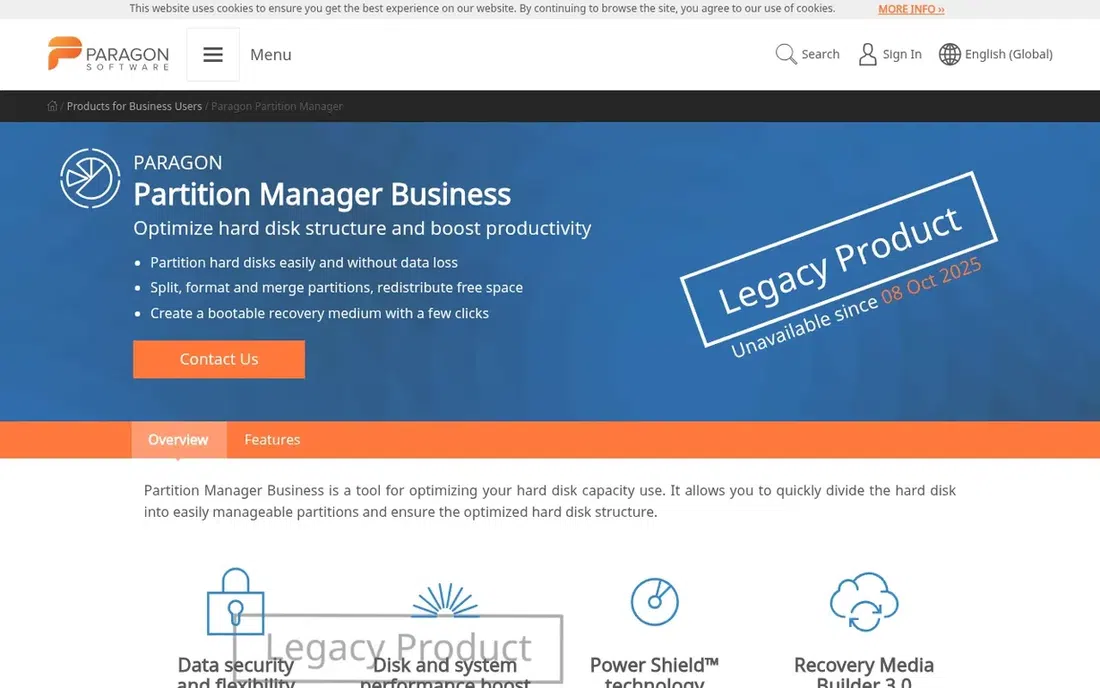
Where Paragon Partition Manager fits: optimizing hard disk structure. The homepage supplies restricted detail on specific operations, so verify the exact features you need on the vendor site.
That framing points to users who want to reorganize how space is allocated across drives instead of only perform one-off resizes. From a buyer's view, pick Paragon when disk structure optimization is central to your plan. Paragon Partition Manager does not show a starting price in this comparison, so check the vendor site for current pricing. Free access: Not stated.
The main drawbacks: Public feature detail is restricted.
- Concentrated on disk structure optimization
- Established partitioning brand
- May be more than casual users need
EaseUS Partition Master
Best for: Everyday Windows partition resizing and merging
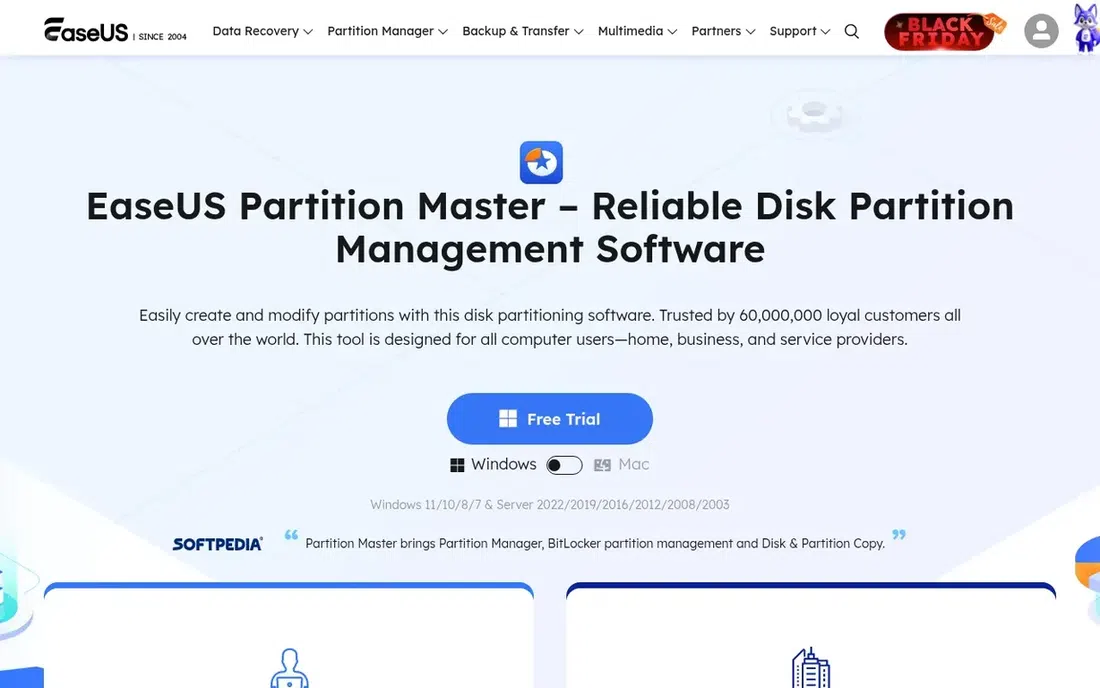
For Everyday Windows partition resizing and merging, EaseUS Partition Master is a natural candidate. Its homepage lists support from Windows 11 and 10 back through older releases, plus multiple Server editions.
If your central need is data recovery alongside partitioning, a combined utility may serve you better. On top of that, some capabilities sit behind the fuller edition, so check what your version bundles before relying on it for complicated server work. EaseUS Partition Master cost at the entry level: $19.90 per month. On free options: Not stated.
What EaseUS Partition Master does well: Supports plenty of Windows and Server editions.
Where it is weaker: Advanced features may need the full edition.
- Split partitions
- Clear all-in-one partition manager focus
- Server support varies by edition
MiniTool Partition Wizard
Best for: Server-focused partition management
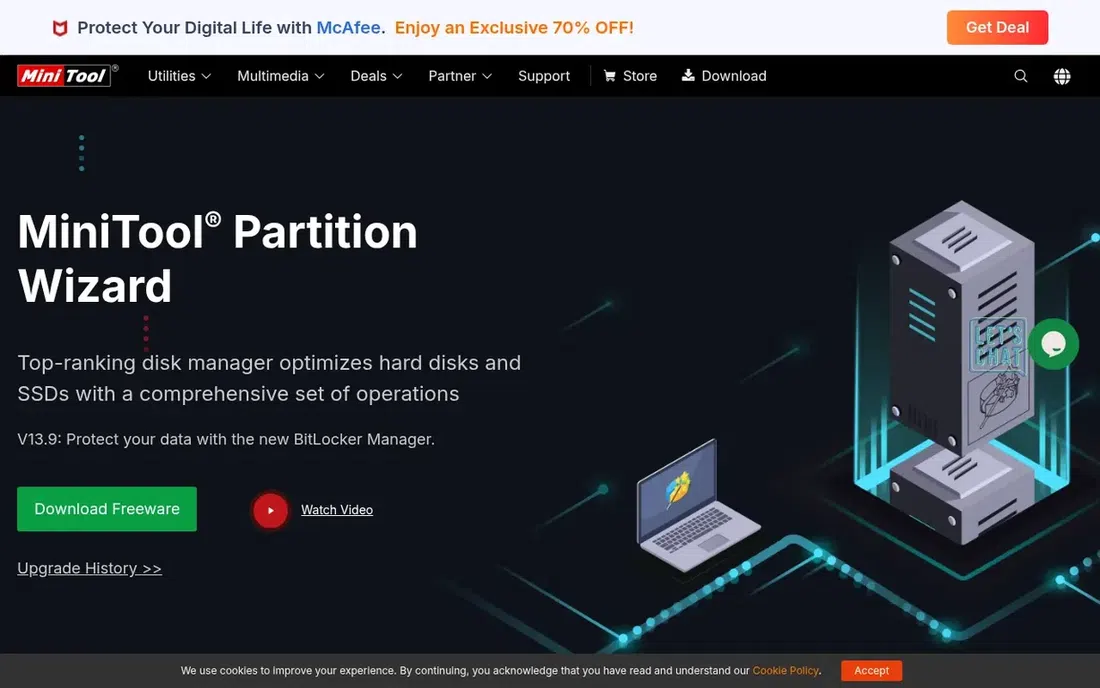
Pick MiniTool Partition Wizard if this describes you: server-focused partition management. MiniTool Partition Wizard presents itself as a partition magic alternative for Windows PC and Server systems, with stated support for Windows 11 down through older releases and a mix of Server versions.
Limits to weigh: Interface may feel dense for beginners.
On top of that, the breadth of editions means capabilities differ, so confirm the feature set that matches your system. In practice, choose MiniTool when server coverage across several Windows versions matters more than a minimal interface. This comparison lists no price for MiniTool Partition Wizard; ask the vendor. Free access: Not stated.
- Marketed as a partition magic alternative
- Takes care of typical partition operations
- Feature depth relies on edition
NIUBI Partition Editor
Best for: Safe partition editing on servers
NIUBI Partition Editor is a good fit for safe partition editing on servers. The interface may take adjustment if you are used to other partition tools.
What to check first: Interface differs from mainstream tools.
It targets users who prioritize data safety during partition changes and who handle both desktop and server disks. This comparison lists no price for NIUBI Partition Editor; ask the vendor. On free options: Not stated.
- Marketed as a safe partition manager
- Broad Windows and Server coverage
- Safety features may vary by edition
Acronis Disk Director
Best for: Existing users of a discontinued product
Acronis Disk Director is aimed squarely at existing users of a discontinued product. Acronis Disk Director is a disk management product whose homepage now announces end of life for its recent versions.
It remains relevant chiefly to organizations already standardized on it, or to users evaluating whether to migrate to a supported alternative. Acronis Disk Director shows no starting price here, so confirm the cost on the vendor site. Free options: Not stated.
Trade-offs to know: Marked end of life by the vendor.
- Known disk management toolkit
- Familiar to Acronis users
- No continuing feature development
Selection criteria
Questions to settle before buying
- Confirm the entry price on the vendor page. For Macrorit Partition Expert, Paragon Partition Manager, MiniTool Partition Wizard and others that means a quote rather than a fixed price.
- Before choosing Macrorit Partition Expert, weigh its main limit: restricted public documentation on the page.
- Run a one or two week pilot of EaseUS Partition Master with the people who will use it every day.
- Verify that exporting from NIUBI Partition Editor is possible on your plan and covers all your records.
- Check the integration list for MiniTool Partition Wizard against the tools you run today, and note which ones need a higher plan.
FAQ
Should I use a tool that has reached end of life?
Acronis Disk Director is marked end of life on its homepage, which means no continuing development. New buyers are usually better served by an actively maintained alternative, whereas existing users should plan a migration path.
Can I try these options before paying?
Not by default. None of the tools, from Macrorit Partition Expert to Acronis Disk Director, lists a free plan or a free trial here, so ask each vendor for a demo before committing.
How are the tools for hard drive Partition software ordered?
Macrorit Partition Expert sits first and Acronis Disk Director last because the order follows typical fit for hard drive Partition software, then price clarity and free access. It is a judgement call, so read each profile for fit and limits.
Does any tool for hard drive Partition software here have a free plan?
No tool in this list, Macrorit Partition Expert and Acronis Disk Director included, has a permanent free plan. Trials and quotes are the usual route, so plan a short evaluation period.
Is Macrorit Partition Expert the right pick for everyone comparing hard drive Partition software?
No single tool suits every team. Macrorit Partition Expert comes first because it fits basic partition management on Windows, while Paragon Partition Manager suits optimizing hard disk structure and EaseUS Partition Master suits Everyday Windows partition resizing and merging. Match the tool to your own size, budget and workflow before deciding.
Which partition software is best for Windows servers?
For most readers this guide would start with Macrorit Partition Expert, built for entry-level partition management on Windows. Paragon Partition Manager is the alternative for optimizing hard disk structure, and EaseUS Partition Master for Everyday Windows partition resizing and merging. The right answer depends on budget and workflow.
Sources
- https://macrorit.com/partition-magic-manager/partition-expert.html
- https://www.paragon-software.com/home/partition-manager
- https://www.easeus.com/partition-manager
- https://www.minitool.com/partition-manager
- https://www.hdd-tool.com
- https://www.acronis.com/en-us/products/disk-director