Choosing Enterprise IT Management Software for Small Business in 2026: 5 Options Compared
Best enterprise IT management software for small business: 5 contenders ranked by fit, with entry costs and free tiers. Each listing flags where it falls short.
- Editor's choiceKaseya VSA
Automatic RMM with remote support
Starts atSee websiteVisit kaseya.comFull review - Great alternativeConnectWise Automate
Efficient IT automation and ROI
Starts atSee websiteVisit connectwise.comFull review - Also consider
 NinjaOne
Unified IT operations for small teams
Starts at$1.50 per device a monthVisit ninjaone.comFull review
Direct answer
This list puts Kaseya VSA first for automatic RMM with remote support. Listed starting prices: NinjaOne from $1.50 per device a month. Alternatives: ConnectWise Automate for efficient IT automation and ROI, and NinjaOne for unified IT operations for small teams. The other 2 tools in the list cover narrower or pricier cases.
TL;DR:
- Number one here is Kaseya VSA, a fit for automatic RMM with remote support.
- Microsoft Intune fits Microsoft-centric Zero Trust management.
- The cheapest monthly starting price in the list is $1.50 per device per month, offered by NinjaOne.
- Kaseya VSA comes with a trade-off: interface can be complicated for beginners.
- Action1 stands alone as the one tool in this list with a free plan.
Last checked November 2026. Prices and plan details were read from the vendors' own pages in November 2026; vendors change plans often, so confirm the current price on the vendor site before you buy.
Quick comparison
| Tool | Best for | Starts at | Free plan? | |
|---|---|---|---|---|
| Kaseya VSA | Automatic RMM with remote support | See website | Not stated | Visit |
| ConnectWise Automate | Efficient IT automation and ROI | See website | Not stated | Visit |
| NinjaOne | Unified IT operations for small teams | $1.50 per device a month | Free trial | Visit |
 Action1 | Cloud-native patch management | See website | Yes | Visit |
 Microsoft Intune | Microsoft-centric Zero Trust management | See website | Not stated | Visit |
Our 5 picks for enterprise IT management software for small business
If you are comparing enterprise IT management software for small business, this page covers 5 tools in one place: what each is best for, what it costs to start, whether it has a free plan, and the main limit to know about.
Kaseya VSA
Best for: Automatic RMM with remote support
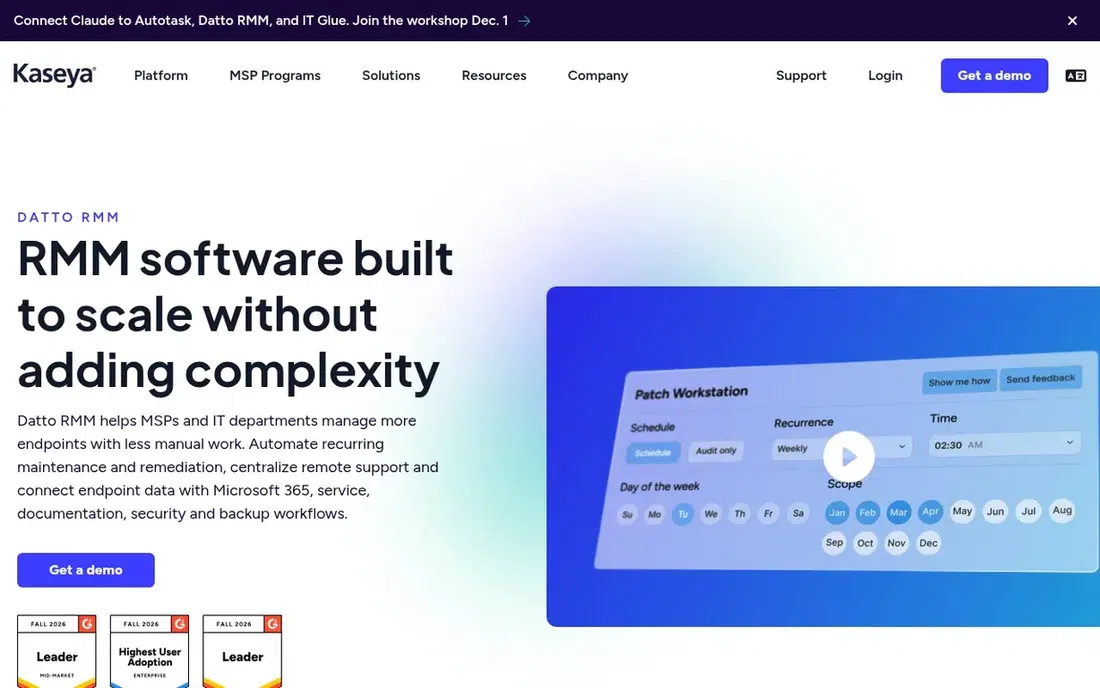
Kaseya VSA is a good fit for automatic RMM with remote support. Kaseya VSA, also known as Datto RMM, is remote monitoring and management software that helps IT teams run more endpoints with less manual work. It automates monitoring, patching, remediation, and remote support whereas connecting IT workflows.
More specifically, small companies that require to oversee an expanding number of devices without adding staff can use its automation to deal with repetitive tasks and respond to issues rapidly. Companies looking for a more straightforward, more guided experience might consider alternatives, but Kaseya VSA is a solid choice for those ready to invest in automation. Kaseya VSA shows no starting price here, so confirm the cost on the vendor site. Trial and free access: Not stated.
Limits to weigh: Interface can be complicated for beginners.
- Automates monitoring, patching, remediation
- Links IT workflows
- May need training to use effectively
ConnectWise Automate
Best for: Efficient IT automation and ROI
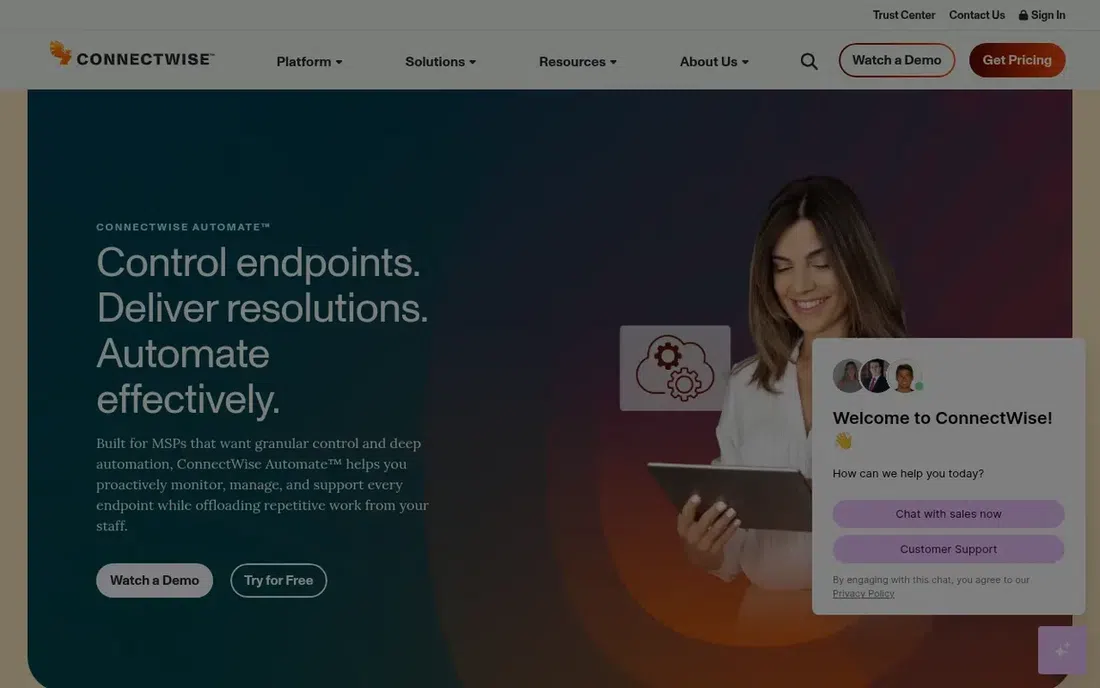
ConnectWise Automate serves efficient IT automation and ROI. ConnectWise Automate is RMM software built to boost IT team efficiency by automating technical work and improving return on investment.
Drawbacks to consider: May be overkill for very small teams.
Also, ConnectWise Automate is noted for its depth, which can translate to a steeper ramp-up time and more complicated setup. Small firms with very entry-level needs might find it excessive, but those aiming to automate extensively will find it capable. ConnectWise Automate shows no starting price here, so confirm the cost on the vendor site. Free plan details: Not stated.
- Capable RMM capabilities
- Aims to boost ROI
- Steep ramp-up time
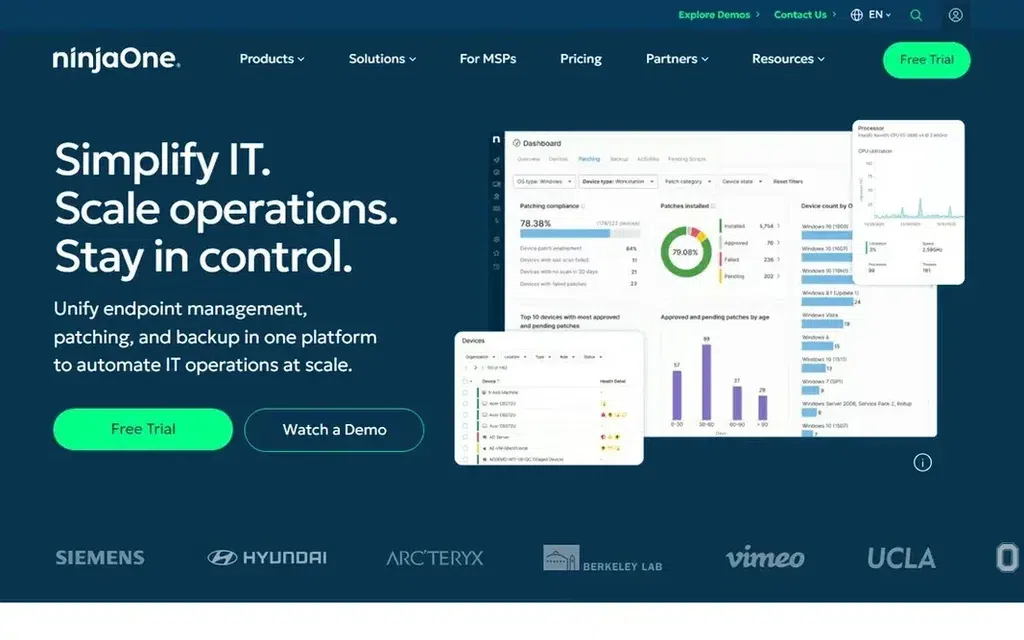
NinjaOne is aimed squarely at unified IT operations for small teams. Small companies with restricted IT staff can benefit from its centralized approach to managing devices and keeping them secure without switching between several applications.
Price to start with NinjaOne: $1.50 per device per month. Free plan details: Free trial.
Downsides: May need onboarding time.
- Made for IT teams and MSPs
- Simplifies daily IT tasks
- Feature set could overwhelm very small teams
Where Action1 fits: cloud-native patch management. Action1 offers autonomous patch management and vulnerability remediation for Windows, macOS, and Linux endpoints from a single cloud-native system.
It is well suited to organizations that prioritize security patching and want a focused, easy-to-use solution. Check the vendor site for Action1 pricing; none is listed in this comparison. You can start on Action1 without paying.
The main drawbacks: Restricted to patching and remediation.
- Supports Windows, macOS, Linux
- Autonomous patch management
- May lack broader IT management features
Choose Microsoft Intune for Microsoft-centric Zero Trust management. Microsoft Intune is a cloud-based unified endpoint management option built on Zero Trust, enabling IT to handle, secure, and govern devices, apps, and endpoints. It is especially well-suited for small companies already using Microsoft services, as it integrates tightly with the broader Microsoft security ecosystem.
Where it falls short: Most useful for Microsoft environments.
Intune's effectiveness is highest in Microsoft-centric environments, and organizations using other products may find integration less smooth. It also needs familiarity with Microsoft administration, so firms without that background might need extra training or support. Intune helps enforce compliance and protect data across devices. Microsoft Intune does not show a starting price in this comparison, so check the vendor site for current pricing. Trial and free access: Not stated.
- Built on Zero Trust principles
- Cloud-based unified endpoint management
- Needs familiarity with Microsoft tools
Our selection method
Pricing pages, product documentation and feature lists were the main sources, and every entry carries at least one honest drawback. Treat prices as a snapshot: vendors change plans often, so check the vendor site for the figure that applies today. The order reflects how well each tool fits the most common buying scenario for enterprise IT management software for small business, then price clarity, then free plan access. It is a starting point, not a verdict.
Things to verify first
- Get a written quote from Kaseya VSA, ConnectWise Automate, Action1 and Microsoft Intune; the list shows no starting price for them.
- Test the free plan from Action1 against your real workload before relying on it.
- Run a trial of NinjaOne with real work before paying for a year; your own workflow is the best test.
- Read the limits listed for Kaseya VSA first: interface can be complicated for beginners.
- Price Kaseya VSA for your actual team size; headline prices rarely include add-ons or overage.
- Look at which plan of NinjaOne unlocks the features you need; entry tiers are often cut down.
FAQ
Is Kaseya VSA the right pick for everyone comparing enterprise IT management software for small business?
No single tool suits every team. Kaseya VSA comes first because it fits automated RMM with remote support, while ConnectWise Automate suits efficient IT automation and ROI and NinjaOne suits unified IT operations for small teams. Match the tool to your own size, budget and workflow before deciding.
Which options for enterprise IT management software for small business have a free plan?
Action1 is the only tool in this list with a free plan. Free plans usually cap users, projects or features, so check the limits on the vendor page. One other tool offers a trial instead. All 5 picks in this enterprise IT management software for small business comparison list a starting price, free plan details and the main limits on their cards above.
Do these tools publish their prices?
Not all of them. Kaseya VSA, ConnectWise Automate, Action1 and Microsoft Intune publish no starting price, so expect a quote request for those. The rest, NinjaOne included, show a starting price, though seats and billing terms still change the final cost.
How does NinjaOne compare to Action1 for small firms?
NinjaOne gives you a broader unified system including endpoint management, backup, and remote access, whereas Action1 concentrates on patch management and vulnerability remediation. Firms needing thorough IT operations may prefer NinjaOne, whereas those primarily concerned with patching might choose Action1.
Can I try these tools before paying?
Often, yes. Action1 has a free plan and NinjaOne offers a free trial. Use your own data and a real task during the test, and check what the free tier or trial limits before you rely on it. For the full picture, the cards above cover all 5 entries of this enterprise IT management software for small business list, including price, free plan and limits.
Is Microsoft Intune a good match for non-Microsoft environments?
Intune is optimized for Microsoft ecosystems and may offer less smooth integration with other products. Businesses using primarily non-Microsoft systems might find other tools more adaptable, though Intune can still handle diverse devices with extra configuration.
Sources
- https://www.kaseya.com/products/vsa
- https://www.connectwise.com/platform/automate
- https://www.ninjaone.com
- https://www.action1.com
- https://www.microsoft.com/en-us/security/business/microsoft-intune