Best Enterprise IT Management Software for Startups for 2026: Our 5 Vetted Picks
Best enterprise IT management software for startups in 2026: 5 tools with starting prices, free plans and limits. Short verdicts, no fluff. No filler.
- Editor's choice
 ManageEngine Endpoint Central
Unified endpoint management and security
Starts atSee websiteVisit manageengine.comFull review - Great alternativeConnectWise Automate
Automating technical IT work
Starts atSee websiteVisit connectwise.comFull review - Also considerKaseya VSA
Automatic RMM for expanding endpoints
Starts atSee websiteVisit kaseya.comFull review
Direct answer
If you need unified endpoint management and security, ManageEngine Endpoint Central is the first tool to look at here. Listed starting prices: NinjaOne from $1.50 per device a month. Look at ConnectWise Automate for automating technical IT work, and at Kaseya VSA for automatic RMM for expanding endpoints. Prices, free plans and limits for all 5 tools follow.
TL;DR:
- ManageEngine Endpoint Central takes the first slot, best suited to unified endpoint management and security.
- None of the 5 tools, from ManageEngine Endpoint Central to N-able N-central, has a free plan, so budget for a subscription or use a trial.
- NinjaOne has the lowest monthly starting price in this list: $1.50 per device per month.
- What to know about ConnectWise Automate first: can be complicated for small teams.
- N-able N-central fits RMM at scale in complicated environments.
Last checked November 2026. Prices and plan details were read from the vendors' own pages in November 2026; vendors change plans often, so confirm the current price on the vendor site before you buy.
Quick comparison
| Tool | Best for | Starts at | Free plan? | |
|---|---|---|---|---|
| ManageEngine Endpoint Central | Unified endpoint management and security | See website | Not stated | Visit |
| ConnectWise Automate | Automating technical IT work | See website | Not stated | Visit |
| Kaseya VSA | Automatic RMM for expanding endpoints | See website | Not stated | Visit |
 NinjaOne | Unified IT operations in one system | $1.50 per device a month | Free trial | Visit |
| N-able N-central | RMM at scale in complicated environments | See website | Not stated | Visit |
The best enterprise IT management software for startups
Short on time? The summary and table above give the quick view of 5 enterprise IT management software for startups, and the profiles that follow give the detail behind each entry.
ManageEngine Endpoint Central
Best for: Unified endpoint management and security
Pick ManageEngine Endpoint Central if this describes you: unified endpoint management and security. ManageEngine Endpoint Central is a unified endpoint management and security option that runs and secures servers, desktops, laptops, and mobile devices centrally. From a buyer's view, if you need only entry-level management or have a narrow device mix, a more straightforward tool might suffice.
Choose ManageEngine Endpoint Central when you want a full, centralized approach to endpoint management and security. On top of that, as teams grow and device diversity raises, having a single tool for management and security can ease IT operations. Check the vendor site for ManageEngine Endpoint Central pricing; none is listed in this comparison. Free access: Not stated.
The main drawbacks: May require time to learn.
Where it shines: Merges management and security.
- Centralized control
- Runs servers, desktops, laptops
- Can be feature-heavy for small teams
ConnectWise Automate
Best for: Automating technical IT work
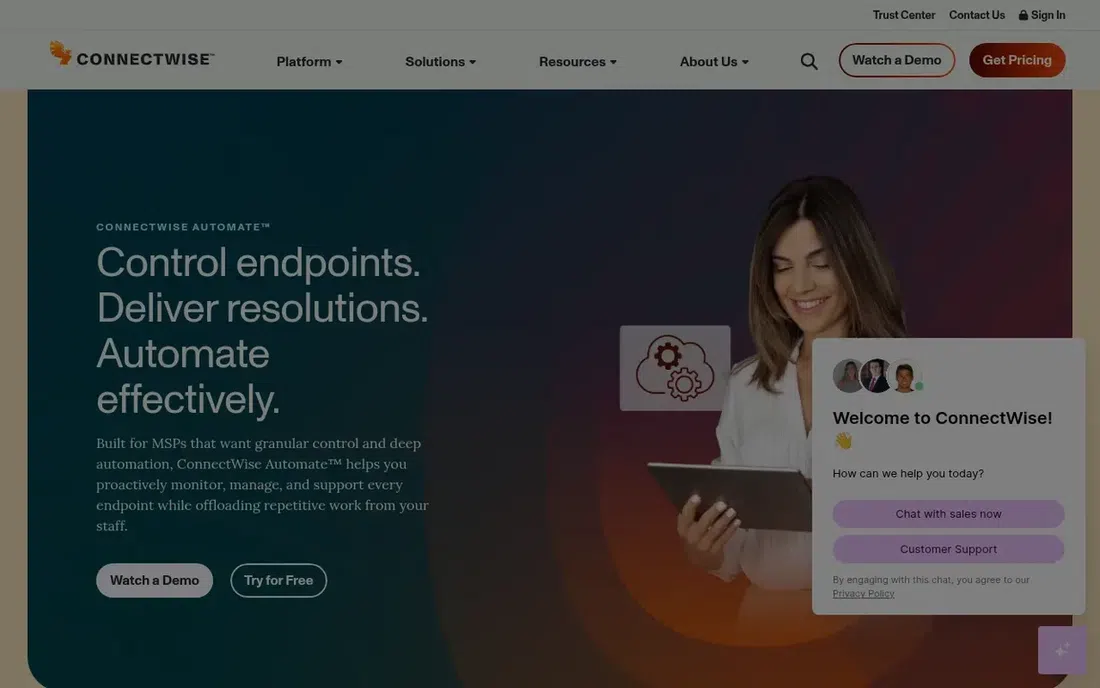
ConnectWise Automate targets automating technical IT work. Startups with an IT team concentrated on automation and process efficiency may find it valuable, notably as they scale their device management and support operations.
Drawbacks to consider: Needs planning to implement effectively.
Beyond that, if you need a light tool or are not ready for automation-heavy workflows, it may be more than necessary. It is built for IT service providers and internal IT departments that want to cut manual effort. This comparison lists no price for ConnectWise Automate; ask the vendor. Free options: Not stated.
- Part of a broader IT management product
- Aimed at boosting IT team productivity
- Can be complicated for small teams
Kaseya VSA
Best for: Automatic RMM for expanding endpoints
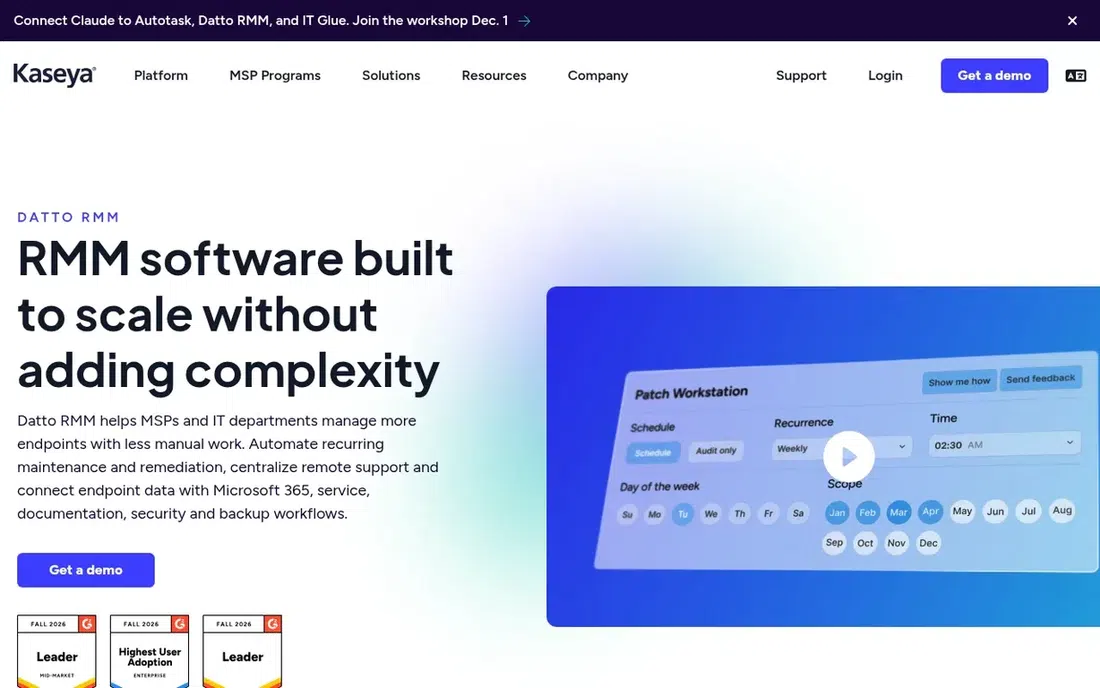
Choose Kaseya VSA for automatic RMM for expanding endpoints. It automates monitoring, patching, remediation, and remote support whereas connecting IT workflows. Startups that expect rapid device growth and want to automate routine IT tasks may find it a solid fit, especially if they already follow a MSP-style operating model.
The tool can be complicated to set up and may need training to use effectively. In daily use, choose Kaseya VSA when automation and remote monitoring are central to your IT strategy. Kaseya VSA does not show a starting price in this comparison, so check the vendor site for current pricing. Free access: Not stated.
The main drawbacks: May need training for full use.
- Automates monitoring, patching, remediation
- Links IT workflows
- Can be complex to set up initially
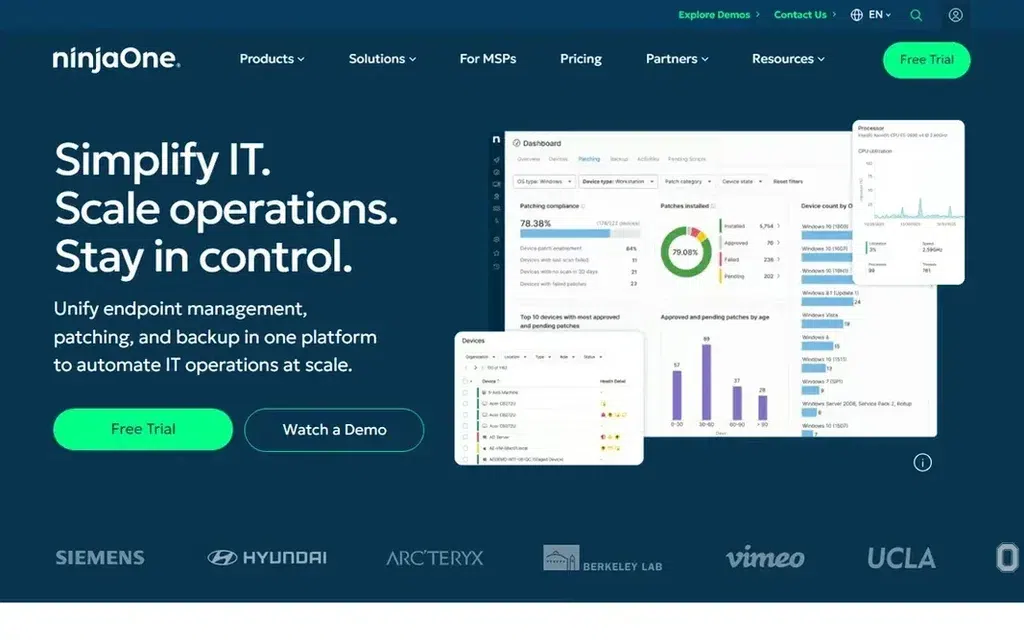
Pick NinjaOne if this describes you: unified IT operations in one product. NinjaOne is a unified IT operations product that brings endpoint management, autonomous patching, backup, and remote access together. Beyond that, startups with an expanding device fleet can benefit from having these core functions in one place, notably when IT staff is restricted and efficiency matters.
Where it falls short: Needs setup to tailor to startup workflows.
Beyond that, the product may be more thorough than a very small startup needs. It needs initial configuration to align with your workflows. Also, if you only need entry-level device management or are heavily standardized on a single ecosystem, a more straightforward or more specialized tool might be a better fit. On cost, NinjaOne starts like this: $1.50 per device per month. Free options: Free trial.
- Built for IT teams and MSPs
- Remote access
- May be more than very small teams need
N-able N-central
Best for: RMM at scale in complicated environments
Think of N-able N-central for RMM at scale in complex environments. N-able N-central gives unified endpoint management with advanced RMM capabilities for complicated environments. It is meant to secure endpoints and automate IT operations at scale.
Pick N-able N-central when you expect complexity and want a system that can grow with your endpoint management needs. Startups that anticipate complicated IT requirements or rapid growth may benefit from its scalable approach, especially if they need solid remote monitoring and management from the start. Check the vendor site for N-able N-central pricing; none is listed in this comparison. As for free access: Not stated.
Where it is weaker: Needs configuration to match your needs.
- Suited to complex environments
- Made for scale
- May be overkill for straightforward setups
How we chose
The comparison looks at four things: starting price, free access, how well the feature set matches enterprise IT management software for startups, and the main limit of each tool. Prices and plan limits come from vendor pages and can change, so confirm them on the vendor site before you buy. The sequence is a judgement call: typical use case first, then pricing transparency, then free access. Use the profiles to check fit.
What to confirm before you sign up
- Get a written quote from ManageEngine Endpoint Central, ConnectWise Automate, Kaseya VSA and N-able N-central; the list shows no starting price for them.
- Run a trial of NinjaOne with real work before paying for a year; your own workflow is the best test.
- Read the limits listed for ManageEngine Endpoint Central first: can be feature-heavy for small teams.
- Let daily users try Kaseya VSA on real work; their feedback beats any feature checklist.
- Before rolling out N-able N-central, verify the integrations your workflow depends on.
FAQ
Is ManageEngine Endpoint Central the right pick for everyone comparing enterprise IT management software for startups?
No single tool suits every team. ManageEngine Endpoint Central comes first because it fits unified endpoint management and security, while ConnectWise Automate suits automating technical IT work and Kaseya VSA suits automated RMM for growing endpoints. Match the tool to your own size, budget and workflow before deciding.
Does any tool for enterprise IT management software for startups here have a free plan?
A permanent free plan is not offered by ManageEngine Endpoint Central, N-able N-central or the other tools here. NinjaOne offer a trial. Plan a short evaluation period instead.
What should a startup look for in enterprise IT management software?
Startups should prioritize tools that are simple to deploy, scale with growth, and include core needs like endpoint management, security, and automation. Integration with existing systems and available support are also important.
How are the tools for enterprise IT management software for startups ordered?
The order follows typical fit for enterprise IT management software for startups, with ManageEngine Endpoint Central first and N-able N-central last, then price clarity and free access. It is editorial judgement, not a score, so another team could rank the tools differently.
Is NinjaOne a good match for a small startup?
It merges endpoint management, patching, backup, and remote access, which can cut tool sprawl. Even so, very small teams may find it more full than needed, so evaluate your requirements.
What is the cheapest option for enterprise IT management software for startups in this list?
On published monthly entry prices, NinjaOne is the lowest here at $1.50 per device per month. Entry price is only part of the cost, because seats, add-ons and billing terms can change the total. Prices, free plan details and limits for all 5 tools in this enterprise IT management software for startups roundup sit on the individual cards above.
Sources
- https://www.manageengine.com/products/desktop-central
- https://www.connectwise.com/platform/automate
- https://www.kaseya.com/products/vsa
- https://www.ninjaone.com
- https://www.n-able.com/products/n-central