Choosing Java Integrated Development Environments Software in 2026: 6 Options Compared
Best java integrated development environments software: 6 tools compared on price, free plans and fit. Weak spots flagged for every entry. Reviewed this month.
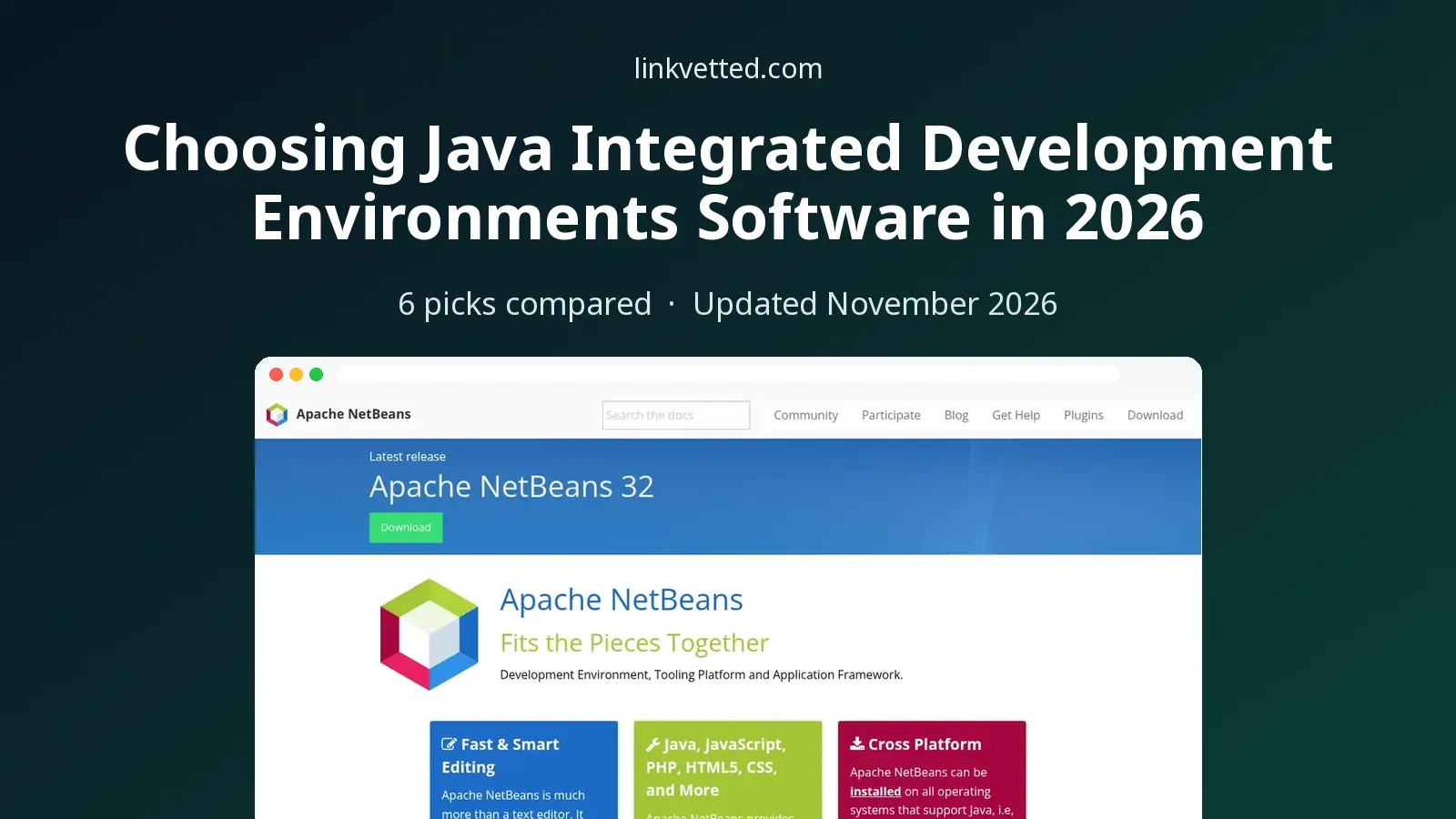
- Editor's choice
 Android Studio
Android app development
Starts atSee websiteVisit developer.android.comFull review - Great alternativeMyEclipse
Enterprise Java and Java EE stacks
Starts at$37 per user a yearVisit genuitec.comFull review - Also considerNetBeans
Open source general Java development
Starts atSee websiteVisit netbeans.apache.orgFull review
Direct answer
This list puts Android Studio first for Android app development. Listed starting prices: MyEclipse from $37 per user a year. Look at MyEclipse for enterprise Java and Java EE stacks, and at NetBeans for open source general Java development. The full list of 6 tools follows, with prices and free plan facts.
TL;DR:
- Android Studio takes the first slot, best suited to Android app development.
- Starting prices begin at $37 per user per year with MyEclipse.
- Android Studio, Visual Studio Code and the 4 others all need a premium plan or a trial, since no free plan is listed.
- For light, extensible multi-language editing, Visual Studio Code is worth a look.
Last checked November 2026. Prices and plan details were read from the vendors' own pages in November 2026; vendors change plans often, so confirm the current price on the vendor site before you buy.
Quick comparison
| Tool | Best for | Starts at | Free plan? | |
|---|---|---|---|---|
| Android Studio | Android app development | See website | Not stated | Visit |
| MyEclipse | Enterprise Java and Java EE stacks | $37 per user a year | Not stated | Visit |
| NetBeans | Open source general Java development | See website | Not stated | Visit |
| BlueJ | Teaching and learning Java | See website | Not stated | Visit |
 IntelliJ IDEA | Deep Java and Kotlin code intelligence | See website | Not stated | Visit |
 Visual Studio Code | Light, extensible multi-language editing | See website | Not stated | Visit |
Java Integrated Development Environments Software, one by one
LinkVetted put together this guide to java integrated development environments software for readers who want a clear shortlist without reading every vendor page. It compares 6 tools on starting price, free plans, who each one suits and where each one falls short.
Android Studio is aimed squarely at Android app development. It suits mobile developers whose Java work centers on Android, offering project templates and app-focused workflows in one environment.
What to check first: Not pitched at general Java work.
If Android is only a small part of your work, a general Java IDE plus Android tooling may suit you better. Android Studio does not show a starting price in this comparison, so check the vendor site for current pricing. Free plan details: Not stated.
- Integrated app tooling and emulators
- Purpose-built for Android
- Resource-heavy for large projects
MyEclipse
Best for: Enterprise Java and Java EE stacks
Pick MyEclipse if this describes you: enterprise Java and Java EE stacks. MyEclipse from Genuitec is positioned as an enterprise Java IDE, with tooling targeted at Java EE, Spring, Maven and WebSphere development.
The main drawbacks: Commercial product with premium licensing.
For small projects or open source work, free alternatives may be sufficient. MyEclipse is a commercial product, so budgeting and licensing matter, and it is heavier than a light editor. Price to start with MyEclipse: $37 per user per year. Free access: Not stated.
- Support for Maven and WebSphere
- Full-featured enterprise tooling
- Heavier than a straightforward editor
NetBeans
Best for: Open source general Java development
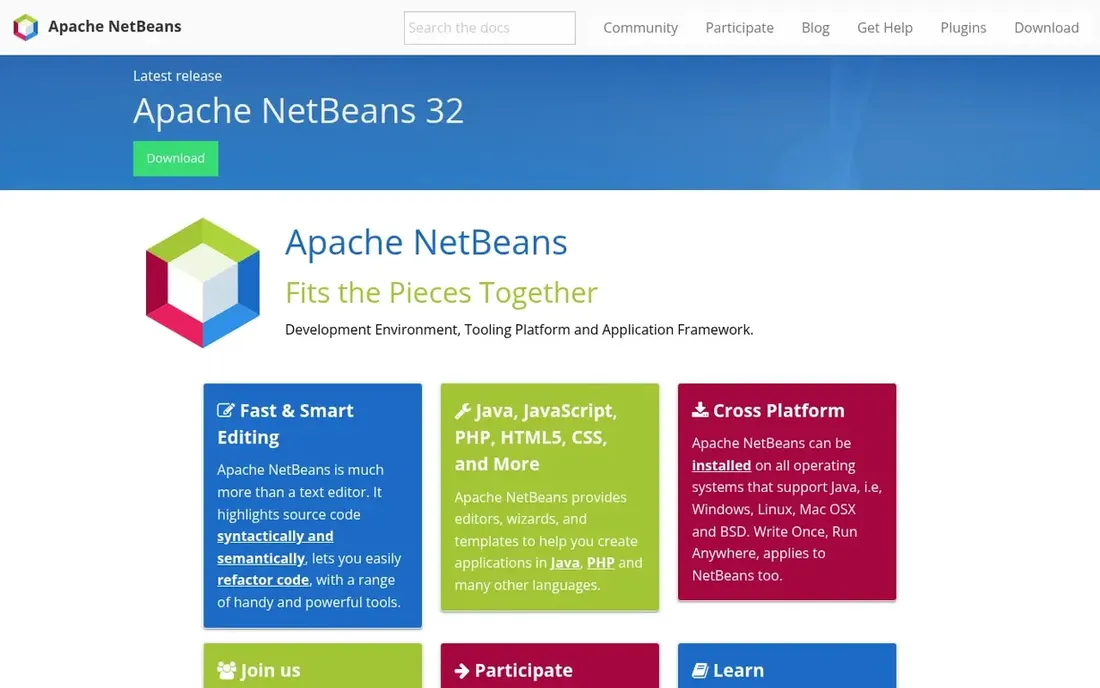
NetBeans was built for open source general Java development. NetBeans can lag behind commercial IDEs in adopting the newest language features and some framework integrations feel less refined.
Best features of NetBeans: Solid support for standard Java projects.
As for the details, if you need modern tooling for large enterprise stacks, alternatives may fit better. No starting price is listed for NetBeans here; confirm pricing on the vendor site. Free plan details: Not stated.
Watch-outs: Fewer refined integrations than commercial IDEs.
- Open source Apache project
- Familiar
- Slower to adopt some new Java features
BlueJ
Best for: Teaching and learning Java
In short, BlueJ is for Teaching and learning Java. BlueJ is a Java environment designed with teaching in mind, presenting classes visually so learners can understand object-oriented structure.
Trade-offs to know: Restricted for large projects.
It suits students, instructors and newcomers who want a straightforward entry point to Java without the complexity of a full professional IDE. Pricing for BlueJ is not stated here, so ask the vendor for current figures. Free plan details: Not stated.
- Simple to grasp for students
- Straightforward visual class structure
- Few advanced enterprise features

Think of IntelliJ IDEA for deep Java and Kotlin code intelligence. It suits professional developers and teams working on large JVM codebases who want smart completion, refactoring and analysis in one place.
On top of that, the tradeoff is weight: the IDE is resource-hungry and can feel heavy on modest hardware or for small scripts. Check the vendor site for IntelliJ IDEA pricing; none is listed in this comparison. On free options: Not stated.
The main drawbacks: Heavier resource footprint.
- Capable code analysis and refactoring
- Built-in developer tools
- Some features tied to the premium edition
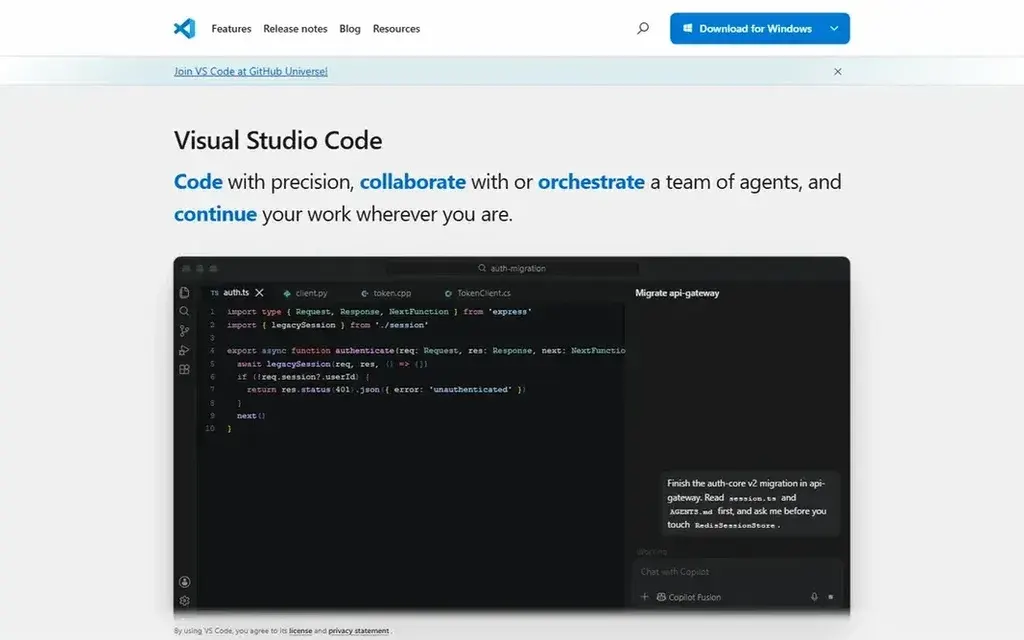
Visual Studio Code is built with light, extensible multi-language editing in mind. For very large Java enterprise projects, a purpose-built environment may be more productive.
Watch-outs: Java support relies on extensions.
Worth adding: collaboration and agent orchestration features are highlighted on its homepage. Visual Studio Code does not show a starting price in this comparison, so check the vendor site for current pricing. Free plan details: Not stated.
- Light editor
- Built-in collaboration and agent features
- Less deep out-of-the-box Java tooling
How we built this list
The comparison looks at four things: starting price, free access, how well the feature set matches java integrated development environments software, and the main limit of each tool. Figures are shown as the vendors publish them. Billing terms, seat minimums and add-ons can change the real cost. Tools are placed by general fit for java integrated development environments software, with price clarity and free access as tie-breakers. A different team can reasonably rank them differently.
What to check before you buy
- Get a written quote from Android Studio, NetBeans, BlueJ and others; the list shows no starting price for them.
- Read the limits listed for Android Studio first: not pitched at general Java work.
- Make sure Visual Studio Code lets you export your data in a format another tool can read.
- Before rolling out IntelliJ IDEA, verify the integrations your workflow depends on.
- Check whether the features you need in NetBeans sit on the entry plan or only on higher tiers.
FAQ
Do these tools publish their prices?
Not all of them. Android Studio, NetBeans, BlueJ and others publish no starting price, so expect a quote request for those. The rest, MyEclipse included, show a starting price, though seats and billing terms still change the final cost.
Can I try these options before paying?
Not by default. None of the tools, from Android Studio to Visual Studio Code, lists a free plan or a free trial here, so ask each vendor for a demo before committing.
How are the tools for java integrated development environments software ordered?
Android Studio sits first and Visual Studio Code last because the order follows typical fit for java integrated development environments software, then price clarity and free access. It is a judgement call, so read each profile for fit and limits.
Does any tool for java integrated development environments software here have a free plan?
A permanent free plan is not offered by Android Studio, Visual Studio Code or the other tools here. Plan a short evaluation period instead.
What is the difference between IntelliJ IDEA and Visual Studio Code for Java?
IntelliJ IDEA is a dedicated Java and Kotlin IDE with deep built-in code intelligence, whereas Visual Studio Code is a light editor that gains Java support through extensions. IntelliJ IDEA fits large JVM codebases; Visual Studio Code fits developers working across plenty of languages.
Sources
- https://developer.android.com/studio
- https://www.genuitec.com/products/myeclipse
- https://netbeans.apache.org
- https://www.bluej.org
- https://www.jetbrains.com/idea
- https://code.visualstudio.com