Best Application Development Platforms in 2026: 8 Platforms Compared
We compared the best application development platforms for low code and enterprise apps, covering governance, pricing, integrations, and team fit in 2026.
- Editor's choice
 OutSystems
Large enterprise apps
Starts atSee websiteVisit outsystems.comFull review - Great alternative
 Mendix
Mixed business and IT teams
Starts at$998 per monthVisit mendix.comFull review - Also consider
 Microsoft Power Apps
Microsoft 365 teams
Starts at$20 per user per monthVisit microsoft.comFull review
TL;DR:
- OutSystems and Mendix lead for large, governed enterprise apps with full lifecycle tools.
- Microsoft Power Apps suits teams already on Microsoft 365, with the lowest friction for internal apps.
- Appian suits process heavy apps such as approvals and case work in regulated settings.
- Zoho Creator and Retool suit smaller teams that want value and speed without enterprise contracts.
Quick comparison
| Tool | Best for | Starts at | Free plan? | |
|---|---|---|---|---|
| OutSystems | Large enterprise apps | See website | Yes | Visit |
| Mendix | Mixed business and IT teams | $998 per month | Yes | Visit |
| Microsoft Power Apps | Microsoft 365 teams | $20 per user per month | Yes | Visit |
 Appian | Process heavy regulated apps | See website | No | Visit |
 Salesforce Platform | Teams already on Salesforce | See website | No | Visit |
 Zoho Creator | Small businesses on Zoho | $8 per user per month | Yes | Visit |
 Retool | Internal tools for developer teams | See website | Yes | Visit |
 Superblocks | AI native internal tools | See website | No | Visit |
The best application development platforms
Application development platforms let teams build web and mobile apps with visual tools, code, or a mix of both. Enterprise buyers need governance and scale, while smaller teams need speed and clear pricing.
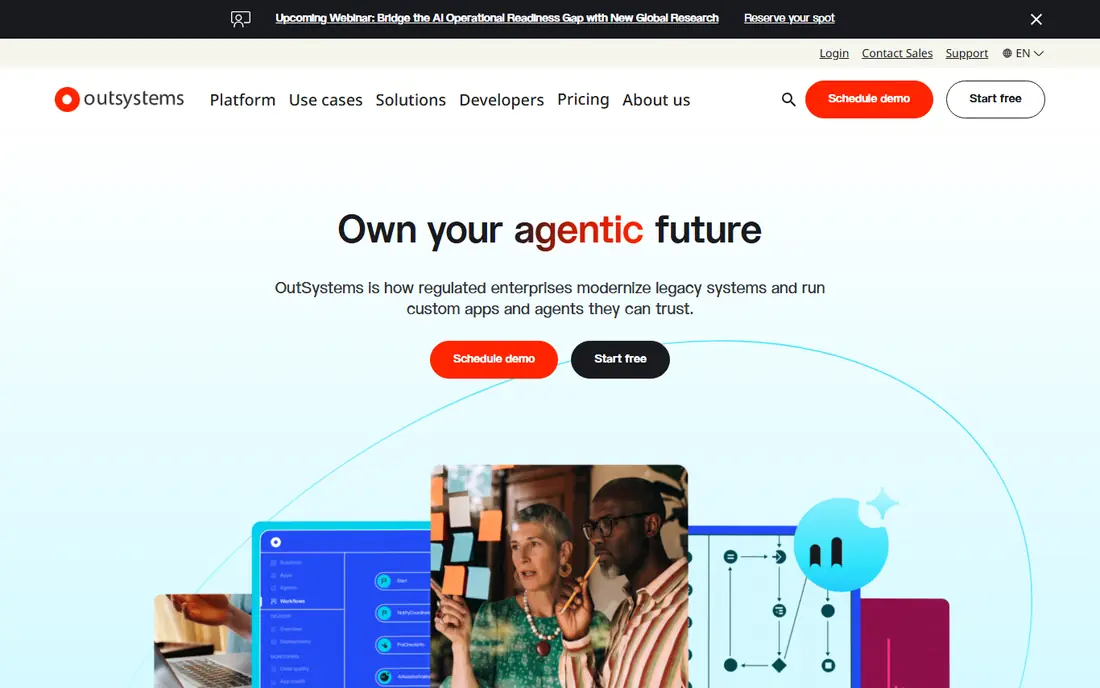
OutSystems is a strong choice for large enterprise apps. OutSystems builds high scale customer apps with staging, versioning, and monitoring built in. In our comparison of official feature pages, pricing, and public reviews, it stood out for visual full stack building.
The honest catch is that the enterprise price and lock-in mean it suits large programs, not small side projects. That trade-off matters most when you scale, so test it on your real workload during a trial. Pick OutSystems when you build mission critical apps and need lifecycle tools from day one.
Pricing and plan details change often, so check the vendor page linked above before you buy. A short trial on your own data, with your own team, will tell you more than any feature list. If it fits that trial, it is likely to fit daily work too.
- Visual full stack building
- Lifecycle management
- Strong governance
- Quote pricing
- Vendor lock-in concerns
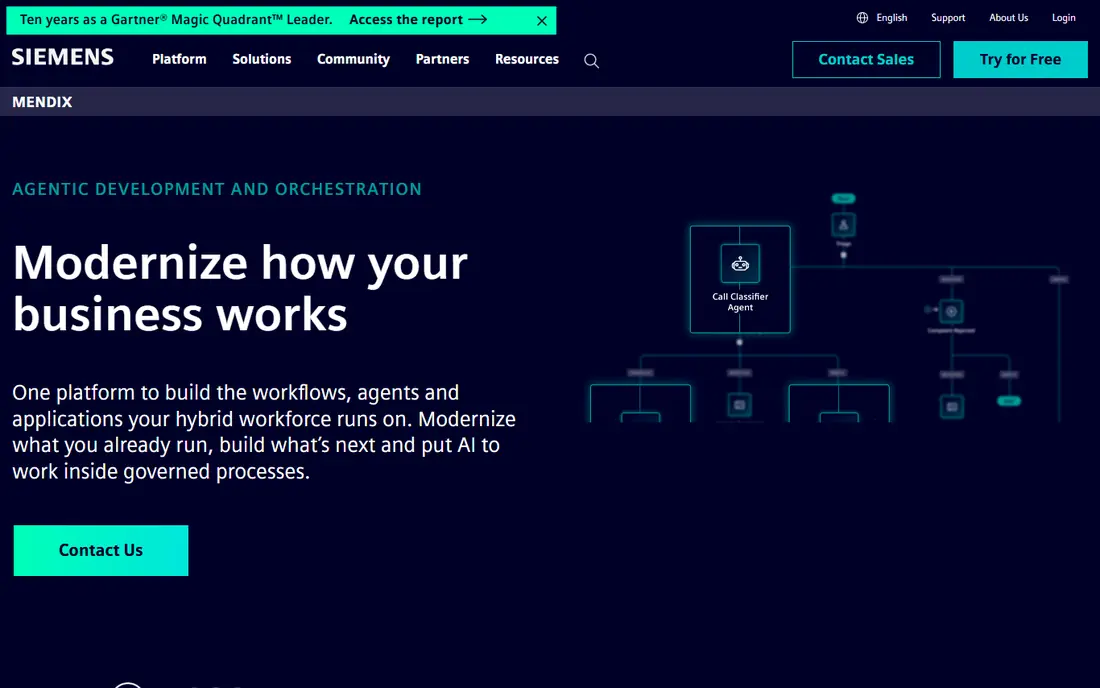
Mendix is a strong choice for mixed business and it teams. Mendix suits teams where business builders and developers work together, with tools for both groups. In our comparison of official feature pages, pricing, and public reviews, it stood out for dual visual and code tools.
The honest catch is that the depth can overwhelm beginners, and paid plans start at a business price. That trade-off matters most when you scale, so test it on your real workload during a trial. Pick Mendix when collaboration between business and IT is central to your app program.
Pricing and plan details change often, so check the vendor page linked above before you buy. A short trial on your own data, with your own team, will tell you more than any feature list. If it fits that trial, it is likely to fit daily work too.
- Dual visual and code tools
- Collaboration
- AI assisted building
- Learning curve
- Debugging can be tricky
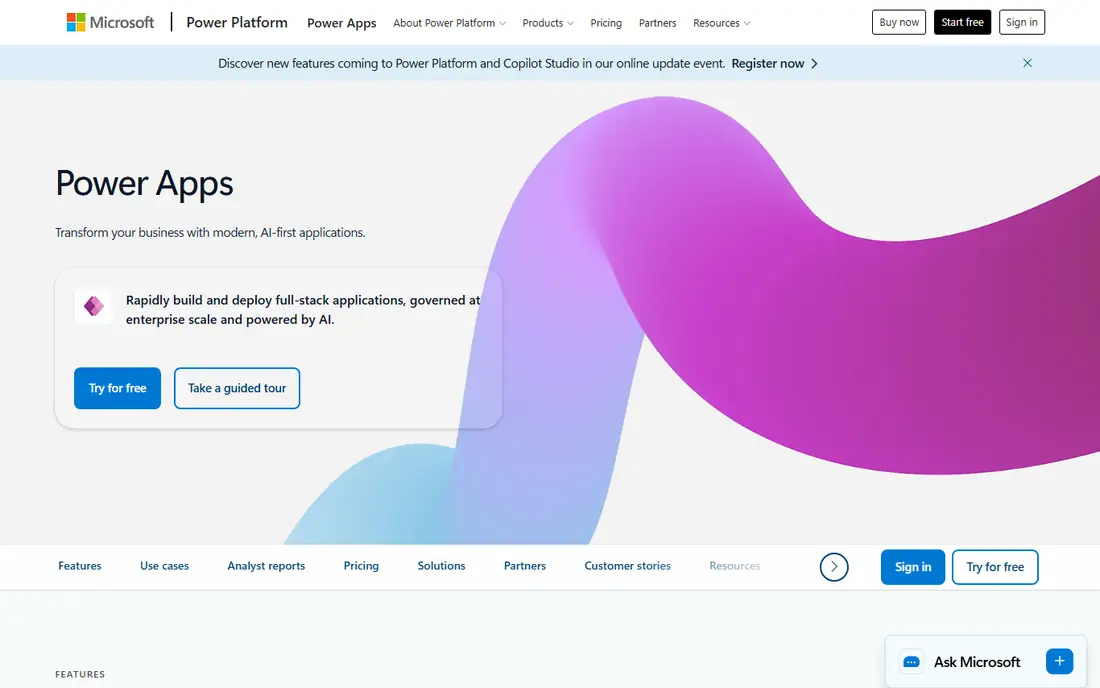
Microsoft Power Apps is a strong choice for microsoft 365 teams. Power Apps builds apps inside Microsoft 365 with familiar security and data tools. In our comparison of official feature pages, pricing, and public reviews, it stood out for power fx formulas.
The honest catch is that teams outside Microsoft may find less value, and premium features add cost. That trade-off matters most when you scale, so test it on your real workload during a trial. Pick Power Apps when your company already runs on Microsoft 365 and needs internal apps fast.
Pricing and plan details change often, so check the vendor page linked above before you buy. A short trial on your own data, with your own team, will tell you more than any feature list. If it fits that trial, it is likely to fit daily work too.
- Power Fx formulas
- Dataverse
- Power Automate links
- Premium connectors need higher plans
- Microsoft centric
Appian is a strong choice for process heavy regulated apps. Appian leads when the app is really a process, such as approvals, cases, and complex workflows. In our comparison of official feature pages, pricing, and public reviews, it stood out for workflow and case management.
The honest catch is that teams wanting a general consumer app builder may find it process heavy. That trade-off matters most when you scale, so test it on your real workload during a trial. Pick Appian when approvals, case work, and audit trails are the core of the app.
Pricing and plan details change often, so check the vendor page linked above before you buy. A short trial on your own data, with your own team, will tell you more than any feature list. If it fits that trial, it is likely to fit daily work too.
- Workflow and case management
- Automation
- Compliance controls
- Quote pricing
- Process focus over general app design
Salesforce Platform is a strong choice for teams already on salesforce. Salesforce Platform extends Salesforce CRM with low code apps, workflows, and integrations. In our comparison of official feature pages, pricing, and public reviews, it stood out for low code building on salesforce data.
The honest catch is that it makes most sense when customer data already lives in Salesforce. That trade-off matters most when you scale, so test it on your real workload during a trial. Pick Salesforce Platform when your business runs on Salesforce and apps must sit on that data.
Pricing and plan details change often, so check the vendor page linked above before you buy. A short trial on your own data, with your own team, will tell you more than any feature list. If it fits that trial, it is likely to fit daily work too.
- Low code building on Salesforce data
- Large app marketplace
- Pricing varies widely
- Salesforce centric
Zoho Creator is a strong choice for small businesses on zoho. Zoho Creator gives small teams a low cost way to build custom apps linked to Zoho CRM and email. In our comparison of official feature pages, pricing, and public reviews, it stood out for low code app building.
The honest catch is that larger governed programs may need more lifecycle and audit tools. That trade-off matters most when you scale, so test it on your real workload during a trial. Pick Zoho Creator when you already use Zoho and want value without an enterprise contract.
Pricing and plan details change often, so check the vendor page linked above before you buy. A short trial on your own data, with your own team, will tell you more than any feature list. If it fits that trial, it is likely to fit daily work too.
- Low code app building
- Zoho suite links
- Affordable entry price
- Less enterprise governance than leaders
- Zoho centric
Retool is a strong choice for internal tools for developer teams. Retool helps developer teams build internal dashboards and admin tools quickly, with code where needed. In our comparison of official feature pages, pricing, and public reviews, it stood out for drag and drop internal tools.
The honest catch is that it is not built for polished consumer apps or app store publishing. That trade-off matters most when you scale, so test it on your real workload during a trial. Pick Retool when your team needs internal tools fast and has developers to guide them.
Pricing and plan details change often, so check the vendor page linked above before you buy. A short trial on your own data, with your own team, will tell you more than any feature list. If it fits that trial, it is likely to fit daily work too.
- Drag and drop internal tools
- Code when needed
- Database links
- Internal tools first, not consumer apps
Superblocks is a strong choice for ai native internal tools. Superblocks combines AI building with governance, logging, and deployment options for internal tools. In our comparison of official feature pages, pricing, and public reviews, it stood out for ai assistant building.
The honest catch is that as a newer platform, buyers should check long term support and ecosystem depth. That trade-off matters most when you scale, so test it on your real workload during a trial. Pick Superblocks when you want AI building with enterprise controls for internal apps.
Pricing and plan details change often, so check the vendor page linked above before you buy. A short trial on your own data, with your own team, will tell you more than any feature list. If it fits that trial, it is likely to fit daily work too.
- AI assistant building
- Governance controls
- Flexible deployment
- Pricing by creators and users
- Newer than leaders
How we picked these
We compared official feature and pricing pages for low code and enterprise platforms. We kept platforms with current building, governance, and integration features, and we favored platforms with clear team fit rather than vague claims. Where pricing is quote based, we say so and give published entry prices only where found.
What to look for before you buy
Match governance to risk
A small internal tool needs far less governance than a customer app handling personal data. For regulated work, check audit trails, permissions, staging, and deployment controls before you build. For internal tools, speed and ease matter more. Buying enterprise governance for a simple form wastes money, while skipping it for a regulated app creates risk.
Check integration and data fit first
Most app projects fail on data, not screens. List your core systems, such as CRM, ERP, or databases, and check native connectors, API support, and data limits. A platform that fits your data stack saves weeks of integration work. Test a real data connection in the trial, not just a sample table.
Plan for maintenance, not just launch
Apps need updates, bug fixes, and changes as rules change. Ask who can maintain the app, how versioning works, and what happens when a builder leaves. Platforms with staging, version control, and clear ownership age better than quick builders. Budget staff time for maintenance, since a launched app that no one owns soon becomes a risk.
FAQ
What is the best application development platform for enterprises?
OutSystems, Mendix, and Appian lead for enterprises, with different strengths. OutSystems suits high scale apps, Mendix suits mixed teams, and Appian suits process work. Shortlist based on app type, then run a pilot with your own data and governance needs.
What is the best low code platform for small businesses?
Zoho Creator and Microsoft Power Apps suit small businesses, thanks to lower entry prices and suite links. Retool suits developer led internal tools. Choose based on the tools you already use, since suite fit saves integration time.
Is low code really faster than traditional development?
For standard apps with forms, workflows, and dashboards, low code is often much faster. For highly custom or performance sensitive apps, traditional code may still win. Use low code where it fits, and keep code options open for complex parts.
How much do application development platforms cost?
Costs range from about $8 per user per month for small business tools to enterprise contracts costing tens of thousands per year. Quote based platforms need a sales conversation. Model seats, apps, users, and data volume before comparing.
Can I build mobile apps on these platforms?
Yes, many platforms support web and mobile apps from one project, including Mendix, OutSystems, and Power Apps. Check whether mobile means native apps, web apps, or offline support, since those differ. Test on real devices before committing.