The 5 Best C/c++ Integrated Development Environments Software in 2026, Ranked
5 products for the best c/c++ integrated development environments software, ranked by fit, with starting costs and free tiers. Each pick lists its main limit.
- Editor's choiceSlickEdit
Multi-language code editing
Starts atSee websiteVisit slickedit.comFull review - Great alternative
 Visual Studio Code
Light editing with extensions
Starts atSee websiteVisit code.visualstudio.comFull review - Also considerCLion
Cross-platform professional C and C++ development
Starts atSee websiteVisit jetbrains.comFull review
Direct answer
This list puts SlickEdit first for multi-language code editing. Listed starting prices: Visual Studio from $45 per user per month. Visual Studio Code is the stronger choice for light editing with extensions, while CLion suits cross-platform professional C and C++ development. The full list of 5 tools follows, with prices and free plan facts.
TL;DR:
- This list starts with SlickEdit, which is built for multi-language code editing.
- Before buying Visual Studio Code, weigh this: C and C++ support depends on extensions.
- For the cheapest start, look at Visual Studio: $45 per user per month.
- Xcode fits Apple product C and C++ development.
- A permanent free plan is missing from all 5 tools, SlickEdit and Xcode included; plan for a trial or a premium start.
Last checked November 2026. Prices and plan details were read from the vendors' own pages in November 2026; vendors change plans often, so confirm the current price on the vendor site before you buy.
Quick comparison
| Tool | Best for | Starts at | Free plan? | |
|---|---|---|---|---|
| SlickEdit | Multi-language code editing | See website | Not stated | Visit |
| Visual Studio Code | Light editing with extensions | See website | Not stated | Visit |
| CLion | Cross-platform professional C and C++ development | See website | Not stated | Visit |
 Visual Studio | Full-featured Windows C and C++ work | $45 per user per month | Not stated | Visit |
 Xcode | Apple product C and C++ development | See website | Not stated | Visit |
C/c++ Integrated Development Environments Software profiles
This LinkVetted guide covers 5 options for c/c++ integrated development environments software. Each profile lists a starting price, free plan details, strengths and drawbacks, so you can drop poor fits quickly.
SlickEdit
Best for: Multi-language code editing
Choose SlickEdit for multi-language code editing. It suits developers who move between languages and want a consistent editing environment, including for C and C++ files, without adopting separate tools for each language they touch.
Worth adding: if you want everything bundled for C and C++, consider Visual Studio or CLion. No starting price is listed for SlickEdit here; confirm pricing on the vendor site. On free options: Not stated.
Watch-outs: Narrower than a full IDE.
- Supports plenty of programming languages
- Long-standing editor lineage
- Less C and C++ tooling depth
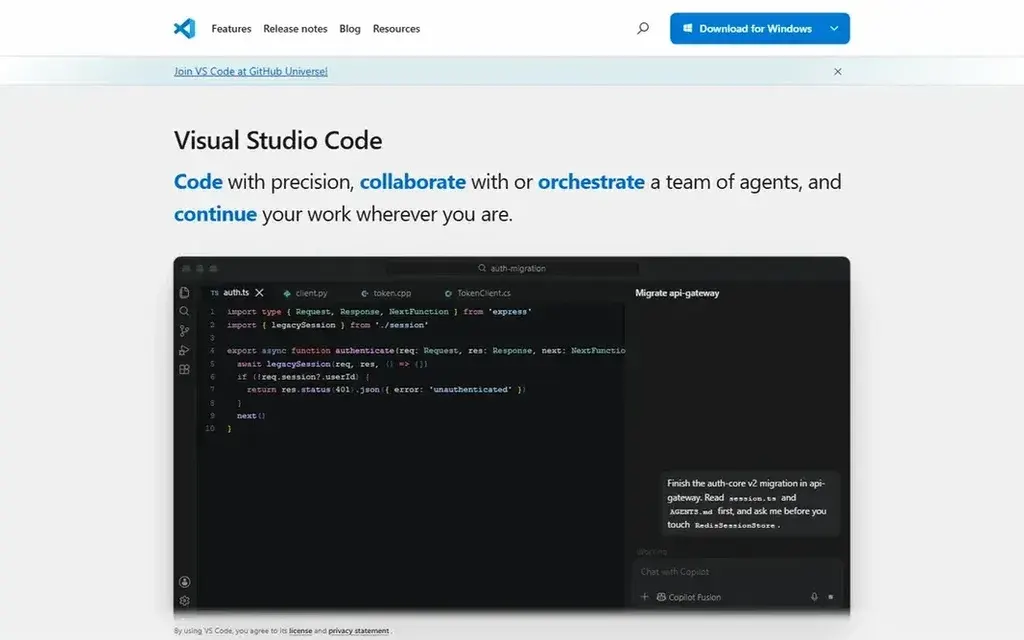
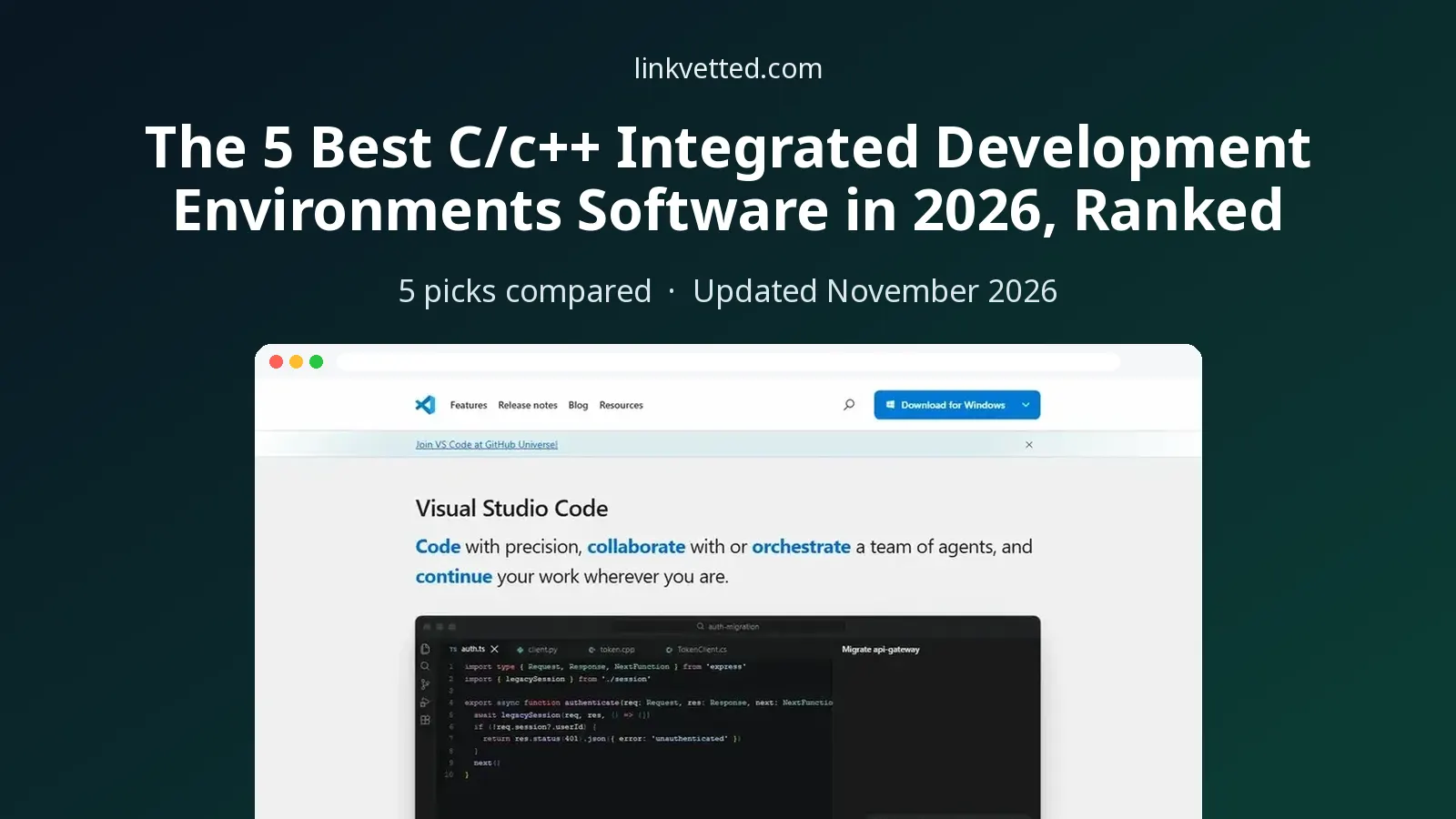
Visual Studio Code targets light editing with extensions. If you want a complete C and C++ environment from day one, a dedicated IDE such as CLion or Visual Studio is the more direct choice. Beyond that, since it starts as an editor, features like debugging and build integration come from extensions and configuration instead of being built in.
Visual Studio Code is a code editor designed for precision and collaboration, with agent support and the capacity to continue work wherever you are. On top of that, for C and C++ it becomes capable once the right extensions are added, which makes it a solid fit for developers who want one editor for plenty of languages and are comfortable configuring their own toolchain. No starting price is listed for Visual Studio Code here; confirm pricing on the vendor site. As for free access: Not stated.
Watch-outs: Less integrated than a full IDE.
- Huge extension ecosystem
- Quick to install and start
- C and C++ support relies on extensions
CLion
Best for: Cross-platform professional C and C++ development
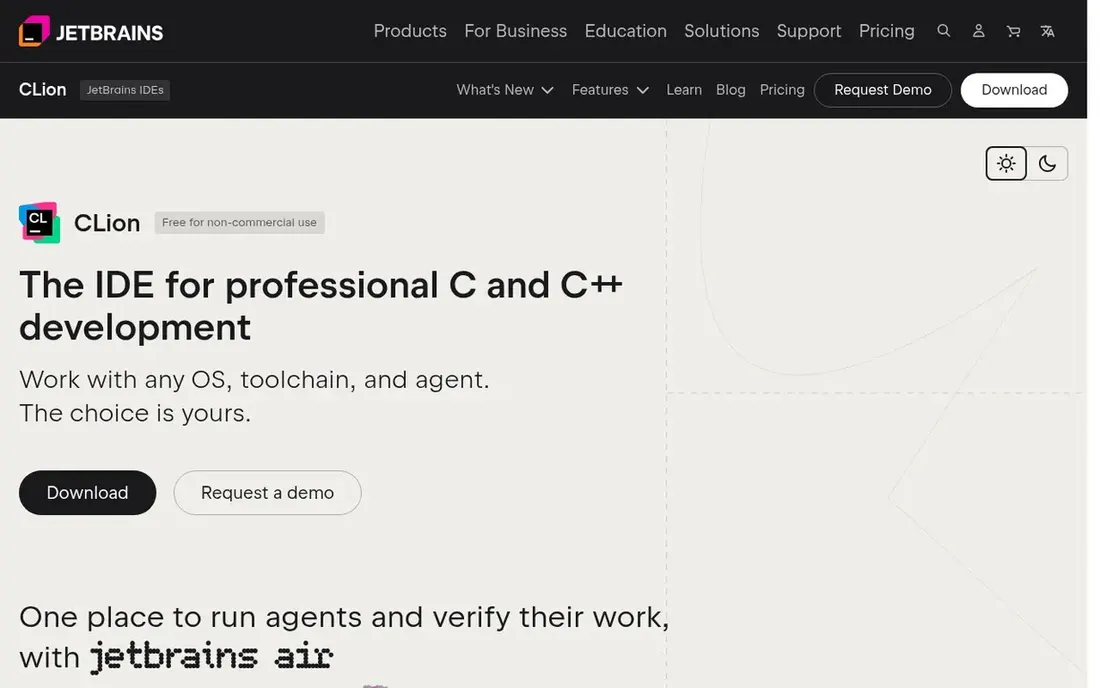
CLion is a good fit for cross-platform professional C and C++ development. Teams already standardized on a different JetBrains IDE or a minimal editor may prefer to stay where they are rather than adding another environment.
Watch-outs: Needs familiarity with JetBrains workflows.
Pricing for CLion is not stated here, so ask the vendor for current figures. Free plan details: Not stated.
- Built specifically for C and C++
- Deep code intelligence
- Resource hungry on large projects

For full-featured Windows C and C++ work, Visual Studio is a natural candidate. Visual Studio is Microsoft's integrated development environment and code editor, positioned for app development on any product and language.
The tradeoff is weight: it asks for considerable disk space and system resources, and its most complete experience is tied to Windows. In daily use, for C and C++ work it bundles editing, building and debugging in one place, and it suits teams that want a single, deep environment instead of assembling separate tools. Price to start with Visual Studio: $45 per user per month. As for free access: Not stated.
Where it is weaker: Best experience stays on Windows.
- Capable tooling for large options
- Complete IDE with debugger and build tools
- Heavy installation footprint
For Apple platform C and C++ development, Xcode is a natural candidate. Xcode is confined to Apple's ecosystem, so cross-platform or Windows-focused teams will need another environment.
Limits to weigh: Only runs on Apple hardware.
As for the details, if your targets are not Apple products, look at Visual Studio, CLion or Visual Studio Code instead. Check the vendor site for Xcode pricing; none is listed in this comparison. Free access: Not stated.
- Handles build
- Integrated with Apple developer tools
- Not targeted at other systems
What went into this list
Pricing pages, product documentation and feature lists were the main sources, and every entry carries at least one honest drawback. Where a vendor does not publish a price, the entry says quote. Where a price depends on seats or billing term, the entry says so. Tools are placed by general fit for c/c++ integrated development environments software, with price clarity and free access as tie-breakers. A different team can reasonably rank them differently.
Pre-purchase checklist
- Ask SlickEdit, Visual Studio Code, CLion and Xcode for a written quote, since no starting price is shown.
- Read the limits listed for SlickEdit first: narrower than a full IDE.
- Test how quickly Visual Studio Code answers a pre-sales question; it hints at how support will feel later.
- Pick one real project and run it in SlickEdit first; a small pilot shows fit faster than a checklist.
- Find out whether the entry plan of CLion covers your must-haves or only a trimmed-down version.
FAQ
Can I try these options before paying?
Not by default. None of the tools, from SlickEdit to Xcode, lists a free plan or a free trial here, so ask each vendor for a demo before committing.
How are the tools for c/c++ integrated development environments software ordered?
SlickEdit sits first and Xcode last because the order follows typical fit for c/c++ integrated development environments software, then price clarity and free access. It is a judgement call, so read each profile for fit and limits.
Which C and C++ IDE is best for beginners?
The first pick on this list is SlickEdit, because it suits multi-language code editing. Visual Studio Code is better for light editing with extensions, and CLion for cross-platform professional C and C++ development. Check price and limits against your own needs before choosing.
What is the cheapest option for c/c++ integrated development environments software in this list?
On published monthly entry prices, Visual Studio is the lowest here at $45 per user per month. Entry price is only part of the cost, because seats, add-ons and billing terms can change the total.
Does any tool for c/c++ integrated development environments software here have a free plan?
A permanent free plan is not offered by SlickEdit, Xcode or the other tools here. Plan a short evaluation period instead.
Sources
- https://www.slickedit.com
- https://code.visualstudio.com
- https://www.jetbrains.com/clion
- https://visualstudio.microsoft.com
- https://developer.apple.com/xcode