Best Software Development Practices in 2026: 9 Tools Compared
Discover the best software development practices in 2026, supported by tools for planning, code review, testing, quality checks, and production monitoring.

- Editor's choice
 GitHub
Version control and review
Starts at$4 per monthVisit github.comFull review - Great alternative
 GitLab
All in one DevOps platform
Starts atSee websiteVisit gitlab.comFull review - Also consider
 Jira
Agile planning at scale
Starts atSee websiteVisit atlassian.comFull review
TL;DR:
- Good practice is mostly about small, reviewed changes with automated checks, not about buying one large platform.
- GitHub and GitLab cover version control and review, while Jira and Linear keep the work visible and sized for a sprint.
- SonarQube, Jenkins, and Docker add quality gates, repeatable builds, and consistent environments.
- Sentry and Postman close the loop after release, by catching errors early and keeping API behaviour clear.
- Start with branch protection, required checks, and a short definition of done, then add tools only where a gap remains.
Quick comparison
| Tool | Best for | Starts at | Free plan? | |
|---|---|---|---|---|
| GitHub | Version control and review | $4 per month | Yes | Visit |
| GitLab | All in one DevOps platform | See website | Yes | Visit |
| Jira | Agile planning at scale | See website | Yes | Visit |
 Linear | Fast issue tracking | See website | Yes | Visit |
 SonarQube | Code quality gates | See website | Yes | Visit |
 Jenkins | Open source automation | Free | Yes | Visit |
 Docker | Consistent environments | See website | Yes | Visit |
 Sentry | Error and performance tracking | $29 per month | Yes | Visit |
 Postman | API design and testing | Free | Yes | Visit |
The best tools for software development practices
This guide frames best practice as habits that tools can support, rather than a list of abstract rules. Each product below helps a team plan clearly, review code, test automatically, ship in small steps, and learn from production.

GitHub fits teams that want version control, code review, and automation in one place. Branches, pull requests, and required checks make small changes the default, and reviewers can comment on exact lines before code merges. GitHub Actions can run tests on every pull request, so a broken change is caught before it reaches the main branch.
The catch is discipline, not tooling. A team still needs clear branch rules, a review checklist, and a habit of keeping pull requests small. GitHub Team starts at $4 per user per month based on published pricing we checked, and a free tier covers personal and small team use. For most teams, it is a safe foundation for good practice.
- Widely used Git hosting and pull requests
- Actions for builds and tests
- Built in security scanning and review tools
- Costs grow with larger teams and add ons
- Advanced admin controls sit on higher plans
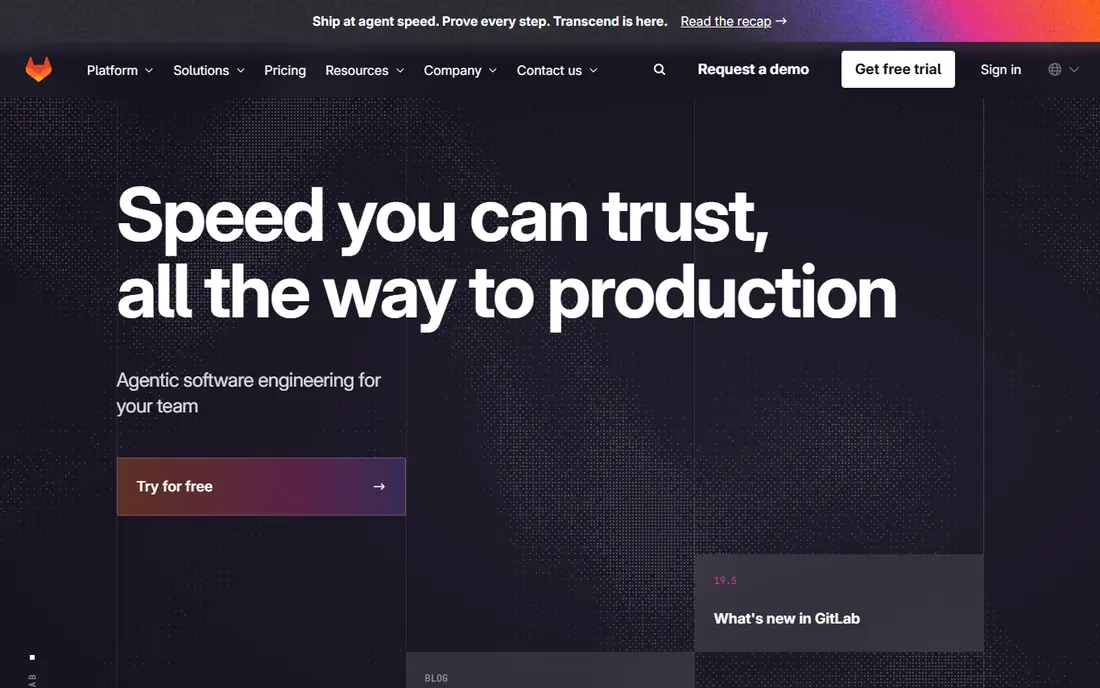
GitLab suits teams that want fewer separate tools. Repositories, issues, merge requests, pipelines, and security scanning share one model, so work moves from idea to deployment without constant context switching. That closeness helps teams keep a single source of truth for what shipped, when, and why.
The trade off is scope. New teams should start with a small set of features, such as issues, merge requests, and a basic pipeline, and add security jobs and release tools later. Self hosting adds control, but also adds maintenance. Used in stages, GitLab supports the full cycle from planning to monitoring.
- Code, CI, security, and planning in one platform
- Pipelines live next to the code
- Self hosting option for control
- The full platform can feel large at first
- Some features need paid tiers
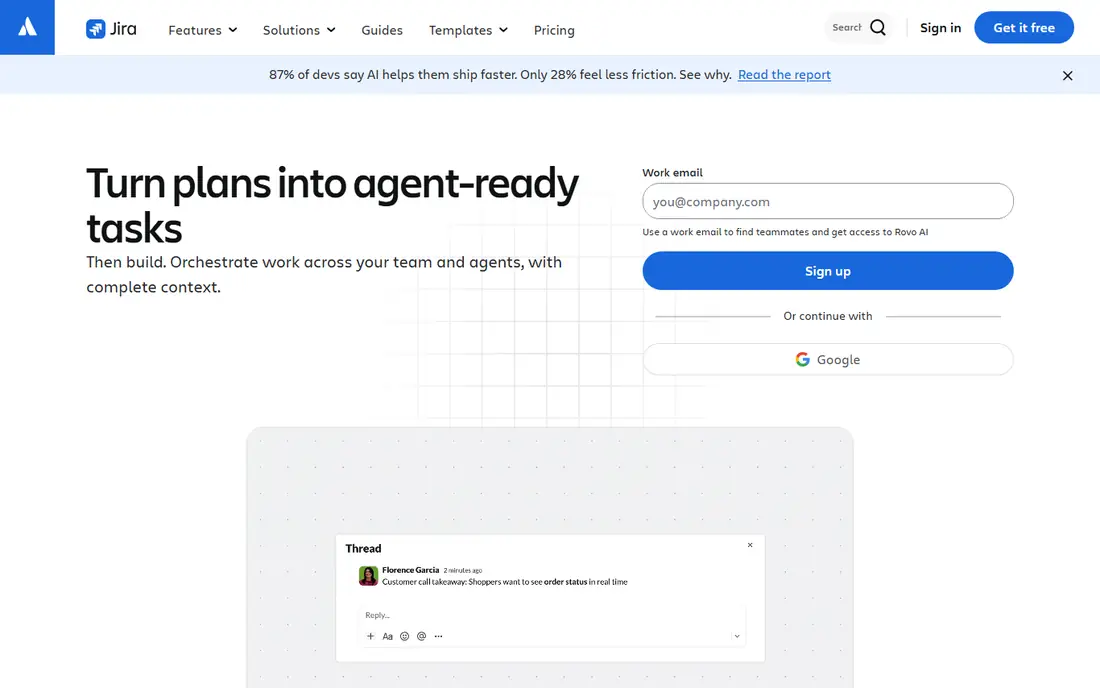
Jira fits teams that need visible, shared planning across several groups. Backlogs, sprints, and roadmaps show what is planned, what is in progress, and what is blocked, while automation can move issues, assign reviewers, and flag stale work. Links to code and releases help a team trace a feature from request to deployment.
The risk is over configuration. Too many issue types, fields, and workflows slow people down and hide the real work. Keep the board simple, agree a definition of ready and done, and review the backlog often. For larger or cross team programmes, Jira gives structure that a simple task list cannot.
- Boards, backlogs, sprints, and roadmaps
- Links work to code and releases
- Wide reporting and automation options
- Setup can become complex
- Simple teams may find it heavier than needed
Linear suits product teams that want planning to feel light. Issues, cycles, and projects move quickly, and the interface keeps triage and prioritisation close at hand. Integrations with code hosting mean a pull request can close or update an issue without manual chasing.
Linear works best when a team already has a clear product process. It does not replace detailed documentation or a full programme dashboard on its own, so pair it with docs and a release checklist. For small and mid sized product teams, speed and clarity are the main gains.
- Fast, keyboard friendly issue tracking
- Cycles, projects, and roadmaps
- Integrations with GitHub and GitLab
- Less suited to very large enterprise reporting
- Some teams need extra docs tools alongside it
SonarQube helps teams keep code quality visible and enforceable. It scans code for bugs, security weaknesses, and maintainability problems, then reports them in a form developers can act on. Quality gates can block a merge when new code fails agreed thresholds, which turns review from opinion into a shared standard.
The catch is tuning. Default rules may flag patterns a team accepts, so spend time adjusting thresholds and fixing the highest risk issues first. A community edition covers core use, while paid editions add more languages and enterprise features. For teams that want consistent quality, SonarQube is a practical gate.
- Static analysis for bugs and security issues
- Quality gates block risky merges
- Clear reports for developers
- Rules need tuning for each codebase
- Self hosted setup needs care
Jenkins fits teams that want full control over automation without a per user fee. It can run builds, tests, and deployment steps on every commit, and its plugin library covers many languages, clouds, and tools. A team can shape pipelines to its own release process rather than fitting a vendor template.
That freedom needs maintenance. Plugins, agents, and security updates require attention, and a poorly kept Jenkins server can become a bottleneck. For teams with operations skill, Jenkins supports continuous integration as a daily habit. For teams that want less upkeep, a hosted CI service may be simpler.
- Free and open source automation server
- Large plugin library
- Runs builds, tests, and deployments
- Setup and plugin care take time
- Interface feels dated next to newer CI tools
Docker supports a simple best practice: the code that passes tests should be the code that ships. Containers bundle an app with its runtime and dependencies, so differences between a laptop, a test server, and production shrink. That consistency reduces a whole class of deployment surprises.
Teams still need good habits around images. Keep images small, scan for known weaknesses, pin versions, and avoid storing secrets inside images. Docker Desktop and Hub offer free tiers for personal use, with paid plans for teams. Used with CI, Docker makes releases more repeatable.
- Containers package app and dependencies together
- Same image runs in dev and production
- Large ecosystem of images and tools
- Image size and security scanning need care
- Learning curve for networking and storage
Sentry fits teams that want to learn from production quickly. When an error occurs, it shows the stack, the affected release, and related user impact, so developers can fix the cause rather than guess from a vague report. Performance data also helps teams find slow endpoints before users complain.
The catch is alert tuning. Without filters and ownership rules, a busy app can flood a channel and hide serious issues. Set severity rules, assign owners, and review open errors in a regular slot. Sentry Team pricing starts at $29 per month based on published pricing we checked, with a free tier for smaller use.
- Real time error reports with context
- Performance traces for slow paths
- Alerts that link to code and releases
- Alert noise needs tuning
- Higher volume plans cost more
Postman supports API practice by making requests, examples, and tests visible to the whole team. Collections act as living documentation, so a front end developer, a tester, and a partner can all see how an endpoint should behave. Automated runs catch breaking changes before they reach users.
The risk is drift. If collections are not updated when an API changes, they mislead rather than help. Treat collections as code, review them with pull requests where possible, and run key checks in CI. For API heavy teams, Postman keeps contracts clear and testable.
- Collections for API requests and tests
- Shared workspaces for teams
- Automated runs and mock servers
- Large collections need organisation
- Advanced collaboration sits on paid plans
How we picked these
We compared official feature pages, pricing pages, documentation, and public reviews for tools that support widely taught practices: version control, code review, agile planning, automated testing, quality gates, continuous integration, consistent environments, monitoring, and API testing. We favoured tools that exist in October 2026, have clear homepages, and cover a distinct stage of delivery. We did not claim hands on testing, and prices reflect vendor pages at the time of checking.
We also favoured tools that work together. A planning tool alone does not improve code quality, and a monitoring tool alone does not fix a weak review process. The list is meant as a stack, where each product supports a habit the team can measure.
Building a practice stack that sticks
Tools help only when the team agrees how to use them. The sections below cover the habits that matter most, and how to keep them light enough to survive a busy sprint.
Keep changes small and reviewed
Use short lived branches, require at least one review, and keep pull requests focused on one change. Automated checks should run on every pull request, including tests and quality gates, so reviewers spend time on design and edge cases rather than style or basic breakage. If a pull request grows large, split it before review.
Automate the boring parts
Automate builds, tests, linting, security scans, and deployments where it is safe to do so. A repeatable pipeline gives the team confidence to ship often, and it creates a record of what was tested. Keep pipeline steps visible and fast, and fix flaky tests quickly, because a pipeline people ignore stops being a safety net.
Learn from production, then feed it back
Track errors, performance, and user impact after release, and review them in a regular slot. Turn repeated errors into tests, documentation, or backlog items, and keep API collections updated when behaviour changes. A short retrospective that names one process fix is more useful than a long list of good intentions.
FAQ
What are the best software development practices?
The core practices are version control, code review, small releases, automated testing, quality gates, and monitoring after release. Teams should also keep work visible, agree a definition of done, and review errors in production. Tools help, but consistent habits matter more than any single product.
What is the best practice for code review in software development?
Keep changes small, require review before merging, and run automated tests and quality checks on every pull request. Reviewers should check design, edge cases, and security risks, not only style. Clear guidelines help reviews stay fast and fair.
How do agile software development best practices work in practice?
Agile practice means short cycles, a prioritised backlog, visible boards, and regular reviews of what shipped and what was learned. Tools such as Jira and Linear support this, but the team still needs short feedback loops and a habit of finishing work before starting new work.
What tools support software development best practices?
GitHub and GitLab support version control and review, SonarQube supports quality gates, Jenkins supports automation, Docker supports consistent environments, and Sentry supports production monitoring. Postman supports API testing, while Jira and Linear support planning.
Should small teams follow the same practices as large teams?
The principles are the same, but the tooling should stay lighter. A small team can use GitHub, a simple pipeline, and Sentry, with a short checklist for review and release. Add heavier planning and reporting only when coordination problems appear.
How often should teams release software?
Many teams release in small steps, often weekly or more, rather than in large batches. Small releases are easier to test, review, and roll back. The right pace depends on testing, deployment safety, and user impact, so automate checks before increasing frequency.