Best Application Development Platforms for Remote Teams (2026): 5 Picks Checked on Vendor Pages
Need the best application development platforms for remote teams? We compare 5 tools on cost, free access and who each suits. Real limits included. No hype.
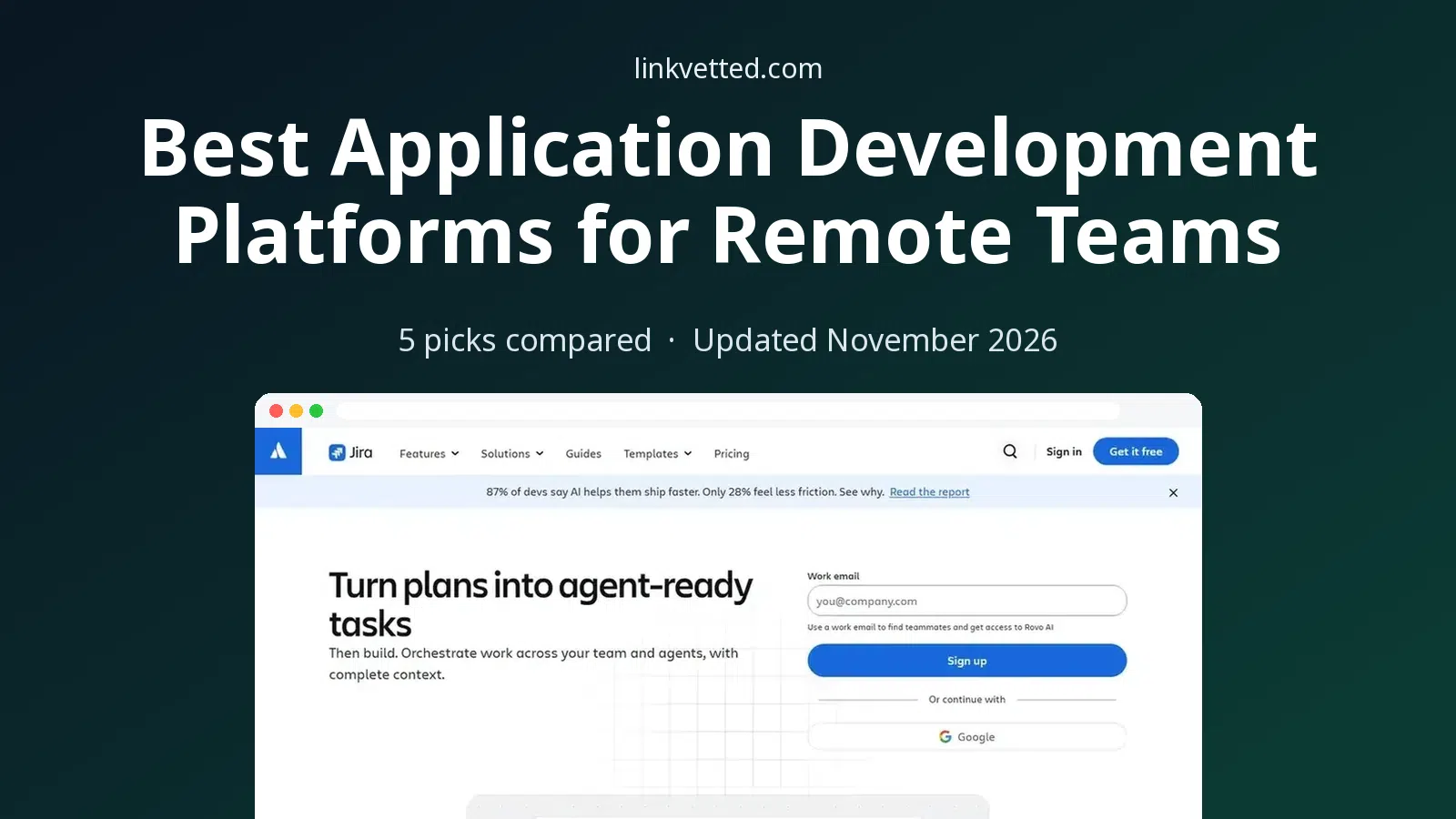
- Editor's choice
 Slack
Everyday team communication and automation
Starts at$4.38 per user a monthVisit slack.comFull review - Great alternative
 Jira
Project planning and tracking at scale
Starts atSee websiteVisit atlassian.comFull review - Also consider
 GitHub
Code hosting and team collaboration
Starts at$4 per user per monthVisit github.comFull review
Direct answer
For everyday team communication and automation, Slack is where this list starts. Listed starting prices: Slack from $4.38 per user a month, GitHub from $4 per user per month and GitLab from $29 per user per month. Jira fits project planning and tracking at scale; GitHub fits Code hosting and team collaboration. All 5 tools are compared below on price, free plan and limits.
TL;DR:
- This list starts with Slack, which is built for everyday team communication and automation.
- Only 3 of the 5 tools have a free plan (Slack, GitHub, GitLab), so check the caps.
- Microsoft Teams fits meetings and files in one hub.
- The cheapest monthly starting price in the list is $4 per user per month, offered by GitHub.
- A fair warning about GitLab: configuration choices add complexity.
Last checked November 2026. Prices and plan details were read from the vendors' own pages in November 2026; vendors change plans often, so confirm the current price on the vendor site before you buy.
Quick comparison
| Tool | Best for | Starts at | Free plan? | |
|---|---|---|---|---|
| Slack | Everyday team communication and automation | $4.38 per user a month | Yes | Visit |
| Jira | Project planning and tracking at scale | See website | Not stated | Visit |
| GitHub | Code hosting and team collaboration | $4 per user per month | Yes | Visit |
 GitLab | Integrated software lifecycle with governance | $29 per user per month | Yes | Visit |
 Microsoft Teams | Meetings and files in one hub | See website | Not stated | Visit |
The best application development platforms for remote teams
Choosing application development platforms for remote teams usually comes down to price, fit and limits. This LinkVetted guide sets 5 tools side by side on those three points, with the facts kept short and checkable.
Slack works best for everyday team communication and automation. Slack describes itself as an AI work product for managing projects, automating workflows and connecting teams securely.
Busy channels can produce notification fatigue, and important decisions may get lost in long threads except when the team sets conventions. On top of that, remote development teams frequently use it as the conversational layer around code and planning, with channels per project and integrations that surface updates. On cost, Slack starts like this: $4.38 per user per month. Free access exists with Slack.
Downsides: Notification overload is typical.
- Channels keep discussions organized
- Links distributed teams quickly
- Long threads can bury decisions
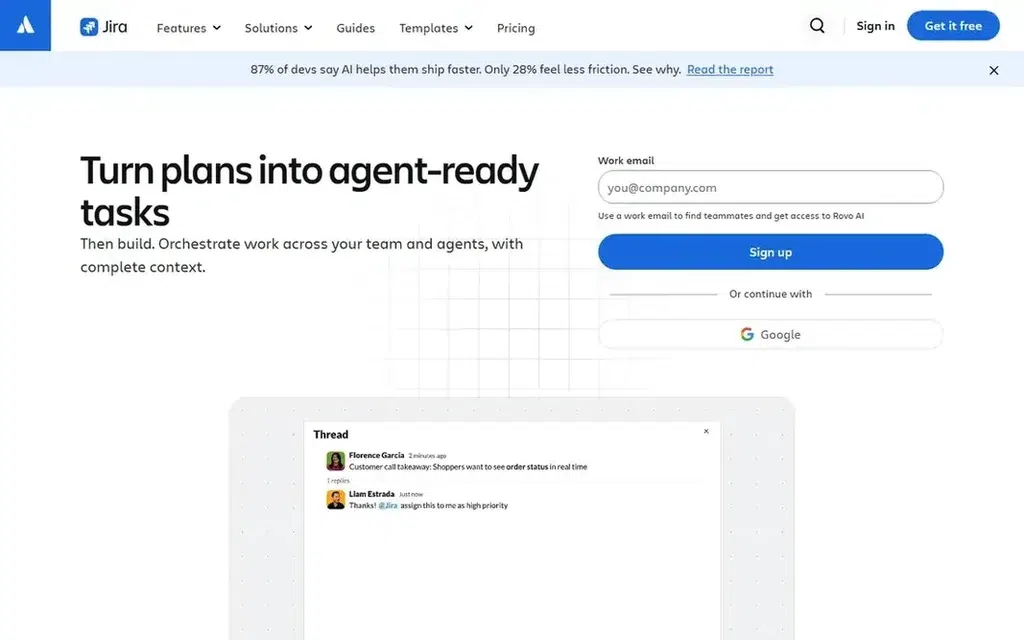
Jira was built for project planning and tracking at scale. Jira is positioned as project management for teams, bringing people together with AI agents that orchestrate, plan and track projects at scale.
Teams wanting light task lists without administration overhead may prefer more straightforward tracking inside their code system. Check the vendor site for Jira pricing; none is listed in this comparison. Trial and free access: Not stated.
Where it is weaker: Interface can feel dense for occasional users.
- Planning and tracking in one place
- AI agents assist with orchestration
- Workflow configuration takes time
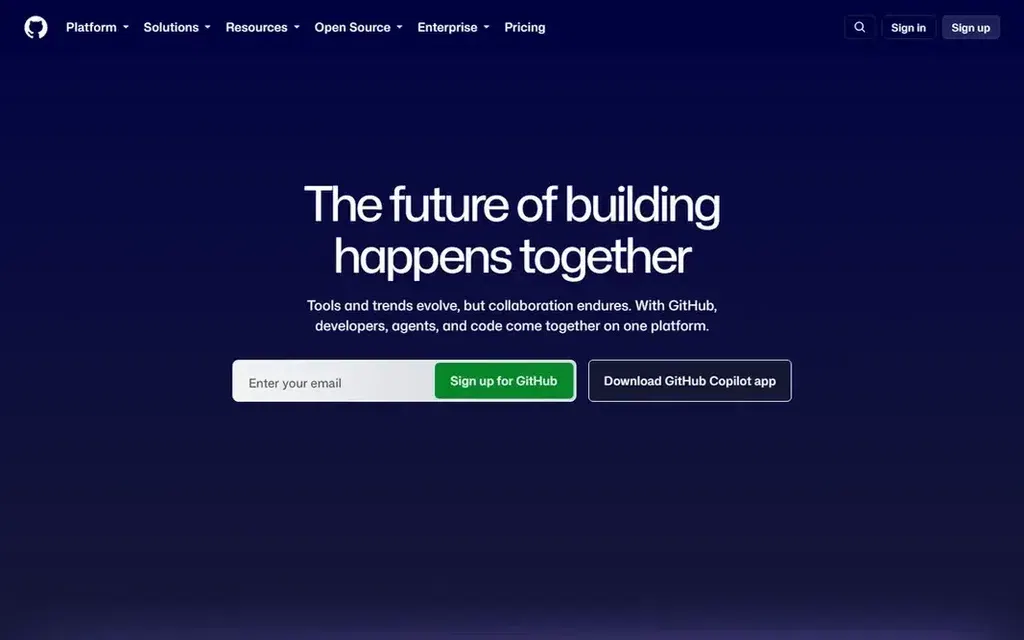
Choose GitHub for Code hosting and team collaboration. The breadth of features means onboarding and permission design take planning, and smaller teams may not use much of the automation surface.
Drawbacks to consider: Wide feature set can overwhelm newcomers.
If your organization wants planning, repositories and deployment governed inside one integrated lifecycle product, an alternative like GitLab may fit better. Entry price for GitHub: $4 per user per month. A free plan is available with GitHub.
- Central place for repositories and review
- Capable open source community presence
- Advanced automation takes setup effort
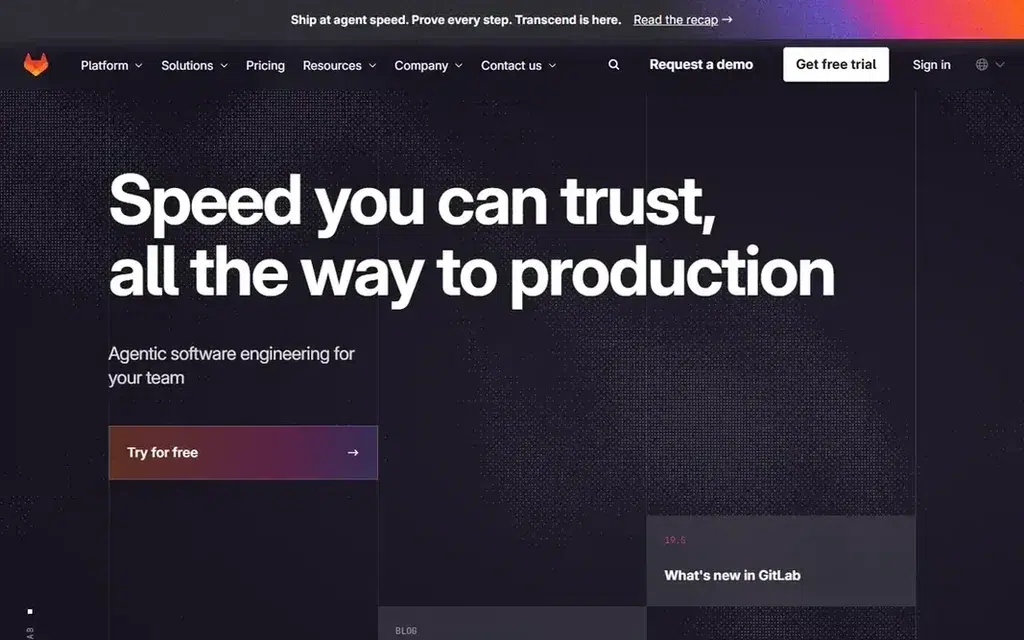
GitLab was built for integrated software lifecycle with governance. Groups already standardized on a separate code host and issue tracker may prefer to keep those tools instead of migrate. In practice, remote teams that prefer one connected environment for planning, code and delivery may find that consolidation cuts tool switching.
Since it spans plenty of stages, initial setup and continuing administration demand attention. Teams with straightforward needs may find it more than required. GitLab cost at the entry level: $29 per user per month. GitLab has a free plan.
The main drawbacks: Configuration choices add complexity.
- Orchestration geared toward agentic engineering
- Context and governance across the lifecycle
- Can feel heavy for very small teams
Choose Microsoft Teams for meetings and files in one hub. Groups that prefer light, channel-first chat with broad bot workflows may lean toward Slack instead.
What to check first: Can be resource heavy on older devices.
This comparison lists no price for Microsoft Teams; ask the vendor. Free plan details: Not stated.
- Meetings
- Files and tools available in one place
- Structure varies between organizations
How we compared the tools
LinkVetted looked at what each vendor publishes: pricing, plan limits, feature coverage for application development platforms for remote teams and stated drawbacks. No hands-on testing is claimed. Seat minimums, billing terms and add-ons can move the real cost, so the starting prices here are a guide and not a quote. Order on the page follows fit for the typical buyer first, then price transparency and free access. Your own requirements should decide the final pick.
Pre-purchase checklist
- Confirm the entry price on the vendor page. For Jira and Microsoft Teams that means a quote rather than a fixed price.
- Look at free plan limits closely: Slack, GitHub and GitLab have one, and the caps decide whether it is usable for real work.
- Before choosing Slack, weigh its main limit: Notification overload is typical.
- Price GitLab for your actual team size; headline prices rarely include add-ons or overage.
- Check how data leaves Jira: formats, limits and whether exports are available on every plan.
FAQ
What is the cheapest option for application development platforms for remote teams in this list?
On published monthly entry prices, GitHub is the lowest here at $4 per user per month. Entry price is only part of the cost, because seats, add-ons and billing terms can change the total. Each of the 5 options in this application development platforms for remote teams guide has its own card above with the price, free plan and limits.
What should we check before committing to a system?
Confirm integrations, permission controls and how notifications reach people in different time zones. Also test performance on your team's devices, since heavy clients can be a burden for remote contributors on varied hardware.
Do these tools publish their prices?
Not all of them. Jira and Microsoft Teams publish no starting price, so expect a quote request for those. The rest, Slack included, show a starting price, though seats and billing terms still change the final cost.
Which options for application development platforms for remote teams have a free plan?
On this list, Slack, GitHub and GitLab include a free plan. Caps on seats, usage or features are common, so test the free plan against your real workload.
Can I try these tools before paying?
Often, yes. Slack, GitHub and GitLab have a free plan. Use your own data and a real task during the test, and check what the free tier or trial limits before you rely on it.
Sources
- https://slack.com
- https://www.atlassian.com/software/jira
- https://github.com
- https://about.gitlab.com
- https://www.microsoft.com/en-us/microsoft-teams/group-chat-software