5 Best Workstation Backup Software for 2026, Vetted and Compared
Compare 5 picks for the best workstation backup software, with prices, free plans and who each fits. Each listing flags where it falls short. Decide faster.
- Editor's choice
 Rubrik
Enterprise cyber resilience and quick recovery
Starts atSee websiteVisit rubrik.comFull review - Great alternativeNakivo Backup & Replication
Quick, low-cost VM and cloud backup
Starts atSee websiteVisit nakivo.comFull review - Also consider
 Druva
Completely managed cloud-native SaaS backup
Starts atSee websiteVisit druva.comFull review
Direct answer
If you need enterprise cyber resilience and quick recovery, Rubrik is the first tool to look at here. Listed starting prices: Backblaze from $99 a year. For a different need, Nakivo Backup & Replication covers fast, budget-friendly VM and cloud backup and Druva covers completely managed cloud-native SaaS backup. The remaining 2 options are covered below with prices and limits.
TL;DR:
- Number one here is Rubrik, a fit for enterprise cyber resilience and quick recovery.
- Neither Rubrik nor Veeam Backup & Replication, nor any of the other 3 tools, has a permanent free plan; trials and quotes are the norm.
- Veeam Backup & Replication is the one to check for wide workload backup and cyber resilience.
- Rubrik, Nakivo Backup & Replication, Druva and Veeam Backup & Replication: pricing is by quote only, so plan time for a sales conversation.
Last checked November 2026. Prices and plan details were read from the vendors' own pages in November 2026; vendors change plans often, so confirm the current price on the vendor site before you buy.
Quick comparison
| Tool | Best for | Starts at | Free plan? | |
|---|---|---|---|---|
| Rubrik | Enterprise cyber resilience and quick recovery | See website | Not stated | Visit |
| Nakivo Backup & Replication | Quick, low-cost VM and cloud backup | See website | Free trial | Visit |
| Druva | Completely managed cloud-native SaaS backup | See website | Free trial | Visit |
 Backblaze | Cloud storage for backups and AI workloads | $99 a year | Free trial | Visit |
| Veeam Backup & Replication | Wide workload backup and cyber resilience | See website | Not stated | Visit |
Workstation Backup Software profiles
Choosing workstation backup software usually comes down to price, fit and limits. This LinkVetted guide sets 5 tools side by side on those three points, with the facts kept short and checkable.
Rubrik is aimed squarely at enterprise cyber resilience and fast recovery. Rubrik is designed for enterprise requirements, so a small team needing entry-level workstation backup may find it more than necessary.
Worth adding: Rubrik is an enterprise cyber resilience product for protecting data, securing identities, and governing AI agents, with immutable backups and restore after ransomware and cyberattacks at machine speed. Pricing for Rubrik is not stated here, so ask the vendor for current figures. As for free access: Not stated.
Honest limits: Enterprise focus may exceed small needs.
- Machine-speed restore after attacks
- Immutable backups
- Complicated for straightforward workstation backup
Nakivo Backup & Replication
Best for: Quick, low-cost VM and cloud backup
Nakivo Backup & Replication makes the most sense for quick, low-cost VM and cloud backup. Nakivo Backup & Replication is presented as a fast and budget-friendly backup and disaster recovery option for VMs, physical machines, cloud workloads, and Microsoft 365.
Honest limits: May lack some enterprise governance features.
From a buyer's view, if cyber resilience and identity protection are central requirements, consider those alternatives instead. Nakivo places less emphasis on integrated cybersecurity and governance than systems like Rubrik or Acronis. Check the vendor site for Nakivo Backup & Replication pricing; none is listed in this comparison. As for free access: Free trial.
What Nakivo Backup & Replication does well: physical machines, cloud.
- Positioned as quick and budget-friendly
- Microsoft 365
- Less emphasis on integrated security
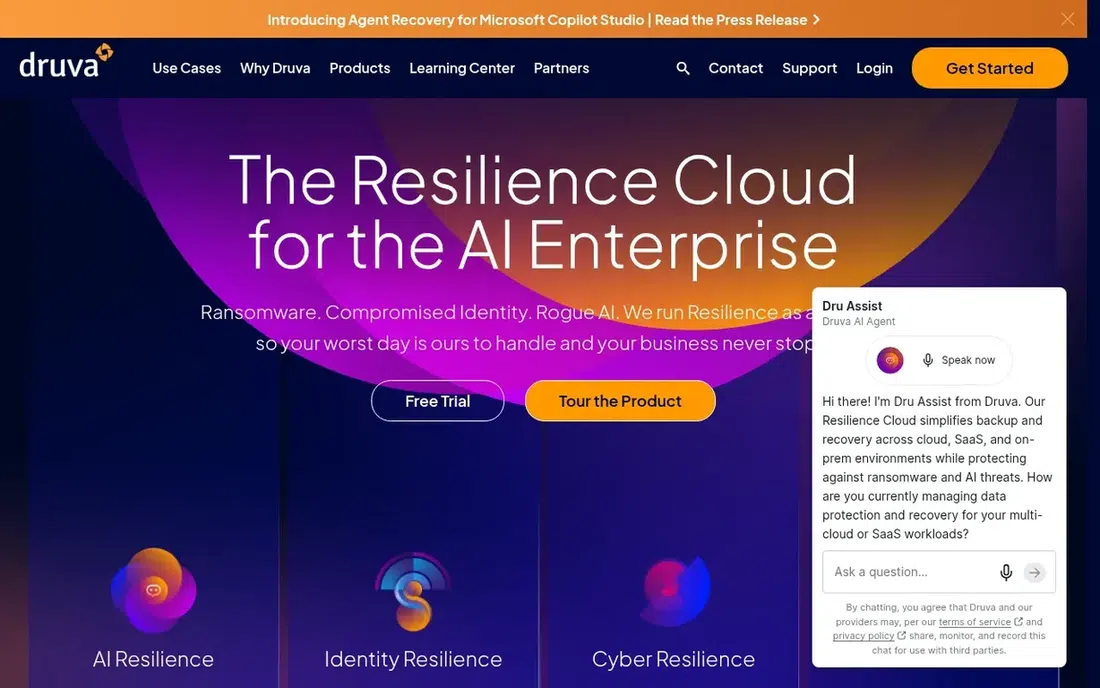
Pick Druva if this describes you: completely managed cloud-native SaaS backup. It fits organizations that prefer a managed service over running backup infrastructure themselves, notably those with distributed workstations and cloud workloads.
In daily use, consider a product like Veeam if you want more control over where backup data lives. Druva does not show a starting price in this comparison, so check the vendor site for current pricing. As for free access: Free trial.
Trade-offs to know: Cloud-only model may not suit all.
- Cloud-native SaaS delivery
- AI-powered data security
- Less control over underlying infrastructure
Backblaze is aimed squarely at cloud storage for backups and AI workloads. Backblaze gives you high-performance cloud storage, with B2 Cloud Storage positioned for AI workloads and data-heavy use. It is S3-compatible object storage without limits, which makes it a handy target for workstation backups managed by another tool or script.
Downsides: Needs a backup tool or workflow.
On top of that, Backblaze is primarily a storage service. So it does not itself run workstation backup schedules and recovery workflows the way a dedicated backup product does. From a buyer's view, if you want an all-in-one backup application, look at Veeam or Acronis instead. Backblaze cost at the entry level: $99 per year. Trial and free access: Free trial.
- High-throughput design
- S3-compatible object storage
- Not full backup management
Veeam Backup & Replication
Best for: Wide workload backup and cyber resilience
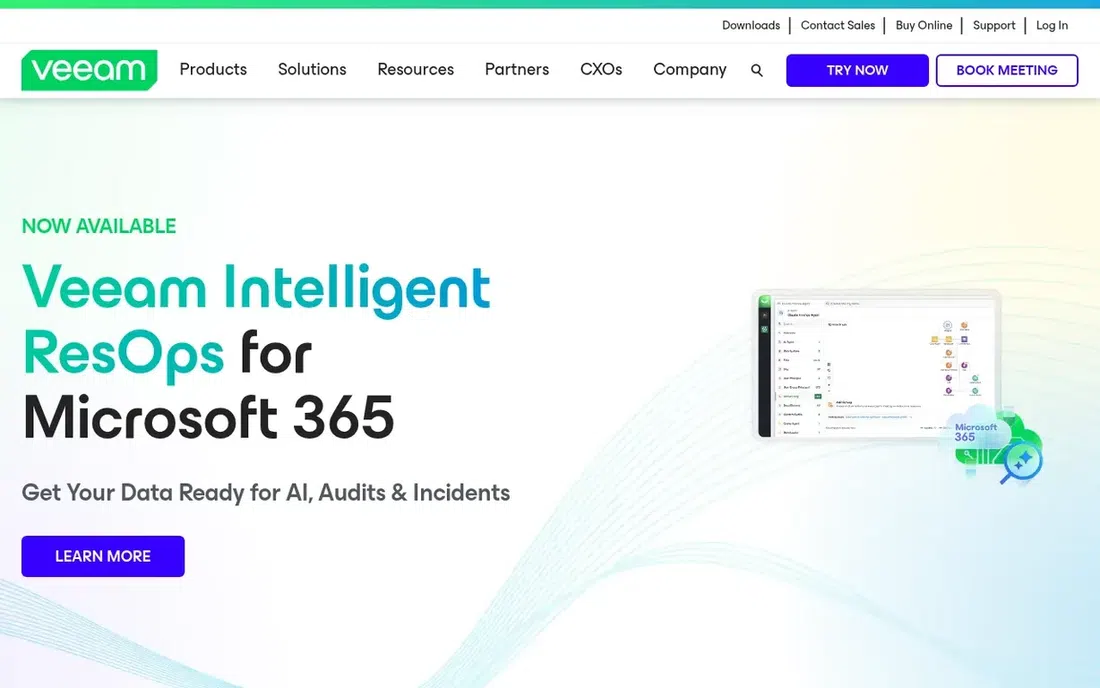
Think of Veeam Backup & Replication for broad workload backup and cyber resilience. Veeam Backup & Replication is positioned as a system for cyber-resilient data protection across AI and data workloads.
Its homepage flags seeing risk everywhere, moving data securely, staying compliant, and accelerating safe AI. Also, the system can be more than a small team needs, and administration may need dedicated staff. Pricing for Veeam Backup & Replication is not stated here, so ask the vendor for current figures. Free access: Not stated.
Downsides: Can be complicated for small setups.
- Includes diverse data and workloads
- Supports compliance needs
- May need dedicated administration
Selection criteria
Selection started from tools commonly considered for workstation backup software, then narrowed to 5 that have clear pricing information or a clear quote process. Figures are shown as the vendors publish them. Billing terms, seat minimums and add-ons can change the real cost. Position on the page reflects fit for a typical buyer first, with price clarity and free access breaking ties. Treat it as a guide, not a ruling.
Questions to settle before buying
- Ask Rubrik, Nakivo Backup & Replication, Druva and Veeam Backup & Replication for a written quote, since no starting price is shown.
- Use real work to test the free trial from Nakivo Backup & Replication, Druva and Backblaze, rather than a demo project.
- Before choosing Rubrik, weigh its main limit: enterprise focus may exceed small needs.
- List the apps you already depend on and check that Nakivo Backup & Replication supports each one on the plan you would buy.
- Compare total cost, not headline price: for Rubrik, add extra seats, add-ons and any usage-based charges.
FAQ
Do these tools publish their prices?
Not all of them. Rubrik, Nakivo Backup & Replication, Druva and Veeam Backup & Replication publish no starting price, so expect a quote request for those. The rest, Backblaze included, show a starting price, though seats and billing terms still change the final cost.
Can I try these options before paying?
Often, yes. Nakivo Backup & Replication, Druva and Backblaze offer a free trial. Use your own data and a real task during the test, and check what the free tier or trial limits before you rely on it.
Is Rubrik the right pick for everyone comparing workstation backup software?
No single tool suits every team. Rubrik comes first because it fits enterprise cyber resilience and fast recovery, while Nakivo Backup & Replication suits fast, affordable VM and cloud backup and Druva suits fully managed cloud-native SaaS backup. Match the tool to your own size, budget and workflow before deciding.
How are the tools for workstation backup software ordered?
Rubrik sits first and Veeam Backup & Replication last because the order follows typical fit for workstation backup software, then price clarity and free access. It is a judgement call, so read each profile for fit and limits.
Sources
- https://www.rubrik.com
- https://www.nakivo.com
- https://www.druva.com
- https://www.backblaze.com
- https://www.veeam.com