Shortlist: 6 Best Bare Metal Backup Software Options for 2026
Weighing the best bare metal backup software? We lined up 6 products by cost, free access and fit. Where a tool struggles is spelled out. Details below.
- Editor's choice
 Paragon Hard Disk Manager
Disk imaging plus partition management
Starts atFree (basic); advanced functionality from $79.95Visit paragon-software.comFull review - Great alternative
 AOMEI Backupper
Low-cost imaging for Windows PCs
Starts atFree (Standard edition); Pro from $39.95Visit aomeitech.comFull review - Also consider
 Macrium Reflect
Quick, dependable Windows system imaging
Starts atSee websiteVisit macrium.comFull review
Direct answer
This list puts Paragon Hard Disk Manager first for disk imaging plus partition management. Alternatives: AOMEI Backupper for budget-friendly imaging for Windows PCs, and Macrium Reflect for quick, dependable Windows system imaging. The full list of 6 tools follows, with prices and free plan facts.
TL;DR:
- This list starts with Paragon Hard Disk Manager, which is built for disk imaging plus partition management.
- For Macrium Reflect, you have to request a quote because no starting price is shown.
- A free plan is available from 5 of the 6 tools: Paragon Hard Disk Manager, AOMEI Backupper, EaseUS Todo Backup, Iperius Backup, Veeam.
- What to know about Paragon Hard Disk Manager first: product line is confusing.
Quick comparison
| Tool | Best for | Starts at | Free plan? | |
|---|---|---|---|---|
| Paragon Hard Disk Manager | Disk imaging plus partition management | Free (basic); advanced functionality from $79.95 | Yes | Visit |
| AOMEI Backupper | Low-cost imaging for Windows PCs | Free (Standard edition); Pro from $39.95 | Yes | Visit |
| Macrium Reflect | Quick, dependable Windows system imaging | See website | Free trial | Visit |
 EaseUS Todo Backup | One-click backup for home and small office | Free (free version); premium editions available | Yes | Visit |
 Iperius Backup | Adaptable backup for servers, VMs and cloud | From $30 (one-time); free edition available | Yes | Visit |
 Veeam | Servers, VMs and endpoints at any scale | Free (Agent and Community Edition); premium per workload | Yes | Visit |
Bare Metal Backup Software profiles
Short on time? The summary and table above give the quick view of 6 tools for bare metal backup software, and the profiles that follow give the detail behind each entry.
Paragon Hard Disk Manager
Best for: Disk imaging plus partition management
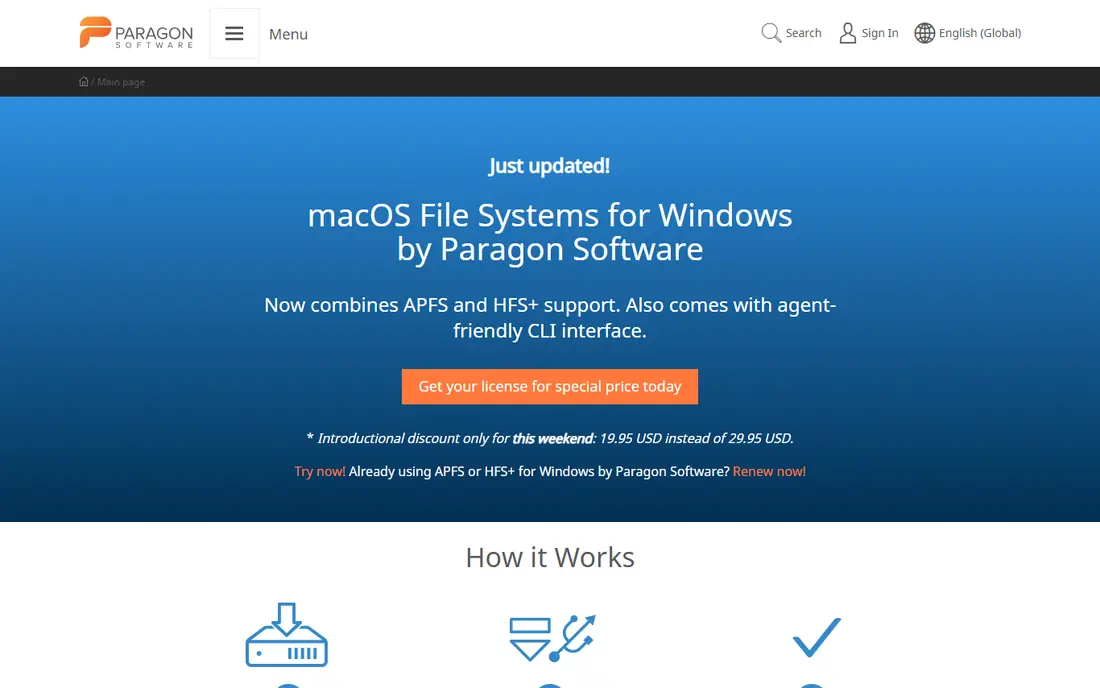
Paragon Hard Disk Manager makes the most sense for disk imaging plus partition management. Business and Technician licenses extend coverage to corporate endpoints with bootable media that can service machines without installation. Buyers should confirm exactly which tier they are getting.
Beyond that, the product lineup can confuse: several editions, home compared with business, version numbers that change the offer. On top of that, Paragon has been in storage software since 1994, and that depth displays in edge cases like dissimilar hardware restore and legacy file systems. The free entry-level level includes core backup and restore, with advanced functionality at $79.95 opening up the full toolset. The starting price for Paragon Hard Disk Manager: Free. Paragon Hard Disk Manager has a free plan.
Drawbacks to consider: Product line is confusing.
- Merges backup with partitioning and disk wiping
- Decades of storage expertise
- Business editions are quote-based
AOMEI Backupper makes the most sense for low-cost imaging for Windows PCs. AOMEI Backupper is the budget-friendly workhorse of Windows imaging. On top of that, the free Standard edition deals with system backup, disk and partition backup, file backup and cloning, which includes disaster recovery for most home PCs and small offices.
Worth adding: file sync keeps an exact copy of folders as a secondary backup. Also, the Pro edition, from $39.95, brings scheduled backups with more triggers, image merging, dynamic volume backup and universal restore to different hardware. Beyond that, cloning is a particular strength: migrate a system to a new SSD, upgrade a disk, or move Windows to different hardware without reinstalling. What you pay to start with AOMEI Backupper: Free. You can start on AOMEI Backupper without paying.
The main drawbacks: Advanced server features cost much more.
- Disk and partition backup plus cloning
- One-time Pro license
- Interface feels utilitarian
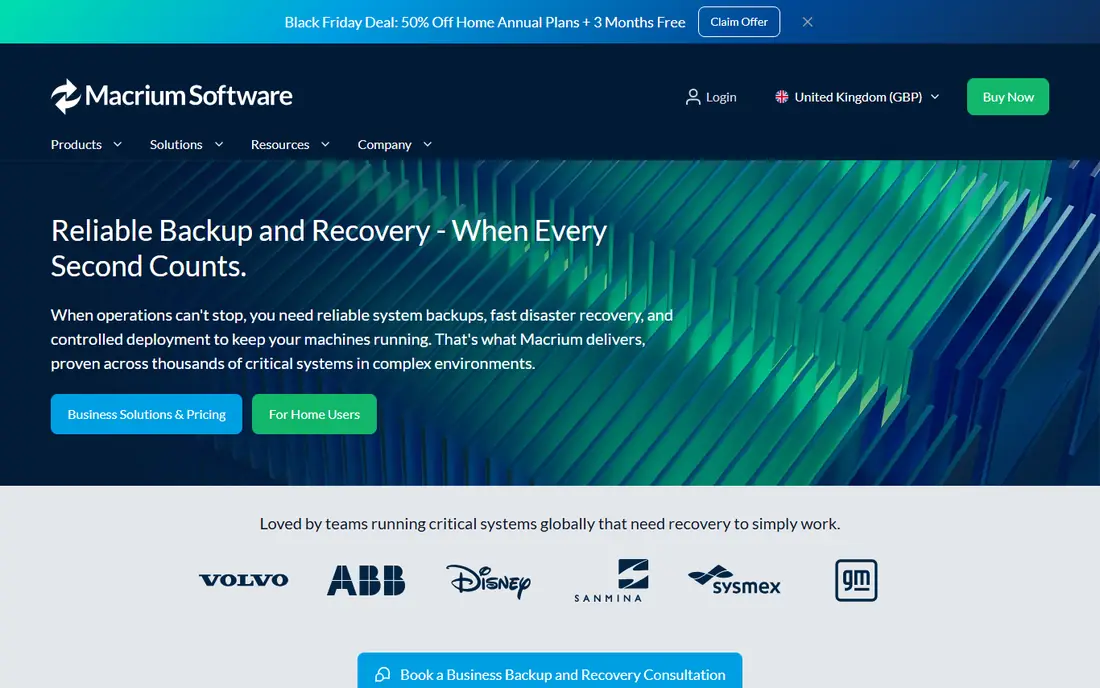
For quick, dependable Windows system imaging, Macrium Reflect is a natural candidate. The Reflect imaging engine produces complete, dependable images and recovers them quick, with rapid delta restore that only writes the blocks that changed, cutting recovery time dramatically on large systems. It thrives in the environments other tools struggle with: aging hardware, legacy Windows versions back to XP, air-gapped sites with no internet, mixed fleets that cannot be standardized.
What to check first: Windows-only.
Also, there is no Mac version, no built-in cloud backup service. Pricing needs a quote or store visit instead of a published page. In daily use, the trade-off is focus and system. Pricing for Macrium Reflect is not stated here, so ask the vendor for current figures. Free access: Free trial.
- Works offline and on legacy systems
- Rapid delta restore
- Pricing not published on homepage
EaseUS Todo Backup targets one-click backup for home and small office. Smart backup choices keep protection running automatically once configured. The free version includes entry-level backup and recovery for home users, with premium Home, Workstation and Server editions adding scheduled backups, Outlook backup, system transfer to new PCs and centralized management.
Downsides: Upsells can be aggressive.
In practice, the product itself is capable and widely used, with over 20 million users across the company's tools. Bare-metal recovery restores a full system image to a new or repaired machine. What you pay to start with EaseUS Todo Backup: Free. You can start on EaseUS Todo Backup without paying.
- 20+ years of development
- Free version for entry-level imaging
- Premium pricing needs a store visit
Iperius Backup was built for flexible backup for servers, VMs and cloud. Iperius Backup is the value pick for technical users who want lots of backup for very little money. The software is lightweight and can run portably, which fits technicians who carry it between client sites.
What to check first: Interface is dated.
Also, the interface looks like it has not changed in a decade, and English documentation at times lags the Italian original. Perpetual licenses start around $30 one-time, with a free edition handling entry-level backup. More specifically, advanced editions add tape backup, disk cloning and centralized management. Starting cost for Iperius Backup: From $30. Iperius Backup includes a free tier.
- Light
- Database and cloud backup
- Documentation can be thin in English
Choose Veeam for servers, VMs and endpoints at any scale. A home user wants their laptop back exactly as it was. The full Data Platform is enterprise software with per-workload licensing and a quote-based sales process.
But the free levels are genuinely handy, not crippled demos, making Veeam the rare tool that scales from one laptop to an entire datacenter. The free Veeam Agent includes image, volume and file backup for one Windows PC, whereas Backup and Replication Community Edition guards up to 10 workloads, VMs, servers, laptops or NAS devices, free with no support contract. Also, the honest catch is complexity. On cost, Veeam starts like this: Free. Veeam includes a free tier.
Where it falls short: premium levels are quote-based.
- Instant recovery
- Free agent for one PC and Community Edition for 10 workloads
- Full system is more than a home user needs
How these tools were picked
LinkVetted used vendor pricing pages and product documentation as the base, then compared plans, free access and documented limits for 6 tools. Where a price is missing, the vendor does not list one publicly or ties it to a quote. Always confirm before budgeting. Tools are placed by general fit for bare metal backup software, with price clarity and free access as tie-breakers. A different team can reasonably rank them differently.
Things to verify first
- Ask Macrium Reflect for a written quote, since no starting price is shown.
- Look at free plan limits closely: Paragon Hard Disk Manager, AOMEI Backupper, EaseUS Todo Backup and others have one, and the caps decide whether it is usable for real work.
- Take the trial from Macrium Reflect and push a live task through it before you pay.
- Before choosing Paragon Hard Disk Manager, weigh its main limit: product line is confusing.
- Price Veeam for your actual team size; headline prices rarely include add-ons or overage.
- Ask whether Macrium Reflect integrates with your current software, and whether that comes standard or as an add-on.
FAQ
Can I try these options before paying?
Often, yes. Paragon Hard Disk Manager, AOMEI Backupper, EaseUS Todo Backup and others have a free plan and Macrium Reflect offers a free trial. Use your own data and a real task during the test, and check what the free tier or trial limits before you rely on it.
How are the tools for bare metal backup software ordered?
Paragon Hard Disk Manager sits first and Veeam last because the order follows typical fit for bare metal backup software, then price clarity and free access. It is a judgement call, so read each profile for fit and limits.
Do these tools publish their prices?
Not all of them. Macrium Reflect publishes no starting price, so expect a quote request for it. The rest, Paragon Hard Disk Manager included, show a starting price, though seats and billing terms still change the final cost.
Which options for bare metal backup software have a free plan?
Paragon Hard Disk Manager, AOMEI Backupper, EaseUS Todo Backup, Iperius Backup and Veeam offer a free plan in this list. Free plans usually cap users, projects or features, so check the limits on the vendor page. One other tool offers a trial instead.
What is the 3-2-1 backup rule?
Keep three copies of your data, on two different types of media, with one copy offsite. Tools with built-in cloud destinations make the offsite copy automatic.
How is it different from regular file backup?
Bare metal backup records everything at the block level, so a restore returns the whole machine to its previous state. Firms that cannot afford downtime use image backup; file backup is fine for protecting documents alone.