Top 5 Backup and Disaster Recovery Software for SMBs for 2026 (Prices and Free Plans)
Comparing the best backup and disaster recovery software for SMBs? 5 contenders, each with entry cost, free tier and best-fit buyer. Short verdicts, no fluff.
- Editor's choiceN-able Backup
MSP-friendly data protection
Starts atSee websiteVisit n-able.comFull review - Great alternative
 Acronis Cyber Protect
Integrated backup and cybersecurity
Starts atSee websiteVisit acronis.comFull review - Also consider
 Datto SIRIS
Appliance-based business continuity
Starts atSee websiteVisit datto.comFull review
Direct answer
This list puts N-able Backup first for MSP-friendly data protection. Listed starting prices: Backblaze from $99 a year. Look at Acronis Cyber Protect for integrated backup and cybersecurity, and at Datto SIRIS for appliance-based business continuity. The remaining 2 options are covered below with prices and limits.
TL;DR:
- N-able Backup sits first on this list: MSP-friendly data protection.
- Expect to ask for a quote from N-able Backup, Acronis Cyber Protect, Datto SIRIS and Veeam Backup & Replication; the other tools show a starting price.
- Datto SIRIS comes with a trade-off: hardware dependency layers on cost and logistics.
- None of the 5 tools, from N-able Backup to Backblaze, has a free plan, so budget for a subscription or use a trial.
Last checked November 2026. Prices and plan details were read from the vendors' own pages in November 2026; vendors change plans often, so confirm the current price on the vendor site before you buy.
Quick comparison
| Tool | Best for | Starts at | Free plan? | |
|---|---|---|---|---|
| N-able Backup | MSP-friendly data protection | See website | Not stated | Visit |
| Acronis Cyber Protect | Integrated backup and cybersecurity | See website | Not stated | Visit |
| Datto SIRIS | Appliance-based business continuity | See website | Not stated | Visit |
| Veeam Backup & Replication | Wide workload backup and recovery | See website | Not stated | Visit |
 Backblaze | Cloud storage and offsite backup | $99 a year | Free trial | Visit |
5 backup and disaster recovery software for SMBs in detail
Choosing backup and disaster recovery software for SMBs usually comes down to price, fit and limits. This LinkVetted guide sets 5 tools side by side on those three points, with the facts kept short and checkable.
N-able Backup
Best for: MSP-friendly data protection
For MSP-friendly data protection, N-able Backup is a natural candidate. It fits SMBs that work with a MSP or that want data protection alongside remote monitoring and management in a single vendor relationship.
Limits to weigh: Oriented toward MSP operations.
On top of that, organizations wanting a straightforward standalone backup application may prefer a lighter choice. No starting price is listed for N-able Backup here; confirm pricing on the vendor site. As for free access: Not stated.
- Supports remote monitoring workflows
- Designed for managed service providers
- May be more than small teams need
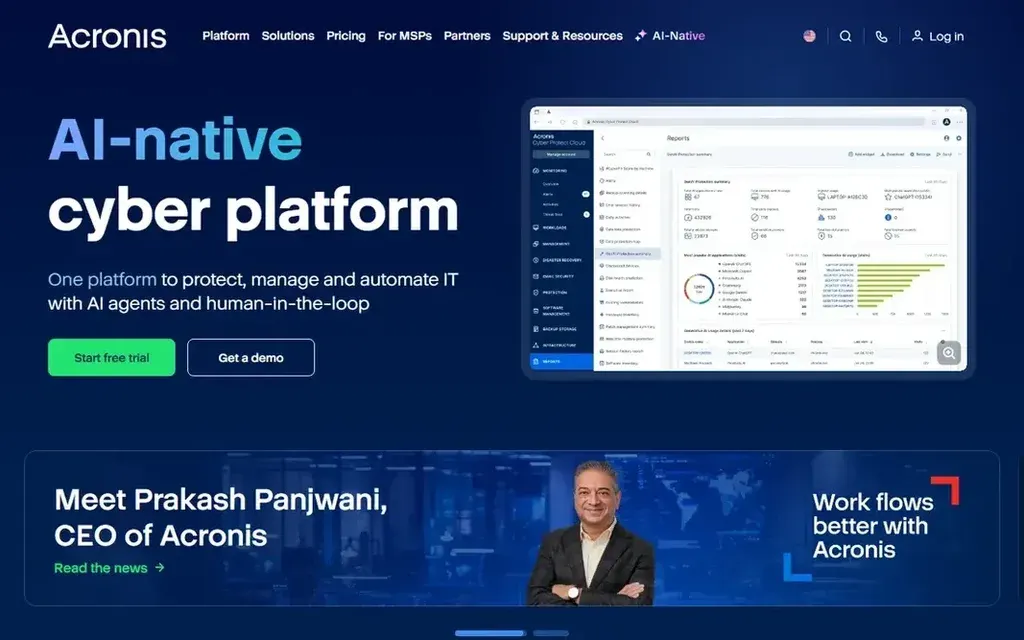
Where Acronis Cyber Protect fits: integrated backup and cybersecurity. Acronis Cyber Protect integrates backup, cybersecurity, endpoint management and automation into a single product.
Organizations that already have mature security tooling may prefer a dedicated backup product. The vendor states it provides AI-powered features across these areas to protect and handle workloads for service providers and firms. Pricing for Acronis Cyber Protect is not stated here, so ask the vendor for current figures. Trial and free access: Not stated.
Limits to weigh: Some capabilities are add-on dependent.
- Backup plus security in one console
- Endpoint management included
- Feature depth can overwhelm small teams
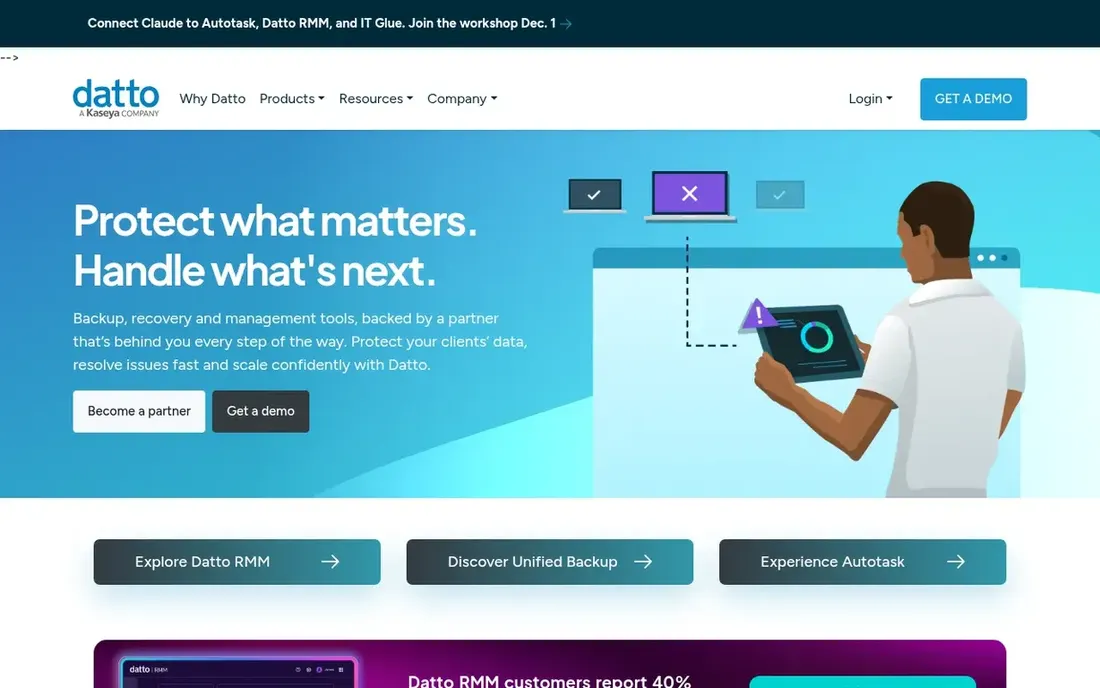
Datto SIRIS serves appliance-based business continuity. Confirm appliance sizing and partner availability with the vendor.
Where it is weaker: Less suited to purely cloud-first setups.
As for the details, firms with completely virtualized, cloud-first infrastructure may find a software-only choice more straightforward. The vendor also provides networking and file backup and sync tools for IT professionals. Datto SIRIS shows no starting price here, so confirm the cost on the vendor site. Free options: Not stated.
- Managed through a partner model
- Backup paired with continuity hardware
- Hardware dependency brings cost and logistics
Veeam Backup & Replication
Best for: Wide workload backup and recovery
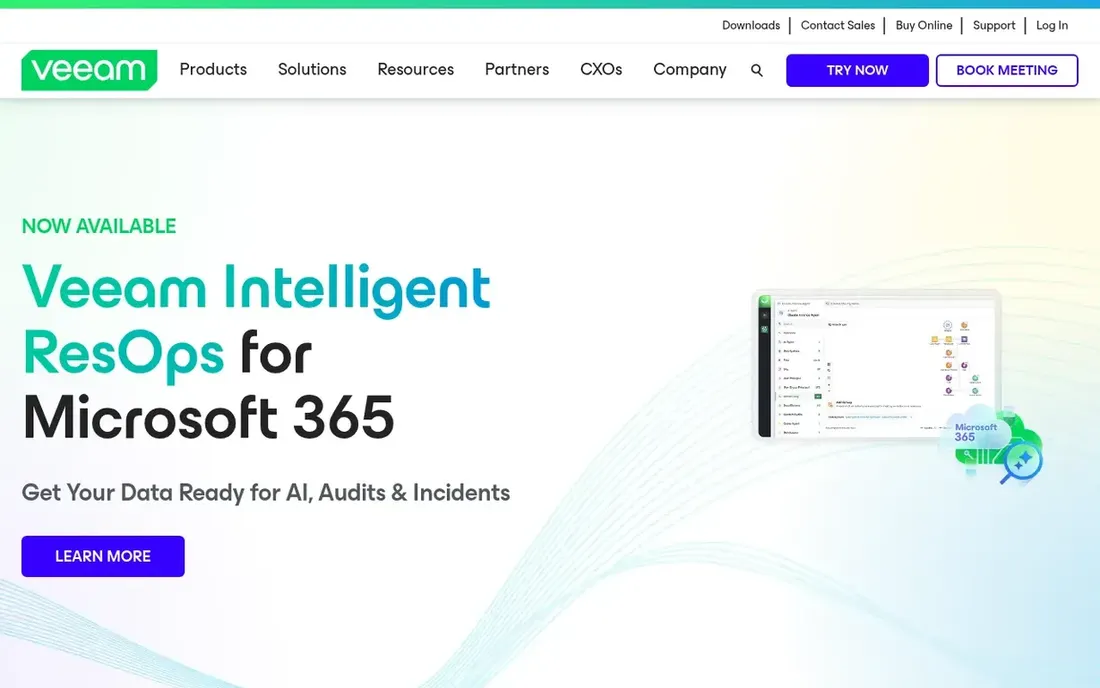
Veeam Backup & Replication makes the most sense for broad workload backup and recovery. Veeam Backup & Replication is a data protection system aimed at backing up and recovering workloads across virtual, physical and cloud environments.
The main drawbacks: Can be complicated to set up.
Veeam Backup & Replication does not show a starting price in this comparison, so check the vendor site for current pricing. Free access: Not stated.
- Widely documented and supported
- Supports virtual
- May need dedicated storage planning
Backblaze makes the most sense for cloud storage and offsite backup. Whereas the vendor flags AI and developer use cases, SMBs commonly use Backblaze as a durable offsite target for backups managed by other tools.
Entry price for Backblaze: $99 per year. Free options: Free trial.
Trade-offs to know: Needs integration with backup software.
- S3-compatible object storage
- High-throughput cloud storage
- Not a full backup management suite
What went into this list
We compared the tools on published pricing, free plan or trial availability, feature coverage for backup and disaster recovery software for SMBs, and the limits each vendor documents. Plan names, prices and limits change often. Treat the figures here as a starting point and verify them with the vendor. The ranking is editorial: typical fit first, then clear pricing, then free access. If your needs are unusual, read the profiles rather than relying on position.
Things to verify first
- Ask N-able Backup, Acronis Cyber Protect, Datto SIRIS and Veeam Backup & Replication for a written quote, since no starting price is shown.
- Take the trial from Backblaze and push a live task through it before you pay.
- Read the limits listed for N-able Backup first: oriented toward MSP operations.
- Check the support hours and onboarding help Datto SIRIS offers; smaller vendors vary a lot here.
- Verify that exporting from Veeam Backup & Replication is possible on your plan and covers all your records.
FAQ
How do Veeam and Acronis differ for small businesses?
Veeam Backup & Replication emphasizes wide workload backup and recovery, whereas Acronis Cyber Protect bundles backup with cybersecurity and endpoint management. Veeam may suit teams wanting deep recovery features, and Acronis may appeal to those consolidating security and backup.
Can I use Backblaze as my only backup option?
Most SMBs pair it with backup software that schedules and runs jobs. If you want a single vendor for software and storage, consider an integrated product instead.
How are the backup and disaster recovery software for SMBs ordered?
The order follows typical fit for backup and disaster recovery software for SMBs, with N-able Backup first and Backblaze last, then price clarity and free access. It is editorial judgement, not a score, so another team could rank the tools differently.
Is N-able Backup the right pick for everyone comparing backup and disaster recovery software for SMBs?
No single tool suits every team. N-able Backup comes first because it fits MSP-friendly data protection, while Acronis Cyber Protect suits integrated backup and cybersecurity and Datto SIRIS suits appliance-based business continuity. Match the tool to your own size, budget and workflow before deciding.
Do these tools publish their prices?
Not all of them. N-able Backup, Acronis Cyber Protect, Datto SIRIS and Veeam Backup & Replication publish no starting price, so expect a quote request for those. The rest, Backblaze included, show a starting price, though seats and billing terms still change the final cost.
Is cloud backup enough for disaster recovery?
Cloud backup guards copies of data offsite, but disaster recovery also needs a plan to restore systems and resume operations. Some tools add orchestration or appliance-based failover for quicker recovery. Assess how long your business can tolerate downtime before deciding.
Sources
- https://www.n-able.com
- https://www.acronis.com
- https://www.datto.com
- https://www.veeam.com
- https://www.backblaze.com