Best Disaster Recovery Software in 2026: 9 Tools Compared
Compare the best disaster recovery software in 2026, with backup, replication, failover, and ransomware recovery for businesses of all sizes, plus setup tips.

- Editor's choice
 Veeam Data Platform
Virtual and cloud estates
Starts atSee websiteVisit veeam.comFull review - Great alternative
 Acronis Cyber Protect
SMB backup plus security
Starts at$85 per yearVisit acronis.comFull review - Also consider
 Datto SIRIS
MSP-managed recovery
Starts atSee websiteVisit datto.comFull review
TL;DR:
- Veeam and Commvault suit broad virtual and cloud estates, while Acronis and NAKIVO suit smaller teams that want clearer pricing.
- Disaster recovery is about tested restores and recovery time, not just backups, so drill failover before an incident forces you to learn it.
- Immutable and air-gapped copies matter for ransomware, because backups stored on the same network can be encrypted too.
- Price by workload, storage, and recovery compute, not by headline license cost alone.
Quick comparison
| Tool | Best for | Starts at | Free plan? | |
|---|---|---|---|---|
| Veeam Data Platform | Virtual and cloud estates | See website | Yes | Visit |
| Acronis Cyber Protect | SMB backup plus security | $85 per year | Free trial | Visit |
| Datto SIRIS | MSP-managed recovery | See website | No | Visit |
 Rubrik Security Cloud | Ransomware-focused recovery | See website | No | Visit |
 Commvault Cloud | Large enterprise estates | See website | Free trial | Visit |
 Druva Data Resiliency Cloud | Cloud-first backup | See website | Free trial | Visit |
 NAKIVO Backup and Replication | Value backup and replication | $2.50 per workload per month | Free trial | Visit |
 Zerto | Continuous replication | See website | Free trial | Visit |
 Cove Data Protection | MSP backup | See website | Free trial | Visit |
The best disaster recovery software
Disaster recovery software protects a business when servers fail, ransomware encrypts files, or a site goes offline. Good tools back up data, replicate it to a second location, test restores, and fail over systems in a planned order. The nine tools below cover that work for small offices through global enterprises.
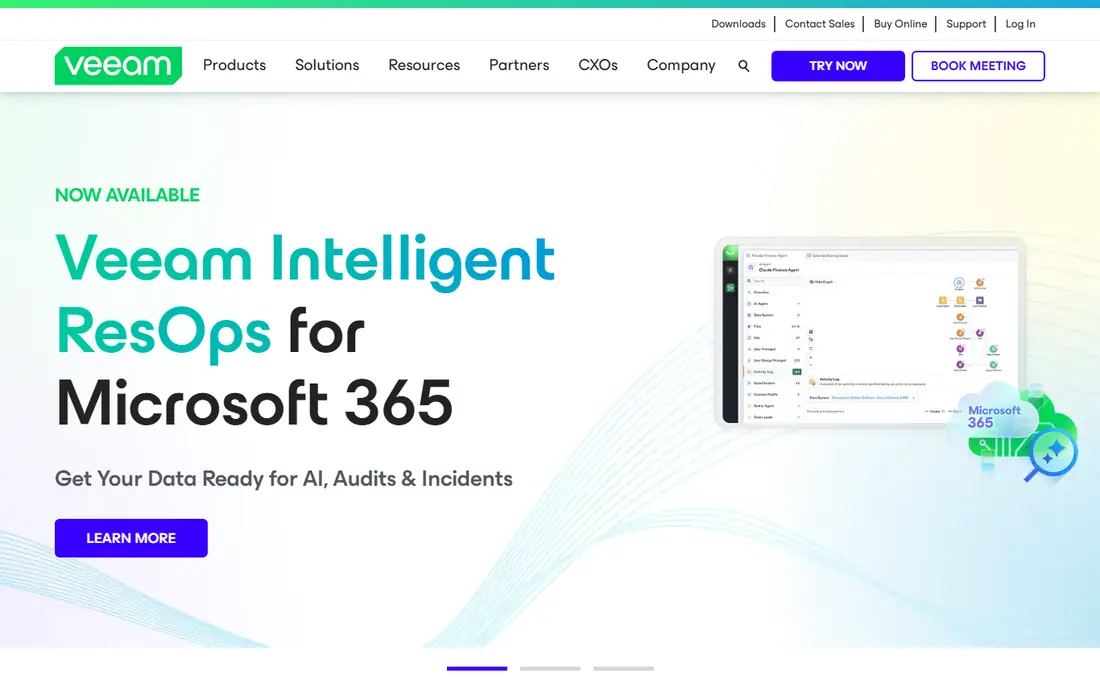
Veeam is the default choice for many virtualized environments, with backup and replication for VMware, Hyper-V, physical servers, cloud workloads, and Microsoft 365. Instant VM recovery lets teams boot a virtual machine directly from a backup while a full restore runs in the background, which shortens downtime after a failure. The platform also supports immutable backups, hardened repositories, and ransomware detection features that help teams recover clean data rather than restoring an infected copy.
The free Community Edition covers up to 10 workloads, which suits small labs and very small offices, but paid tiers are quote-based and licensed per workload, so larger estates need a partner quote. Licensing across Foundation, Advanced, and Premium tiers adds complexity, and teams should confirm which features sit in each tier. For organizations with a large virtual estate, Veeam remains a strong, well-documented choice with a large partner and community base.
- Broad virtual, physical, and cloud coverage
- Instant VM recovery
- Free Community Edition
- Quote-based pricing for paid tiers
- Licensing can be complex
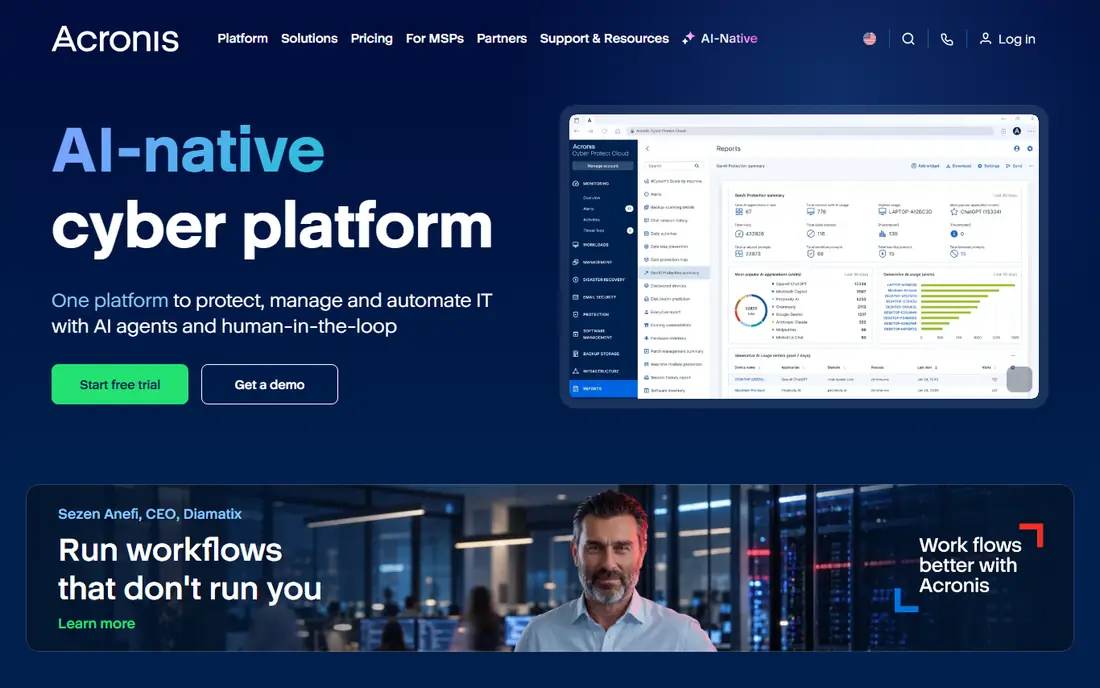
Acronis Cyber Protect combines backup with anti-malware, ransomware protection, patch management, and vulnerability scanning in a single agent, which reduces tool sprawl for small and mid-sized teams. Published pricing starts at $85 per year for a workstation on the Standard edition, with server and virtual host licenses higher, and each license includes some Acronis cloud storage. The platform supports image backup, bare-metal recovery, and Microsoft 365 backup in the Backup Advanced edition, which helps teams cover endpoints and cloud data together.
Server pricing climbs quickly, and the cloud disaster recovery add-on costs extra, so a full disaster recovery setup costs more than the workstation headline suggests. Some teams also find the breadth of security features adds console complexity if they only want backup. For small businesses that want backup plus security in one subscription, Acronis is a practical and transparently priced option.
- Published workstation pricing
- Backup plus anti-malware in one agent
- Cloud storage included
- Server and host pricing rises fast
- Cloud recovery is an add-on
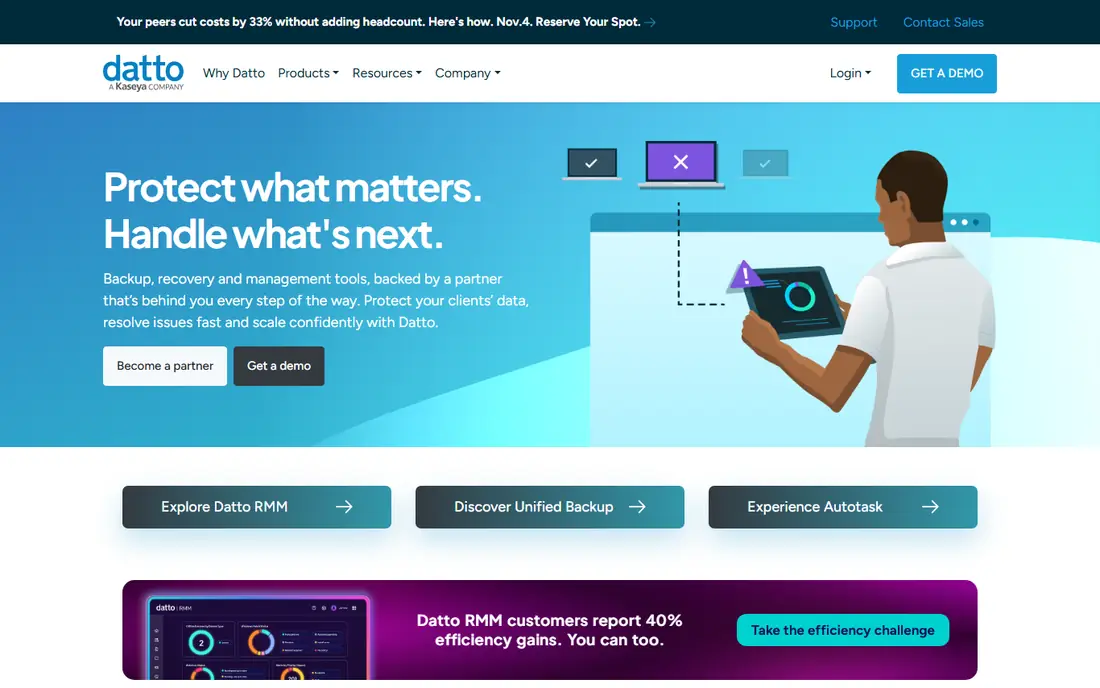
Datto SIRIS is built for managed service providers that protect many small and mid-sized clients. A local appliance stores backups on site for fast restores, while copies replicate to the Datto cloud for site-wide recovery. Screenshot verification boots a backup image and confirms it starts, which gives MSPs proof that a restore will work before an incident. The platform also supports virtualization of failed servers in the cloud, so a client can keep working while hardware is replaced.
Because Datto is sold mainly through MSP partners, direct buyers will usually work with a provider rather than buying a standalone license. Pricing is not published, and costs depend on appliance size, retention, and cloud storage. For businesses that already use an MSP, SIRIS is a strong choice, because the provider handles monitoring, testing, and recovery drills. For teams that manage IT in-house, Veeam or Acronis may be simpler to buy directly.
- Appliance plus cloud recovery
- Screenshot-verified restores
- MSP-friendly
- Sold through MSPs
- Pricing is not published
Rubrik treats backup as a security product, not just a copy job. Backups are immutable by design, meaning they cannot be altered or deleted by ransomware or a compromised admin account in normal operation. The platform scans backups for threats, helps teams find a clean recovery point, and supports mass recovery of many systems at once, which matters after a widespread ransomware event. Coverage spans on-premises, cloud, and SaaS data, with a single policy engine across environments.
Pricing is enterprise-level and quote-based, so Rubrik suits mid-sized and large organizations more than very small offices. Implementation also benefits from planning around retention, legal hold, and recovery workflows. If ransomware recovery is your main concern and your budget supports an enterprise platform, Rubrik is one of the strongest options in this list.
- Immutable backups by design
- Threat hunting in backups
- Fast mass recovery
- Enterprise pricing
- Smaller teams may find it too large
Commvault Cloud covers a very wide range of workloads, including databases, virtual machines, cloud services, containers, and SaaS applications, with centralized policy management. Its cleanroom recovery feature lets teams test restores in an isolated environment, check for malware, and confirm systems work before returning them to production. Compliance, retention, and legal hold tools suit regulated industries that must prove data handling and recovery procedures to auditors.
That breadth brings complexity. Licensing and deployment need careful planning, and smaller teams may find the platform heavier than they need. Pricing is quote-based, and costs depend on workload count, storage, and features. For large enterprises with diverse systems and strict compliance needs, Commvault offers depth that narrower tools cannot match.
- Very broad workload coverage
- Cleanroom recovery
- Strong compliance tools
- Complex licensing
- Implementation needs expertise
Druva runs backup and disaster recovery as a cloud service, so teams do not manage backup servers, storage hardware, or patching for the backup system itself. Coverage includes endpoints, Microsoft 365, Google Workspace, Salesforce, and cloud workloads, with ransomware detection and immutable storage built into the service. That model suits distributed teams and companies that have already moved most systems to the cloud.
Pricing uses a credit model in some plans, which can make forecasting harder than a simple per-workload price. On-premises depth is lighter than Veeam or Commvault, so companies with large local data centers may need a hybrid approach. For cloud-first businesses that want backup without backup infrastructure, Druva removes a whole layer of operational work.
- Fully cloud-based
- No backup servers to manage
- SaaS and endpoint coverage
- Credit-based pricing can be hard to forecast
- On-premises depth is lighter
NAKIVO offers backup, replication, and site recovery at a price that undercuts most enterprise platforms, starting at $2.50 per workload per month in published listings. It supports VMware, Hyper-V, Nutanix, Proxmox, and AWS EC2, with replication, failover, backup copy, and screenshot verification for restore testing. The interface is straightforward, and deployment is faster than a large enterprise platform, which helps small IT teams and MSPs.
Enterprise depth, including advanced threat hunting and large-scale orchestration, is lighter than Rubrik or Commvault. Support and feature availability also vary by edition, so teams should confirm the tier that includes the replication and failover features they need. For small and mid-sized virtual estates that want real disaster recovery without enterprise pricing, NAKIVO is a strong value pick.
- Low starting price
- Replication and failover
- Supports Proxmox and major hypervisors
- Enterprise features are lighter
- Support tiers vary
Zerto focuses on continuous data replication with very low recovery point objectives, meaning teams can recover to a point seconds or minutes before an outage rather than to last night's backup. Orchestration tools automate failover order, network changes, and testing, so a disaster recovery drill follows the same steps as a real event. The platform suits virtual and cloud workloads where downtime costs are high and backup windows are too coarse.
Pricing is quote-based, and Zerto is not a general-purpose backup tool for every endpoint and SaaS app, so many teams pair it with a backup platform for longer retention. Implementation needs planning around network, storage, and failover sites. For organizations where minutes of data loss matter, such as transaction systems and critical services, Zerto offers recovery precision that nightly backups cannot match.
- Near-continuous replication
- Low recovery point objectives
- Orchestration
- Quote-based pricing
- Best for virtual and cloud estates
Cove Data Protection, from N-able, is a cloud-first backup platform built for managed service providers and the small businesses they serve. It backs up servers, workstations, Microsoft 365, and other data sources to the cloud, with fast file and system restores and a multi-tenant console for managing many clients. Standby image recovery and bare-metal options help MSPs get a failed server running without waiting for hardware.
Direct enterprise buyers may find the MSP channel model less convenient, and orchestration depth is lighter than Commvault or Zerto. Pricing is quote-based through partners. For businesses that rely on an MSP, Cove gives that provider a consistent, cloud-based backup service with predictable management, and it pairs well with a disaster recovery plan that the MSP owns and tests.
- Cloud-first MSP backup
- Fast restores
- Multi-tenant management
- Sold mainly through MSP channel
- Enterprise orchestration is lighter
How we picked these
We compared official product pages, pricing information, and public documentation for established backup and disaster recovery platforms, and we favored tools with current backup, replication, or failover features, immutable storage options, and restore testing. We excluded file-sync tools without system recovery features and consumer-only backup apps. Prices shown are vendor-published starting prices where available, and we used See website where pricing is quote-based or partner-based.
How to build a disaster recovery plan that actually works
Start with recovery objectives, not tools. Define how much data loss you can accept, measured as recovery point objective, and how long systems can stay down, measured as recovery time objective, for each critical system. A customer database and a marketing site do not need the same targets, and pricing them the same wastes money. Then map dependencies, because a recovered application server is useless without its database and network access.
Next, follow the 3-2-1-1-0 rule as a baseline: three copies of data, on two media types, with one copy off site, one copy immutable or air-gapped, and zero errors in verified restores. Test restores every month for critical systems and run a full failover drill at least twice a year. Document who declares a disaster, who contacts vendors, and how staff communicate when email or chat is down, because confusion during an incident costs as much time as a slow restore.
Ransomware recovery checks
Confirm that backup credentials are separate from domain admin accounts, that immutable retention cannot be shortened by a compromised account, and that you can recover from a clean point before infection. Scan restored data before returning it to production, and keep an offline copy of recovery procedures, because you cannot rely on a wiki stored on a system that is down.
Cost and retention planning
Price storage, retention, and recovery compute together, since long retention and frequent snapshots raise cloud bills. Set retention by legal and business needs, not by default, and archive older data to cheaper storage where recovery speed matters less. Review costs quarterly, because workload growth and new SaaS apps quietly expand backup scope.
FAQ
What is the best disaster recovery software for a small business?
Acronis Cyber Protect and NAKIVO are strong small-business options, because both offer clear starting prices and cover servers, virtual machines, and endpoints without enterprise complexity. Veeam Community Edition also suits very small virtual estates with up to 10 workloads.
What are the top disaster recovery tools for ransomware?
Rubrik, Veeam, and Commvault are strong for ransomware recovery, because all three support immutable backups, clean recovery points, and tested restores. The key is not the brand alone, but immutable copies, separate credentials, and regular restore drills.
How much does disaster recovery software cost?
Costs range from free Community Editions and $2.50 per workload per month for NAKIVO to quote-based enterprise platforms for Rubrik and Commvault, plus storage and recovery compute. Get a quote that includes storage, retention, and failover compute for your workload count.
What is the difference between backup and disaster recovery?
Backup creates copies of data, while disaster recovery adds replication, failover, orchestration, and tested recovery procedures that bring systems back online in order. A backup without a tested recovery plan may still leave a business down for days after an incident.
How often should I test disaster recovery?
Test critical restores monthly and run a full failover drill at least twice a year, with results documented for leadership. Untested backups are a common failure point, because configuration drift, credential changes, and storage errors only show up during a restore.
Does cloud backup replace disaster recovery?
No, cloud backup protects data, but disaster recovery also covers system order, networking, identity, and application dependencies. Pair cloud backup with a written runbook, failover targets, and regular drills to cover the full recovery process.